Rest-your-eyes

rest-your-eyes

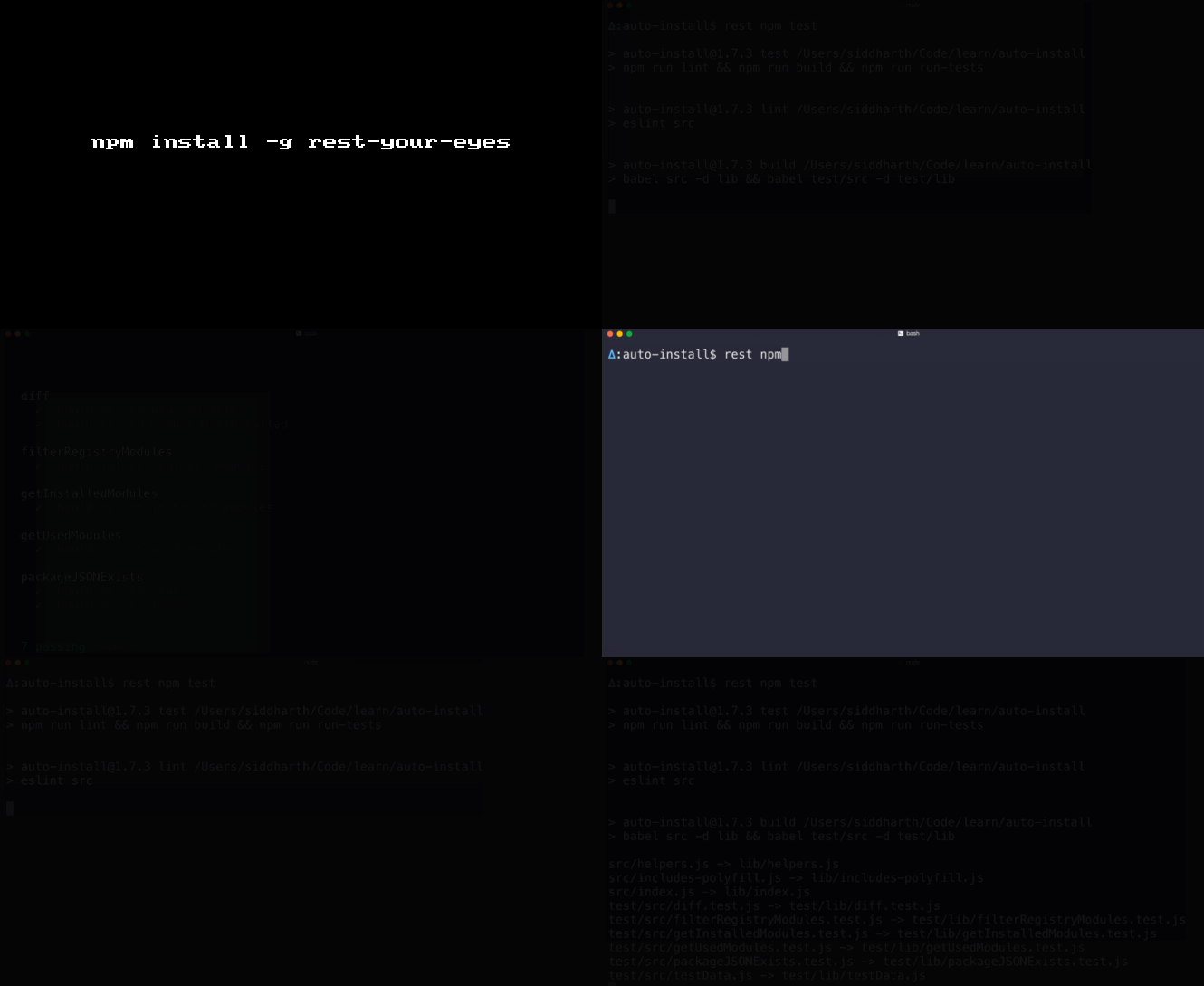
rest-your-eyes is a fun little module that makes use of the brightness module to well so that you an rest your eyes while your command runs Your screen will become bright again after the command completes execution.

Get it: npm install -g rest-your-eyes

Sample usage:

1
rest npm install

GIF FTW

rest-your-eyes

Till next time!

rest-your-eyes

Ip

ip

IP address utilities.

ip sweet and simple module that provide the below util methods to play with IP!

  • toBuffer
  • toString
  • isV4Format
  • isV6Format
  • fromPrefixLen
  • mask
  • cidr
  • subnet
  • cidrSubnet
  • not
  • or
  • isEqual
  • isPrivate
  • isPublic
  • isLoopback
  • loopback
  • address
  • toLong
  • fromLong

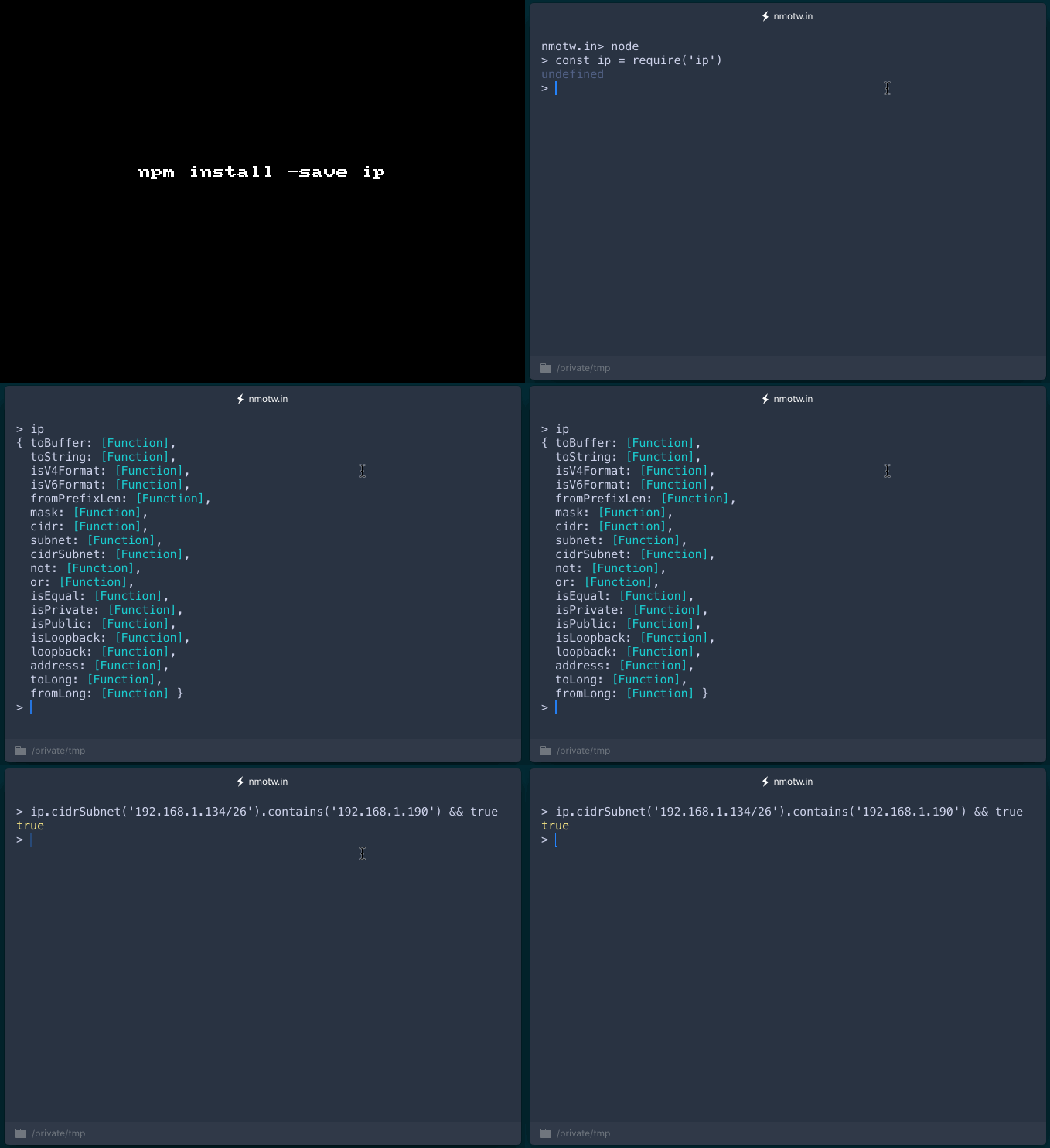
Get it: npm install --save ip

Sample usage:

1
2
3
4
5
6
7
8
9
10
11
12
13
14
15
16
17
18
19
20
21
22
23
24
25
26
27
28
29
30
31
32
33
34
35
36
37
38
39
40
41
42
const ip = require('ip');

ip.address() // my ip address
ip.isEqual('::1', '::0:1'); // true
ip.toBuffer('127.0.0.1') // Buffer([127, 0, 0, 1])
ip.toString(new Buffer([127, 0, 0, 1])) // 127.0.0.1
ip.fromPrefixLen(24) // 255.255.255.0
ip.mask('192.168.1.134', '255.255.255.0') // 192.168.1.0
ip.cidr('192.168.1.134/26') // 192.168.1.128
ip.not('255.255.255.0') // 0.0.0.255
ip.or('192.168.1.134', '0.0.0.255') // 192.168.1.255
ip.isPrivate('127.0.0.1') // true
ip.isV4Format('127.0.0.1'); // true
ip.isV6Format('::ffff:127.0.0.1'); // true

// operate on buffers in-place
var buf = new Buffer(128);
var offset = 64;
ip.toBuffer('127.0.0.1', buf, offset);  // [127, 0, 0, 1] at offset 64
ip.toString(buf, offset, 4);            // '127.0.0.1'

// subnet information
ip.subnet('192.168.1.134', '255.255.255.192')
// { networkAddress: '192.168.1.128',
//   firstAddress: '192.168.1.129',
//   lastAddress: '192.168.1.190',
//   broadcastAddress: '192.168.1.191',
//   subnetMask: '255.255.255.192',
//   subnetMaskLength: 26,
//   numHosts: 62,
//   length: 64,
//   contains: function(addr){...} }
ip.cidrSubnet('192.168.1.134/26')
// Same as previous.

// range checking
ip.cidrSubnet('192.168.1.134/26').contains('192.168.1.190') // true


// ipv4 long conversion
ip.toLong('127.0.0.1'); // 2130706433
ip.fromLong(2130706433); // '127.0.0.1'

GIF FTW!

ip

Compressible

compressible

Compressible Content-Type/mime checking

Sweet and simple module that Checks if the given Content-Type is compressible.

The type argument is expected to be a value MIME type or Content-Type string, though no validation is performed.

The MIME is looked up in the mime-db and supports:

  • text/*
  • /+json
  • /+text
  • /+xml

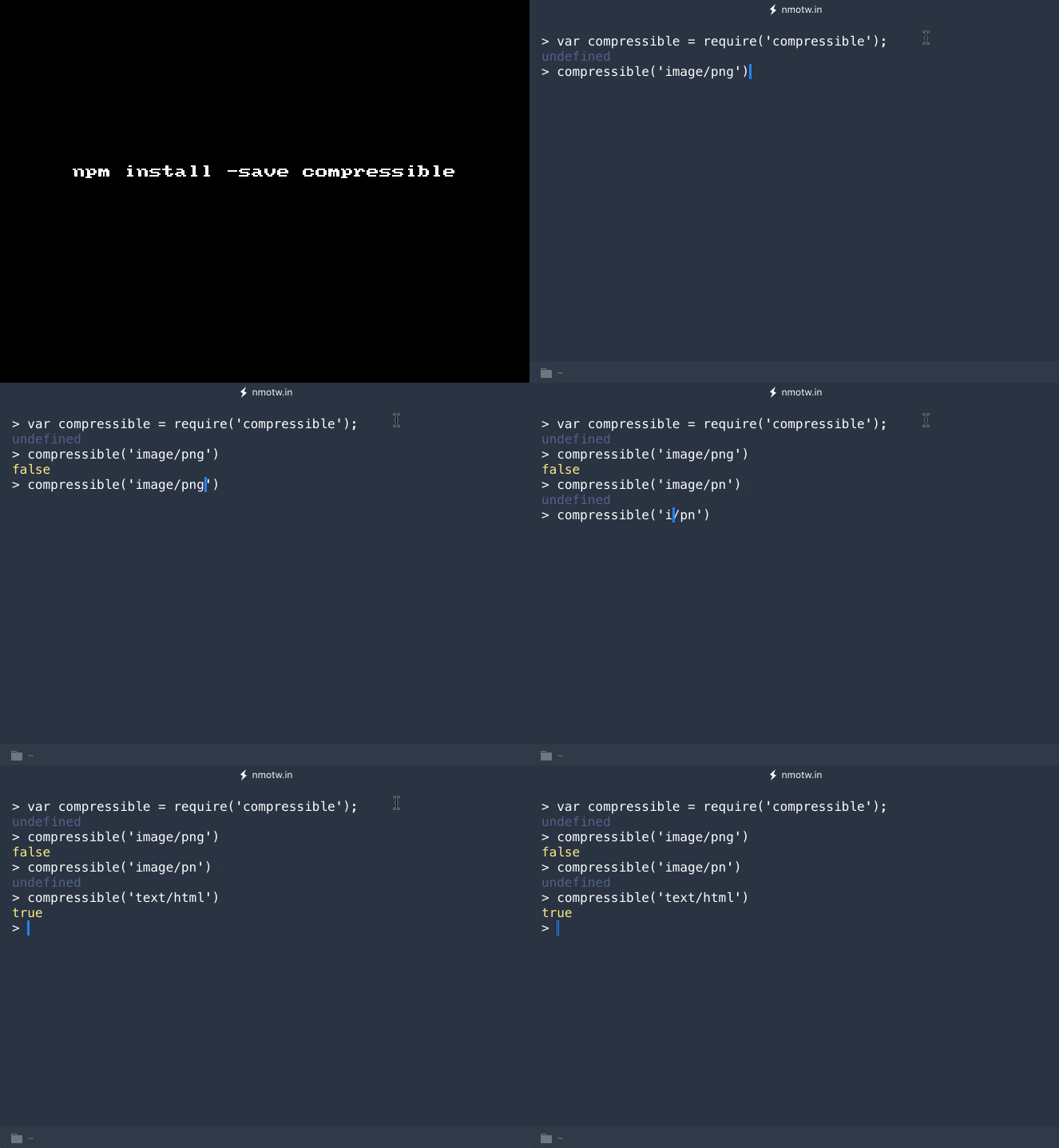
Get it: npm install --save compressible

Sample usage:

1
2
3
4
5
6
7
const compressible = require('compressible');

compressible('image/png'); // false

compressible('image/pn'); // undefined

compressible('text/html'); // true

GIF FTW!

compressible

Evalmd

evalmd

🎣 Evaluates JavaScript code blocks from markdown files.

evalmd parses your markdown files, extract the JavaScript code blocks from them and evaluate it, in the eval bombs it reports and there are ease flags to turn off evaluation for specific code blocks.

The javascript or js code blocks works fine with it.

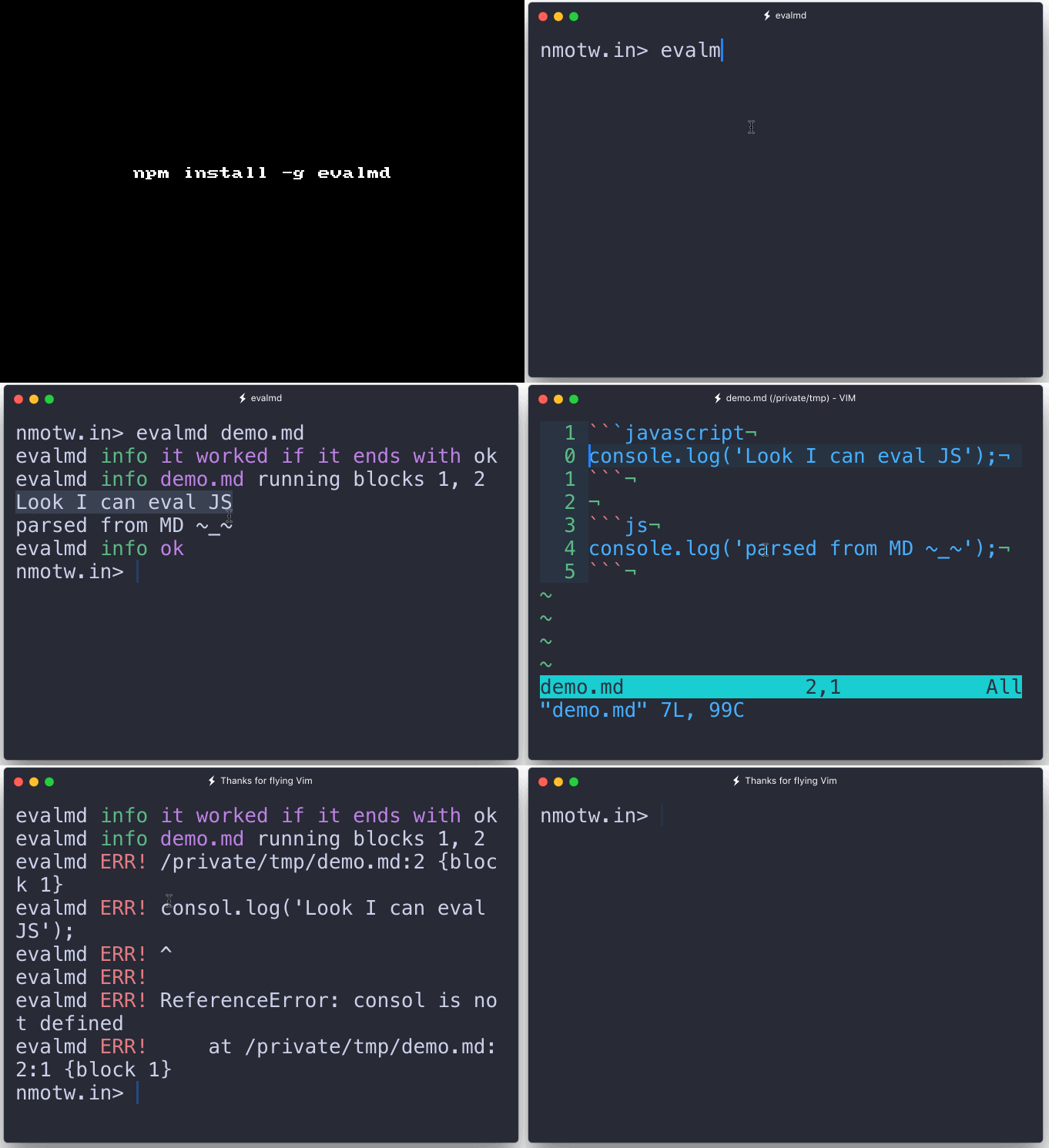
Get it: npm install -g evalmd

Sample usage CLI:

1
2
3
4
5
6
7
8
9
10
11
12
13
14
15
16
17
18
19
20
21
22
23
24
25
26
27
28
$ evalmd

evalmd - Evaluate the javascript in markdown files

Options:
  -i, --include    Includes prevented blocks  [default: false]
  -P, --prevent    Prevent code from being evaluated  [default: false]
  -b, --block      Change the scope to block level  [default: false]
  -o, --output     Output js  [choices: false, true, "preserve", "concat", "preserveAlter", "concatAlter"] [default: false]
  -n, --nonstop    Runs all files regardless if error  [default: false]
  -s, --silent     Silence `evalmd` logging  [default: false]
  -u, --uniform    Does not use absolute urls when error logging  [default: false]
  -D, --debug      Debug Output  [default: false]
  -h, --help       Show help  [boolean]
  --path           Prefix local module with path  [default: "./"]
  --package        Th path of a package.json  [default: "./package.json"]
  --version        Show version number  [boolean]
  -d, --delimeter  [default: false]

Examples:
  evalmd <file(s)>        Evaluate file(s)
  evalmd <file(s)> -n     Evaluate file(s) uninterrupted
  evalmd <file(s)> -b     Evaluate block(s)
  evalmd <file(s)> -bn    Evaluate block(s) uninterrupted
  evalmd <file(s)> -Po    Outputs js file(s)
  evalmd <file(s)> -Pio   Outputs js file(s) with all block(s) (for linting)
  evalmd <file(s)> -Pob   Outputs block(s)
  evalmd <file(s)> -Piob  Outputs all blocks(s) (for linting)

Sample usage from code:

1
2
var evalmd = require('evalmd');
assert.equal(typeof evalmd, 'function'); // true

GIF FTW!

evalmd

Regexgen

regexgen

Generates regular expressions that match a set of strings.

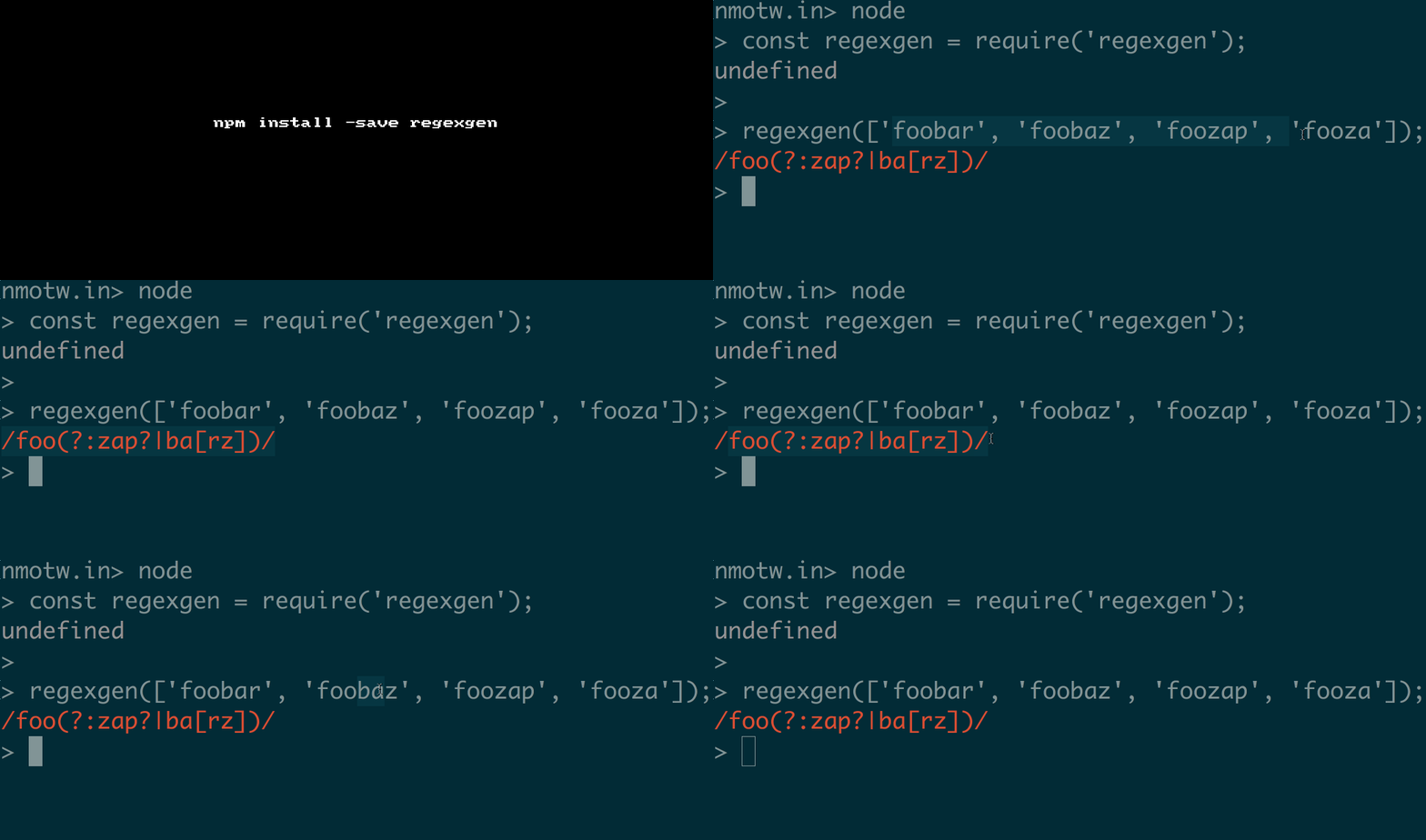
Get it: npm install --save regexgen

Sample usage in code:

1
2
3
4
5
6
7
8
9
10
11
12
13
const regexgen = require('regexgen');

regexgen(['foobar', 'foobaz', 'foozap', 'fooza']); // => /foo(?:zap?|ba[rz])/

//You can also use the `Trie` class directly:

const {Trie} = require('regexgen');

let t = new Trie;
t.add('foobar');
t.add('foobaz');

t.toRegExp(); // => /fooba[rz]/

Sample usage on CLI:

1
2
$ regexgen
Usage: regexgen [-gimuy] string1 string2 string3...

GIF FTW!

regexgen

Image-size

image-size

get dimensions of any image file

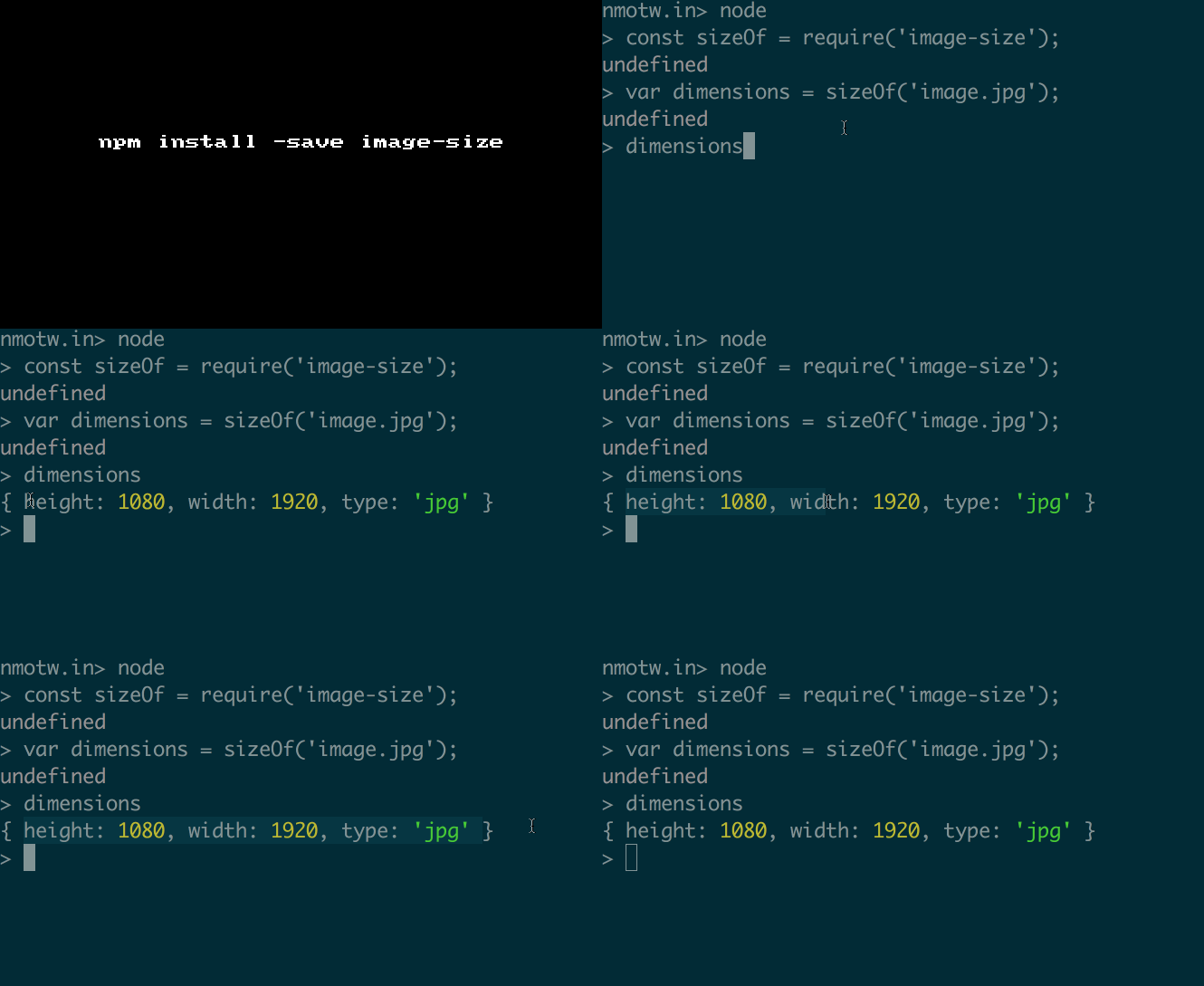
image-size maybe call it image-dimensions? Anyway it's a sweet module that does one thing and does it right!

Supported image types:

  • BMP
  • GIF
  • JPEG
  • PNG
  • PSD
  • TIFF
  • WebP
  • SVG

Sample usage:

1
npm install image-size --save

Sync:

1
2
3
var sizeOf = require('image-size');
var dimensions = sizeOf('images/funny-cats.png');
console.log(dimensions.width, dimensions.height);

Async:

1
2
3
4
var sizeOf = require('image-size');
sizeOf('images/funny-cats.png', function (err, dimensions) {
  console.log(dimensions.width, dimensions.height);
});

GIF FTW!

image-size

Email-prompt

email-prompt

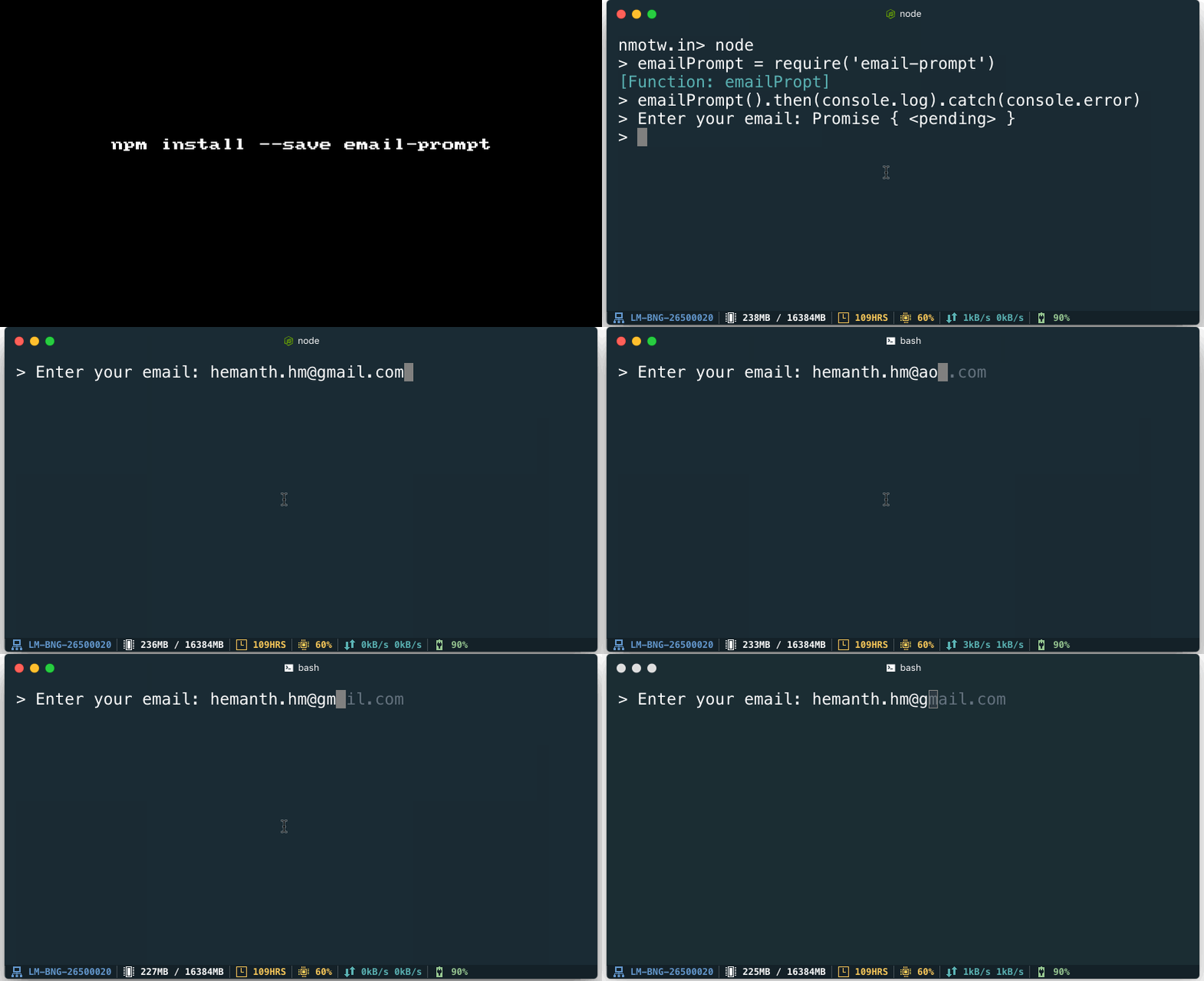
CLI email prompt featuring autocompletion and validation.

email-prompt Powers 𝚫now --login and provides a nice promised based API for email autocompletion and validation.

It's customiziable with the below options:

1
2
3
4
5
6
7
8
9
10
11
12
13
14
15
16
17
18
19
20
21
22
23
24
25
26
27
28
{
  start :'> Enter your email: ',
  domains :new Set([
    'aol.com',
    'gmail.com',
    'google.com',
    'yahoo.com',
    'ymail.com',
    'hotmail.com',
    'live.com',
    'outlook.com',
    'inbox.com',
    'mail.com',
    'gmx.com',
    'icloud.com'
  ]),
  forceLowerCase :true,
  suggestionColor :'gray',
  autoCompleteChars :new Set([
    '\t' /* tab */,
    '\r' /* return */,
    '\x1b[C' /* right arrow */,
    ' ' /* spacebar */
  ]),
  resolveChars :new Set(['\r']),
  abortChars :new Set(['\x03']),
  allowInvalidChars :false
}

Get it: npm install --save email-prompt

Sample usage:

1
2
3
4
5
6
7
8
const prompt = require('email-prompt');
prompt({ /* opts */ })
.then((email) => {
  console.log('\n> Hello ' + val);
))
.catch(() => {
  console.log('\n> Aborted!');
})

Important to note:

  • email-prompt automatically adapts the mode of process.stdin for you.
  • The stdin stream is resumed and paused upon the promise being settled.
  • When the promise resolves or rejects, the previous stdin mode is restored.
  • The tty mode is set to raw, which means all the caret interactions that you come to expect in a regular stdin prompt are simulated. This gives us fine-grained control over the output and powers the validation.

GIF FTW!

email-prompt

Cost-of-modules

cost-of-modules

Find out which of your dependencies is slowing you down 🐢

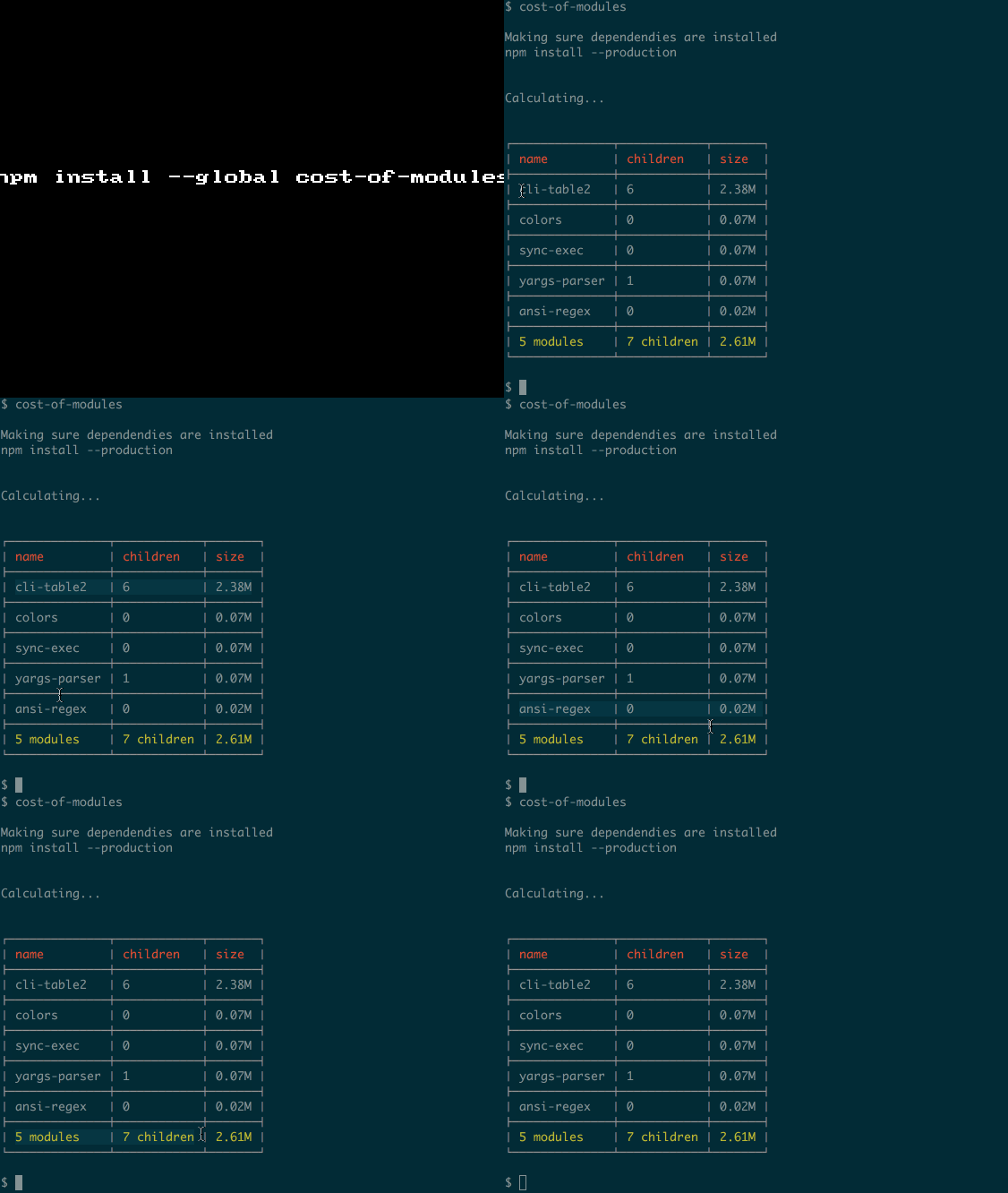
cost-of-modules is a cheeky module that generates a neat table of dependencies with children and size, which would help us to easily identify which dependency is slowing the module down.

Get it: npm install -g cost-of-modules

_Usage:__ Run cost-of-modules in the directory you are working in.

Options

--less Show the biggest 10 modules

--yarn Use yarn instead of npm to install dependencies

--no-install Skip installation

--include-dev Include devDependencies as well - for 🚀 collaborator experience

GIF FTW!

cost-of-modules

Svg-captcha

svg-captcha

Generate svg captcha.

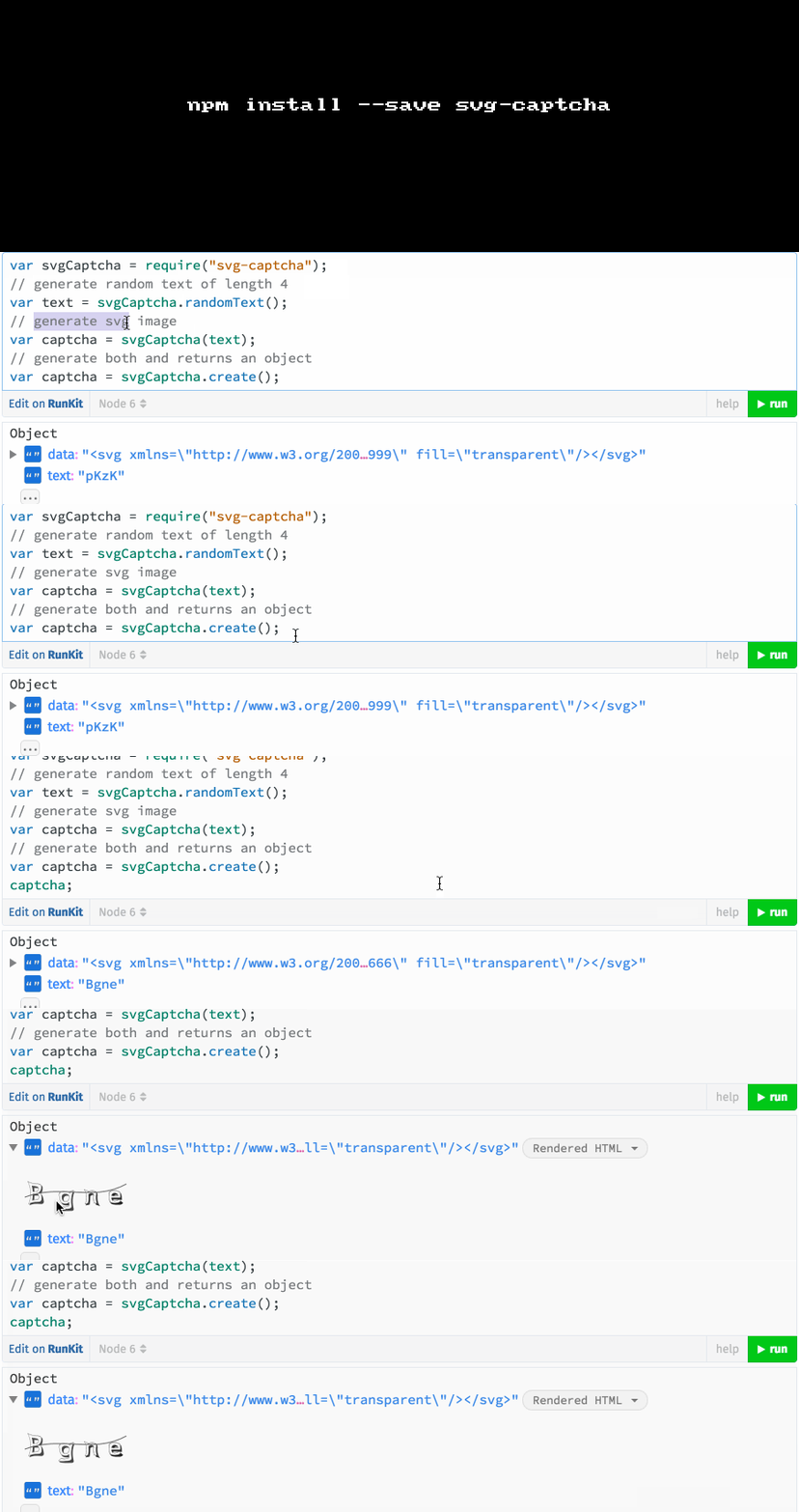
svg-captcha uses OpenType font parser and text skewing martix logic to generate random SVG captchas.

It returns an object which has the SVG data and the text which was used to generate the same.

Get it: npm install --save captcha

Sample usage:

1
2
3
4
5
6
7
8
9
10
11
12
13
var svgCaptcha = require('svg-captcha');

// generate random text of length 4
var text = svgCaptcha.randomText();

// generate svg image
var captcha = svgCaptcha(text);

// generate both and returns an object
var captcha = svgCaptcha.create();

console.log(c);
// {data: '<svg.../svg>', text: 'abcd'}

GIF FTW:

svg-captcha

Updtr

updtr

Update outdated npm modules with zero pain™

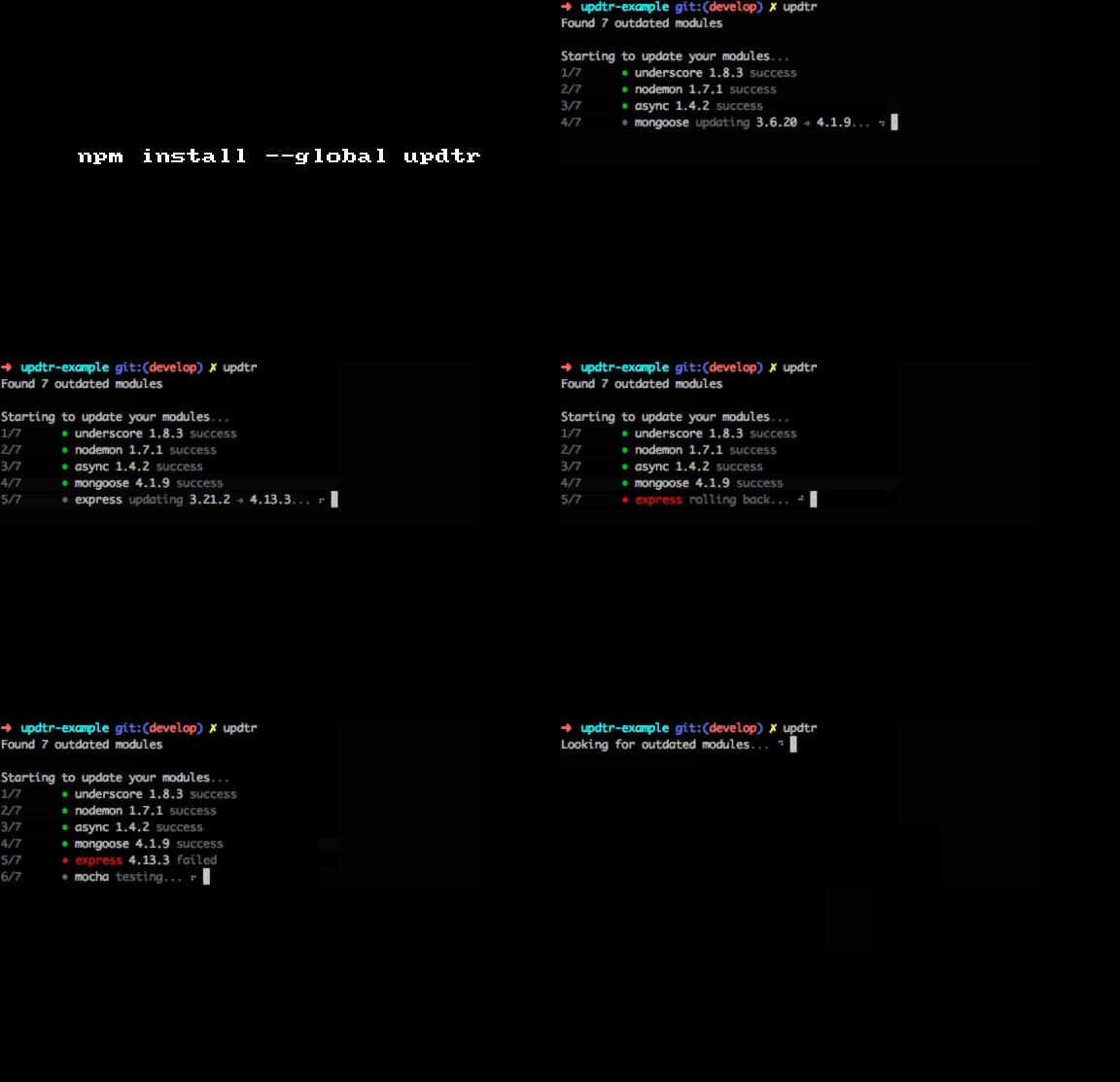
updtr installs the latest versions of each npm outdated dependency. Runs test on each update and if the test succeeds, updtr saves the new version number to your package.json. If the test fails, however, updtr rolls back its changes.

Get it: npm install --global updtr

Sample usage:

1
2
3
4
5
6
7
8
9
10
11
12
13
14
15
16
17
nmotw.in> updtr --help

  Usage: updtr [options]

  Update outdated npm modules with zero pain™

  Options:

    -h, --help                 output usage information
    -V, --version              output the version number
    -R, --reporter <reporter>  choose reporter: default, shy
    -w, --wanted               updates to wanted version specified in package.json instead of the modules latest version
    -t, --test <test>          change the command for the tests
    -e, --exclude <exclude>    exclude modules comma seperated, e.g. updtr --exclude module1,module2
    --test-stdout              shows stdout if your test command fails
    --save-exact               save exact module version
    --registry                 change registry

GIF FTW

updtr