Aos

aos

animate on scroll

Small library to animate elements on your page as you scroll.

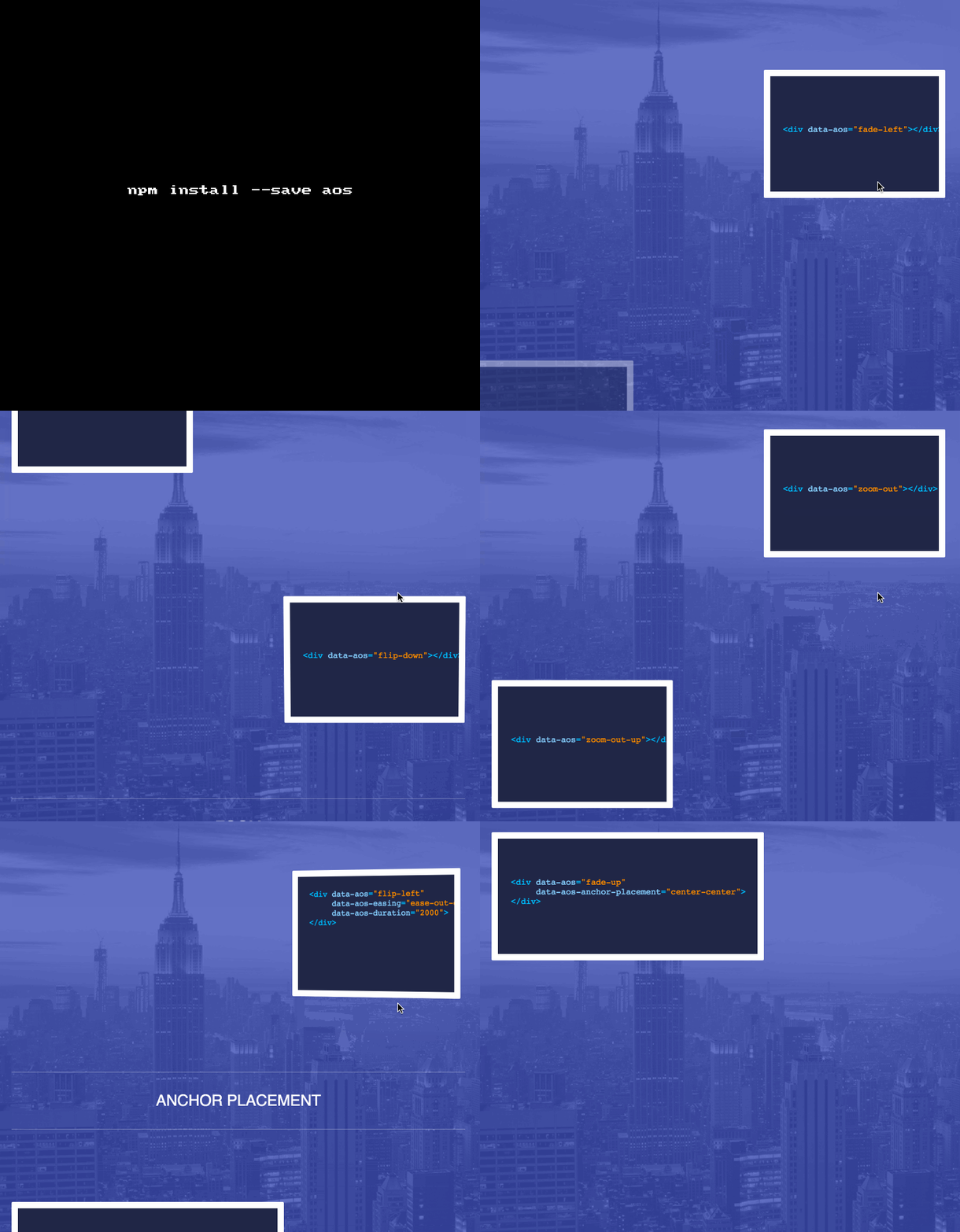
AOS allows you to animate elements as you scroll down, and up.

If you scroll back to top, elements will animate to it's previous state and are ready to animate again if you scroll down.

GET IT: npm install --save

Sample usage:

html:

1
<div data-aos="animation_name"/>
1
2
const aos = require('aos');
aos.init();

Major set of animations: Fade, Flip, Slide, Zoom, Easing functions and anchor placements.

GIF FTW!:

aos

Iterare

iterare

Array methods for ES6 Iterators.

ES6 Iterator library for applying multiple transformations to a collection in a single iteration.

Instead of handling ES6 collections in a messy way like:

1
2
3
4
5
6
7
8
9
10
11
12
13
const uris = new Set([
  'file:///foo.txt',
  'http:///npmjs.com',
  'file:///bar/baz.txt'
]);
const paths = new Set();
for (const uri of uris) {
  if (!uri.startsWith('file://')) {
    continue;
  }
  const path = uri.substr('file:///'.length)l
  paths.add(path);
}

or

1
2
3
4
5
new Set(
  Array.from(uris)
    .filter(uri => uri.startsWith('file://'))
    .map(uri => uri.substr('file:///'.length));
)

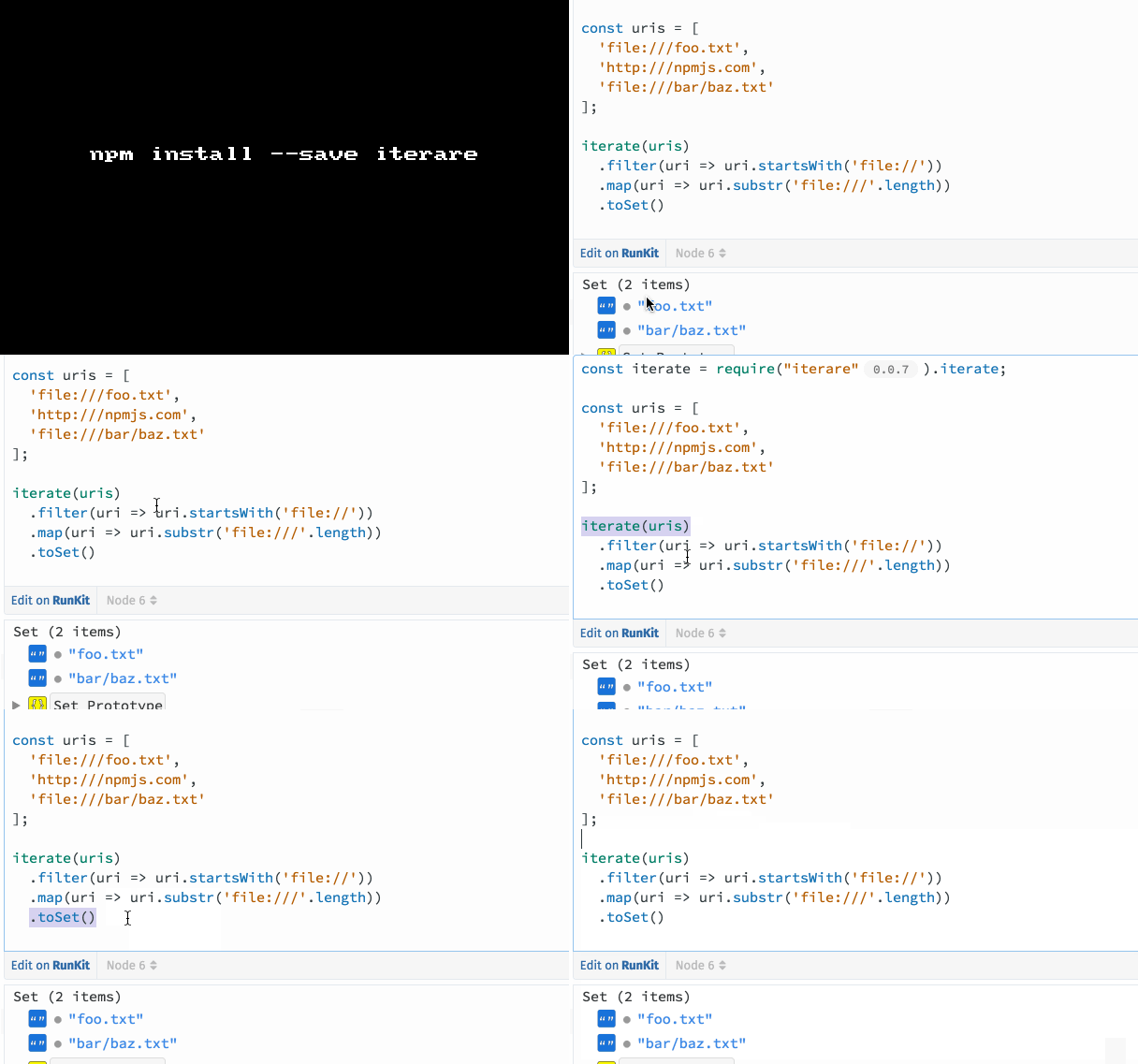
Using iterare you can do the same with:

1
2
3
4
5
6
import iterate from 'iterare'

iterate(uris)
  .filter(uri => uri.startsWith('file://'))
  .map(uri => uri.substr('file:///'.length))
  .toSet();

GIF FTW!

iterare

Benchmark based on the example above:

Method ops/sec
Loop 2,562,637 ops/sec ±3.95% (80 runs sampled)
iterare 2,023,212 ops/sec ±1.38% (84 runs sampled)
Array method chain 346,117 ops/sec ±2.68% (82 runs sampled)
Lodash (with lazy evalution) 335,890 ops/sec ±0.55% (85 runs sampled)
RxJS 29,480 ops/sec ±7.01% (51 runs sampled)

Sweetalert

sweetalert

An awesome replacement/alternative for alert().

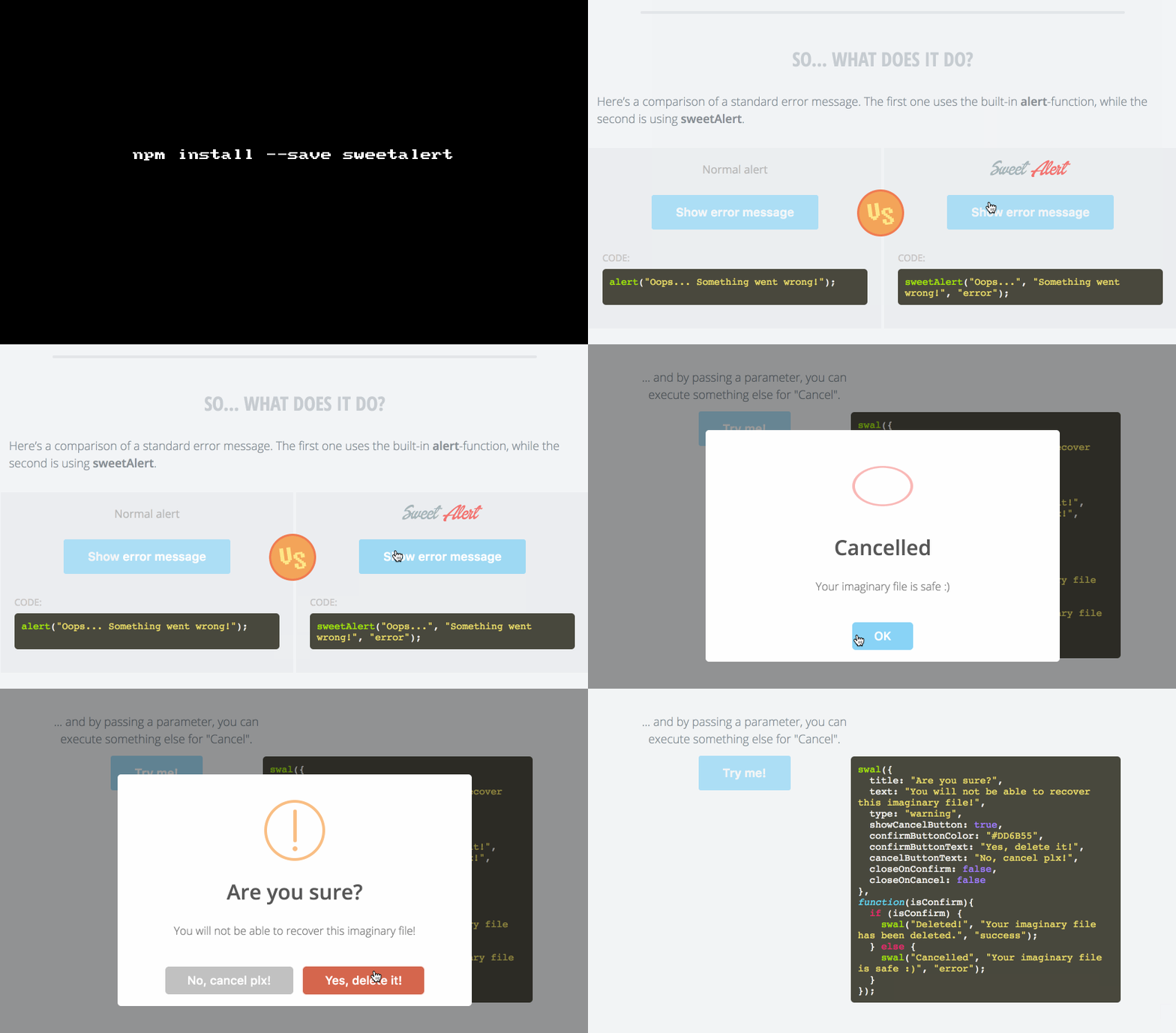
sweetalert is an alternative to annoying alert, it's rather a sweet a simple modal box.

Get it: npm install --save sweetalert

Usage:

1
const swal = require('sweetalert');
1
swal("Oops...", "Something went wrong!", "error");
1
2
3
4
5
6
7
8
9
10
11
12
13
swal({
  title: 'Ajax request example',
  text: 'Submit to run ajax request',
  type: 'info',
  showCancelButton: true,
  closeOnConfirm: false,
  disableButtonsOnConfirm: true,
  confirmLoadingButtonColor: '#DD6B55'
}, function(inputValue){
  setTimeout(function() {
    swal('Ajax request finished!');
  }, 2000);
});

GIF FTW!

Json-schema-faker

json-schema-faker

JSON-Schema + fake data generators

Use JSON Schema along with fake generators to provide consistent and meaningful fake data.

Get it: npm install --save json-schema-faker

Sample usage:

1
2
3
4
5
6
7
8
9
10
11
12
13
14
15
16
17
18
19
20
21
22
23
24
25
26
27
28
29
30
31
32
33
const jsf = require('json-schema-faker');

const schema = {
  "type": "object",
  "properties": {
    "name": {
      "type": "string",
      "faker": "name.findName"
    },
    "email": {
      "type": "string",
      "faker": "internet.email"
    }
  },
  "required": [
    "name",
    "email"
  ]
};


console.log(jsf(schema));


/*

^ Would log something like:

{
  "name": "Annetta Weimann",
  "email": "[email protected]"
}
*/

GIF FTW!

json-schema-faker

P.S: Don't forget to checkout their web-app!

Fkill-cli

fkill-cli

Fabulously kill processes. Cross-platform.

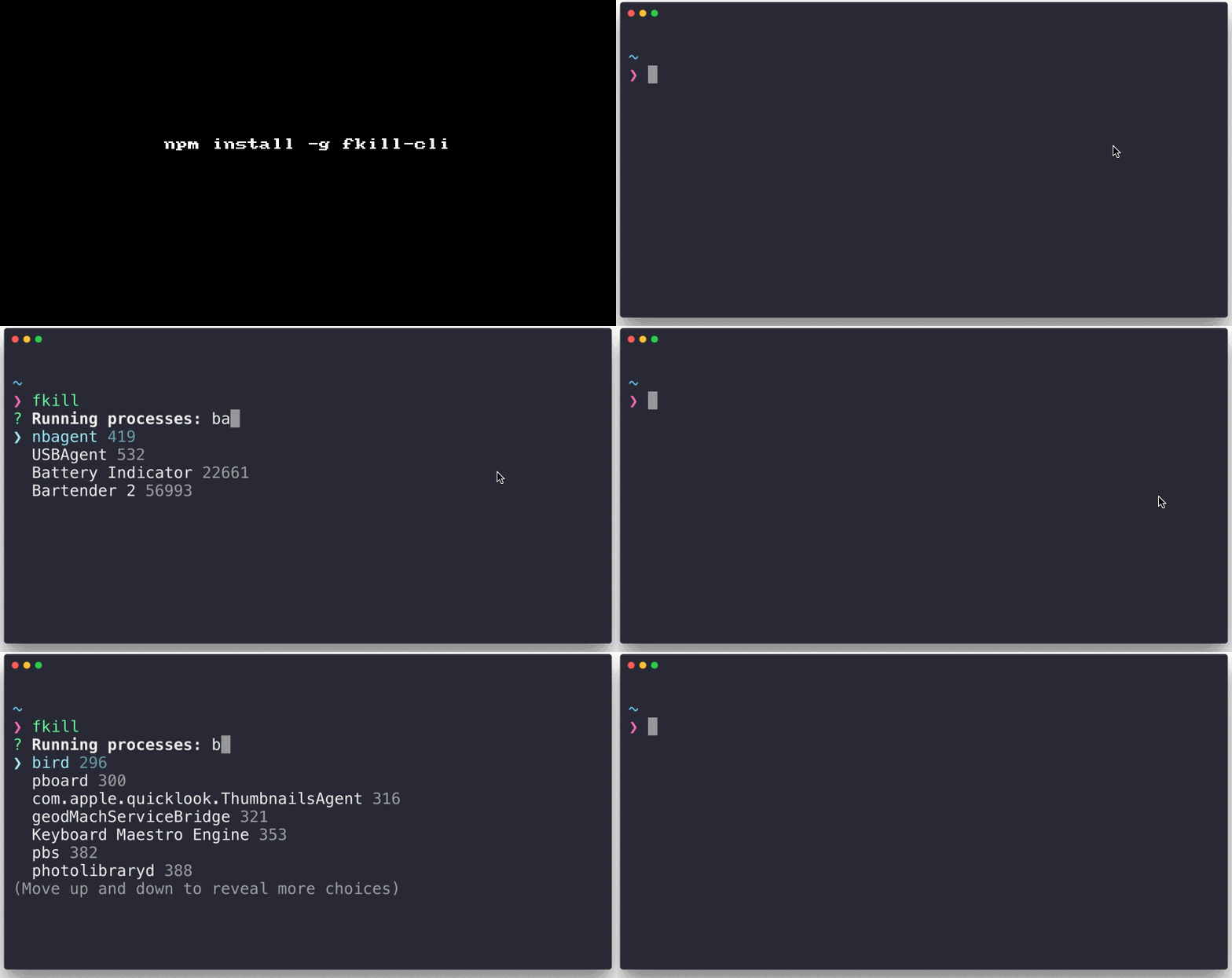
fkill-cli helps us kill process with easy across macOS, Linux and Windows, it also has an autocomplete-prompt on the list of processes that are currently alive on your machine.

No more playing with ps, grep and kill? 🤔

Get it: npm install -g fkill-cli

Sample usage:

1
2
3
4
5
6
7
8
9
10
11
12
13
14
15
$ fkill --help

  Usage
    $ fkill [<pid|name> ...]

  Options
    -f, --force  Force kill

  Examples
    $ fkill 1337
    $ fkill Safari
    $ fkill 1337 Safari
    $ fkill

  Run without arguments to use the interactive interface.

GIF FTW!

fkill-cli

Unfetch

unfetch

Tiny 500b fetch "barely-polyfill"

  • Tiny: under 500 bytes of ES3 gzipped
  • Minimal: just fetch() with headers and text/json/xml responses
  • Familiar: a subset of the full API
  • Supported: supports IE8+ (BYOP)
  • Standalone: one function, no dependencies
  • Modern: written in ES2015, transpiled to 500b of old-school JS

🤔 What's Missing?

  • Uses simple Arrays instead of Iterables, since Arrays are iterables
  • No streaming, just Promisifies existing XMLHttpRequest response bodies

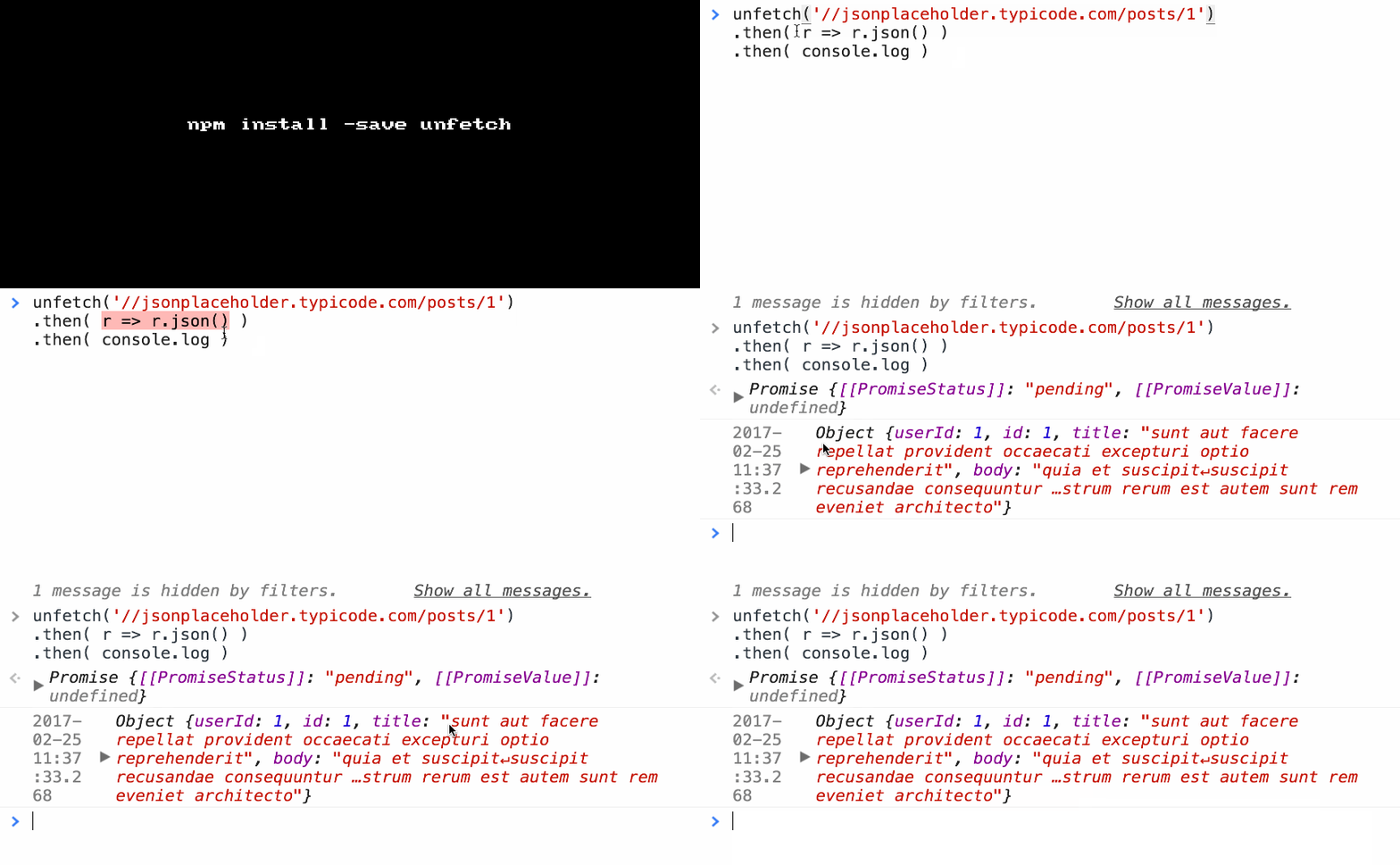
Get it: npm install --save unfetch

Sample usage:

1
2
3
4
5
6
7
8
9
10
11
12
13
14
15
16
17
// simple GET request: 
fetch('/foo')
  .then( r => r.text() )
  .then( txt => console.log(txt) )


// complex POST request with JSON, headers: 
fetch('/bear', {
  method: 'POST',
  headers: {
    'Content-Type': 'application/json'
  },
  body: JSON.stringify({ hungry: true })
}).then( r => {
  open(r.headers.get('location'));
  return r.json();
})

P.S: I you are looking for all the functionalities of fetch API, isomorphic-fetch would be an apt choice.

GIF FTW!

unfetch

Most

most

Monadic streams

Most.js is a toolkit for reactive programming. It helps you compose asynchronous operations on streams of values and events, e.g. WebSocket messages, DOM events, etc, and on time-varying values, e.g. the "current value" of an <input>, without many of the hazards of side effects and mutable shared state.

It features an ultra-high performance, low overhead architecture, APIs for easily creating event streams from existing sources, like DOM events, and a small but powerful set of operations for merging, filtering, transforming, and reducing event streams and time-varying values.

P.S: Have a look at the perf test results.

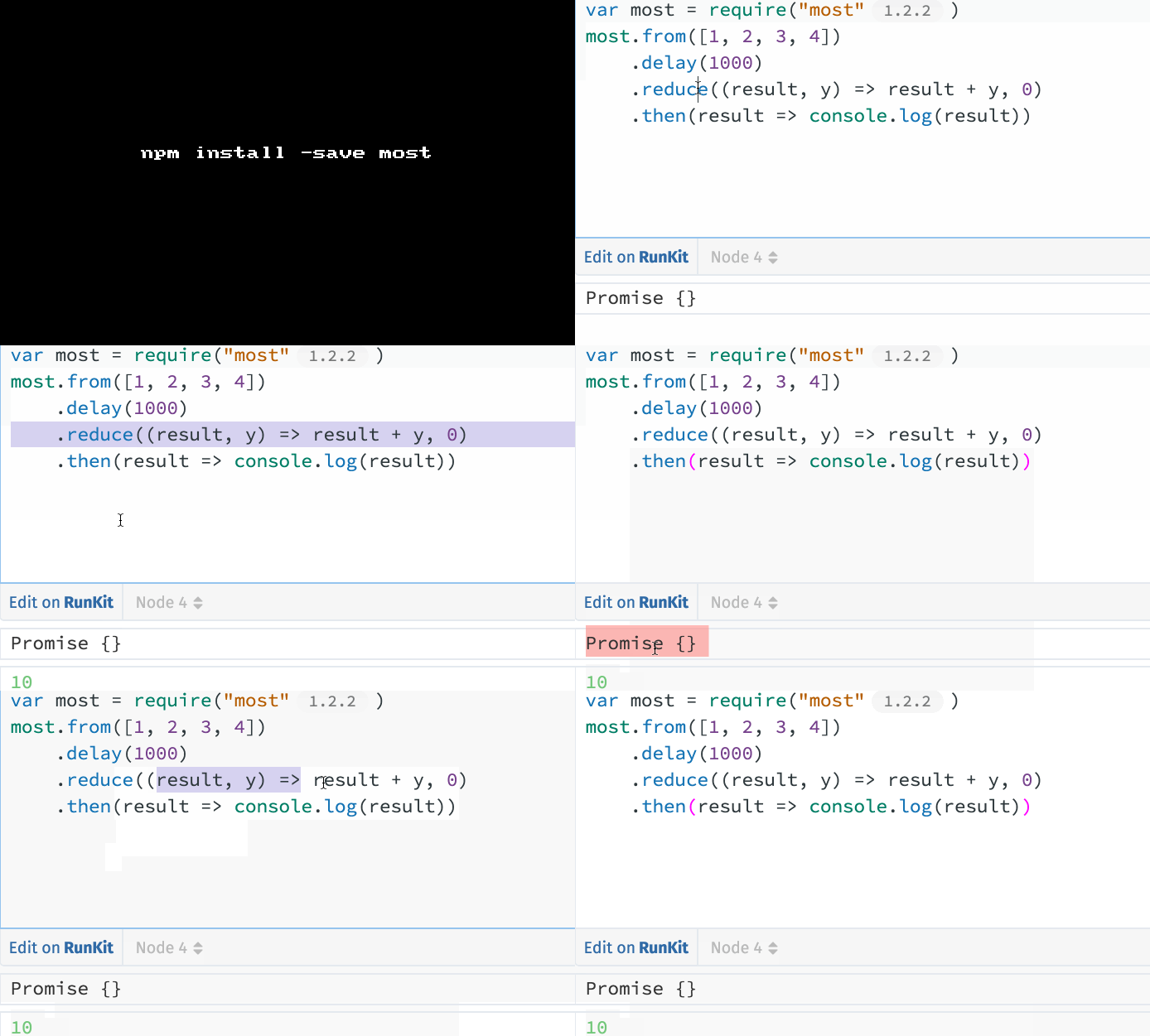
GET IT: npm install --save most

Sample usage:

1
2
3
4
5
6
import { from } from 'most'
// After 1 second, logs 10
from([1, 2, 3, 4])
    .delay(1000)
    .reduce((result, y) => result + y, 0)
    .then(result => console.log(result))
1
2
3
4
import { fromPromise } from 'most'
// Logs "hello"
fromPromise(Promise.resolve('hello'))
    .observe(message => console.log(message))
1
2
3
4
5
6
7
8
9
10
11
12
13
14
15
16
import { generate } from 'most'

function* allTheIntegers(interval) {
    let i=0
    while(true) {
        yield delayPromise(interval, i++)
    }
}

const delayPromise = (ms, value) =>
    new Promise(resolve => setTimeout(() => resolve(value), ms))

// Log the first 100 integers, at 1 second intervals
generate(allTheIntegers, 1000)
    .take(100)
    .observe(x => console.log(x))

GIF FTW!

most.js

Common-tags

common-tags

Common utility template tags for ES2015

🔖 A set of well-tested, commonly used template literal tag functions for use in ES2015+.

🌟 Plus some extra goodies for easily making your own tags.

Provides the below almost self explanatory functions:

  • TemplateTag
  • codeBlock
  • commaLists
  • commaListsAnd
  • commaListsOr
  • html
  • inlineArrayTransformer
  • inlineLists
  • oneLine
  • oneLineCommaLists
  • oneLineCommaListsAnd
  • oneLineCommaListsOr
  • oneLineInlineLists
  • oneLineTrim
  • removeNonPrintingValuesTransformer
  • replaceResultTransformer
  • replaceSubstitutionTransformer
  • safeHtml
  • source
  • splitStringTransformer
  • stripIndent
  • stripIndentTransformer
  • stripIndents
  • trimResultTransformer

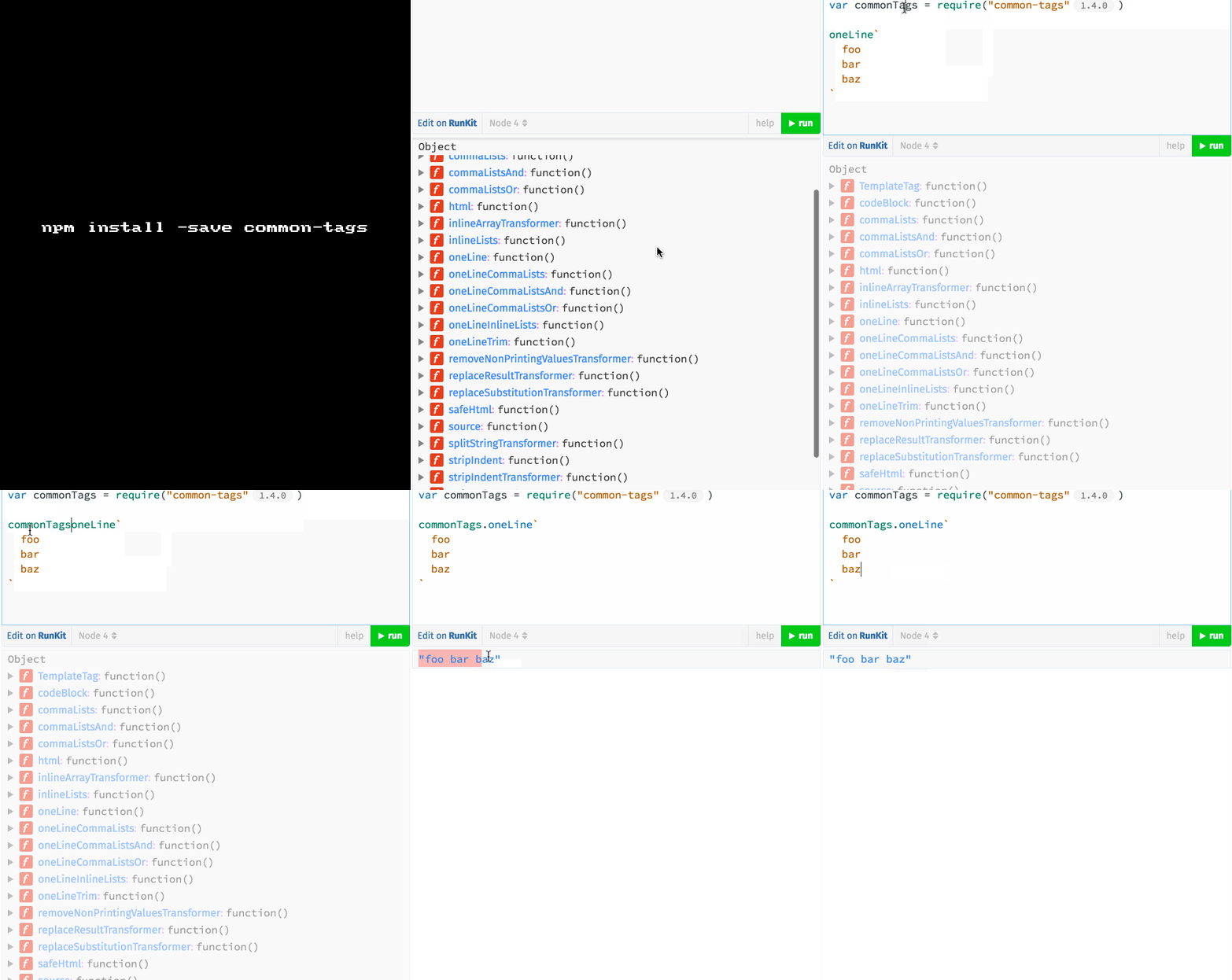
GET IT: npm install --save common-tags

Sample usage:

1
2
3
4
5
6
7
8
import {oneLine} from 'common-tags'

oneLine`
  foo
  bar
  baz
`)
// "foo bar baz" 

GIF FTW:

common-tags

Simple-statistics

simple-statistics

Descriptive, regression, and inference statistics.

simple-statistics module is a neat pack of most commonly used functional for statistical analysis.

It contains about 62 helper methods bundled with it :

1
2
3
4
5
6
7
8
9
10
11
12
13
14
15
16
17
18
19
20
21
22
23
24
25
26
27
28
29
30
31
32
33
34
35
36
37
38
39
40
41
42
43
44
45
46
47
48
49
50
51
52
53
54
55
56
57
58
59
60
61
62
63
[ 'linearRegression',
  'linearRegressionLine',
  'standardDeviation',
  'rSquared',
  'mode',
  'modeSorted',
  'min',
  'max',
  'minSorted',
  'maxSorted',
  'sum',
  'sumSimple',
  'product',
  'quantile',
  'quantileSorted',
  'interquartileRange',
  'iqr',
  'mad',
  'medianAbsoluteDeviation',
  'chunk',
  'shuffle',
  'shuffleInPlace',
  'sample',
  'ckmeans',
  'uniqueCountSorted',
  'sumNthPowerDeviations',
  'equalIntervalBreaks',
  'sampleCovariance',
  'sampleCorrelation',
  'sampleVariance',
  'sampleStandardDeviation',
  'sampleSkewness',
  'permutationsHeap',
  'combinations',
  'combinationsReplacement',
  'geometricMean',
  'harmonicMean',
  'average',
  'mean',
  'median',
  'medianSorted',
  'rms',
  'rootMeanSquare',
  'variance',
  'tTest',
  'tTestTwoSample',
  'bayesian',
  'perceptron',
  'epsilon',
  'factorial',
  'bernoulliDistribution',
  'binomialDistribution',
  'poissonDistribution',
  'chiSquaredGoodnessOfFit',
  'zScore',
  'cumulativeStdNormalProbability',
  'standardNormalTable',
  'erf',
  'errorFunction',
  'inverseErrorFunction',
  'probit',
  'mixin',
  'bisect' ]

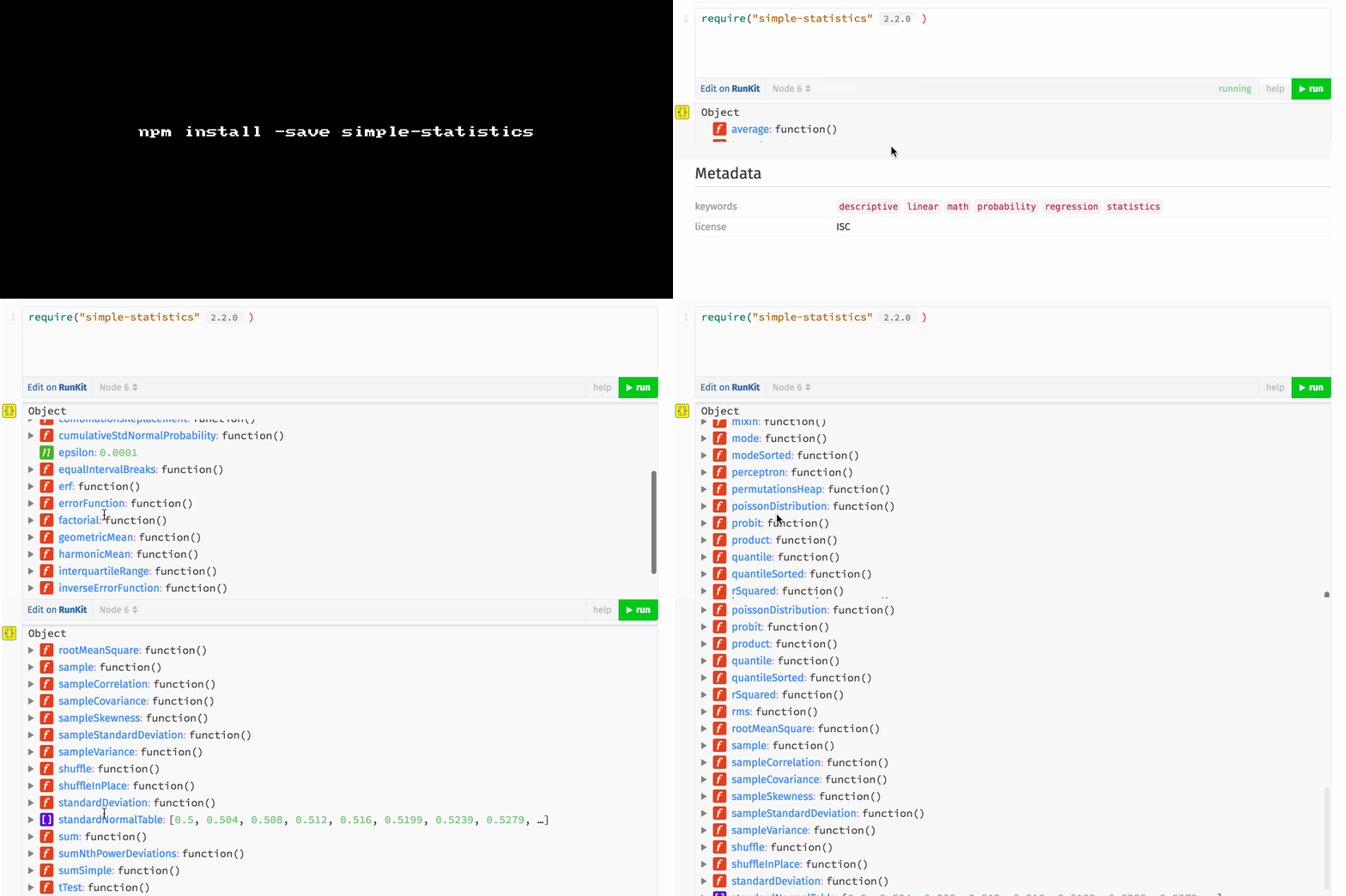
Get it: npm install --save simple-statistics

Sample usage:

1
2
3
4
5
6
7
8
9
10
11
12
13
14
15
const ss = require('simple-statistics');

ss.mad([0, 1, 2, 3, 4, 5, 6, 7, 8, 9, 10]);
// ^ 3; median absolute deviation.

ss.combinations([1, 2, 3], 2);

/*

[
    [1, 2],
    [1, 3],
    [2, 3]
]
*/

GIF FTW!

Is-subset

is-subset

Check if an object is contained within another one.

is-subset is a tiny little module that is so very useful! All it does is accepts superSet and maybeSubset objects and check if the maybeSubset is a subset of the superSet.

Get it: npm install --save is-subset

Sample usage:

1
2
3
4
5
6
7
8
9
10
11
12
13
14
const isSubset = require('is-subset');


// True;
isSubset(
  {a: 1, b: {c: 3, d: 4}, e: 5},
  {a: 1, b: {c: 3}}
);

//False;
isSubset(
  {a: 1},
  {a: 1, b: 2}
);

GIF FTW!

is-subset