Auto-install

auto-install

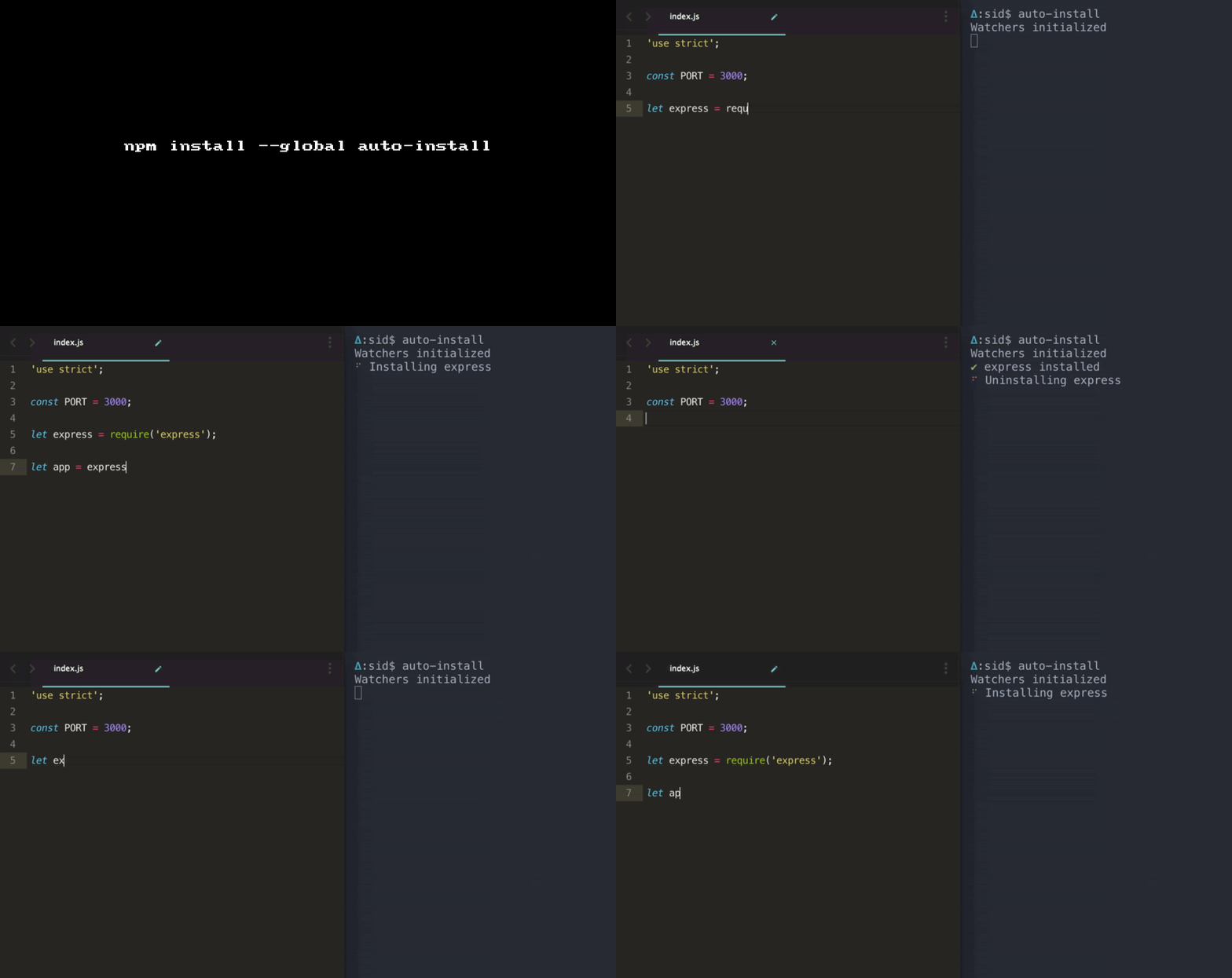
Auto installs dependencies as you code on save.

Have you ever wished that need to having a tool that would just do an npm install of modules that you import?

Well, here is auto-install that does exactly what you wished for!

Get it: npm install -g auto-install

Sample usage:

1
2
3
4
5
6
7
8
9
10
# In case you run it in a folder that doesn't have a `package.json`

$ auto-install --help
package.json does not exist
You can create one by using `npm init`

# With a package.json

$ auto-install
Watchers initialized

CLI Flags:

--secure Install popular modules only (> 10k downloads in the last month)

--exact Install exact version similar to npm install express --save-exact

--dont-uninstall Do not uninstall unused modules

P.S: Does it protect against typosquatting?

GIF FTW!
auto-install

Pwmetrics

pwmetrics

Progressive web metrics at your fingertipz. 💅

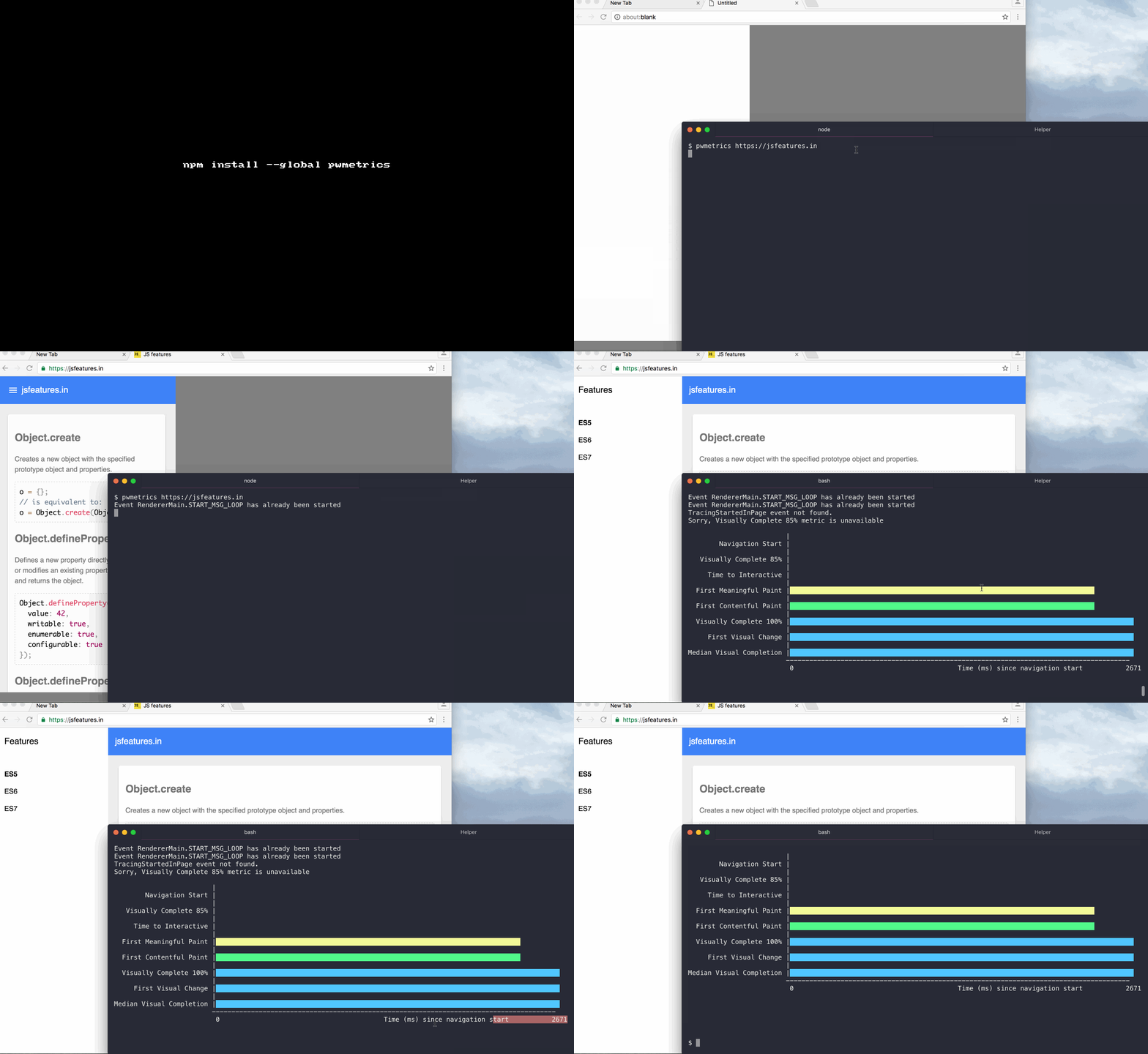
pwmetrics CLI tool and lib to gather performance metrics via Lighthouse.

P.S: This module is IN BETA, so you must be ready for anything 😉

GET IT: npm install --global pwmetrics or npm install --save pwmetrics

Sample CLI usage:

1
2
# run Chrome with port 9222 open
chrome  --remote-debugging-port=9222 --no-first-run --user-data-dir=$(mktemp -d -t pwm.XXXXX)
1
2
# run pwmetrics with your url
pwmetrics https://jsfeatures.in
1
2
3
4
5
6
7
8
9
10
11
12
13
14
15
16
17
18
19
20
21
22
23
24
25
26
27
28
29
30
31
32
33
34
35
36
37
38
39
$ pwmetrics --json https://jsfeatures.in
{
  "timings": [
    {
      "name": "First Contentful Paint",
      "value": 1875.337
    },
    {
      "name": "First Meaningful Paint",
      "value": 1970.7
    },
    {
      "name": "Median Visual Completion",
      "value": 1997
    },
    {
      "name": "First Visual Change",
      "value": 1917
    },
    {
      "name": "Visually Complete 100%",
      "value": 2004
    },
    {
      "name": "Time to Interactive",
      "value": -1
    },
    {
      "name": "Visually Complete 85%"
    },
    {
      "name": "Navigation Start",
      "value": 0
    }
  ],
  "timestamps": [
    303915241.28
  ]
}

API:

1
2
3
const PWMetrics = require('pwmetrics');

new PWMetrics('https://jsfeatures.in', opts); // opts => {data:fileName} for now.

GIF FTW!:

pwmetrics

Node-wifi-scanner

node-wifi-scanner

Scans the available WiFi networks.

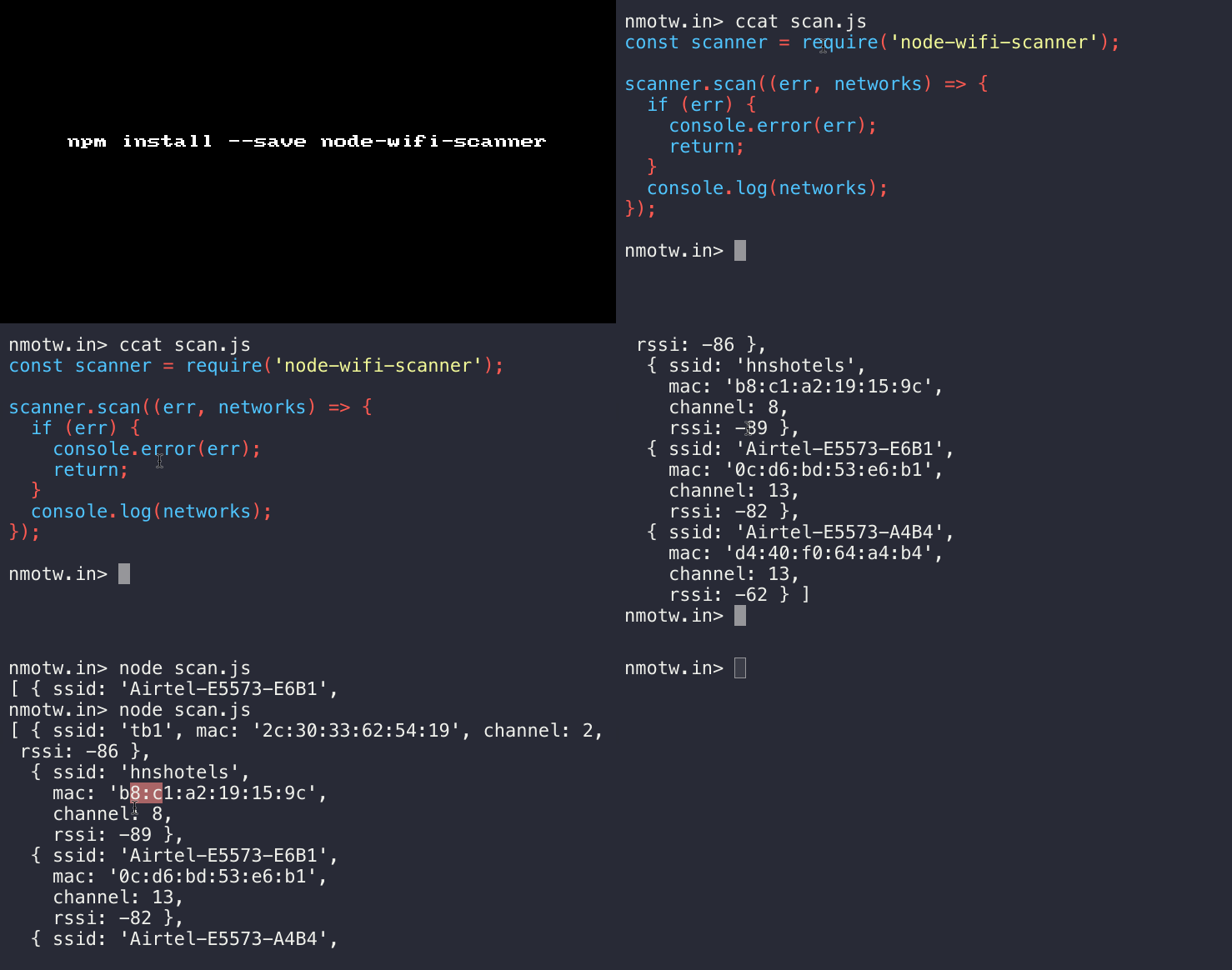
node-wifi-scanner scans the available WiFi networks across operating systems and returns an array with objects, each object representing a network with the following properties:

  • channel: WiFi channel

  • ssid: SSID of the network (if available)

  • mac: MAC Address of the network access point

  • rssi: signal strength

Get it: npm install --save node-wifi-scanner

Sample usage:

1
2
3
4
5
6
7
8
9
const scanner = require('node-wifi-scanner');

scanner.scan((err, networks) => {
  if (err) {
    console.error(err);
    return;
  }
  console.log(networks);
});

Would log something like:

1
2
3
4
[ { ssid: 'Micromax A106',
    mac: '82:6a:b0:b7:fe:d2',
    channel: 6,
    rssi: -85 } ]

Basically uses the underlying OS tools to do the task:

  • airport on Mac OS-X: airport -s

  • netsh on Windows: netsh wlan show networks mode=Bssid

  • iwlist on Linux: iwlist scan

Features that would be nice to have:

  • Promises rather than callbacks.

  • allowing users to select the network and login in from CLI.

  • Look for a better name, rather that node-wifi-scanner ?

GIF FTW!

node-wifi-scanner

Next-update

next-update

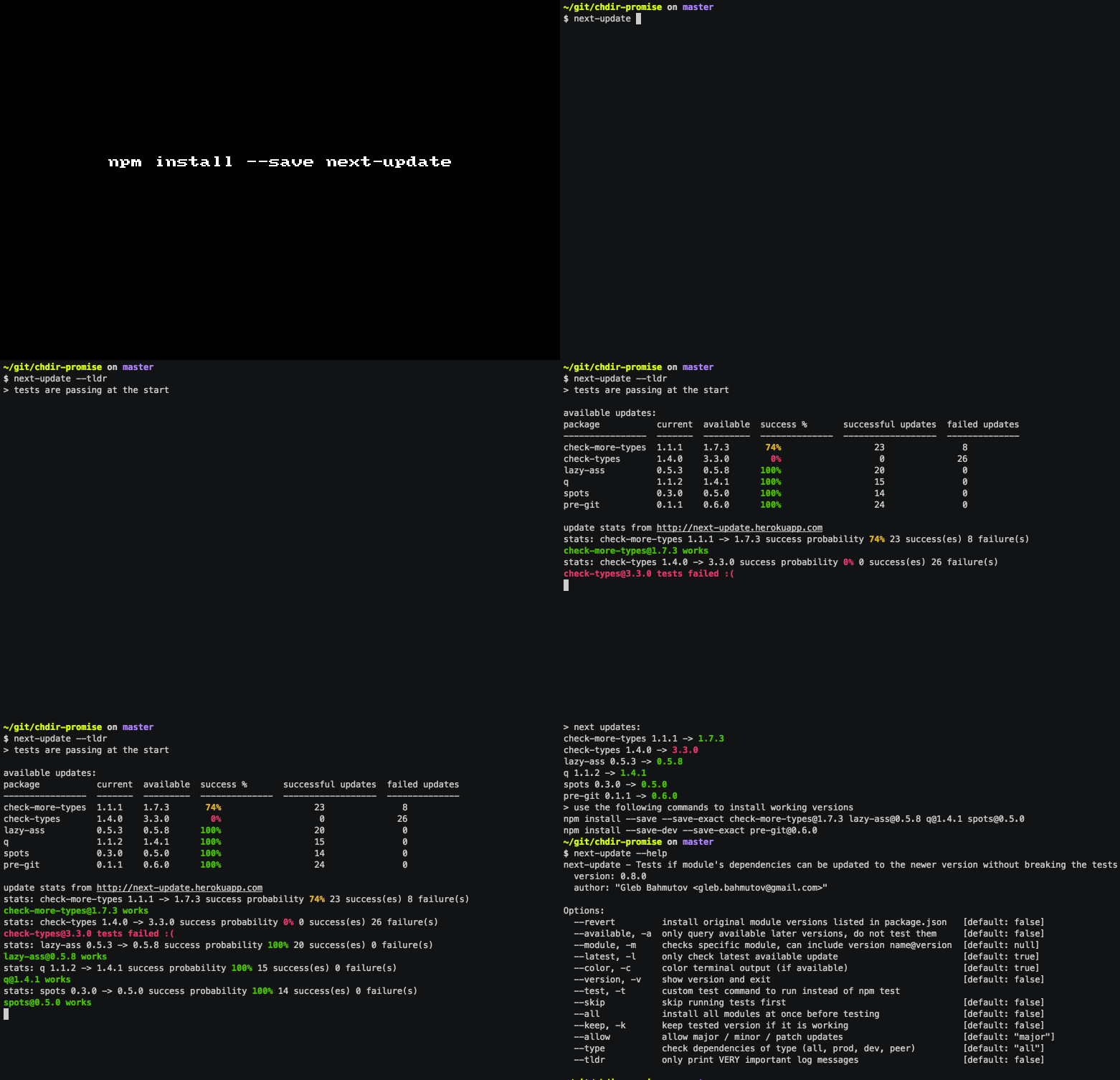
Can I update the dependencies without breaking the tests?

Summarizing next-update from the authors own words:

  • A good workflow using next-update
    • see available new versions next-update --available
    • check latest version of each module using next-update --latest
    • install new versions of the desired modules using standard npm i dependency@version --save
  • You can use custom test command, for example next-update -t "grunt test"
    • npm test is used by default.
  • You can keep each working version in package.json by using --keep flag.

Get it:

npm install -g next-update // installs module globally

npm install --save-dev next-update

In your package.json :

1
2
3
4
5
{
    "scripts": {
        "next-update": "next-update -k true --tldr"
    }
}

Sample usage:

1
2
3
4
5
6
7
8
9
10
11
12
13
14
15
16
17
18
19
20
$ next-update --help | pbcopy
next-update - Tests if module's dependencies can be updated to the newer version without breaking the tests
  version: 1.2.2
  author: {"email":"[email protected]","name":"Gleb Bahmutov"}

Options:
  --revert           install original module versions listed in package.json   [default: false]
  --available, -a    only query available later versions, do not test them     [default: false]
  --module, -m       checks specific module, can include version name@version  [default: null]
  --latest, -l       only check latest available update                        [default: true]
  --color, -c        color terminal output (if available)                      [default: true]
  --version, -v      show version and exit                                     [default: false]
  --test, -t         custom test command to run instead of npm test
  --skip             skip running tests first                                  [default: false]
  --all              install all modules at once before testing                [default: false]
  --keep, -k         keep tested version if it is working                      [default: false]
  --allow            allow major / minor / patch updates                       [default: "major"]
  --type             check dependencies of type (all, prod, dev, peer)         [default: "all"]
  --tldr             only print VERY important log messages                    [default: false]
  --changed-log, -L  print commit changes between working versions             [default: true]

GIF FTW:

Currency-symbol-map

currency-symbol-map

Lookup the currency symbol for a given currency code.

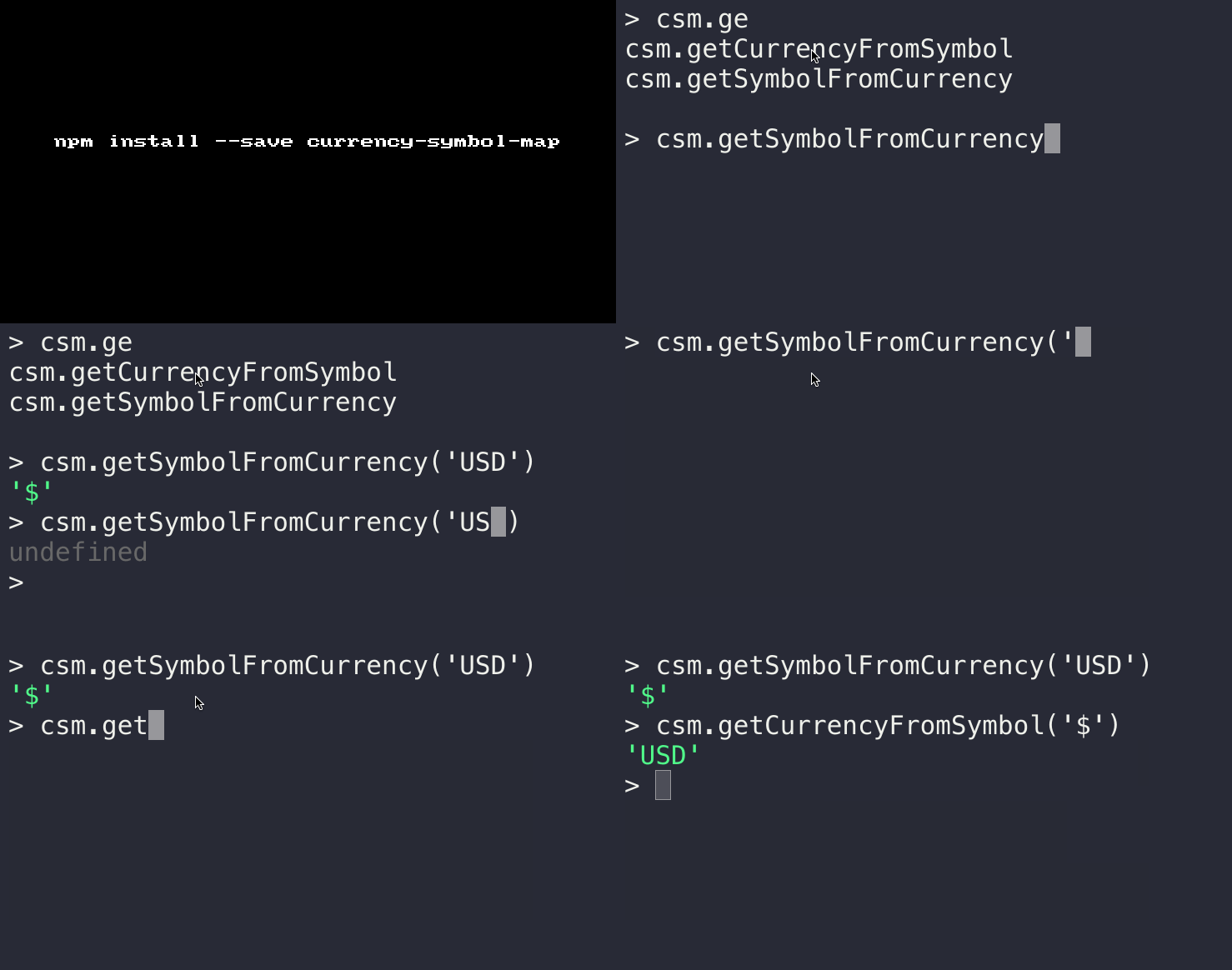
Name says it all, this is tiny module that's helps one to get the symbol for a given currency or get the currency got given a symbol.

Get it: npm install --save currency-symbol-map

Sample usage:

1
2
3
var getSymbolFromCurrency = require('currency-symbol-map').getSymbolFromCurrency;
getSymbolFromCurrency('USD'); //=> '$' 
getSymbolFromCurrency('NOT A VALID CODE'); //=> undefined 
1
2
3
var getCurrencyFromSymbol = require('currency-symbol-map').getCurrencyFromSymbol;
getCurrencyFromSymbol('$'); //=> 'USD' 
getCurrencyFromSymbol('NOT A VALID CODE'); //=> undefined 

GIF FTW:

currency-symbol-map

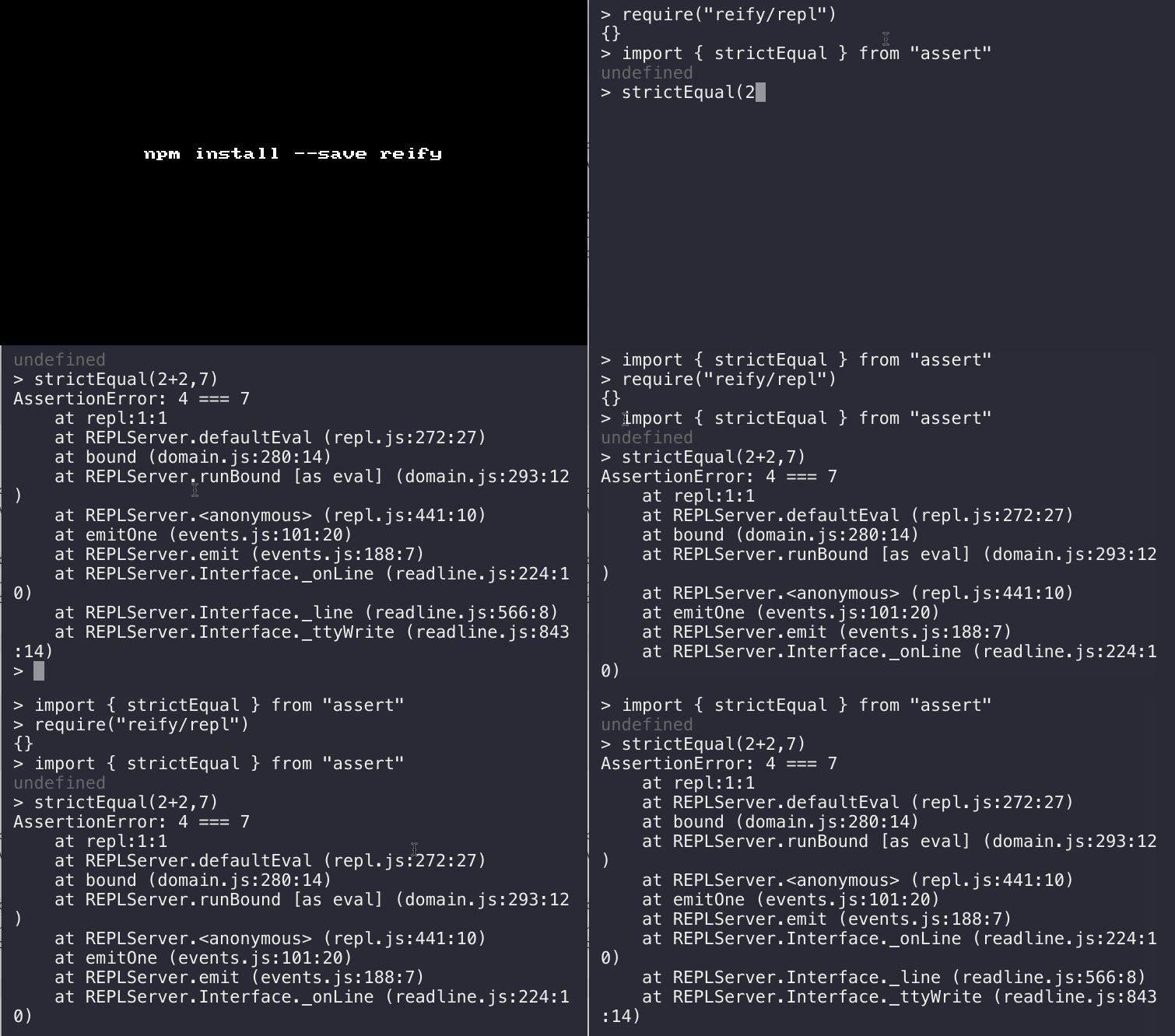
Reify

reify

Enable ECMAScript 2015 modules in Node today. No caveats. Full stop.

Get it: npm install --save refiy

Usage:

  • npm install --save reify

  • require("reify") before import and export declarations.

1
2
3
4
5
6
7
8
9
10
11
12
13
14
15
16
17
> require("reify/repl");

> import { strictEqual } from "assert";

> strictEqual(2+2,7);
AssertionError: 4 === 7
    at repl:1:1
    at REPLServer.defaultEval (repl.js:272:27)
    at bound (domain.js:280:14)
    at REPLServer.runBound [as eval] (domain.js:293:12)
    at REPLServer.<anonymous> (repl.js:441:10)
    at emitOne (events.js:101:20)
    at REPLServer.emit (events.js:188:7)
    at REPLServer.Interface._onLine (readline.js:224:10)
    at REPLServer.Interface._line (readline.js:566:8)
    at REPLServer.Interface._ttyWrite (readline.js:843:14)
>

Code generated by the reify compiler relies on a simple runtime API.

GIF FTW:

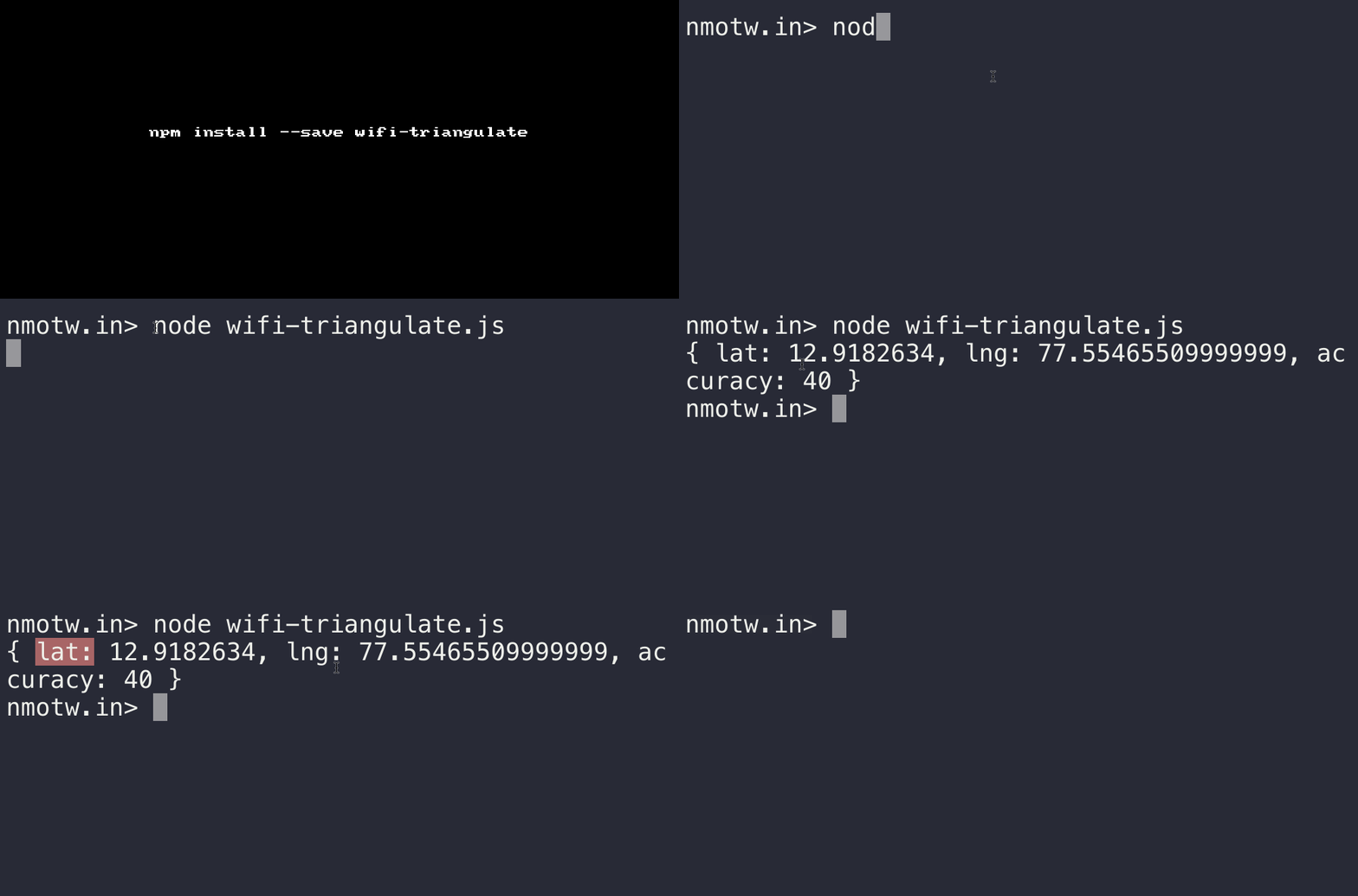
Wifi-triangulate

wifi-triangulate

Finds your current position on planet earth using the wifi access points in your vicinity.

This module requires that the wifi card on your computer is active and that you have access to the internet in order to communicate with Google so that it can triangulate your position.

Get it: npm install --global wifi-triangulate

Sample usage:

1
2
3
4
5
6
var triangulate = require('wifi-triangulate')

triangulate(function (err, location) {
  if (err) throw err
  console.log(location) // => { lat: 38.0690894, lng: -122.8069356, accuracy: 42 } 
})

GIF FTW!:

wifi-triangulate

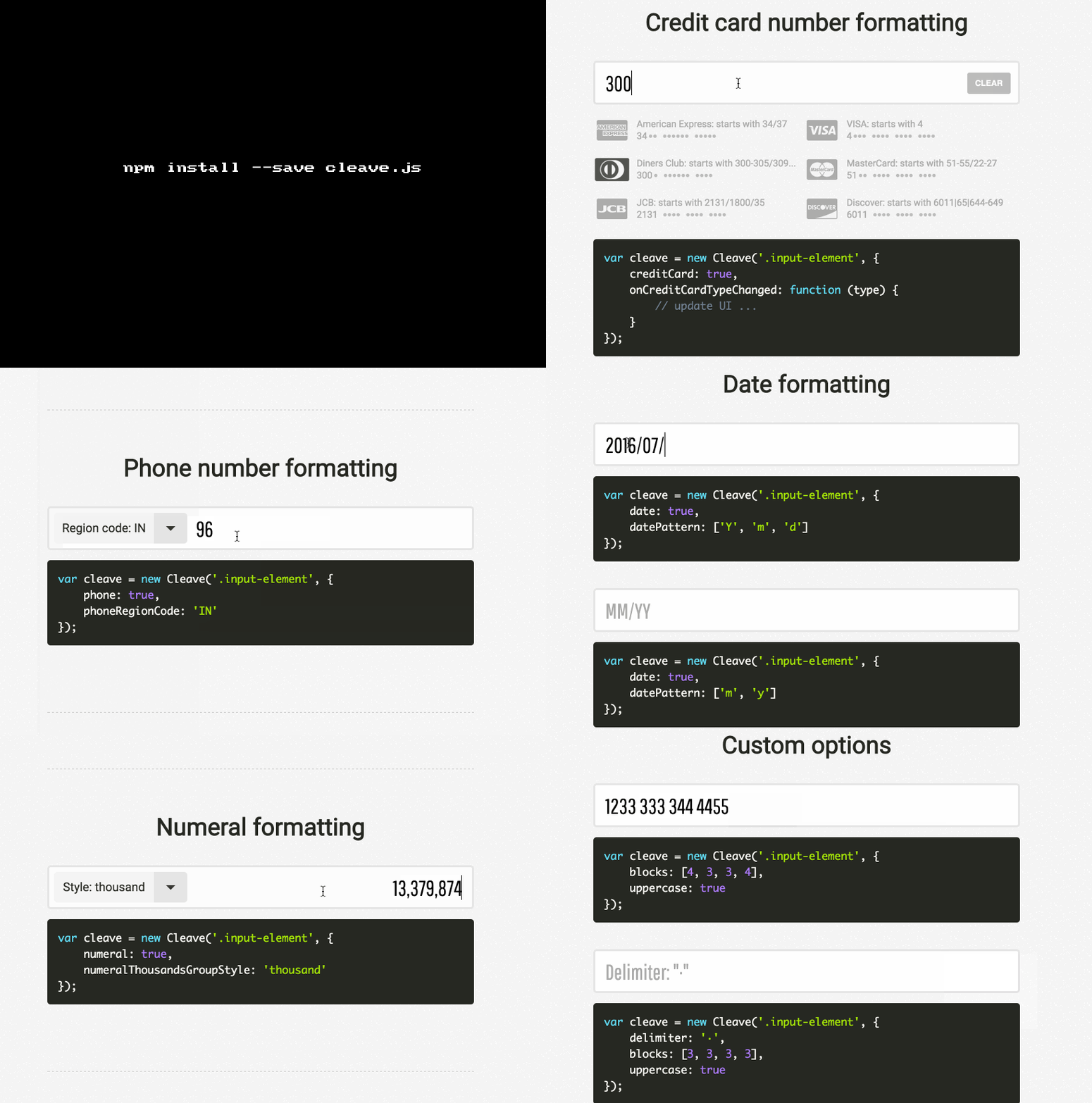
cleave.js

cleave.js

Input text content formatter.

Cleave.js has a simple purpose: to help you format input text content automatically.

Provides these features:

  • Credit card number formatting

  • Phone number formatting (i18n js lib separated for each country to reduce size)

  • Date formatting

  • Numeral formatting

  • Custom delimiter, prefix and blocks pattern

  • CommonJS / AMD mode

  • ReactJS component port

Get it: npm install --save cleave.js

Sample usage:

1
<input class="input-phone" type="text"/>

`

1
2
3
4
5
6
7
var Cleave = require('cleave.js');
require('cleave.js/dist/addons/cleave-phone.{country}');

var cleave = new Cleave('.input-phone', {
    phone:      true,
    regionCode: '{country}'
});

GIF FTW!

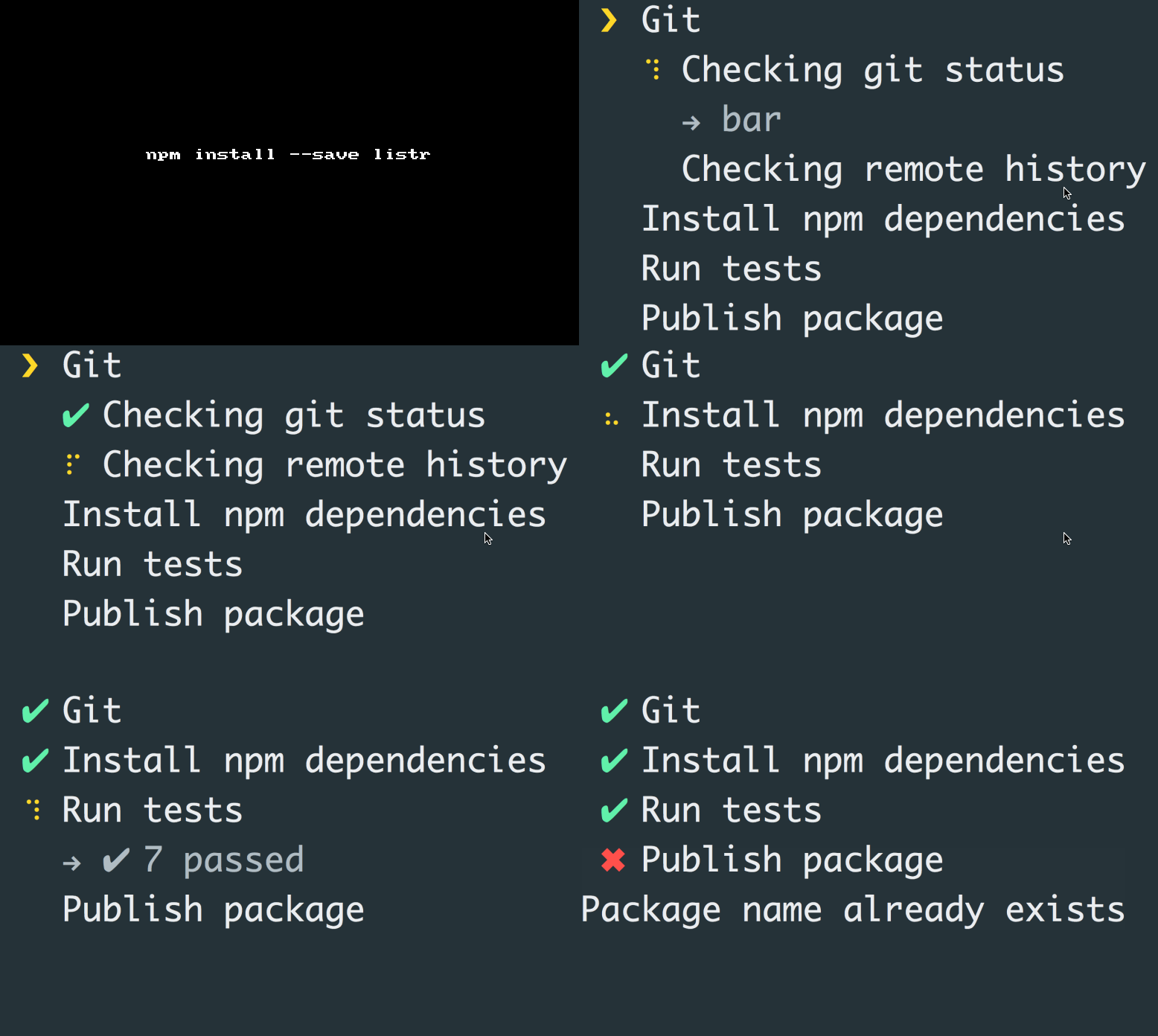
Listr

listr

Terminal task list.

listr is one of those cheeky 💄 modules for your CLI apps.

Below is the gist of this module:

  • listr accepts an array of tasks, where each task in a object consisting of title (string) and task (method).

  • If a task returns, it means the task was completed succesfully.

  • If a task throws an error, the task failed.

  • Task can be async by returning a Promise.

  • Task can be an Observable.

  • Task can also be a stream, which is in-turn converted to an Observable.

  • An instance of listr has add(task), task and run methods. (Names are self explanatory?)

Get it: npm install --save listr

Sample usage:

1
2
3
4
5
6
7
8
9
10
11
12
const tasks = new Listr([
  {
      title: 'Success',
      task: () => 'Foo'
  },
  {
      title: 'Failure',
      task: () => {
          throw new Error('Bar')
      }
  }
]);
1
2
3
tasks.run().catch(err => {
  console.error(err);
});

GIF FTW!

listr

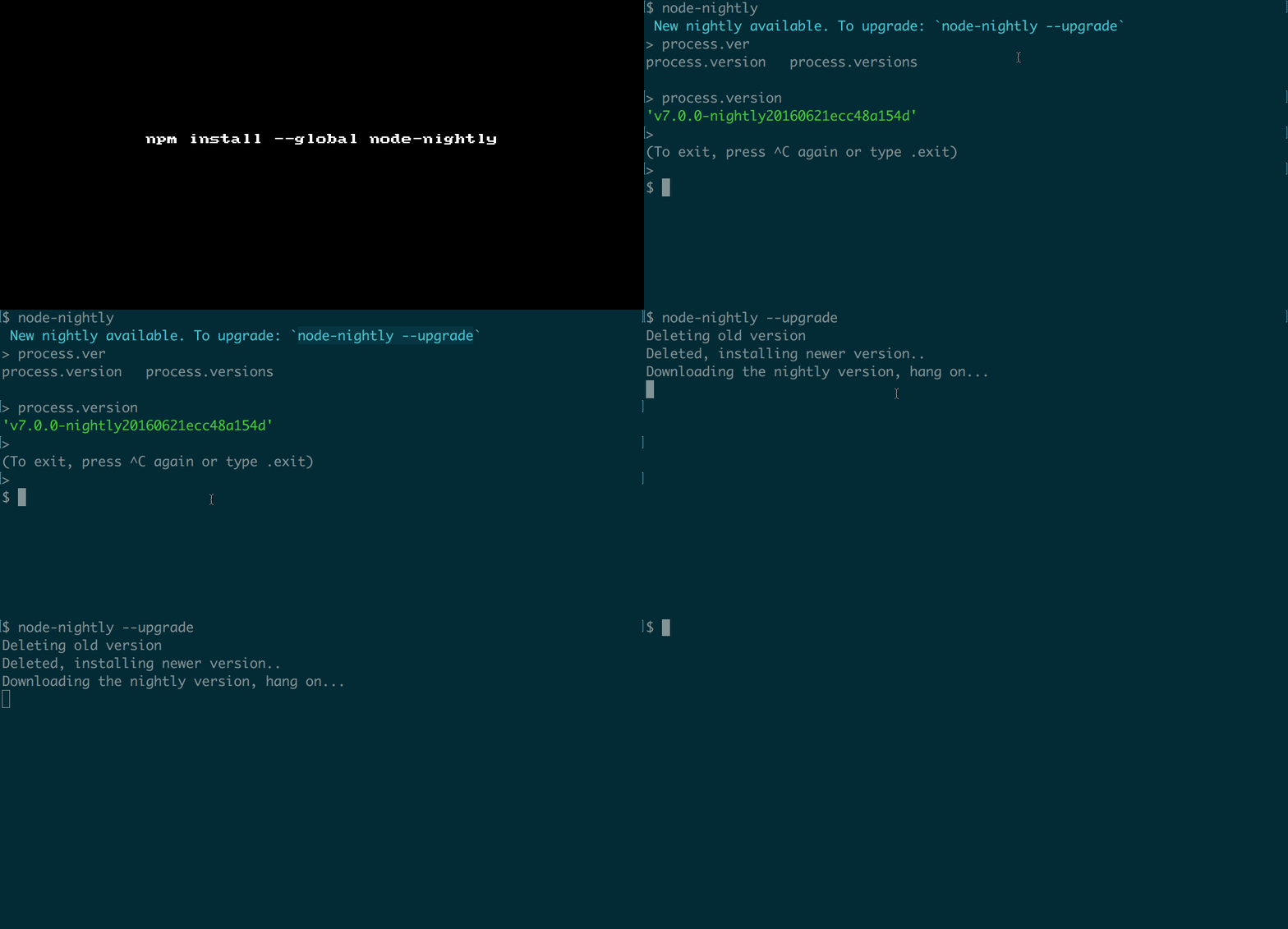
Node-nightly

node-nightly

node-nightly at your finger tips!

node-nightly as the name says it's the nightly version of node, basically:

  • Check if nightly version of node is available if not install it. (For the first time.)

  • If there is a new version available will notify the user saying there is a newer version available and can update using node-nightly --update

Get it : npm install -g node-nightly # Preferred global

Sample usage:

1
2
3
4
5
6
$ node-nightly --inspect --debug-brk index.js
Debugger listening on port 9229.
To start debugging, open the following URL in Chrome:
    chrome-devtools://devtools/remote/serve_file/@521e5b7e2b7cc66b4006a8a54cb9c4e57494a5ef/inspector.html?experiments=true&v8only=true&ws=localhost:9229/node
Debugger attached.
Waiting for the debugger to disconnect...

GIF FTW!

node-nightly