Esbox

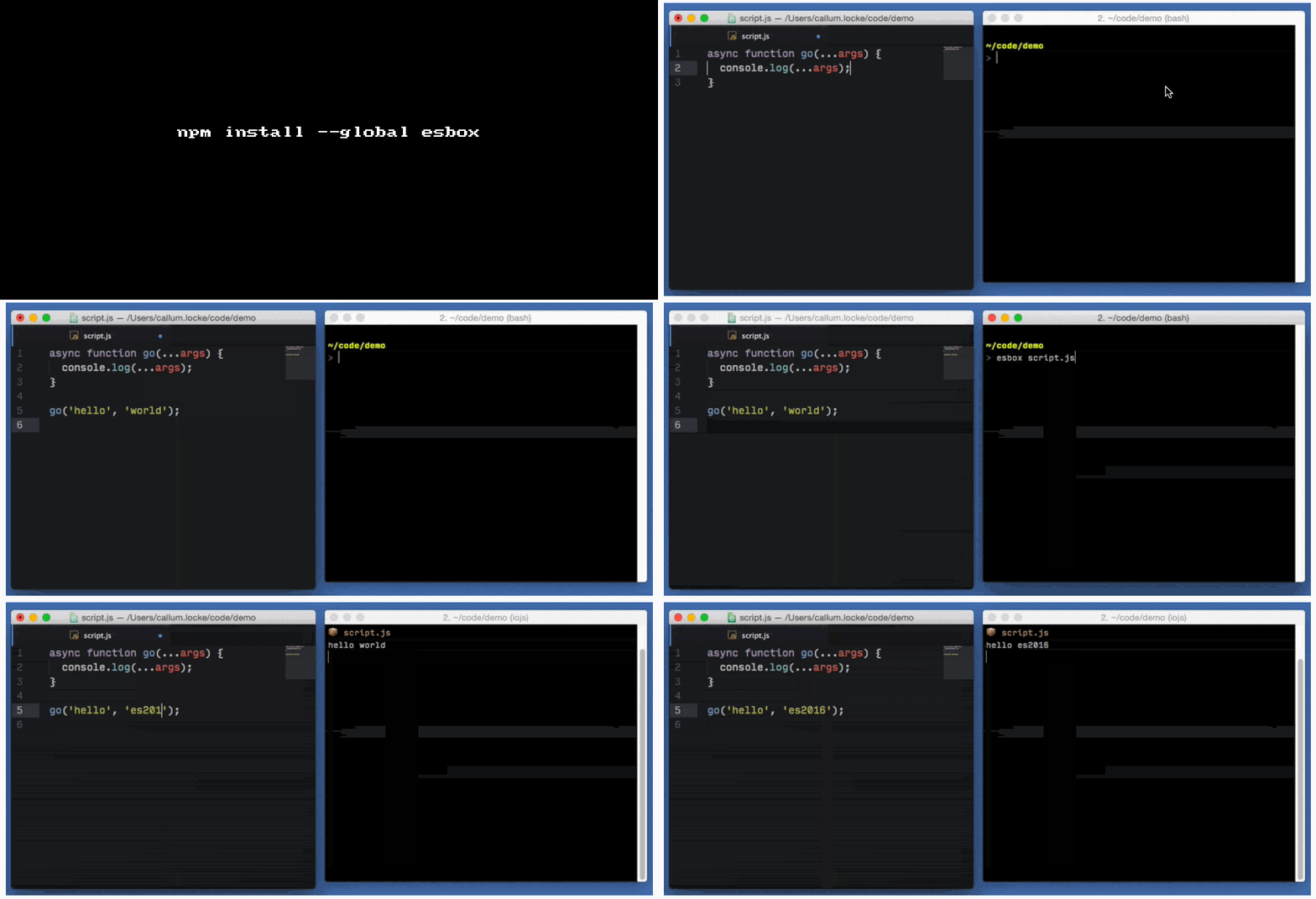
📦 esbox

Zero-config REPL for experimenting with next-generation JavaScript.

esbox is ES2016 in a box!

Get it: npm install -g esbox

  • It automatically compiles and re-runs your script every time you save.

  • JSBin-like setup for your local editor and terminal – with full access to Node APIs and modules.

  • ECMAScript features that Babel supports (stage-0 and above).

  • For a number of popular libraries, you can just import them without the need to install them first (Bascially all the dependecies of esbox).

Sample usage:

1
2
3
4
5
6
7
8
9
10
11
12
13
14
15
16
nmotw.in> esbox


    📦  ES2016 in a box
       git.io/esbox


  Usage
    > esbox FILENAME

  Options
    --cwd=DIRECTORY   run in a different directory
    --no-watch        only run your script once
    --no-clear        disable clearing the display before each run
    --version         show esbox version
    --poll            poll file system when watching files

GIF FTW!

esbox

Rainbowify

rainbowify

rainbow print stuff in terminal

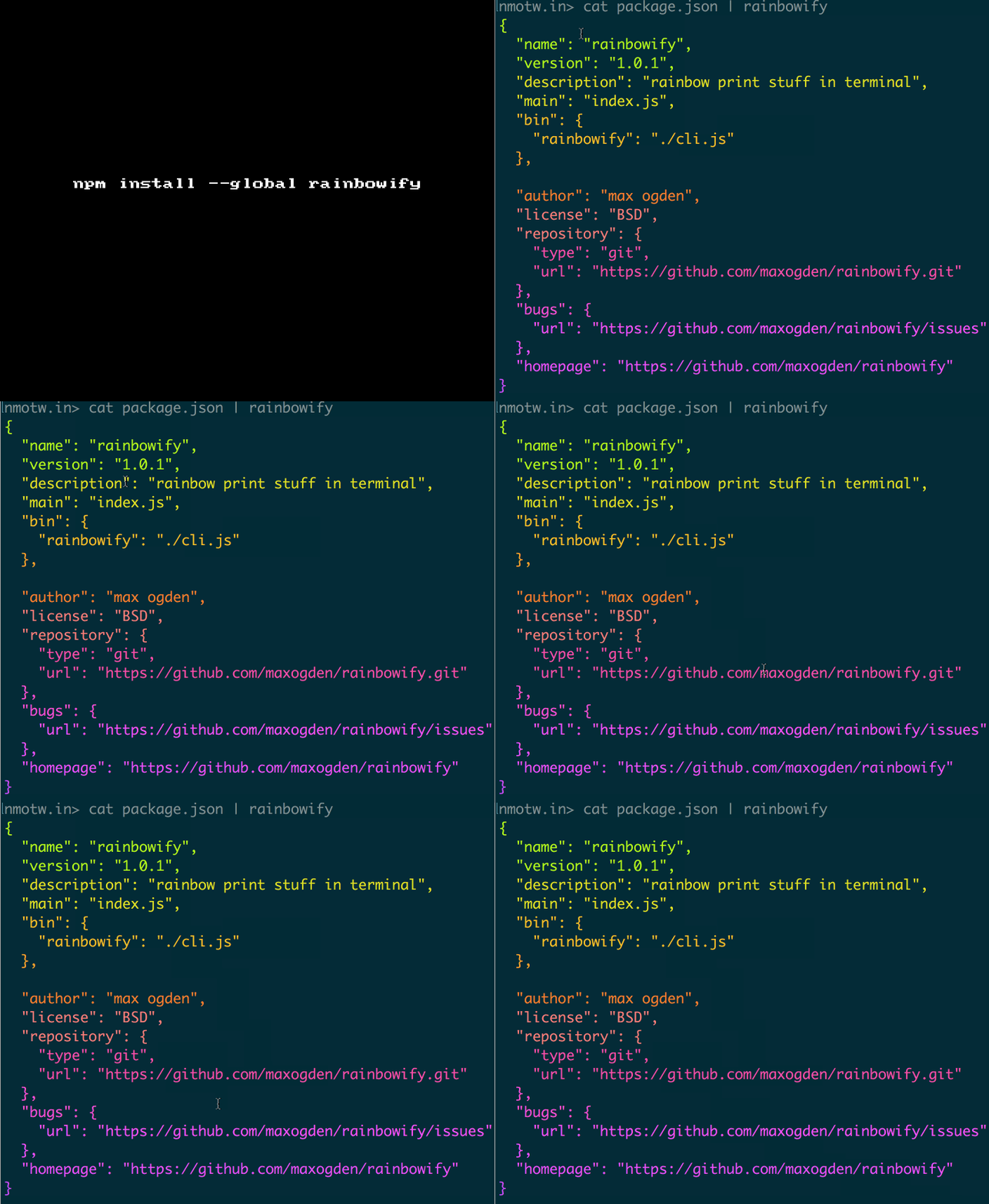
rainbowify is an module extracted from mocha's nyan.js which is a fun little module that helps to print rainbow text on the terminal.

Get it: npm install --global rainbowify

Usage:

1
$ echo <some_text> | rainbowify

GIF FTW!

rainbowify

Pwaify

pwaify

PWA to desktop app!

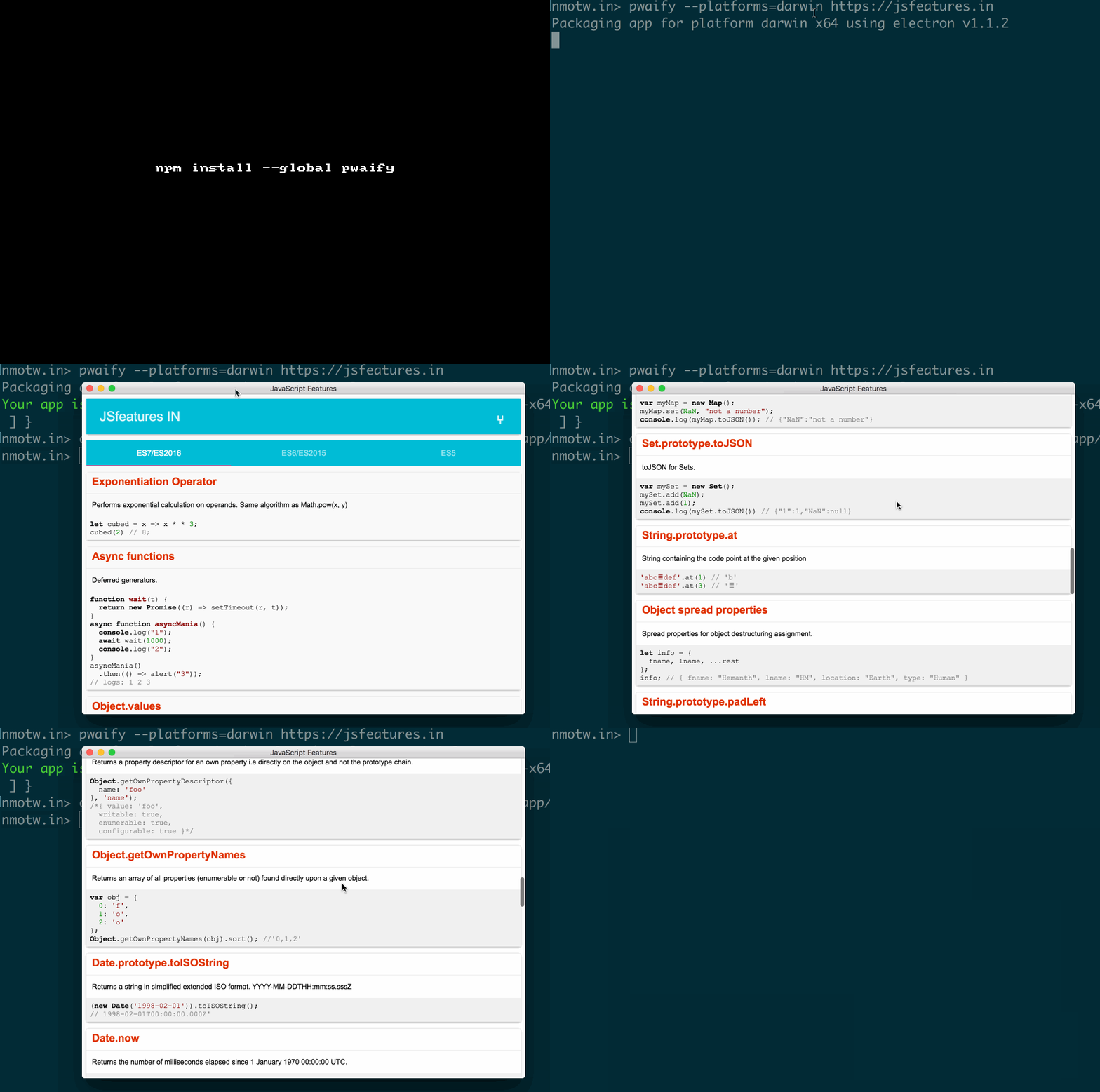
pwaify bring progressive Webapp to your desktops across platforms!

Makes use of Electron extracts the manifest-json from the given URL and smartly creates an electron window and loads the required.

Get it: npm install --global pwaify

Sample usage:

1
2
3
4
5
6
7
8
9
10
11
12
13
nmotw.in> pwaify --help

  Electron PWA (Progressive Web App) Generator

  Usage
    $ pwaify <input>

  Options
    --platforms Platforms to build the app.
    --icon App Icon.

  Examples
    $ pwaify https://jsfeatures.in --platforms=darwin

GIF FTW:

PWAify

Kind-of

kind-of

Get the native type of a value.

Most of use would have faced nuances of typeof like below:

1
2
3
4
5
6
7
8
9
10
11
12
13
14
> typeof (null)
'object'

> typeof /RE/
'object'

> typeof (new Date())
'object'

> typeof []
'object'

> typeof {}
'object'

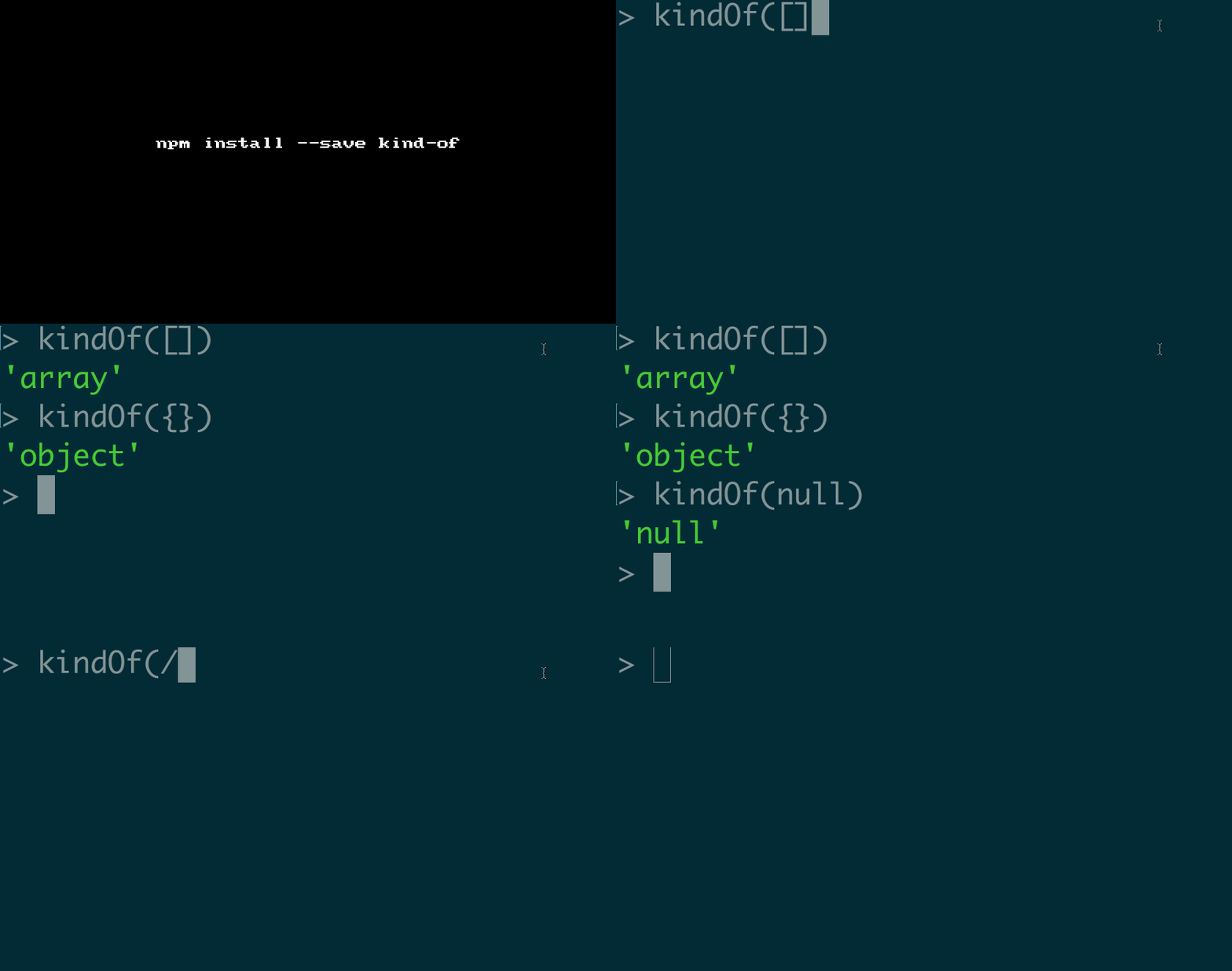
kind-of just fixes these issues and is also ES6 ready.

Get it: npm install --save kind-of

Sample usage:

1
2
3
4
5
6
7
8
9
10
11
12
13
14
15
16
17
18
19
20
21
22
23
24
25
26
27
28
29
30
31
32
33
34
35
36
37
38
39
40
41
42
43
44
45
46
47
48
49
50
51
52
53
54
55
56
57
58
59
60
61
62
63
64
65
66
67
68
69
70
71
72
73
74
75
76
77
78
79
80
81
82
83
84
85
86
87
88
89
90
91
92
93
94
95
96
97
98
99
100
101
102
103
104
105
106
107
108
109
110
111
112
var kindOf = require('kind-of');

kindOf(undefined);
//=> 'undefined' 

kindOf(null);
//=> 'null' 

kindOf(true);
//=> 'boolean' 

kindOf(false);
//=> 'boolean' 

kindOf(new Boolean(true));
//=> 'boolean' 

kindOf(new Buffer(''));
//=> 'buffer' 

kindOf(42);
//=> 'number' 

kindOf(new Number(42));
//=> 'number' 

kindOf('str');
//=> 'string' 

kindOf(new String('str'));
//=> 'string' 

kindOf(arguments);
//=> 'arguments' 

kindOf({});
//=> 'object' 

kindOf(Object.create(null));
//=> 'object' 

kindOf(new Test());
//=> 'object' 

kindOf(new Date());
//=> 'date' 

kindOf([]);
//=> 'array' 

kindOf([1, 2, 3]);
//=> 'array' 

kindOf(new Array());
//=> 'array' 

kindOf(/foo/);
//=> 'regexp' 

kindOf(new RegExp('foo'));
//=> 'regexp' 

kindOf(function () {});
//=> 'function' 

kindOf(function * () {});
//=> 'function' 

kindOf(new Function());
//=> 'function' 

kindOf(new Map());
//=> 'map' 

kindOf(new WeakMap());
//=> 'weakmap' 

kindOf(new Set());
//=> 'set' 

kindOf(new WeakSet());
//=> 'weakset' 

kindOf(Symbol('str'));
//=> 'symbol' 

kindOf(new Int8Array());
//=> 'int8array' 

kindOf(new Uint8Array());
//=> 'uint8array' 

kindOf(new Uint8ClampedArray());
//=> 'uint8clampedarray' 

kindOf(new Int16Array());
//=> 'int16array' 

kindOf(new Uint16Array());
//=> 'uint16array' 

kindOf(new Int32Array());
//=> 'int32array' 

kindOf(new Uint32Array());
//=> 'uint32array' 

kindOf(new Float32Array());
//=> 'float32array' 

kindOf(new Float64Array());
//=> 'float64array' 

GIF FTW

kind-of

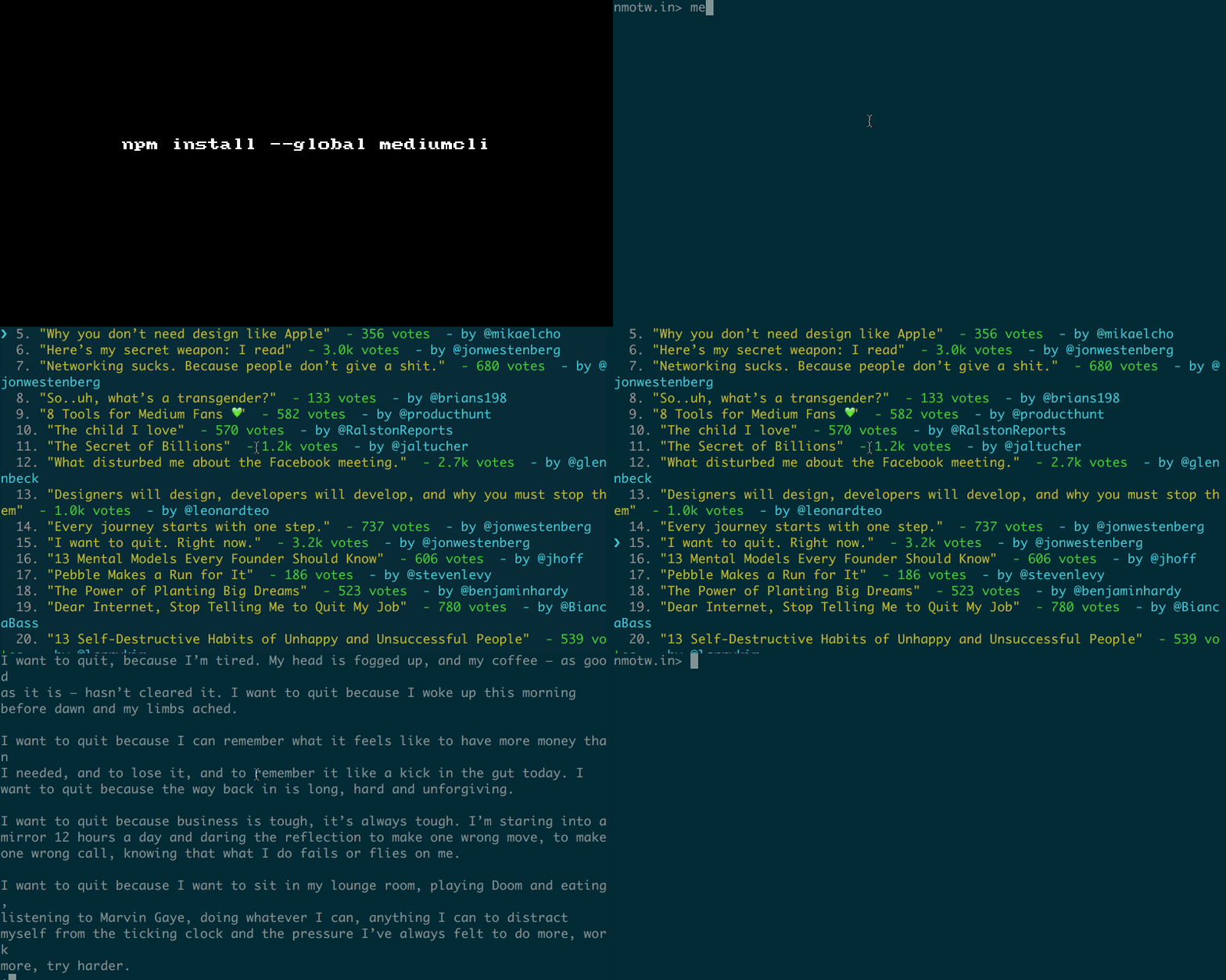
Mediumcli

mediumcli

A CLI to Medium Stories.

A simple tool that helps you to read medium posts on your CLI.

Get it: npm install -g mediumcli

Sample usage: medium [options] [command]

1
2
3
4
5
6
7
8
9
10
11
12
13
14
15
16
Commands:

top [options]         List Medium Top Stories
read <url>            Read the story right in your terminal
open [options] <url>  Opens it in your browser

Options:

-h, --help     output usage information
-V, --version  output the version number

top [options]
n, --number <int>", "specify number of stories

open [options] <url>
-a, --app <application>  specify app to open the url. Eg: firefox

GIF FTW!

mediumcli

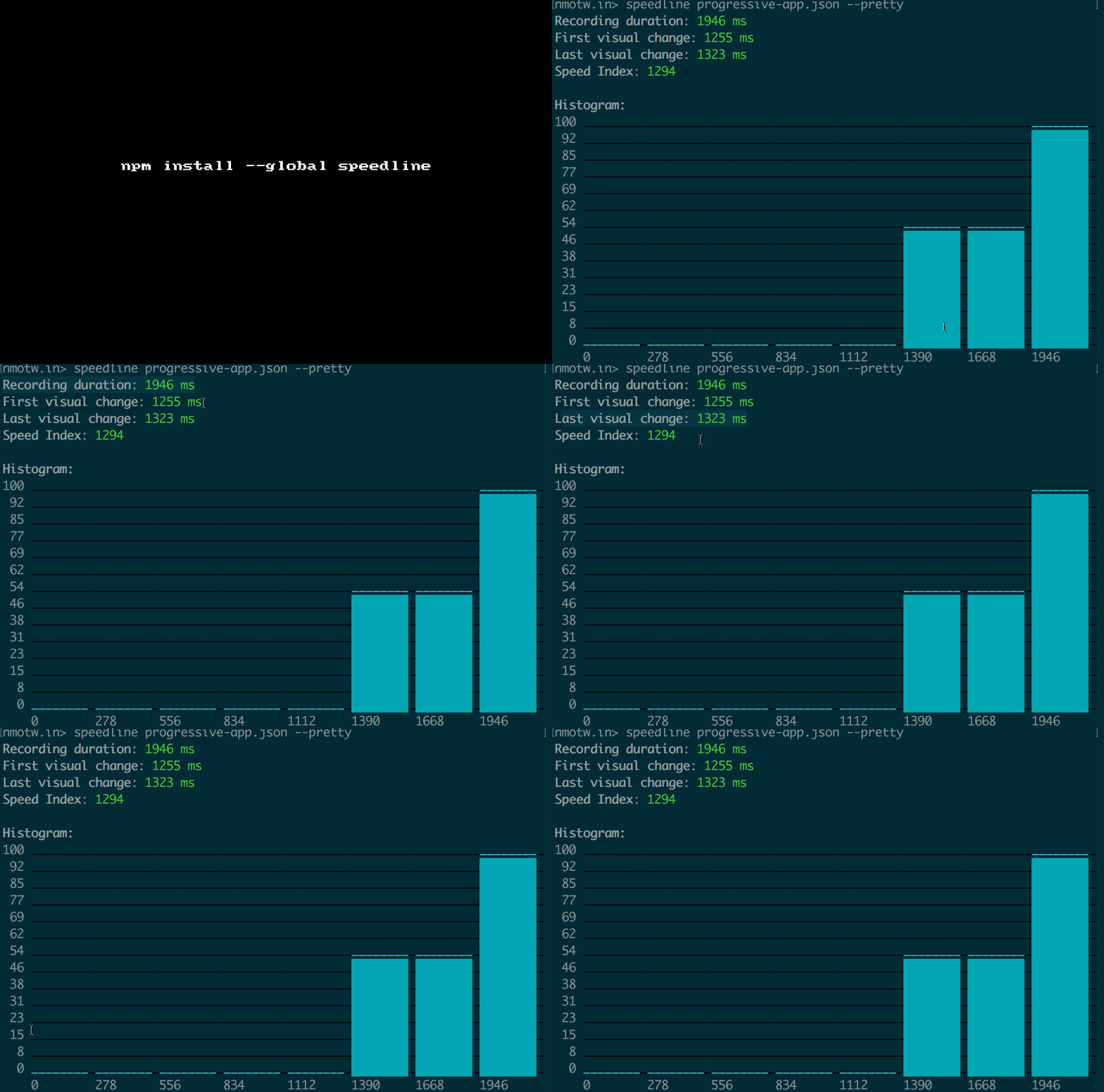
Speedline

speedline

Calculate the speed index and visual performance metrics from chrome dev tool timeline.

Navigation Timing API provides useful data that can be used to measure the performance of a website.

Unfortunately this API has never been good at capturing the actual user experience that's where speedline comes to rescue.

It measures how fast the page content is visually displayed.

The current implementation is based on the Visual Progress from Video Capture calculation method described on the Speed Index page.

The visual progress is calculated by comparing the distance between the histogram of the current frame and the final frame.

GET IT:

$ npm install --global speedline // For CLI

$ npm install --save speedline // As a devdep.

Sample usage:

1
2
3
4
5
6
7
8
9
10
$ speedline --help

  Usage
    $ speedline <timeline> [options]

  Options
    -p, --pretty  Pretty print the output

  Examples
    $ speedline ./timeline.json

GIF FTW!

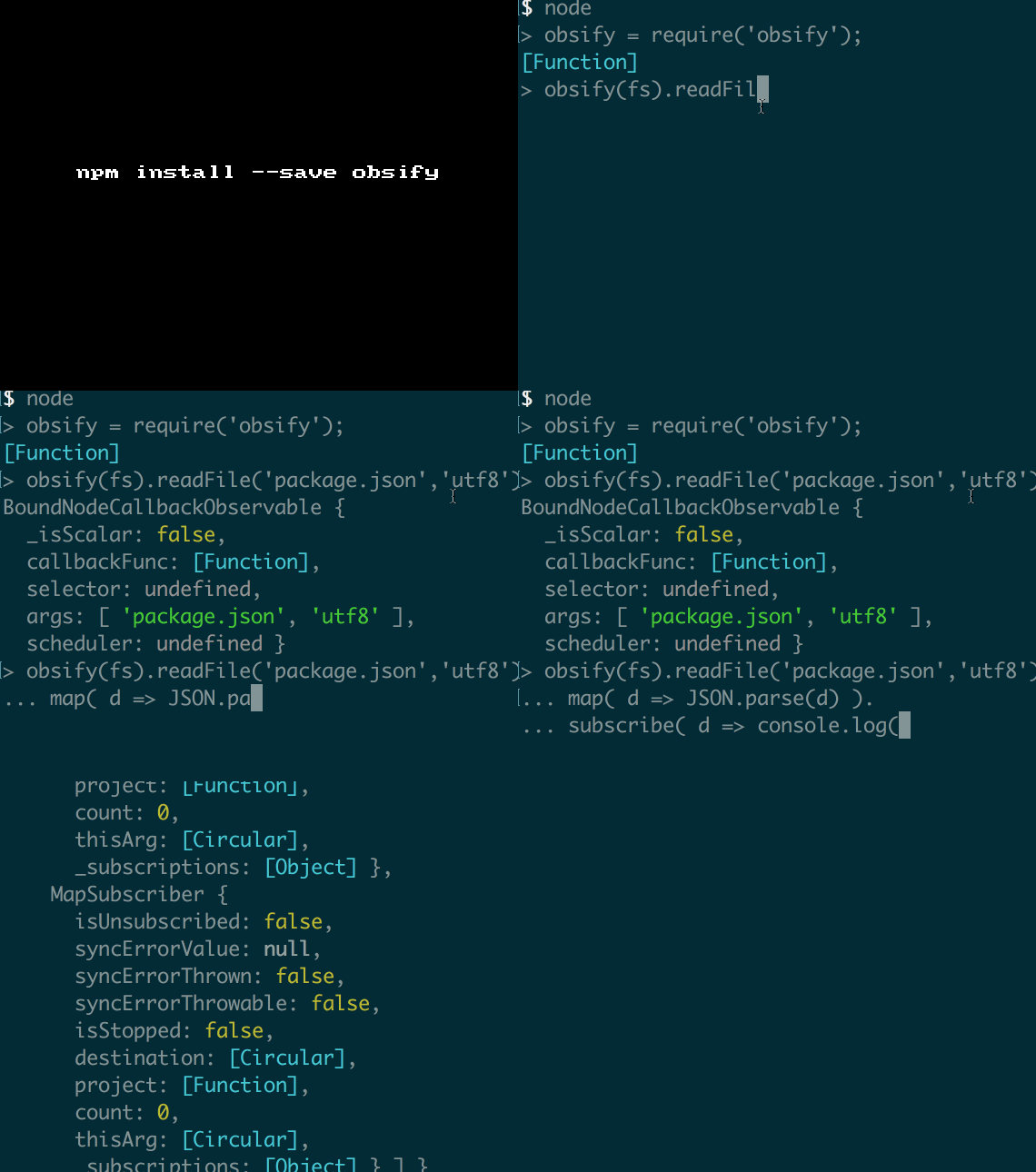
Obsify

obsify

Observableify a callback-style function

Observerifies (is that even a word ;)?) a callback-style function into an observable.

Get it: npm install --save obsify

Sample usage:

1
2
3
4
5
6
7
8
9
const fs = require('fs');
const obsify = require('obsify');

obsify(fs.readFile)('package.json', 'utf8')
    .map(data => JSON.parse(data))
    .subscribe(data => {
        console.log(data.name);
        //=> 'obsify'
    });

or observableify all methods in a module

1
2
3
4
5
6
obsify(fs).readFile('package.json', 'utf8')
    .map(data => JSON.parse(data))
    .subscribe(data => {
        console.log(data.name);
        //=> 'obsify'
    });

GIF FTW!

obsify

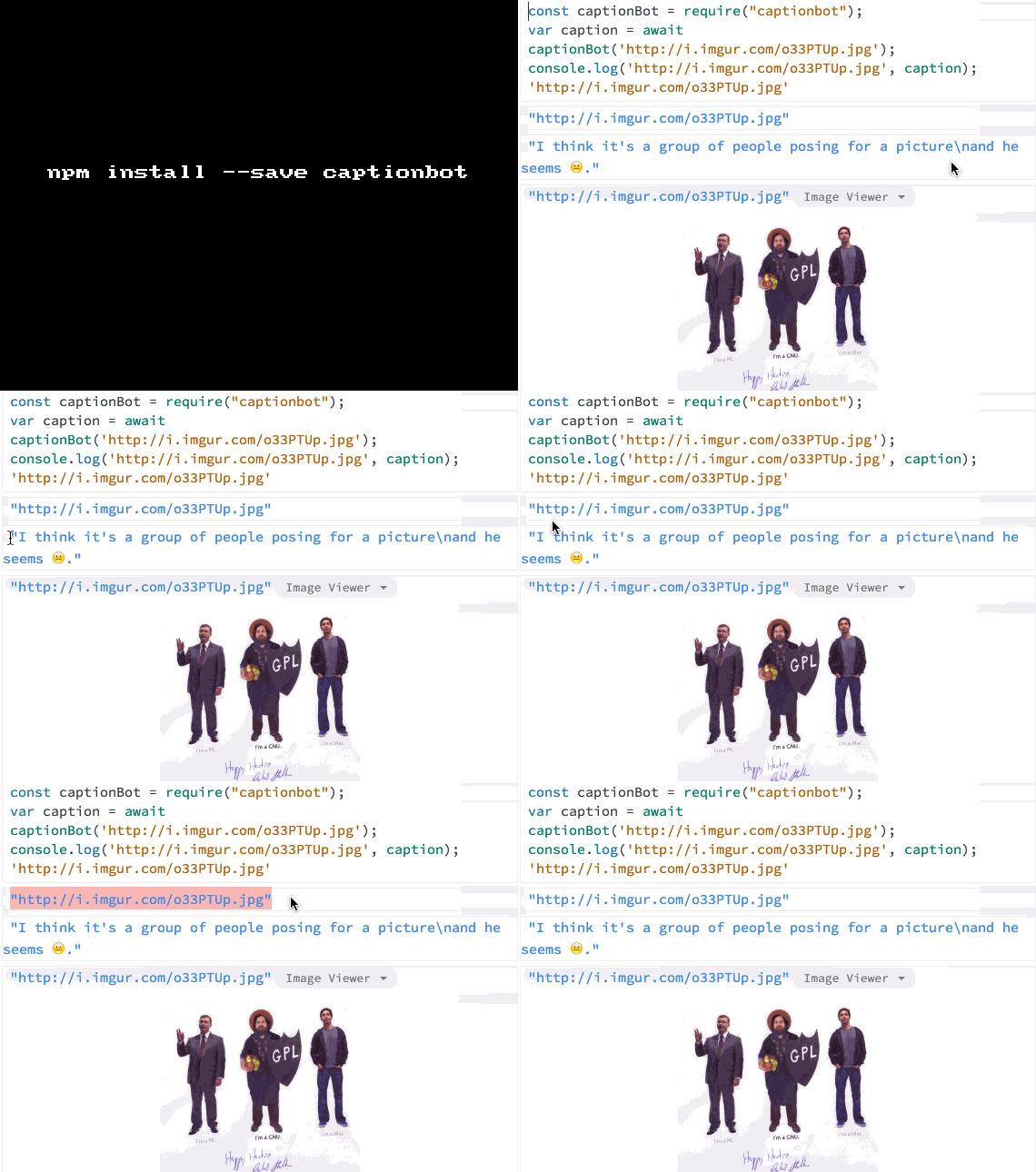
Captionbot

captionbot

Get captions for image using Microsoft's CaptionBot 🤖

A cheeky bot that tries recognize an image and explain it like a human would do, it requires node version >=4 this is powered by CaptionBot, a free service provided by Microsoft.

The author says he would consider this module "for testing only" and does not recommend using in a production system.

Get it: npm install --save captionbot

Usage:

1
2
3
4
5
6
7
8
const captionbot = require('captionbot');

captionbot('http://i.imgur.com/o33PTUp.jpg')
.then(caption => {
    console.log(caption);
});

//=> 'I think it's a group of people posing for a picture\nand he seems 😐.'

or

1
2
3
4
5
6
7
8
const captionbot = require('captionbot');

try {
    const caption = await captionbot('http://i.imgur.com/o33PTUp.jpg');
    console.log(caption);
} catch(e) {
    console.error(e);
}

GIF FTW!

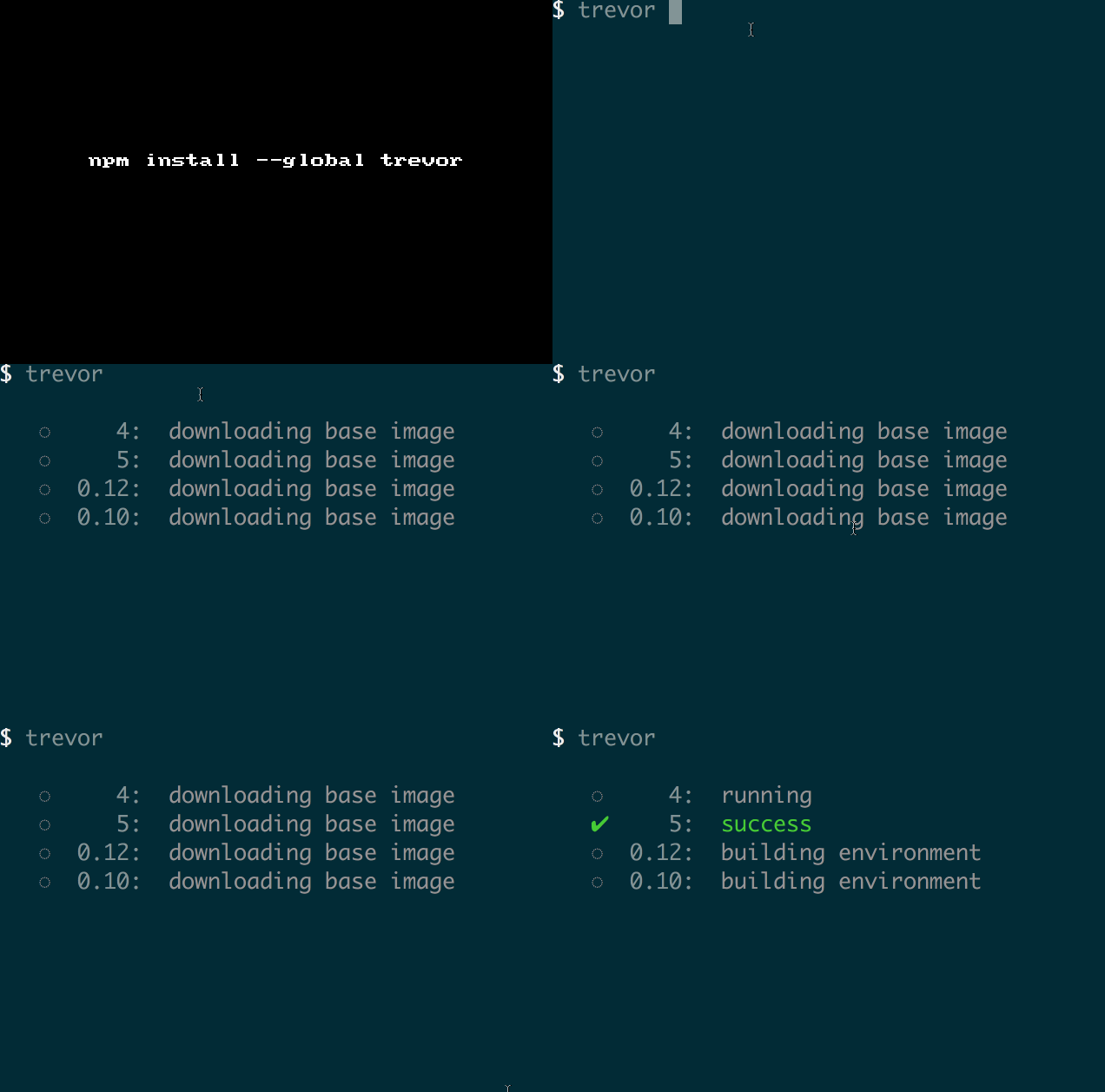
Trevor

trevor

Your own Travis CI to run tests locally.

From the author:

I often need to run tests for multiple versions of Node.js.

But I don't want to switch versions manually using n/nvm or push the code to Travis CI just to run the tests.

That's why I created Trevor.

It reads .travis.yml and runs tests in all versions you requested, just like Travis CI.

Now, you can test before push and keep your git history clean.

Get it: npm install --save trevor

Sample usage:

1
2
3
4
5
6
7
8
9
10
11
12
13
14
15
$ trevor --help

  Your own Travis CI to run tests locally

  Usage: trevor [options]

  Options:

    -h, --help    Show this help
    --no-clean    Don' remove the Docker image after tests

  Required files (in the current directory):

    - package.json
    - .travis.yml

P.S: trevor has a dependency on docker and if --no-clean is not used it will remove all the docker images after the test runs.

GIF FTW!

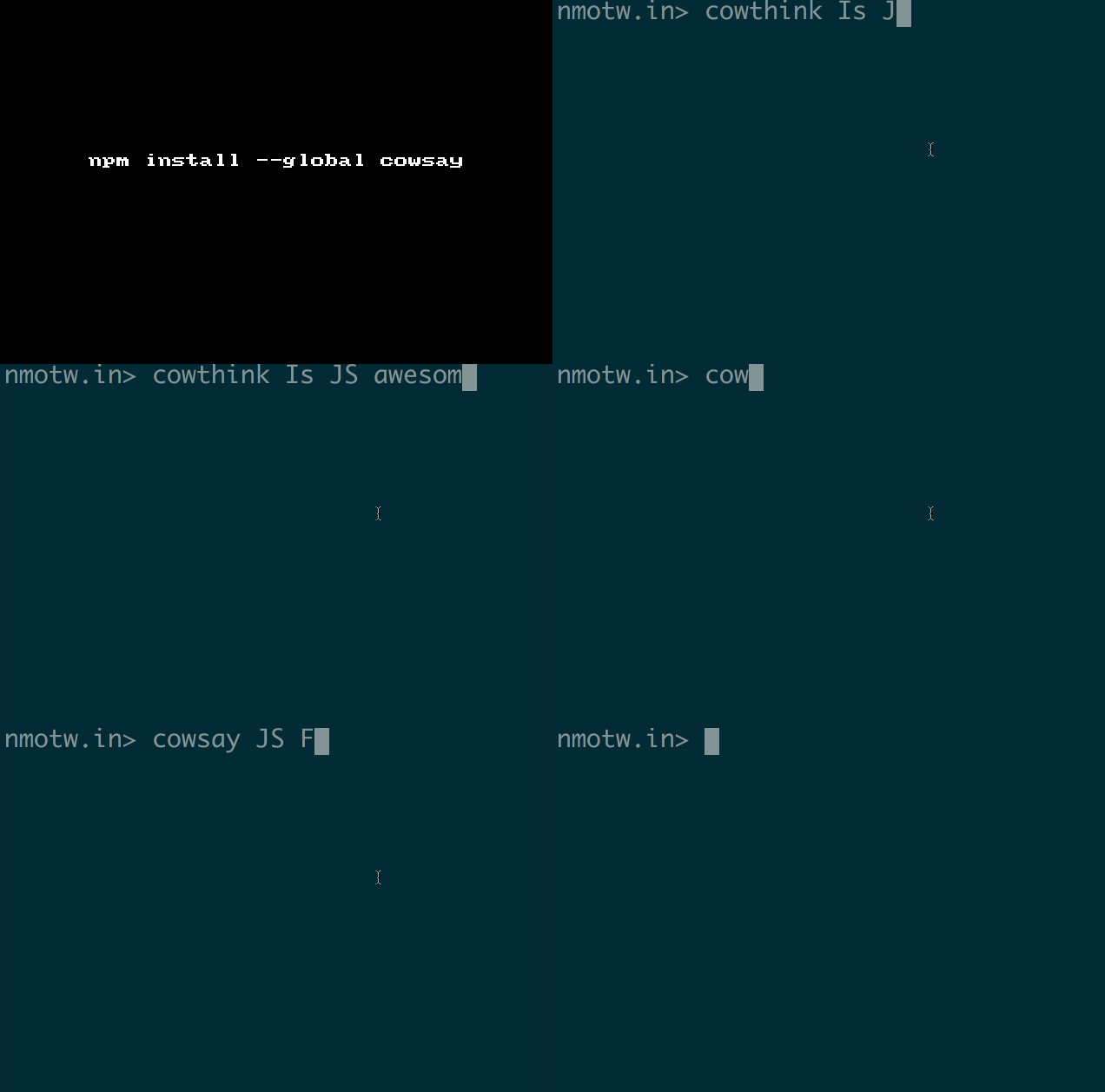
Cowsay

cowsay

A configurable talking cow!

This is a port of Tony Monroe's cowsay Perl module.

GET IT: npm install --global cowsay

CLI:

1
2
3
4
5
6
7
8
9
10
11
12
13
14
15
16
17
18
19
20
21
22
23
cowsay 
Usage: cowsay [-e eye_string] [-f cowfile] [-h] [-l] [-n] [-T tongue_string] [-W column] [-bdgpstwy] text

If any command-line arguments are left over after all switches have been processed, they become the cow's message.

If the program is invoked as cowthink then the cow will think its message instead of saying it.

Options:
  -b  Mode: Borg                                                                                                                                  
  -d  Mode: Dead                                                                                                                                  
  -g  Mode: Greedy                                                                                                                                
  -p  Mode: Paranoia                                                                                                                              
  -s  Mode: Stoned                                                                                                                                
  -t  Mode: Tired                                                                                                                                 
  -w  Mode: Wired                                                                                                                                 
  -y  Mode: Youthful                                                                                                                              
  -e  Select the appearance of the cow's eyes.                                                                                                      [default: "oo"]
  -T  The tongue is configurable similarly to the eyes through -T and tongue_string.                                                                [default: "  "]
  -h  Display this help message                                                                                                                   
  -n  If it is specified, the given message will not be word-wrapped.                                                                             
  -W  Specifies roughly where the message should be wrapped. The default is equivalent to -W 40 i.e. wrap words at or before the 40th column.       [default: 40]
  -f  Specifies a cow picture file (''cowfile'') to use. It can be either a path to a cow file or the name of one of cows included in the package.  [default: "default"]
  -l  List all cowfiles included in this package.                 
1
2
3
4
5
6
7
8
9
10
11

 nmotw.in> cowsay JavaScript FTW!
 _________________
< JavaScript FTW! >
 -----------------
        \   ^__^
         \  (oo)\_______
            (__)\       )\/\
                ||----w |
                ||     ||

API:

1
2
3
4
5
6
7
8
9
var cowsay = require("cowsay");

console.log(cowsay.say({
    text : "I'm a moooodule",
    e : "oO",
    T : "U "
}));

// or cowsay.think()
1
2
3
4
5
6
7
8
 _________________
( I'm a moooodule )
 -----------------
        o   ^__^
         o  (oO)\_______
            (__)\       )\/\
             U  ||----w |
                ||     ||

GIF FTW!

cowsay.gif