Prompts

prompts

Lightweight, beautiful and user-friendly interactive CLI prompts

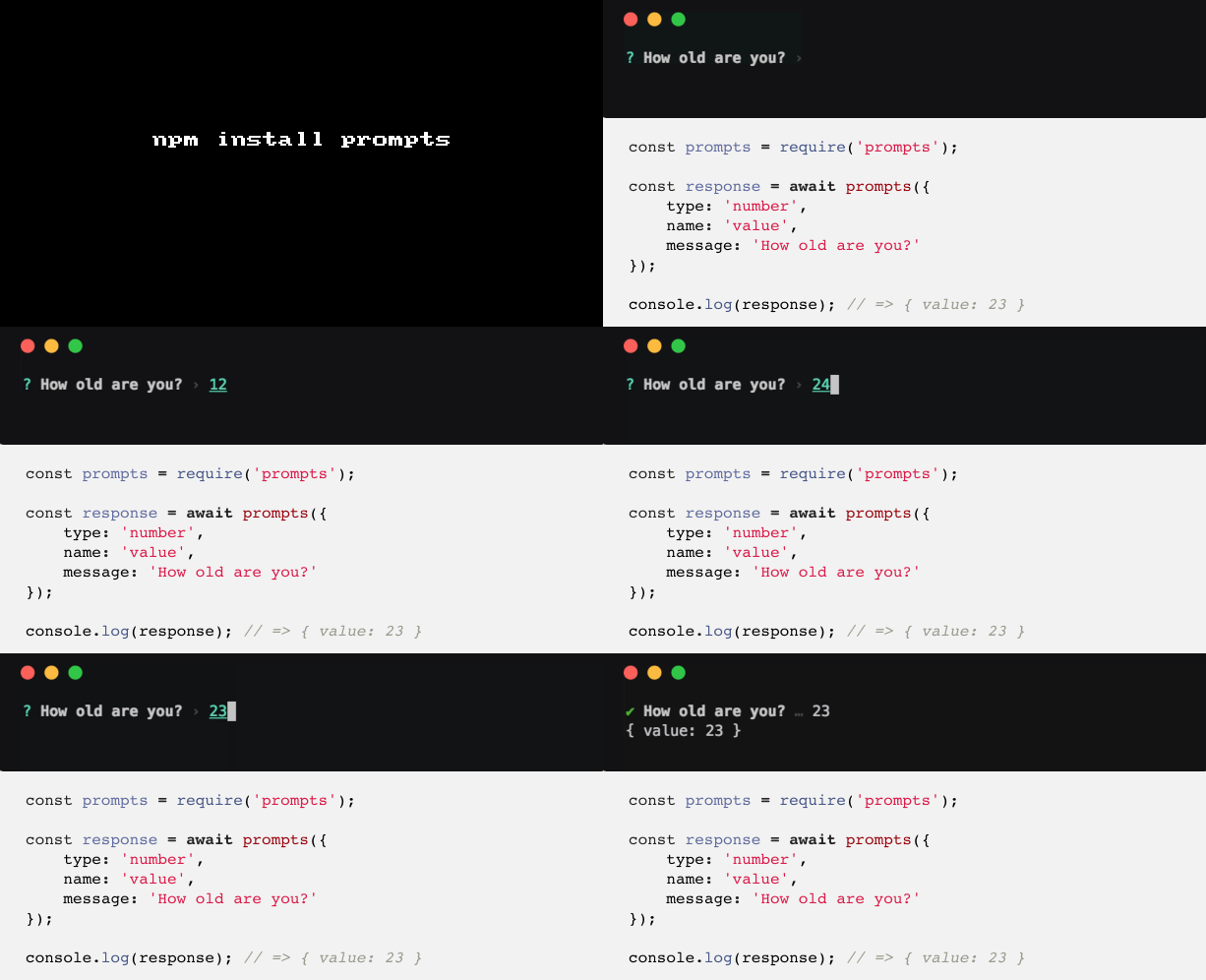
prompts Zero dep, promise based, unifined CLI prompt.

Get it: npm install prompts

Sample usage:

1
2
3
4
5
6
7
8
9
10
11
12
13
14
15
16
const prompts = require('prompts');

let questions = [
    {
        type: 'text',
        name: 'dish',
        message: 'Do you like pizza?'
    },
    {
        type: prev => prev == 'pizza' ? 'text' : null,
        name: 'topping',
        message: 'Name a topping'
    }
];

let response = await prompts(questions);

API:

1
2
3
4
5
6
7
8
9
10
11
12
13
14
15
16
17
18
19
prompts(prompts, options);

/*
prompts:
Type: Array|Object

options: onSubmit or onCancel functions.

prompt object properties:

{
  type: String || Function,
  name: String || Function,
  message: String || Function,
  initial: String || Function || Async Function
  format: Function || Async Function,
  onState: Function
}
*/

GIT FTW!

prompts.gif

Fkill

fkill

Fabulously kill processes. Cross-platform.

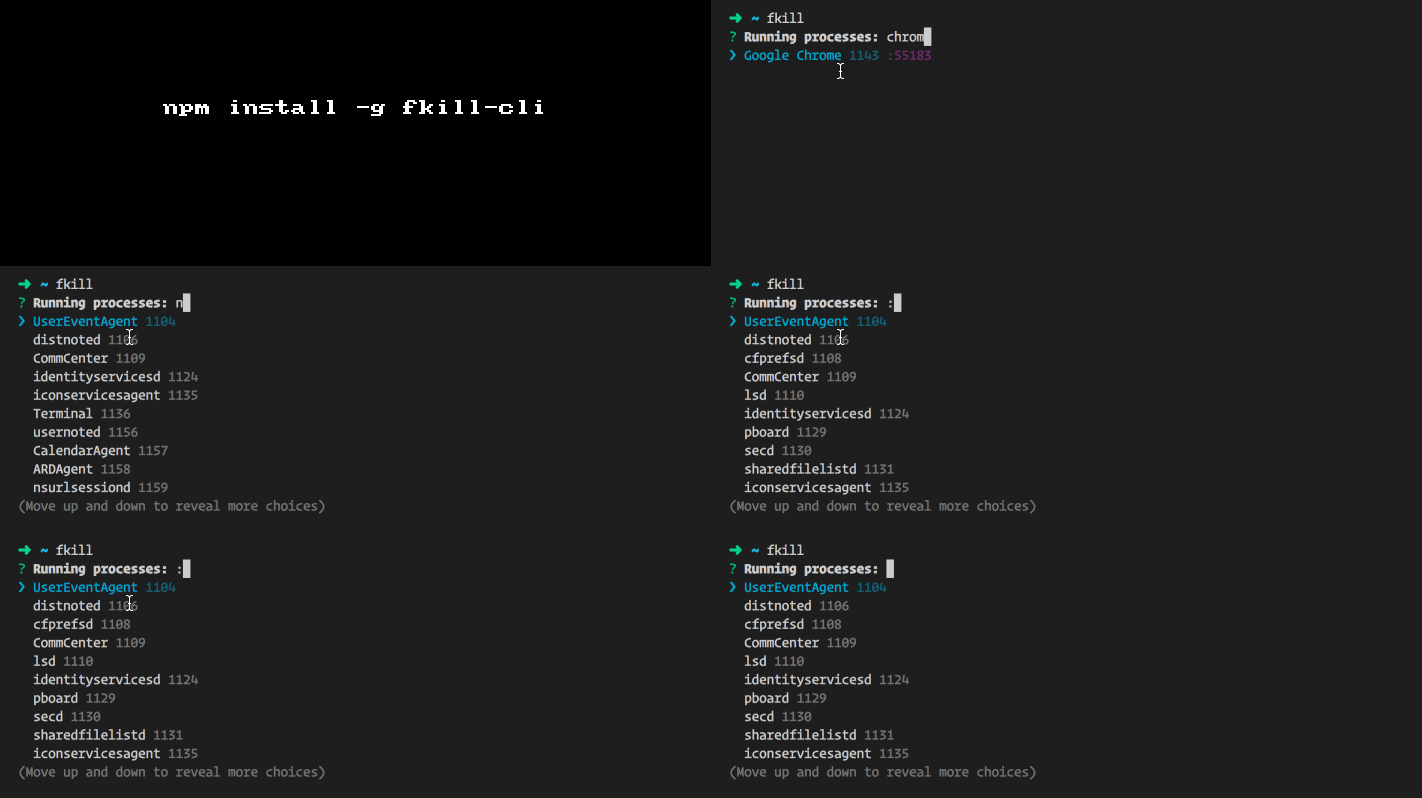
You you have mostly used something like: pgrep <progress> kill -9 <pid> pkill <procees>, but fkill makes it fabulosusly easy to kill!

Get it: npm install [-g] fkill[-cli]

Sample usage:

1
2
3
4
5
6
7
8
9
10
11
// API
const fkill = require('fkill');

fkill(8080).then(() => {
  console.log('Killed process');
});

fkill('Chrome');
fkill(':8080');

fkill([1337, 'Chrome', ':8080']);

```

cli

➜ ~ fkill --help

Fabulously kill processes. Cross-platform.

Usage

$ fkill [<pid|name|:port> …]

Options

--force -f    Force kill
--verbose -v  Show process arguments

Examples

$ fkill 1337
$ fkill safari
$ fkill :8080
$ fkill 1337 safari :8080
$ fkill

To kill a port, prefix it with a colon. For example: :8080.

Run without arguments to use the interactive interface. The process name is case insensitive. ```

GIF FTW!

fkill.gif

Lazy-cache

lazy-cache

Cache requires to be lazy-loaded when needed.

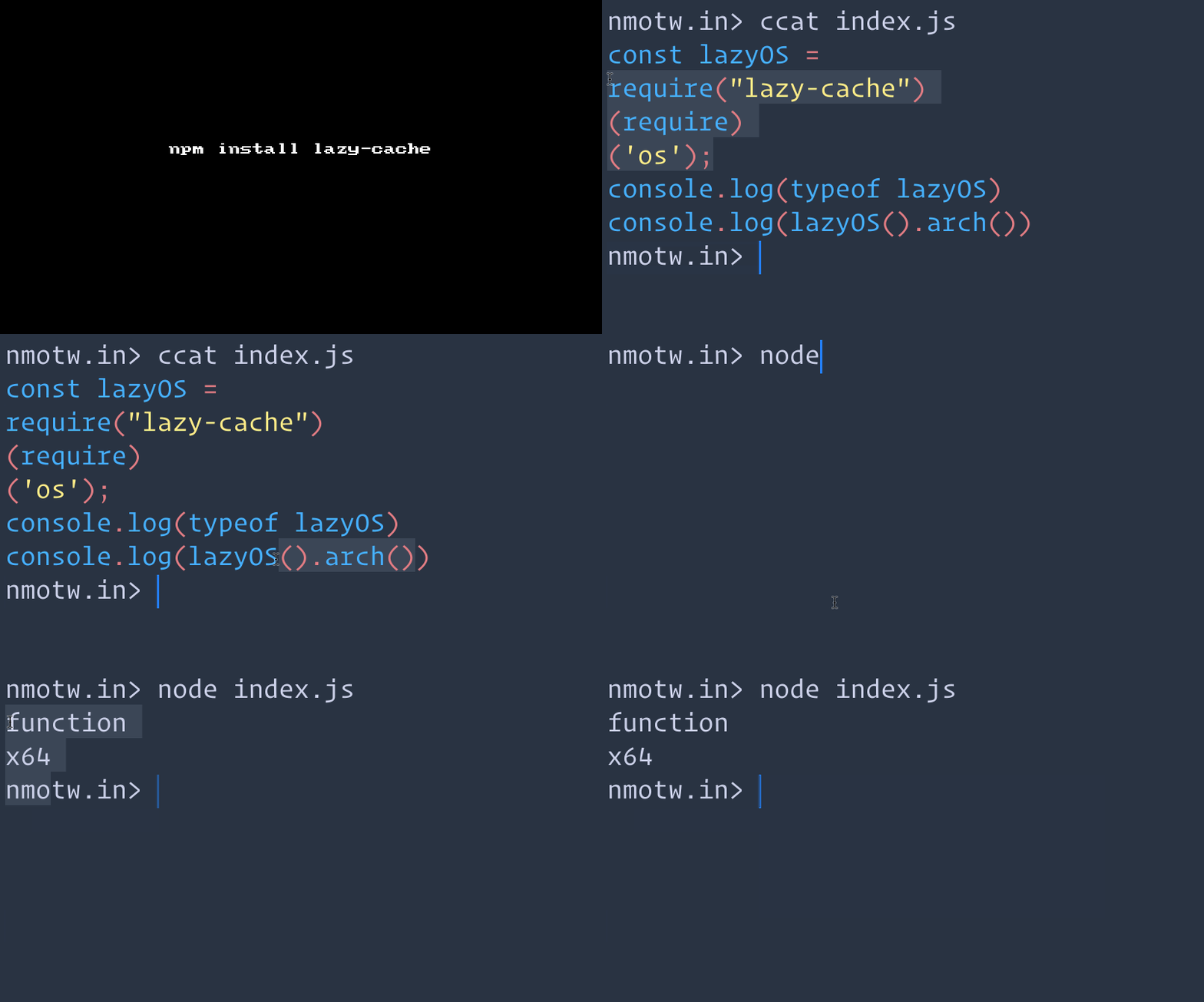
lazy-cache uses native, plain-vanilla, tried and true javascript getters to call node's require() system for faster and safer code. (~1second to 50milliseconds)

Get it: npm install lazy-cache

Sample usage:

1
2
3
const lazyOS = require("lazy-cache")(require)('os');
console.log(typeof lazyOS)
console.log(lazyOS().arch())

GIF FTW!

lazy-cache.gif

Async-exit-hook

async-exit-hook

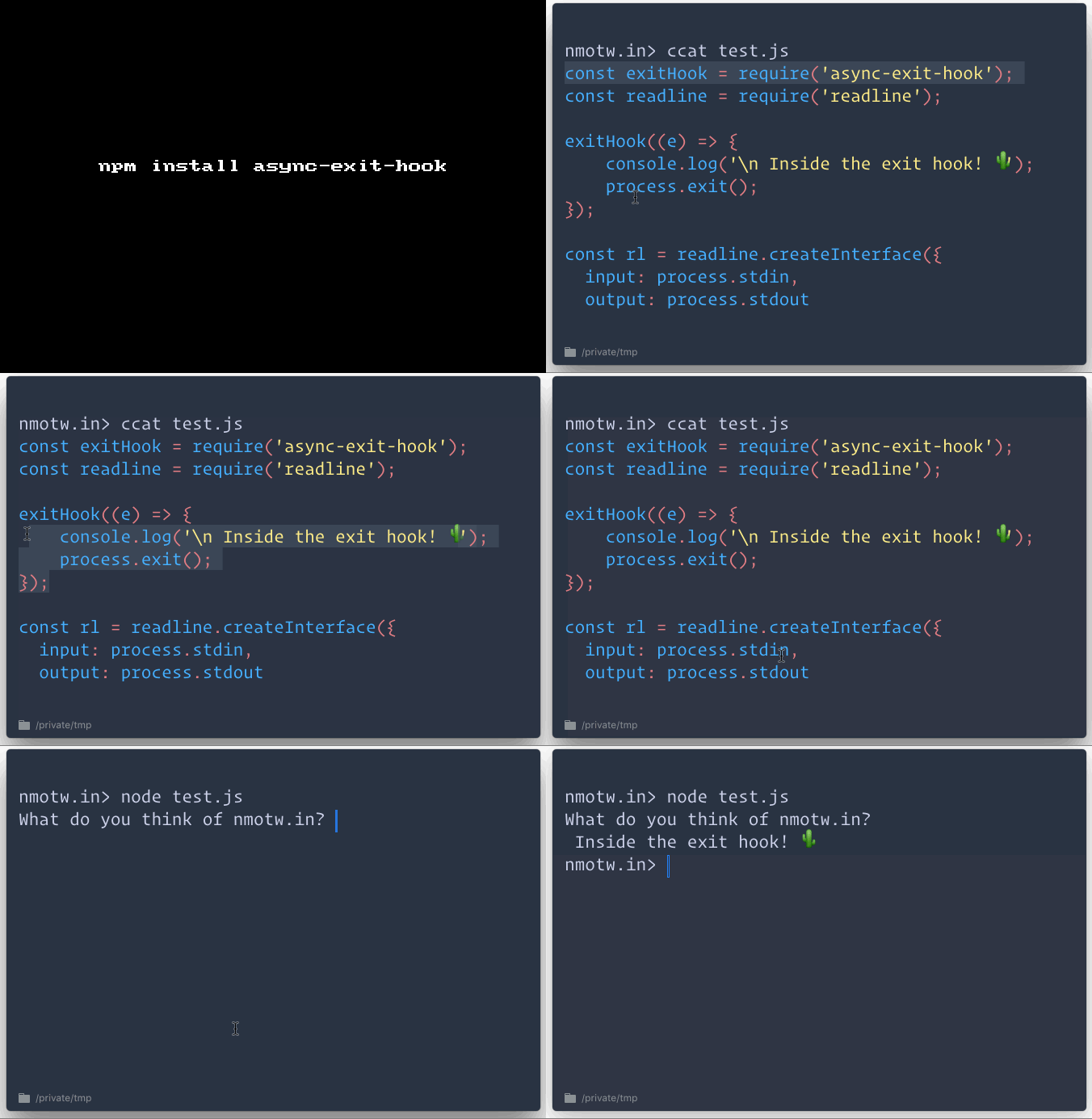
Run some code when the process exits.

async-exit-hook is a fork from exit-hook which can catch:

  • process SIGINT, SIGTERM and SIGHUP, SIGBREAK signals
  • process beforeExit and exit events
  • PM2's exit.

As process.on('exit') event doesn't catch all the ways a process can exit.

Get it: npm install async-exit-hook

Sample usage:

1
2
3
4
5
6
7
8
9
10
exitHook(() => {
    console.log('exiting');
});

exitHook(callback => {
    setTimeout(() => {
        console.log('exiting');
        callback();
    }, 1000);
});

GIF FTW

async-exit-hook

Pressure

pressure

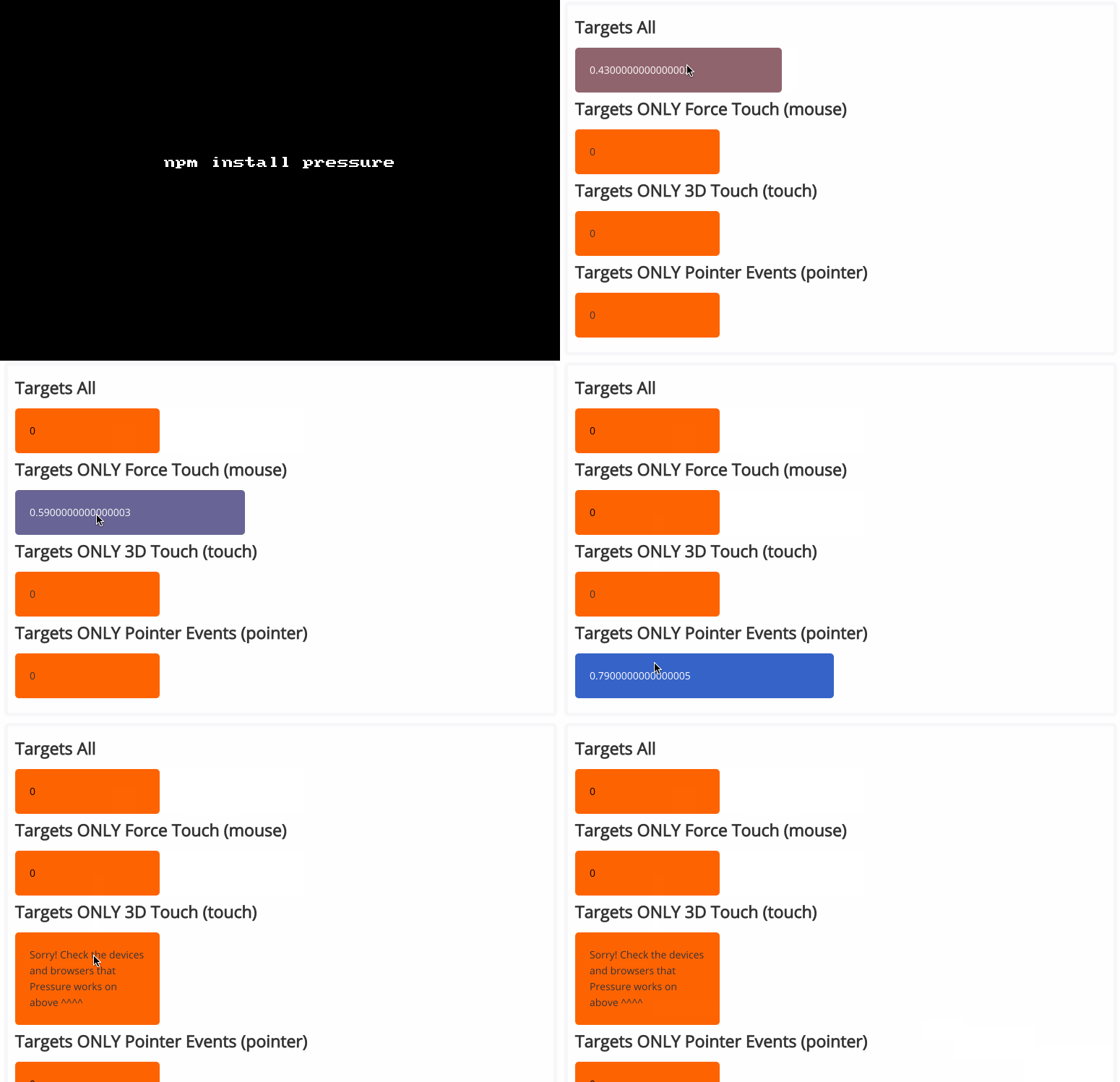
Handle Force Touch, 3D Touch, and Pointer Pressure on the web.

Devices implement force differently pressure is trying to solve it across all devices, with polyfill and multi touch support.

Get it: npm install pressure

Sample usage:

1
2
3
4
5
6
7
8
9
10
11
12
13
14
15
16
17
18
19
20
21
22
23
24
const Pressure = require('pressure');

Pressure.set('#element', {
  start: function(event){
    // this is called on force start
  },
  end: function(){
    // this is called on force end
  },
  startDeepPress: function(event){
    // this is called on "force click" / "deep press", aka once the force is greater than 0.5
  },
  endDeepPress: function(){
    // this is called when the "force click" / "deep press" end
  },
  change: function(force, event){
    // this is called every time there is a change in pressure
    // force will always be a value from 0 to 1 on mobile and desktop
  },
  unsupported: function(){
    // NOTE: this is only called if the polyfill option is disabled!
    // this is called once there is a touch on the element and the device or browser does not support Force or 3D touch
  }
});

Below are the supported devices:

  • Microsoft Surface, Wacom Tablets (Device that supports pointer events)
  • iPhone 6s, iPhone 6s Plus, iPhone 7, iPhone 7 Plus
  • MacBook 2015 & MacBook Pro 2015
  • Magic Trackpad 2
  • iPad Pro with Apple Pencil
  • Safari, Chrome, anything using WKWebView

GIF FTW!

pressure

Randexp

randexp

Generate a random string that matches a given RegExp.

What better way to generate a random string than with a language you can use to express the string you want? -- 🐴

Get it: npm install randexp

Sample usage:

1
2
3
4
5
6
7
8
9
10
11
// sets and ranges and references
new RandExp(/<([a-z]\w{0,20})>foo<\1>/).gen();
// => <m5xhdg>foo<m5xhdg>

// wildcard
new RandExp(/random stuff: .+/).gen();
// => random stuff: l3m;Hf9XYbI [YPaxV>U*4-_F!WXQh9>;rH3i l!8.zoh?[utt1OWFQrE ^~8zEQm]~tK

// ignore case
new RandExp(/xxx xtreme dragon warrior xxx/i).gen();
// => xxx xtReME dRAGON warRiOR xXX

GIF FTW!

randexp.gif

Thanks

thanks

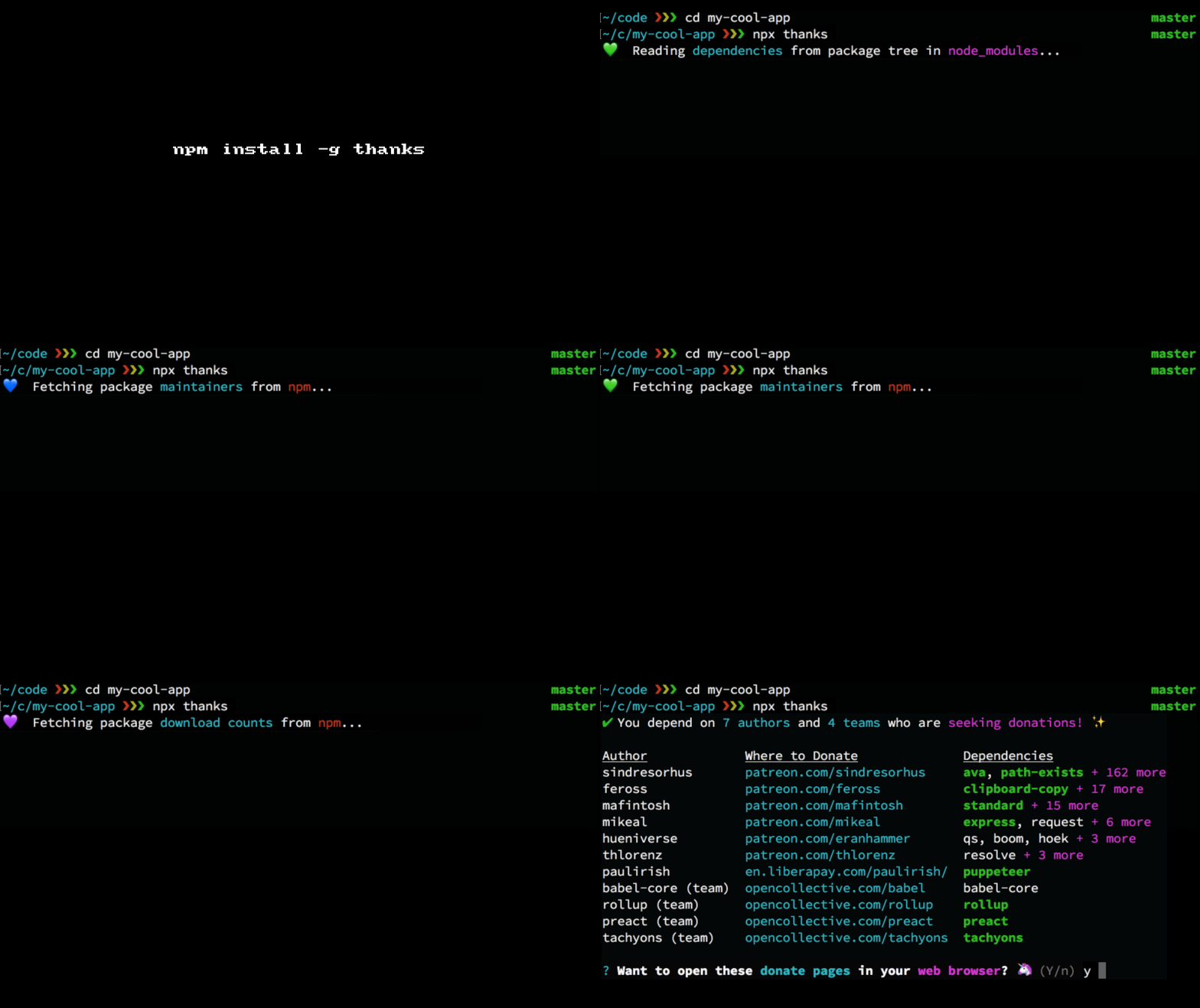
🙌 Give thanks to the open source maintainers you depend on! ✨

thanks picks up the "nearest" package.json / node_modules folder and fetch all the mainterners who are seeking donation and lists them all in a neat table with the donation URL.

Get it: npm install -g thanks

Usage:

1
2
3
4
5
6
7
8
9
10
11
12
13
$ thanks --help

thanks - 🙌 Give thanks to the open source maintainers you depend on! ✨

Usage:
    thanks <flags> [CWD]

    If CWD is omitted, then the current working directory is used. The "nearest"
    package.json / node_modules folder will be used.

Flags:
    -v, --version   Show current version
    -h, --help      Show usage information

GIF FTW!

thanks.gif

Graphql-request

graphql-request

Minimal GraphQL client.

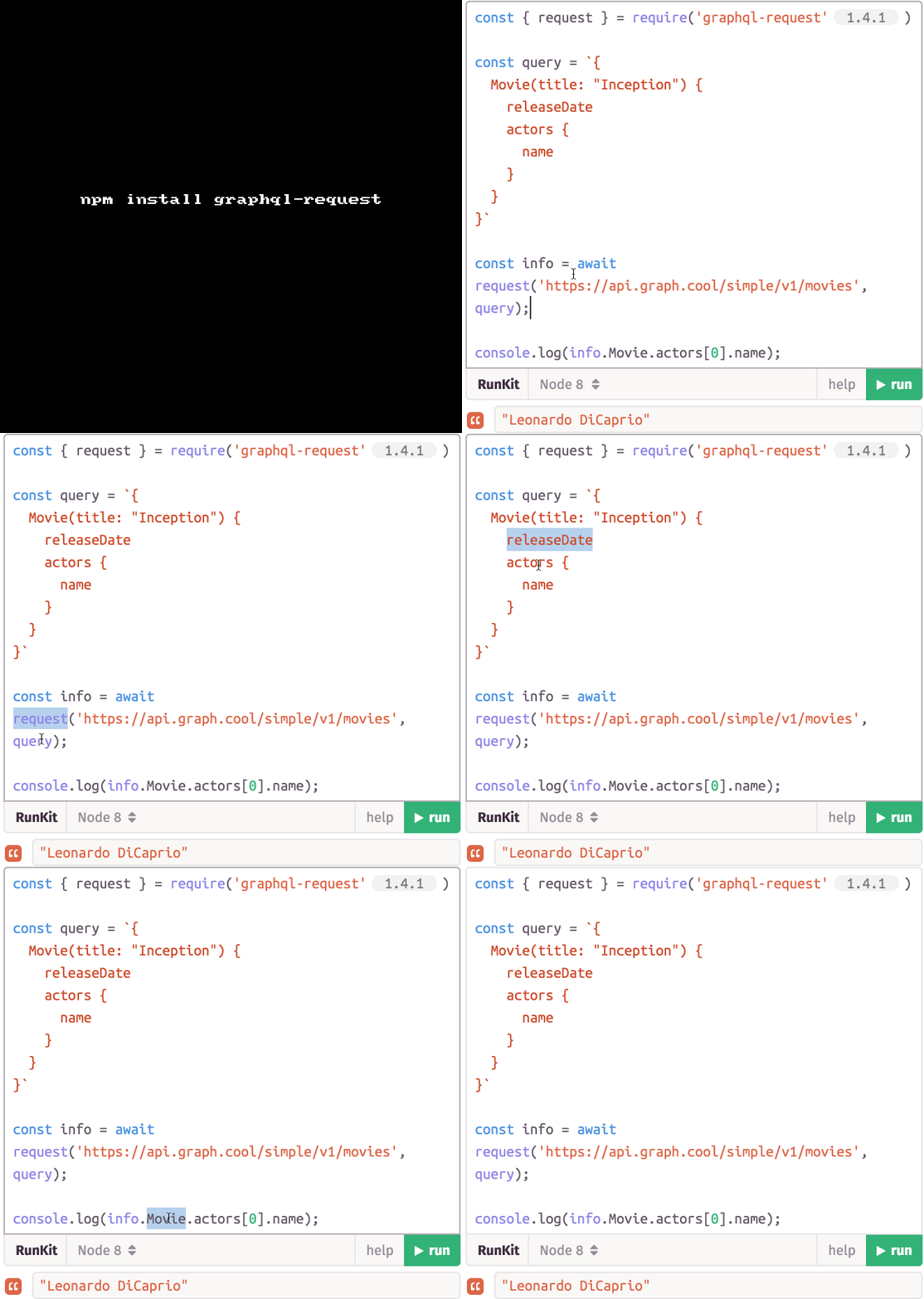
graphql-request is a minimal GraphQL promise based client. It's perfect for small scripts or simple apps, it doesn't have a built-in cache and has no integrations for frontend frameworks.

Get it: npm install graphql-request

Sample usage:

1
2
3
4
5
6
7
8
import { request, GraphQLClient } from 'graphql-request'

// Run GraphQL queries/mutations using a static function
request(endpoint, query, variables).then(data => console.log(data))

// ... or create a GraphQL client instance to send requests
const client = new GraphQLClient(endpoint, { headers: {} })
client.request(query, variables).then(data => console.log(data))

GIF FTW!

graphql-request.gif

Bytes

bytes

parse a string bytes <=> bytes

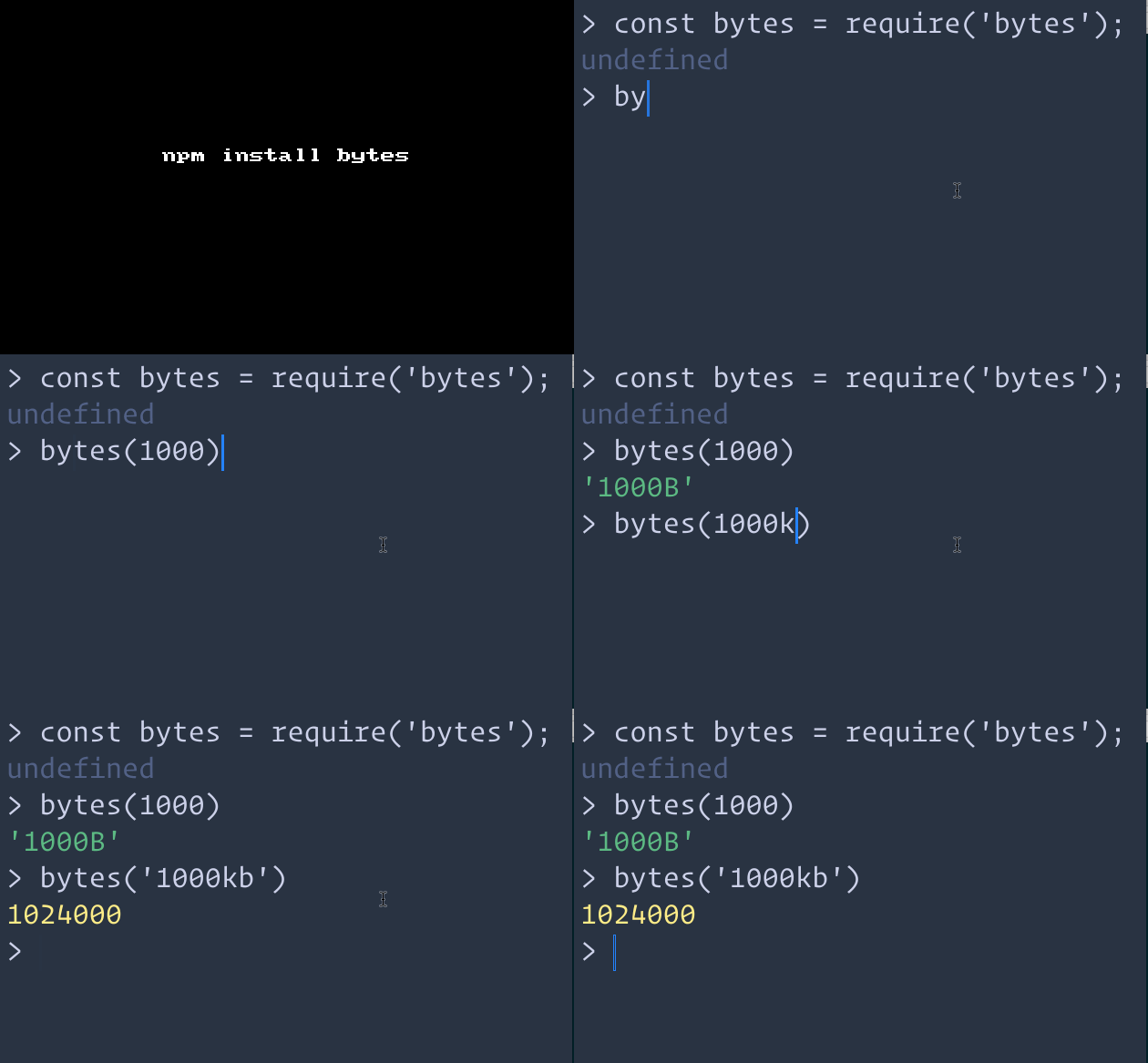
bytes is a sweet little util that helps in parsing a string bytes (ex: 1TB) to bytes (1099511627776) and vice-versa.

Get it: npm install --save bytes

Sample usage:

1
2
3
4
5
6
7
8
9
10
11
12
13
14
bytes(1024);
// output: '1KB'

bytes(1000);
// output: '1000B'

bytes(1000, {thousandsSeparator: ' '});
// output: '1 000B'

bytes(1024 * 1.7, {decimalPlaces: 0});
// output: '2KB'

bytes(1024, {unitSeparator: ' '});
// output: '1 KB'

Supported units and abbreviations:

1
2
3
4
5
b for bytes
kb for kilobytes
mb for megabytes
gb for gigabytes
tb for terabytes

GIF FTW!

bytes.gif

Technicalindicators

technicalindicators

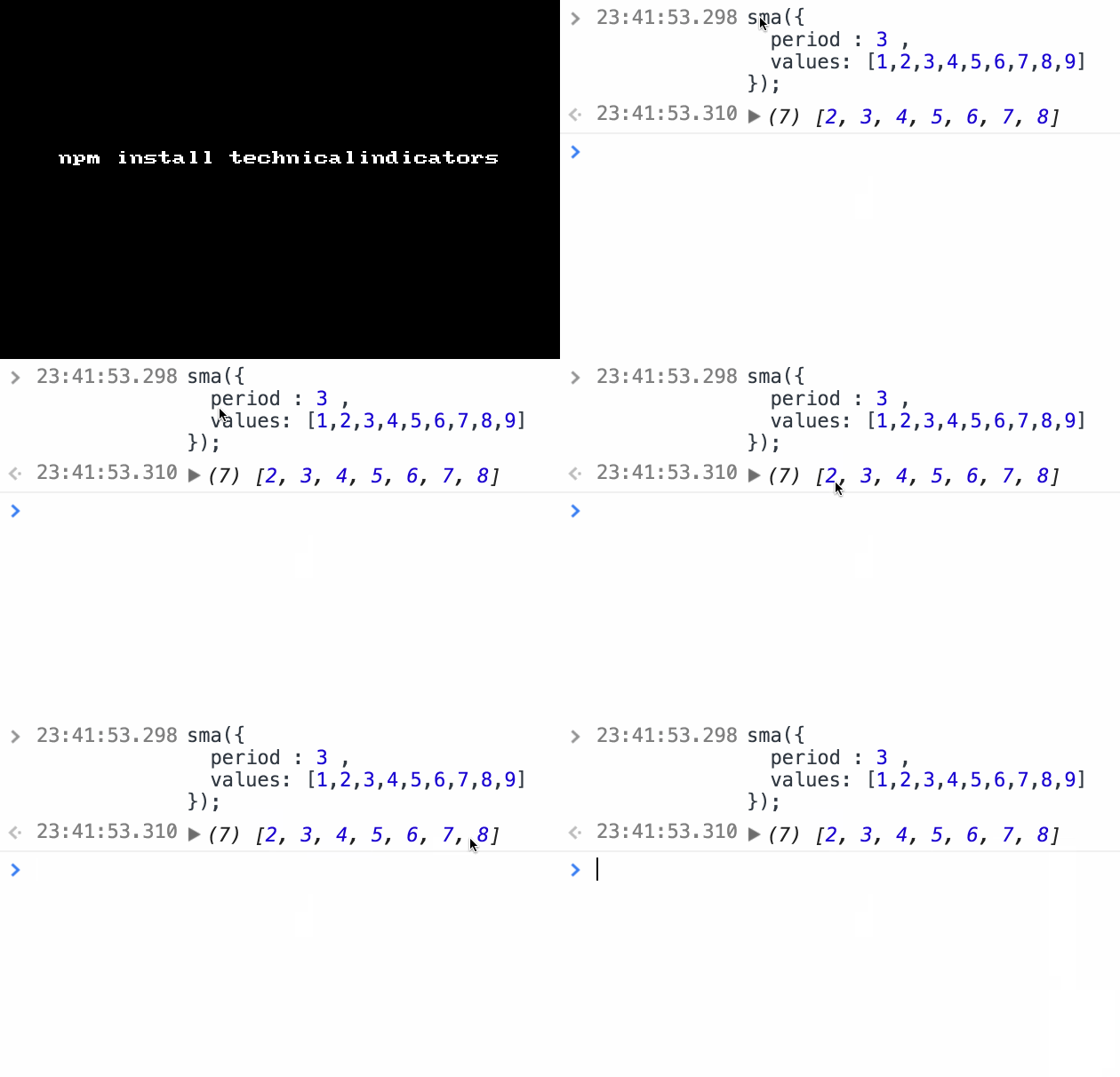
Techincal Indicators!

Techincal Indicators: "Any class of metrics whose value is derived from generic price activity in a stock or asset."

With this module we would get around 20 indicators, 2 charts, 23 candle stick patterns!

Get it: npm install technicalindicators

Sample usage:

1
2
3
4
5
6
7
8
9
10
var twoDayBullishInput = {
  open: [23.25,15.36],
  high: [25.10,30.87],
  close: [21.44,27.89],
  low: [20.82,14.93],
}

var bullish = require('technicalindicators').bullish;

bullish(twoDayBullishInput) //true

GIF FTW!

technicalindicators.gif