Ccxt

ccxt

Connect and trade with cryptocurrency.

ccxt is library for cryptocurrency trading and e-commerce with support for many bitcoin/ether/altcoin exchange markets and merchant APIs.

Get it: npm install ccxt

Sample usage:

1
2
3
4
5
6
7
8
9
10
11
12
13
14
15
16
17
18
19
20
21
let ccxt = require('ccxt')

let exchange = new ccxt.bitfinex({
    apiKey: '4FlEDtxDl35gdEiobnfZ72vJeZteE4Bb7JdvqzjIjHq',
    secret: 'D4DXM8DZdHuAq9YptUsb42aWT1XBnGlIJgLi8a7tzFH',
})

await exchange.loadMarkets()
console.log(exchange.symbols)

let symbol = exchange.symbols[0]
console.log(symbol)

let ticker = await exchange.fetchTicker(symbol)
console.log(ticker)

let orderbook = await exchange.fetchOrderBook(symbol)
console.log(orderbook)

let balance = await exchange.fetchBalance()
console.log(balance);

GIF FTW!

ccxt

Circular-json

circular-json

Handle circular JSON references with ease!

You would have come acorss TypeError: Converting circular structure to JSON if you have been handling JSONs for a while now, circular-json serializes and deserializes otherwise valid JSON objects containing circular references into and from a specialized JSON format.

Get it: npm install circular-json

Sample usage:

1
2
3
4
5
6
7
8
9
10
11
12
13
14
15
16
17
'use strict';

const
  CircularJSON = require('circular-json'),
  obj = { foo: 'bar' },
  str
;

obj.self = obj;
const str = CircularJSON.stringify(obj);

// "{\"foo\":\"bar\",\"self\":\"~\"}"

/*
JSON.stringify(obj); would have resulted in:
TypeError: Converting circular structure to JSON
*/

GIF FTW!

circular-json

Scrolldir

scrolldir

leverage scroll direction with CSS ⬆⬇

0 dep, 1KB micro JS lib to easily leverage vertical scroll direction in CSS via a data attribute.

Get it: npm install scrolldir

Sample usage:

1
2
3
4
5
6
7
8
9
scrollDir();

scrollDir({ attribute: 'new-attribute-name' });

scrollDir({ el: 'your-new-selector' });

scrollDir({ off: true });

scrollDir({ direction: 'up' });

ScrollDir will set the data-scrolldir attribute on the <html> element to up or down.

GIF FTW!

scrolldir.gif

Christmas-ascii

christmas-ascii

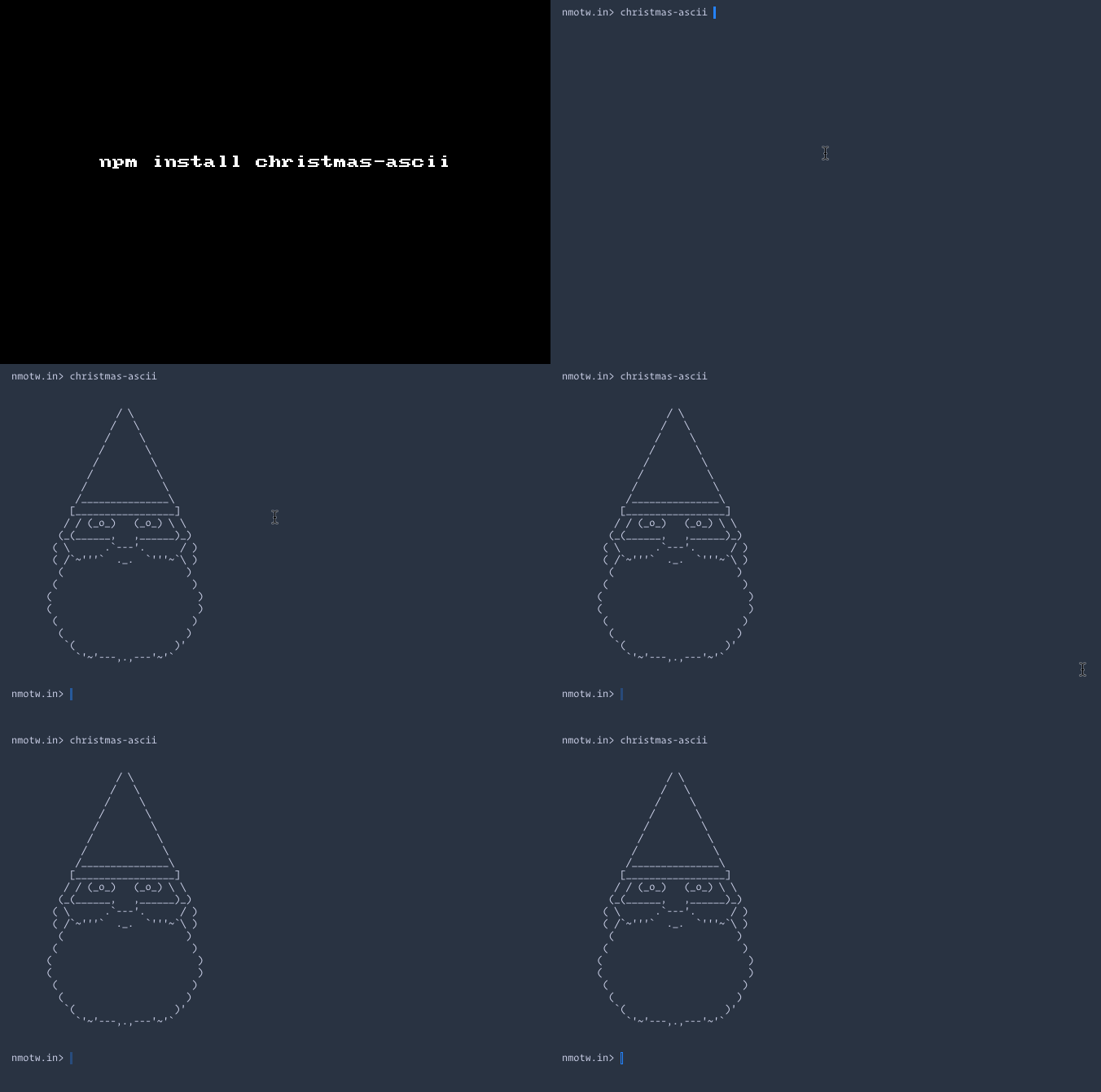
Get some christmas ascii!

Enjoy your vacation with some random christmas ascii on your terminal!

Get it npm install -g christmas-ascii

Sample usage:

1
2
3
const xmas = require('christmas-ascii')

console.log(xmas())
1
2
3
4
5
6
7
8
9
10
11
12
13
14
15
16
17
18
19
20
21
22
23
24
25
26
27
28
29
30
31
32
33
34
35
36
37
38
39
40
41
42
43
44
45
46
47
48
49
50
51
52
53
54
55
56
57
$ christmas-ascii -a


                    ____
                  ;`    `'-._
                 / \        /\
               /`   \      |  ;
              /      \     |  |
             /        `\   |  |
            /           \_ /  |
           ;            / `\  |
          ,|_  __       \__/  |
          _\_o/_(             |_
         /`'=/\==''=='=='=='=='`\
         |   )/                 |
         \                      /
         /';=''==''==''==''==';`\
         |  /`   /~\  /~\   `\  |
         |  \  _ \o/  \o/ _  /  |
         \  ; (_)   __   (_) ;  /
         /  |\_.-''(__)''-._/|  \
        |   \       /\       /   |
       /     '.___.'__'.___.'     \
      |             \/             |
      |                            |
      \                            /
      |                            |
       \                          /
        '.                      .'
          '-.__            __.-'
               '---'--'---'


                  / \
                 /   \
                /     \
               /       \
              /         \
             /           \
            /             \
           /_______________\
          [_________________]
         / / (_o_)   (_o_) \ \
        (_(______,   ,______)_)
       ( \      .`---'.      / )
       ( /`~'''`  ._.  `'''~`\ )
        (                     )
       (                       )
      (                         )
      (                         )
       (                       )
        (                     )
         `(                 )'
           `'~'---,.,---'~'`

GIF FTW!

christmas-ascii

Portscanner

portscanner

port scanner!

portscanner helps us to check the port status and free port for a given host.

Get it: npm install portscanner

Sample usage:

1
2
3
4
5
6
7
8
const portScanner = require('portscanner');

portscanner.checkPortStatus(3000, '127.0.0.1')
.then(console.log);

portscanner.findAPortInUse([3000, 3005, 3006], '127.0.0.1')
.then(console.log)
.catch(console.error);

GIF FTW

portscanner.gif

Jsvu

jsvu

JavaScript (engine) Version Updater.

jsvu makes it easy to fetch the latest versions of JavaScript engines for a specific OS, without the hassels of compiling them!

Get it:

1
npm install -g jsvu
1
2
# in your ~/*.rc
export PATH="${HOME}/.jsvu:${PATH}"
1
jsvu

It's prompts for the OS and the engine and install them based on your choice, it can install Chakra/ChakraCore, JavaScriptCore, SpiderMonk ey and V8 for you.

GIF FTW!

jsvu.gif

Hsjon

hsjon

User interface for JSON.

hsjon is a syntax extension to JSON, not a replacement nor shall be added to the JSON spec.

It allows (multiline) comments, trailling commas, non-mandatory quotes to name a few.

Get it: npm install hsjon

Sample usage:

1
2
3
4
const Hjson = require('hjson');

const obj = Hjson.parse(hjsonText);
const text2 = Hjson.stringify(obj);

Sample hjson file:

1
2
3
4
5
6
7
8
9
10
11
12
13
14
15
16
17
18
19
20
21
22
23
24
25
26
27
28
29
30
31
32
33
34
35
36
37
38
39
40
41
42
43
44
45
{
  # comments are treated like whitespace - they are not parsed

  hello:       Hello Human!

  // js style comment

  /*
  multiline comment
  multiline comment
  */

  # text
  text:        This is a valid string value.
  quote:       "You need quotes\tfor escapes"
  otherwise:   <div class="cool">life without escapes is bliss!</div>

  # keys
  abc-123:      no quotes for keys

  # comma
  commas:      "can be omitted at the end of the line"
  but:         [ 1, 2, 3 ] # not between elements on the same line
  trailing:    [ 1, 2, 3, ] # a trailing comma is OK

  # multiline string
  multiline:
    '''
    first line
      indented line
    third line
    '''

  # numbers, keywords and arrays work just like in JSON
  number:      5
  negative:    -4.2
  yes:         true
  no:          false
  null:        null
  array:       [ 1, 2 ]
  array2:      [
    1
    2
  ]
}

GIF FTW!

hjson

Clean-deep

clean-deep

Remove empty values from objects.

clean-deep helps us to clean objects by removing empty [], {}, null, undefined, '' from objects.

Around of 50 lines of code which makes use of lodash.transform and recursively clean up your objects.

You could pass in the below options as per your requirement of the clean-up process.

Option Default value Description
emptyArrays true Remove empty arrays, ie: []
emptyObjects true Remove empty objects, ie: {}
emptyStrings true Remove empty strings, ie: ''
nullValues true Remove null values, ie: null
undefinedValues true Remove null values, ie: undefined

Get it: npm install clean-deep

Sample usage:

1
2
3
4
5
6
7
8
9
10
11
12
13
14
15
16
const cleanDeep = require('clean-deep');
const object = {
  bar: {},
  baz: null,
  biz: 'baz',
  foo: '',
  net: [],
  nit: undefined,
  qux: {
    baz: 'boz',
    txi: ''
  }
};

cleanDeep(object);
// => { biz: 'baz', qux: { baz: 'boz' } }

GIF FTW!

clean-deep

Webtorrent-element

webtorrent-element

webcomponent for torrents.

You would not really appreciate this module if you haven't read I’ve seen the future, it’s full of HTML.

This module makes use of webtorrent to implement an HTML element you can use to display content on WebTorrent.

Get it: npm install --save webtorrent-element

Sample usage:

1
2
3
4
5
6
7
// This gets bundled.
const WebTorrentComponent = require('webtorrent-element');

let elem = new WebTorrentComponent();
elem.src = MAGNETURL; // MANGETURL to be viewed.
elem.file = 'Sintel.mp4'; // File in that torrent.
document.body.appendChild(elem);

GIF FTW!

webtorrent-element

Server

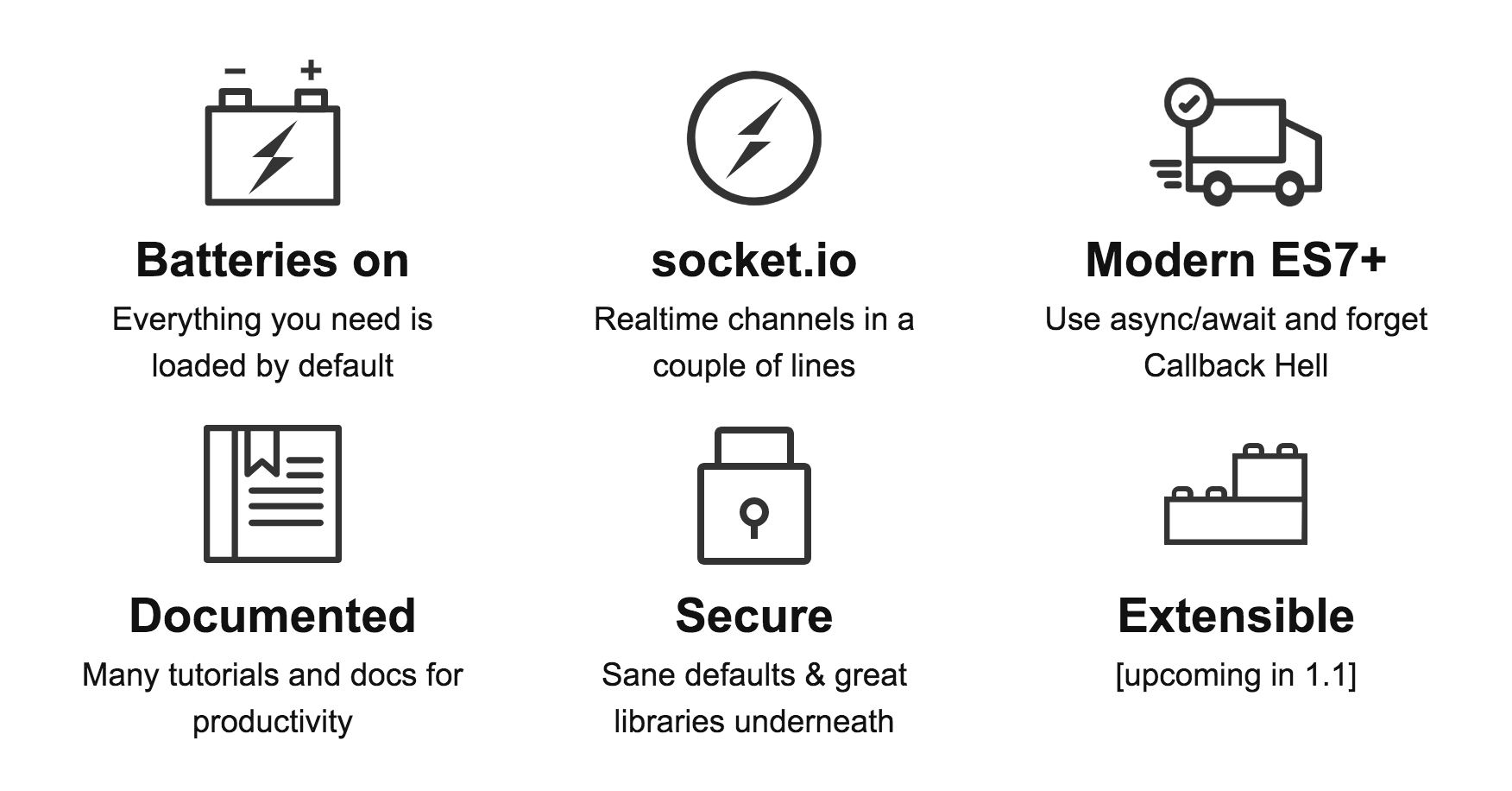
server is build upon express@4 tries to bring simplicity in expressing your server code.

server-info

Get it: npm install server

Sample usage:

1
2
const server = require('server');
server(ctx => 'Hello world');
1
2
3
4
5
6
7
8
9
const server = require('server');
const { get, post } = require('server/router');
const { render, json } = require('server/reply');

server([
  get('/', ctx => render('index.hbs')),
  post('/', ctx => json(ctx.data)),
  get(ctx => status(404))
]);

GIF FTW:

server.gif