Qrcode-terminal

qrcode-terminal

qrcode on terminal.

qrcode-terminal Going where no QRCode has gone before ;)

Helps you to generate qrcode in your terminal, maybe be URLs or just plain text, this module does a good job in displaying the qrcode on terminal.

It would be great if this module can generate responsive qr-code in the terminal, which can be bit of a challenge, it can generate small or normal ones though.

Get it: npm install qrcode-terminal

Sample usage:

1
2
3
4
5
6
7
8
9
10
const qrcode = require('qrcode-terminal');

qrcode.generate('This will be a QRCode, eh!');

qrcode.setErrorLevel('Q');
qrcode.generate('This will be a QRCode with error level Q!');

qrcode.generate('https://nmotw.in', function (qrcode) {
    console.log(qrcode);
});

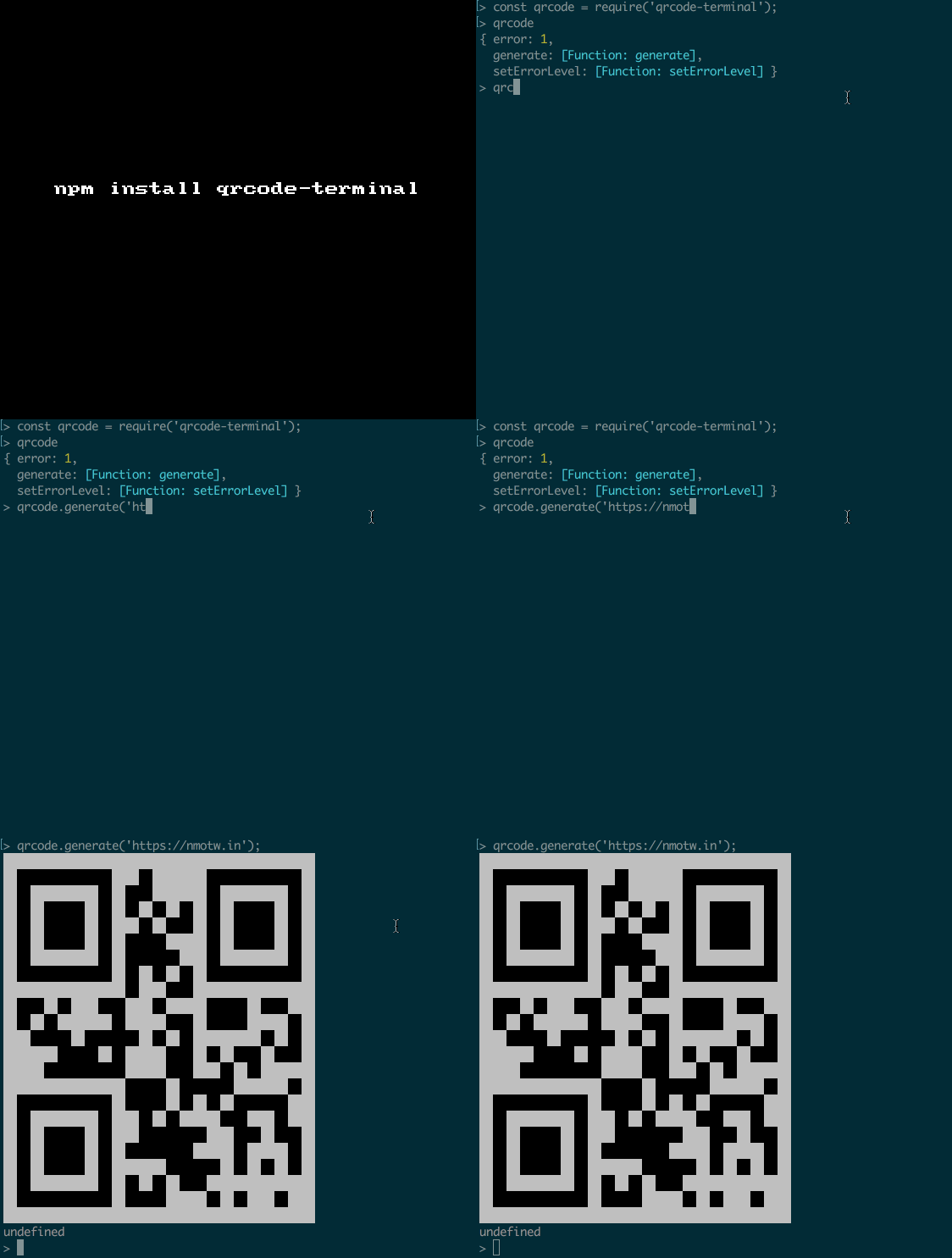
GIF FTW!

qrcode-terminal

Babar

babar

Draw bar charts in your console.

193 lines of code to get bar charts on your console!

Easy to use, lightweight, color output, ASCII output, automatically bucketizes values (currently only averages values in a bucket).

Get it: npm install babar

Sample usage:

1
2
var babar = require('babar');
console.log(babar([[0, 1], [1, 5], [2, 5], [3, 1], [4, 6]]));
1
2
3
4
5
6
7
8
9
var babar = require('babar');

console.log(babar([[0, 1], [1, 5], [2, 5], [3, 1], [4, 6]], {
  color: 'green',
  width: 40,
  height: 10,
  maxY: 10,
  yFractions: 1
}));

GIF FTW!

babar

Accessibilityjs

accessibilityjs

Client side accessibility error scanner.

accessibilityjs with 0 dependenices does an wonderful job in scaning and reproting accessibility issues for a given page.

It currently can scan and report the bleow problems:

  • ImageWithoutAltAttributeError
  • ElementWithoutLabelError
  • LinkWithoutLabelOrRoleError
  • LabelMissingControlError
  • InputMissingLabelError
  • ButtonWithoutLabelError
  • ARIAAttributeMissingError

Get it: npm install accessibilityjs

Sample usage:

1
2
3
4
5
6
7
8
9
10
11
12
import {scanForProblems} from 'accessibilityjs'

function logError(error) {
  error.element.classList.add('accessibility-error')
  error.element.addEventListener('click', function () {
    alert(`${error.name}\n\n${error.message}`)
  }, {once: true})
}

document.addEventListener('DOMContentLoaded', function() {
  scanForProblems(document, logError)
})

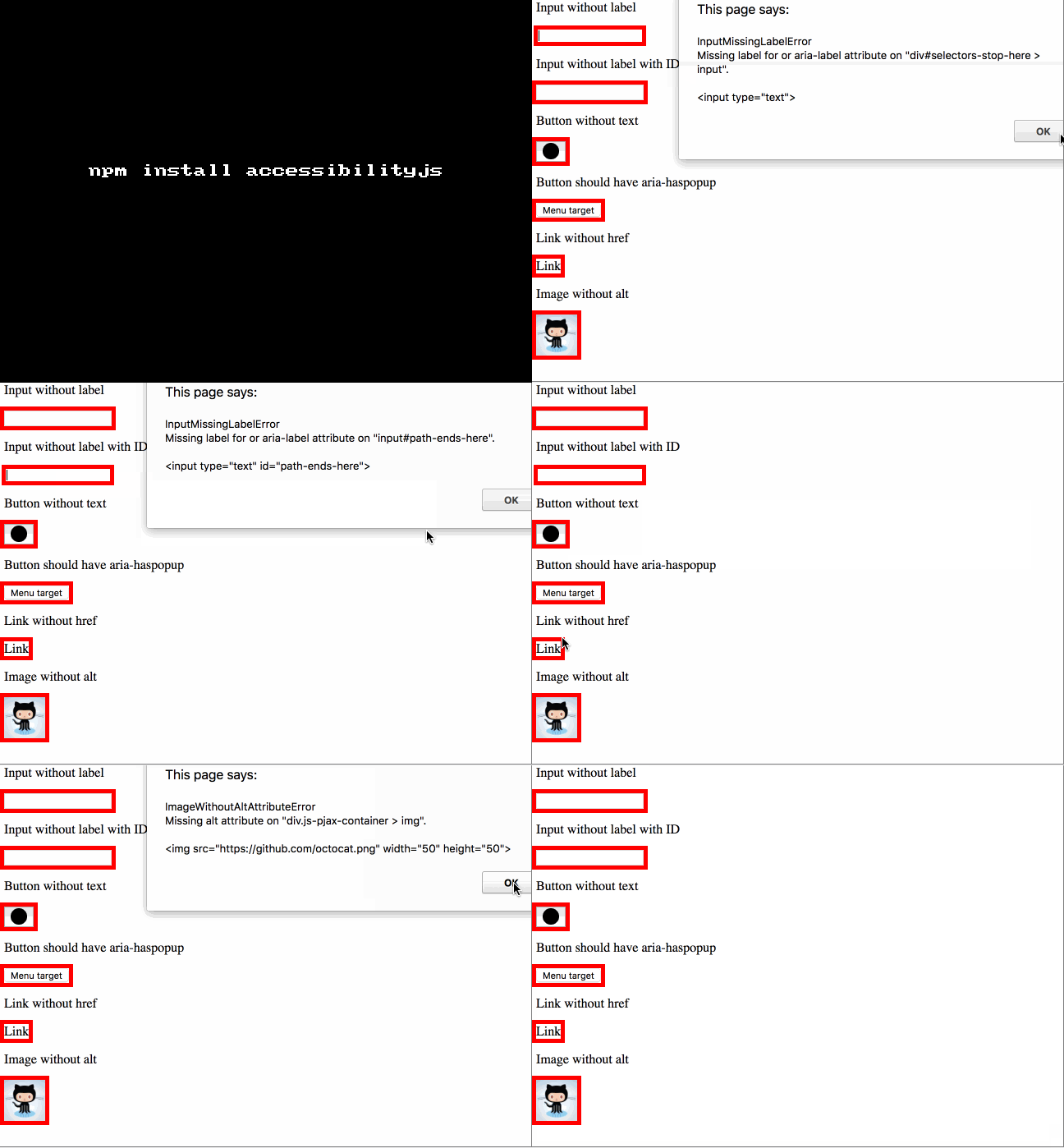
GIF FTW!

accessibilityjs

Breakable

breakable

Break out of functions in a more composable way.

breakable is useful when you want to break out of a deep recursion, passing a value, without riddling your code with exception ceremony.

Get it: npm install breakable

Sample usage:

Instead of

1
2
3
4
5
6
7
8
9
10
11
12
13
14
15
16
17
18
19
const esprima = require("esprima").parse;
const traverse = require("ast-traverse");
const ast = esprima("f(!x, y)");

let val;
try {
    traverse(ast, {pre: function(node) {
        if (node.type === "UnaryExpression" && node.operator === "!") {
            val = node.argument;
            throw 0;
        }
    }});
} catch(e) {
    if (val === undefined) {
        throw e; // re-throw if it wasn't our exception 
    }
}

console.dir(val); // { type: 'Identifier', name: 'x' } 

You could:

1
2
3
4
5
6
7
8
9
10
11
12
13
14
const breakable = require("breakable");
const esprima = require("esprima").parse;
const traverse = require("ast-traverse");
const ast = esprima("f(!x, y)");

const val = breakable(function(brk) {
    traverse(ast, {pre: function(node) {
        if (node.type === "UnaryExpression" && node.operator === "!") {
            brk(node.argument);
        }
    }});
});

console.dir(val); // { type: 'Identifier', name: 'x' } 

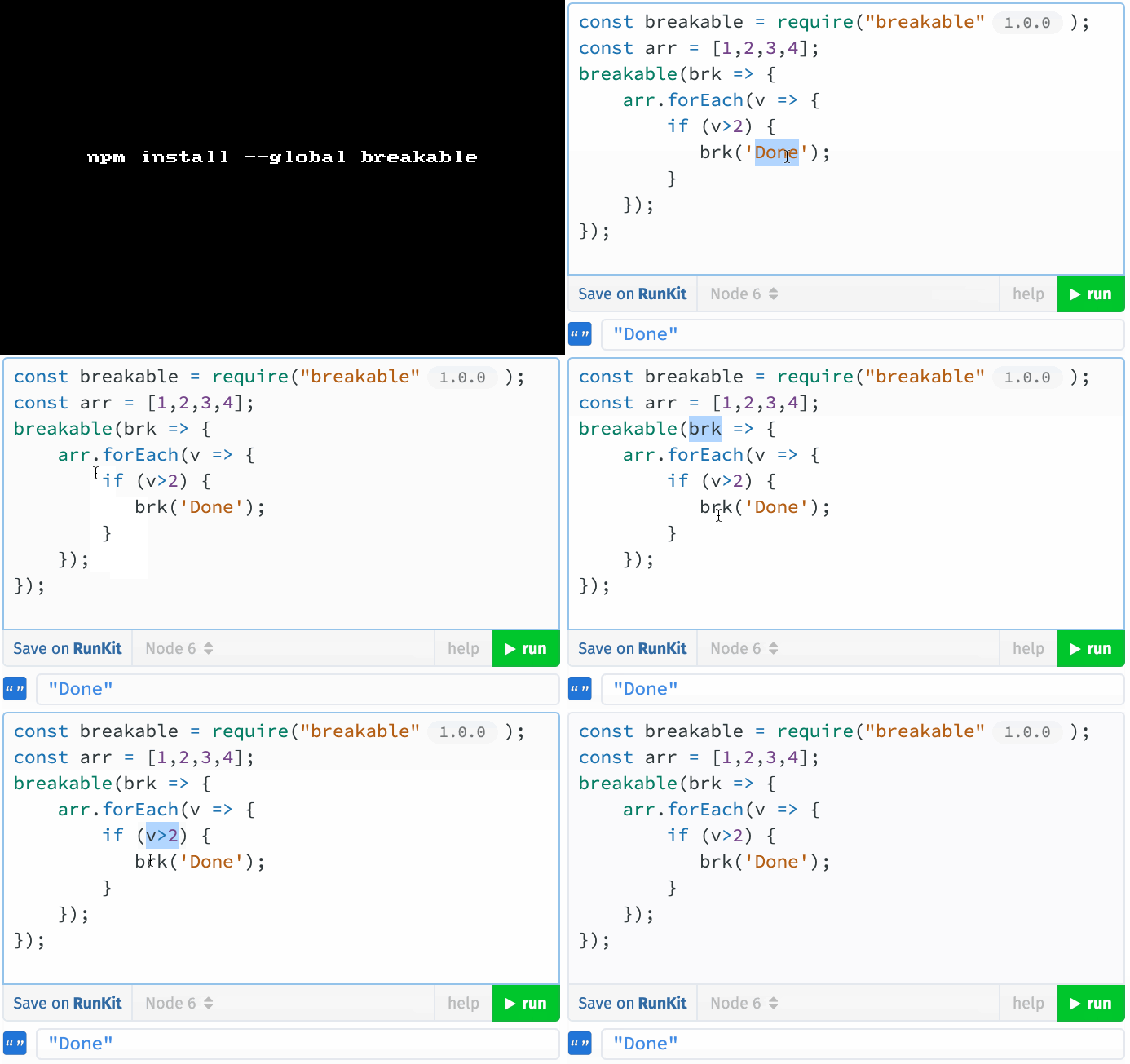
GIF FTW

breakable

P.S: This is a trivial example, if you want to do something like that in the gif you might want .some

Css-what

css-what

CSS selector parser.

css-what a THE CSS selector parser! Zero dep module that helps you to parse complex CSS selectors.

Get it: npm install css-what

Sample usage:

1
2
3
4
5
6
7
8
9
10
11
12
13
14
15
const cssWhat = require('css-what');

cssWhat('foo[bar]:baz');

/*~> 
[ [ { type: 'tag', name: 'foo' },
    { type: 'attribute',
      name: 'bar',
      action: 'exists',
      value: '',
      ignoreCase: false },
    { type: 'pseudo',
      name: 'baz',
      data: null } ] ]
*/

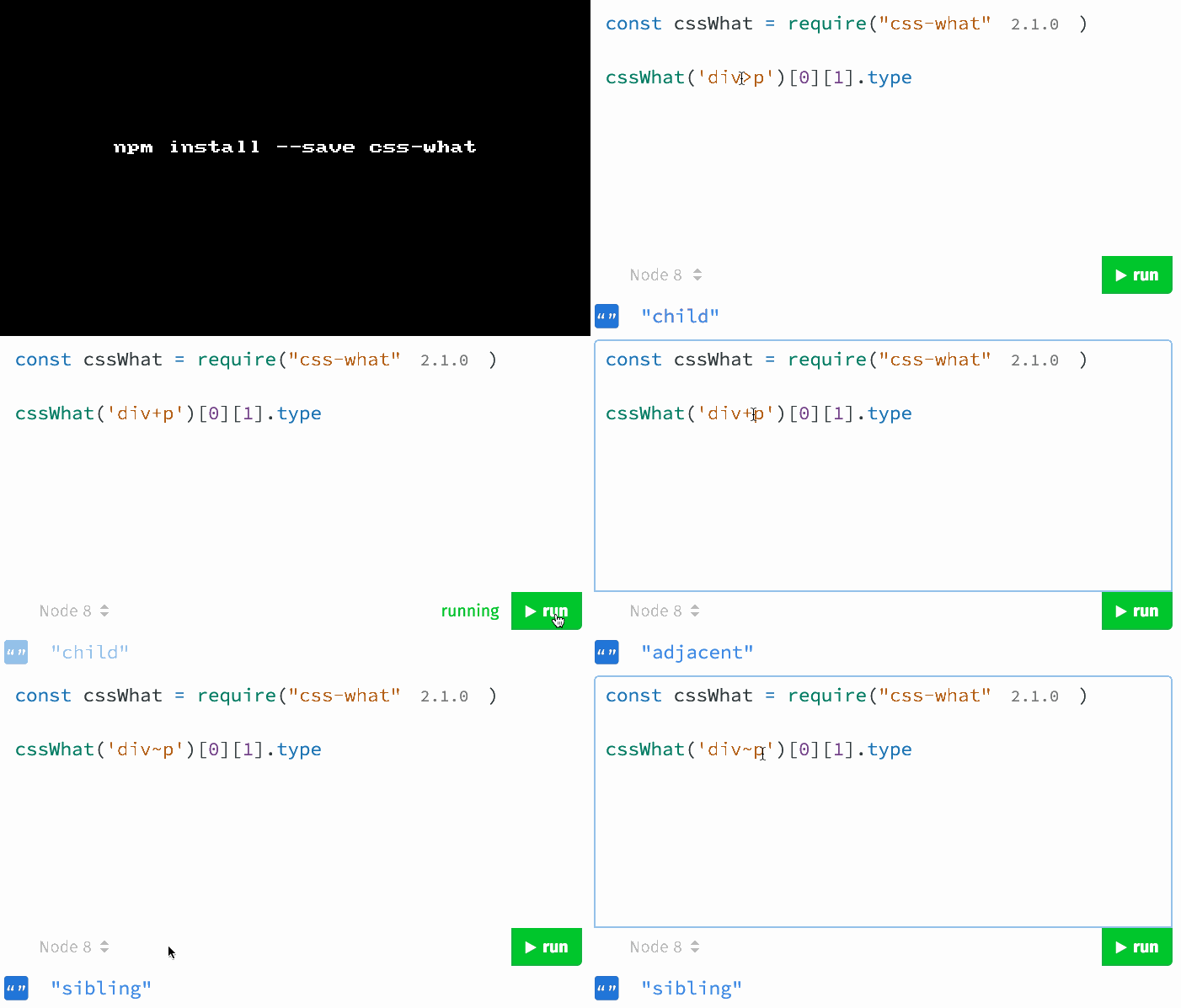
The function returns a two-dimensional array. The first dimension represents selectors separated by commas (eg. sub1, sub2), the second contains the relevant tokens for that selector.

GIF FTW!

css-what.gif

Unsplash-wallpaper

unsplash-wallpaper

unsplash images as your wallpaper from CLI.

unsplash-wallpaper an inviting module that helps you set images from unsplash as your desktop wallpaper.

Get it: npm install -g unsplash-wallpaper

Usage:

1
2
3
4
5
6
7
8
$ unsplash-wallpaper

To learn the commands:
  $ unsplash-wallpaper --help
To save the image resolution:
  $ unsplash-wallpaper --width 2880 --height 1800 -s
To download and use a random image:
  $ unsplash-wallpaper -r

GIF FTW

unsplash-wallpaper

Comlinkjs

comlinkjs

A tiny RPC library for windows, iframes, WebWorkers and ServiceWorkers.

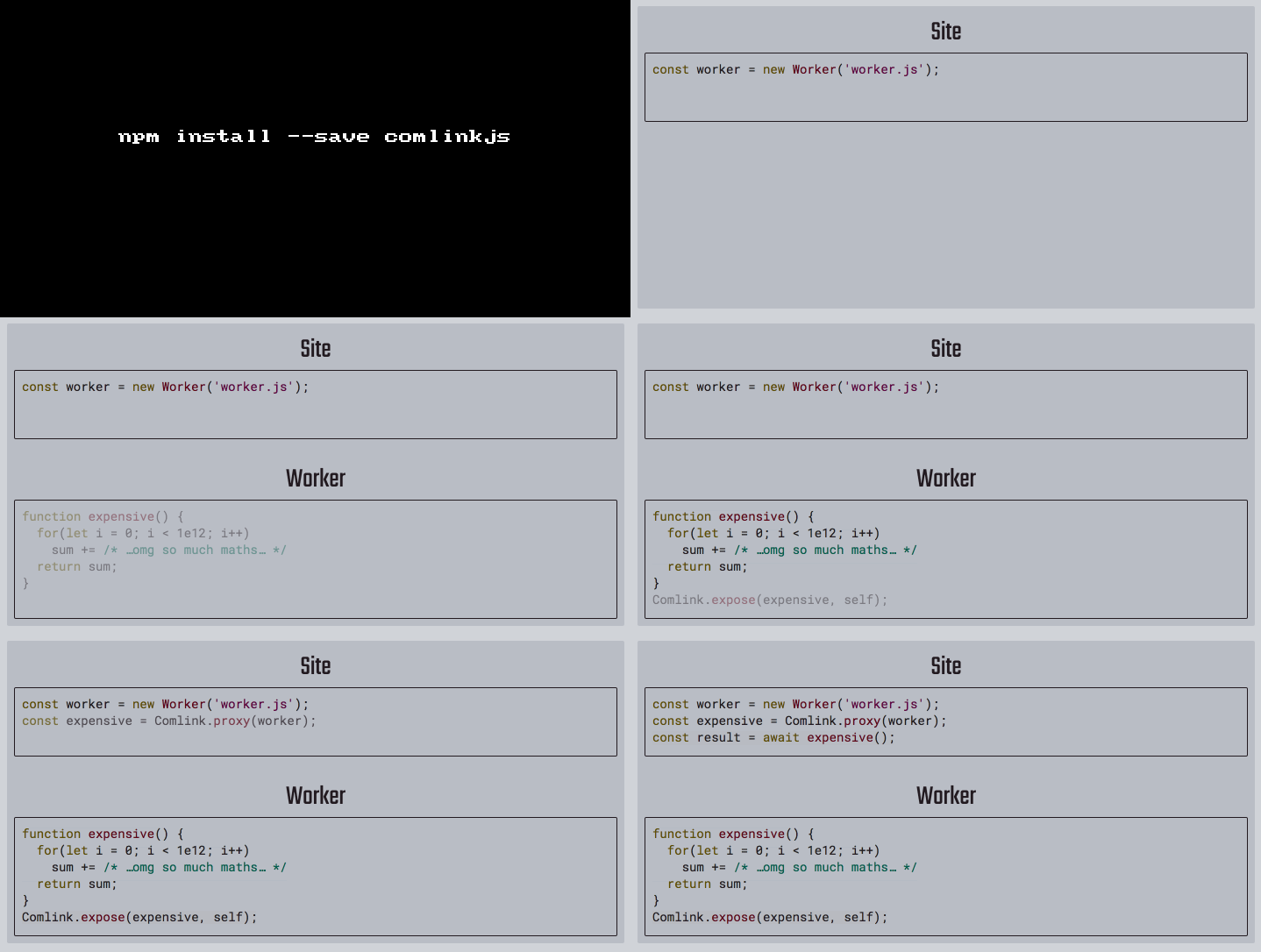
comlinkjs has the below interface, makes use of MessageChannel helps you to work on objects from another JavaScript realm (like a Worker or an iframe) as if it was a local object. Just use await whenever the remote value is involed.

1
2
3
4
5
6
7
8
9
10
11
12
interface Endpoint {
    postMessage(message: any, transfer?: any[]): void;
    addEventListener(type: string, listener: EventListenerOrEventListenerObject, options?: {}): void;
    removeEventListener(type: string, listener: EventListenerOrEventListenerObject, options?: {}): void;
}
declare type Proxy = Function;

declare const Comlink: {
    proxy: (endpoint: Window | Endpoint) => Function;
    proxyValue: (obj: {}) => {};
    expose: (rootObj: Object | Function, endpoint: Window | Endpoint) => void;
};

Get it: npm install comlinkjs

Sample usage:

1
2
3
4
5
6
7
8
9
10
11
12
// On the site:
  const worker = new Worker('worker.js');
  // WebWorkers use `postMessage` and therefore work with Comlink.
  const api = Comlink.proxy(worker);

  (async function init() {
    // Note the usage of `await`:
    const app = await new api.App();
    console.log(`Counter: ${await app.count}`);
    await app.inc();
    console.log(`Counter: ${await app.count}`);
  }());
1
2
3
4
5
6
7
8
9
10
11
12
13
14
15
16
// In the worker
class App {
  constructor() {
    this._counter = 0;
  }

  get count() {
    return this._counter;
  }

  inc() {
    this._counter++;
  }
}

Comlink.expose({App}, self);

GIF FTW!

comlinkjs

Async-retry

async-retry

Retrying made simple, easy, async.

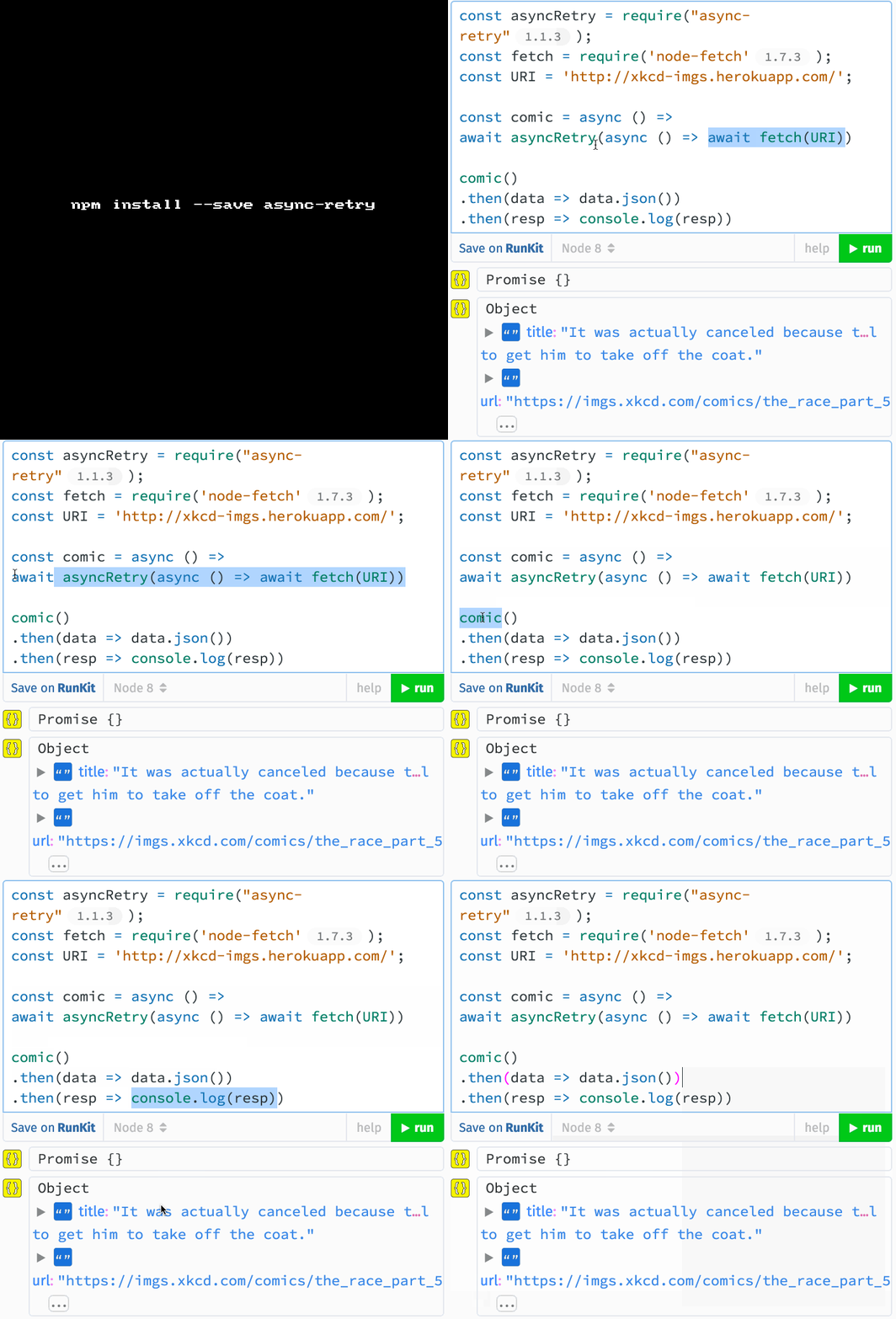
async-retry is a promisified version of retry which makes things easier with the async-await syntax.

Get it: npm install async-retry

Sample usage:

1
2
3
4
5
6
7
8
9
10
11
12
13
14
15
16
17
18
19
// Packages 
const retry = require('async-retry')
const fetch = require('node-fetch')

await retry(async bail => {
  // if anything throws, we retry 
  const res = await fetch('https://google.com')

  if (403 === res.status) {
    // don't retry upon 403 
    bail(new Error('Unauthorized'))
    return
  }

  const data = await res.text()
  return data.substr(0, 500)
}, {
  retries: 500
})

Method signature:

1
retry(retrier : Function, opts : Object) => Promise

GIF FTW!

async-retry

build.sh

build.sh

🔨 run and visualize the build process.

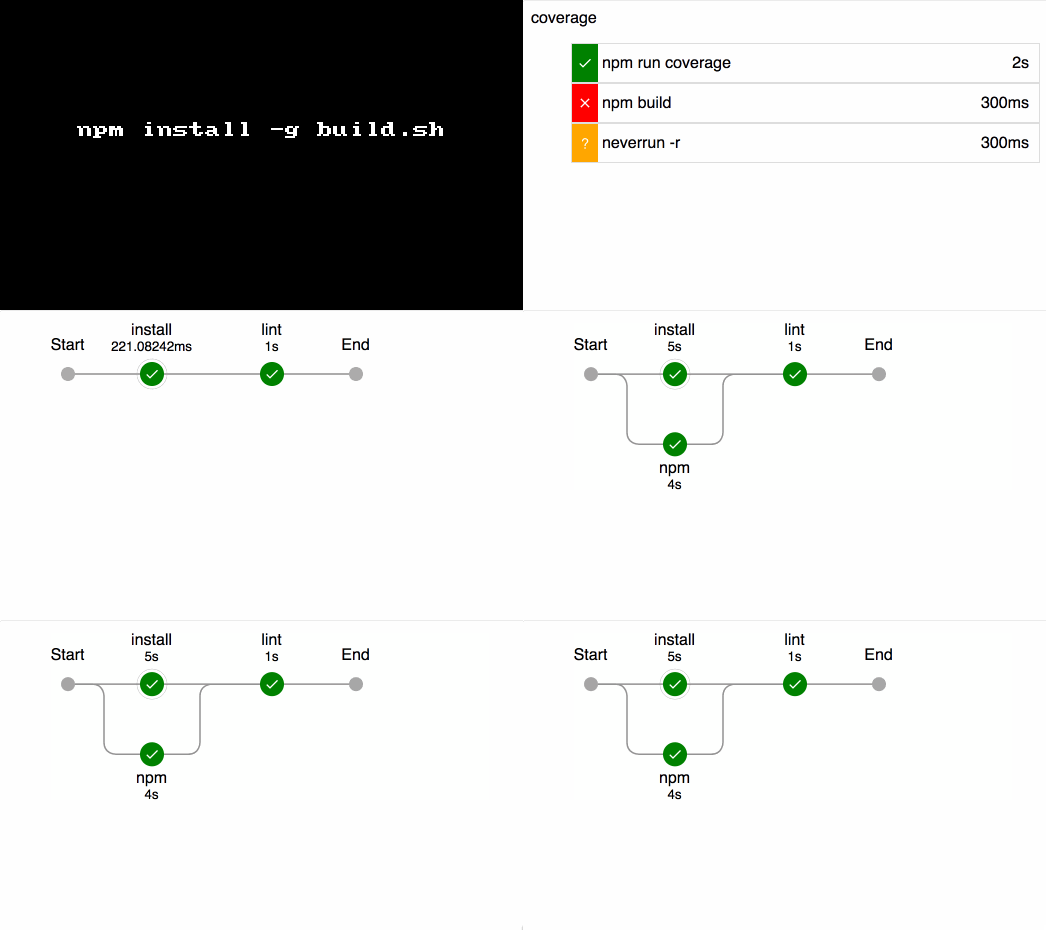
build.sh is one of those unquie node module which likes to take an atypical route in solving problems, this module helps in running and visualize the build process, makes use of build.yml at the root of your project for the build pipleline meta-data.

Get it: npm install -g build.sh

Sample usage:

1
2
3
4
5
6
7
8
9
$ build [options]


Options:

  -V, --version        output the version number
  -c, --config [file]  the input file for the build pipeline to run
  -d, --debug          outputs a debug file of the build process and data captured
  -h, --help           output usage information

To invoke about the pipeline simply run build at the project root. The terminal output will show the pipeline being run and eventually will open the browser to the location of the final report.

1
2
3
4
5
6
# cat .build.yml

pipeline:
  {key}:
    - {command}
    - {command}

Sample .build.yml:

1
2
3
4
5
6
7
8
9
10
11
12
13
14
15
16
output: ./docs
pipeline:
  install:
    - npm --version
    - node --version
    - npm:
      - npm install
      - ls -lh node_modules
  lint:
    - npm run lint
  coverage:
    - npm run coverage
  test:
    - npm test
  docs:
    - npm run generate-docs

GIF FTW!

build.sh

Nickjs

nickjs

Headless browser automation library

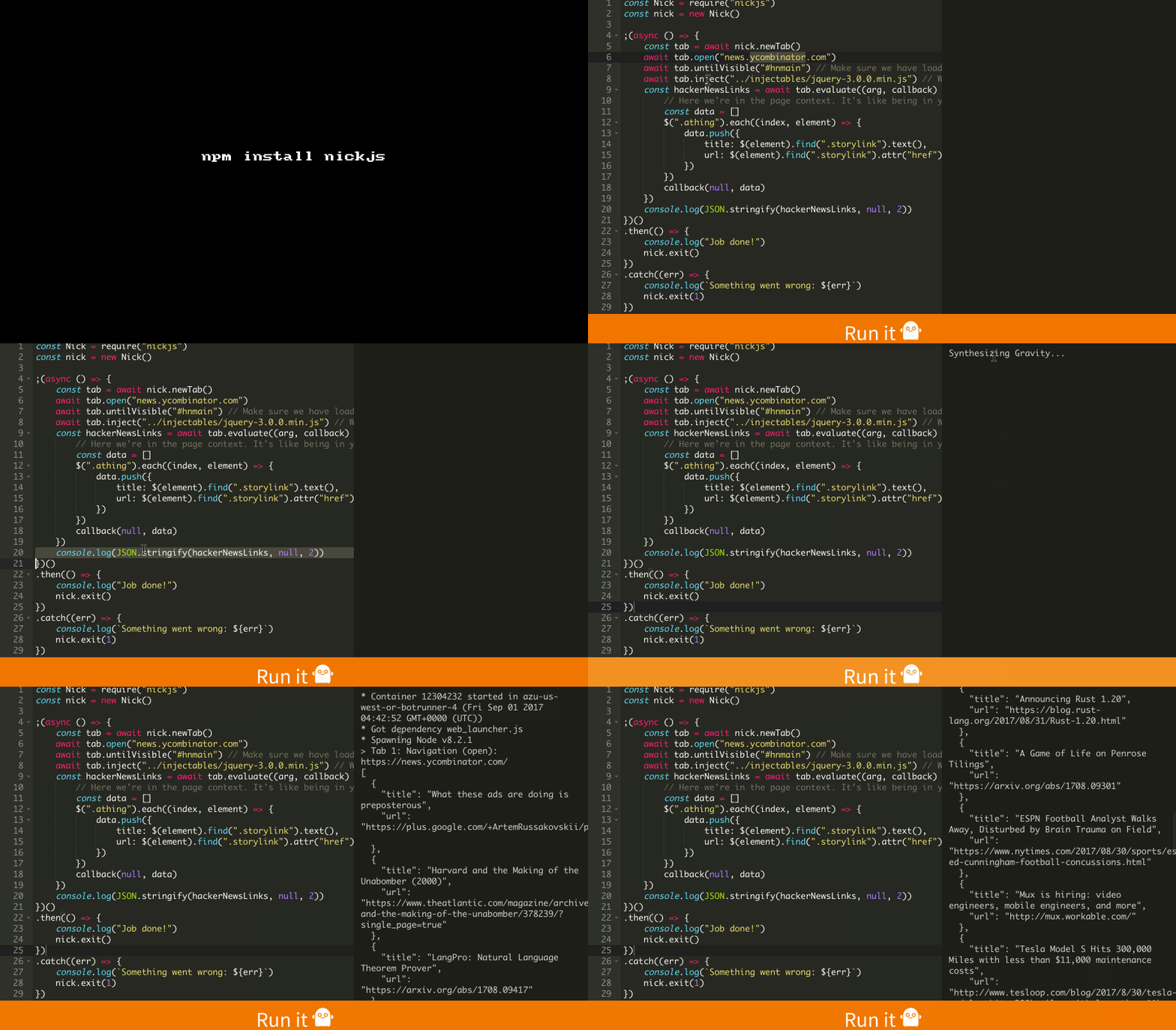
nickjs Modern, simple & powerful browser automation library.

  • Works on all dynamic sites.

  • async-await ready.

  • Multi-driver support.

Get it: npm install nickjs

Sample usage:

1
2
3
4
5
6
7
8
9
10
11
12
13
14
15
16
17
18
19
20
21
22
23
24
25
26
27
28
29
const Nick = require("nickjs")
const nick = new Nick()

;(async () => {
  const tab = await nick.newTab()
  await tab.open("news.ycombinator.com")
  await tab.untilVisible("#hnmain") // Make sure we have loaded the page
  await tab.inject("../injectables/jquery-3.0.0.min.js") // We're going to use jQuery to scrape
  const hackerNewsLinks = await tab.evaluate((arg, callback) => {
      // Here we're in the page context. It's like being in your browser's inspector tool
      const data = []
      $(".athing").each((index, element) => {
          data.push({
              title: $(element).find(".storylink").text(),
              url: $(element).find(".storylink").attr("href")
          })
      })
      callback(null, data)
  })
  console.log(JSON.stringify(hackerNewsLinks, null, 2))
})()
.then(() => {
  console.log("Job done!")
  nick.exit()
})
.catch((err) => {
  console.log(`Something went wrong: ${err}`)
  nick.exit(1)
})

GIF FTW!

nickjs.gif