Mitt

mitt

Tiny 200b functional event emitter / pubsub.

Sweet little implementation of pubsub patter, uses flow internally and provides the below functionality:

  • on : Register an event handler for the given type.

  • off : Remove an event handler for the given type.

  • emit: Invoke all handlers for the given type.

Get it: npm install mitt

Sample usage:

1
2
3
4
5
6
7
8
9
10
11
12
13
14
15
16
17
const mitt = require('mitt');

const emitter = mitt()

// listen to an event
emitter.on('foo', e => console.log('foo', e) )

// listen to all events
emitter.on('*', (type, e) => console.log(type, e) )

// fire an event
emitter.emit('foo', { a: 'b' })

// working with handler references:
function onFoo() {}
emitter.on('foo', onFoo)   // listen
emitter.off('foo', onFoo)  // unlisten

GIF FTW!

mitt

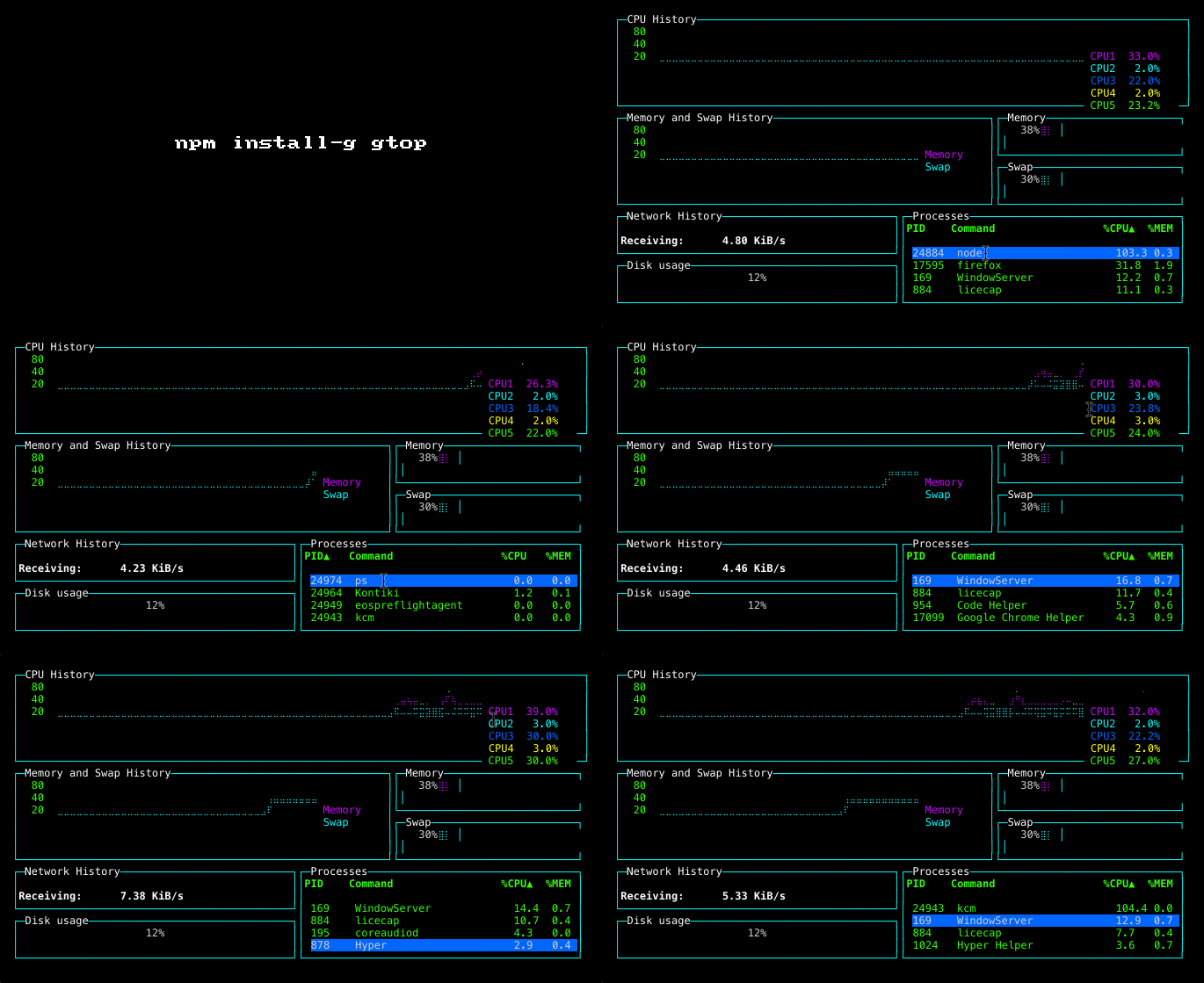
Gtop

gtop

System monitoring dashboard for terminal.

gtop could be termed as the node's version of htop, gives a very need interface on the cli that would list out the below:

  • CPU history.

  • Memory and Swap History.

  • Memory and Netowrk usage.

  • Disk usage.

  • Process list.

You can sort the process table by pressing:

p: Process Id c: CPU usage m: Memory usage

Get it: npm install -g gtop

Sample usage:

1
2
3
$ gtop

# In case of font issues: LANG=en_US.utf8 TERM=xterm-256color gtop

GIF FTW!

gtop

Csrf

csrf

Logic behind CSRF token creation and verification.

Tiny and effective module that helps you to create and verify csrf tokens.

Get it: npm install csrf

Sample usage:

1
2
3
4
5
6
7
8
9
10
11
12
13
14
15
16
17
18
19
20
21
22
23
24
25
const Tokens = require('csrf');

/*
function Tokens() =>
    name: "Tokens"
    prototype: Tokens
    _tokenize: function()
    create: function()
    secret: function()
    secretSync: function()
    verify: function()
*/

const tokens = new Tokens();
await tokens.secret()
//^ Something like "8SOJmA_ewWfI0g9qKbcuSvhC"

// also
const secret = tokens.secretSync()
const token = tokens.create(secret)

// verify
if (!tokens.verify(secret, token)) {
  throw new Error('invalid token!')
}

GIF FTW!

csrf.gif

Fitty

fitty

Makes text fit perfectly.

Fitty, Snugly text resizing: Scales up (or down) text so it fits perfectly to its parent container.

The crux is of fitty is the fit method which marks the fitty as dirty and requests a redraw (this will also redraw any other fitty marked as dirty).

Get it: npm install fitty

Sample usage:

1
2
3
const fitty = require('fitty');

fitty('#my-element);

Default options:

1
2
3
4
5
6
const defaultOptions = {
  minSize: 16,
  maxSize: 512,
  multiLine: true,
  observeMutations: 'MutationObserver' in w ? mutationObserverDefaultSetting : false
};

Yes, it uses MutationObserver.

GIF FTW!

fitty

Axe-cli

axe-cli

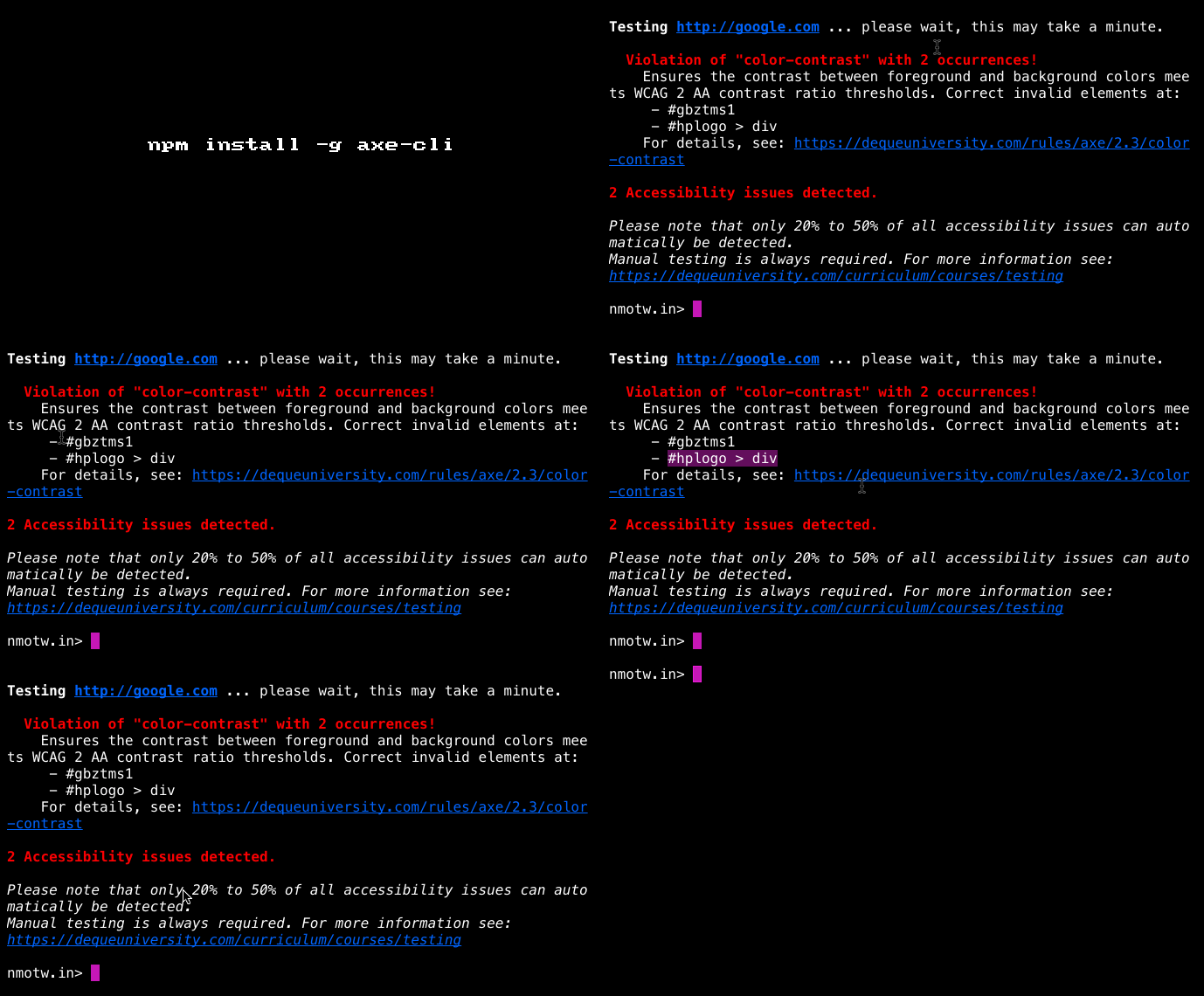
A CLI for accessibility testing using axe-core

Provides a command line interface for aXe to run quick accessibility tests.

Get it: npm install -g axe-cli

Sample usage:

1
$ axe www.google.com, github.com
1
2
#  --rules flag to set which rules you wish to run
$ axe www.google.com --rules color-contrast,html-has-lang
1
2
#  --tags to tell axe to run all rules that have that specific tag.
axe www.google.com --tags wcag2a
1
2
3
# Saving the results
$ axe www.google.com --save google-site.json
$ axe www.google.com --dir ./google-results/
1
2
# Defining the scope
axe www.google.com --include #main --exclude #aside

GIF FTW!

axe-cli.gif

Mdconf

mdconf

Markdown driven configuration!

Sweet and simple markdown files are your config!

Markdown headings act as keys, list items with : act as maps, otherwise regular lists behave as.. lists.

Get it: npm install mdconf

Usage sample:

``` const mdconf = require("mdconf");

// conf normally goes into a diffrent file. conf = `

Server

  • host: cloudup.com
  • port: 3000
  • http: enabled
  • https: enabled`;

console.log(mdconf(conf));

/* { server: { host: 'cloudup.com',

 port: '3000',
 http: 'enabled',
 https: 'enabled' 
} 

} */

GIF FTW!

mdconf.gif

Npx

npx

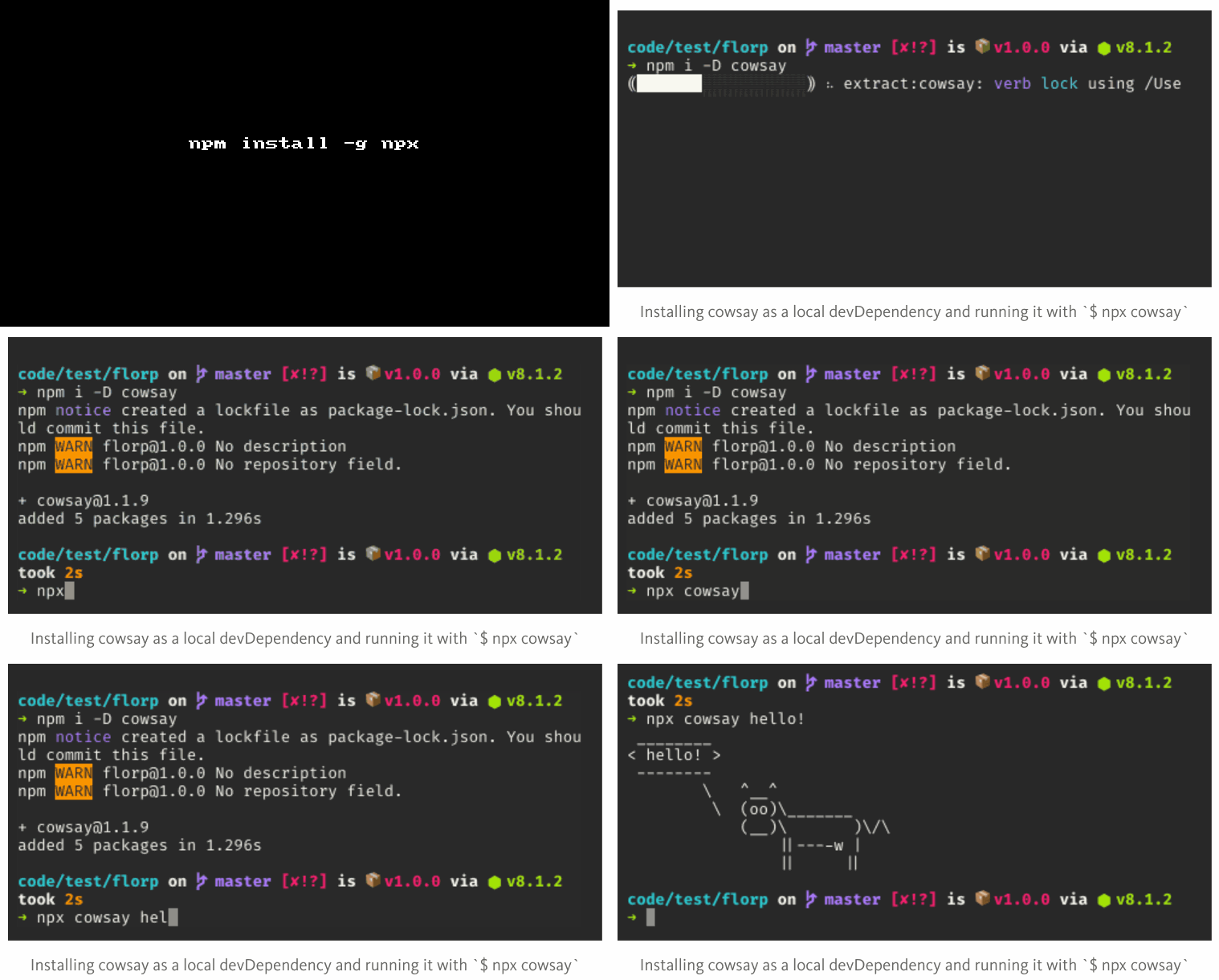
an npm package runner.

Executes either from a local node_modules/.bin, or from a central cache, installing any packages needed in order for to run.

P.S: [email protected] is shipped with npx!

Get it: npm install -g npx

Sample usage:

1
2
3
$ npm i -D cowsay

$ npx cowsay "HolyCow!"

GIF FTW!

npx.gif

P.S: In case you have missed reading Introducing npx: an npm package runner , do read it!

Stikcybits

stickybits

Alternative to position: sticky polyfills.

  • Aprox ~2KB of javascript that would help us to know when a DOM element is stuck (position:sticky).

  • It can add a CSS Sticky Class .js-is-sticky when position: sticky elements become active and a CSS Stuck Class .js-is-stuck when they become stuck.

  • Loosely mimics position: sticky to consistently stick elements vertically across multiple platforms.

Get it: npm install stickybits

Sample usage:

1
2
3
4
5
6
7
8
9
10
11
12
 stickybits('selector', options);

 /*
Options:

    - target = el (DOM element)
    - offset = 0 || 'dealer's choice'
    - verticalPosition = top || bottom
    - useStickyClasses = true || false
    - elStyles = CSS Styles
    - positionVal = fixed || sticky
 */

GIF FTW!

stickybits.gif

Base64-async

base64-async

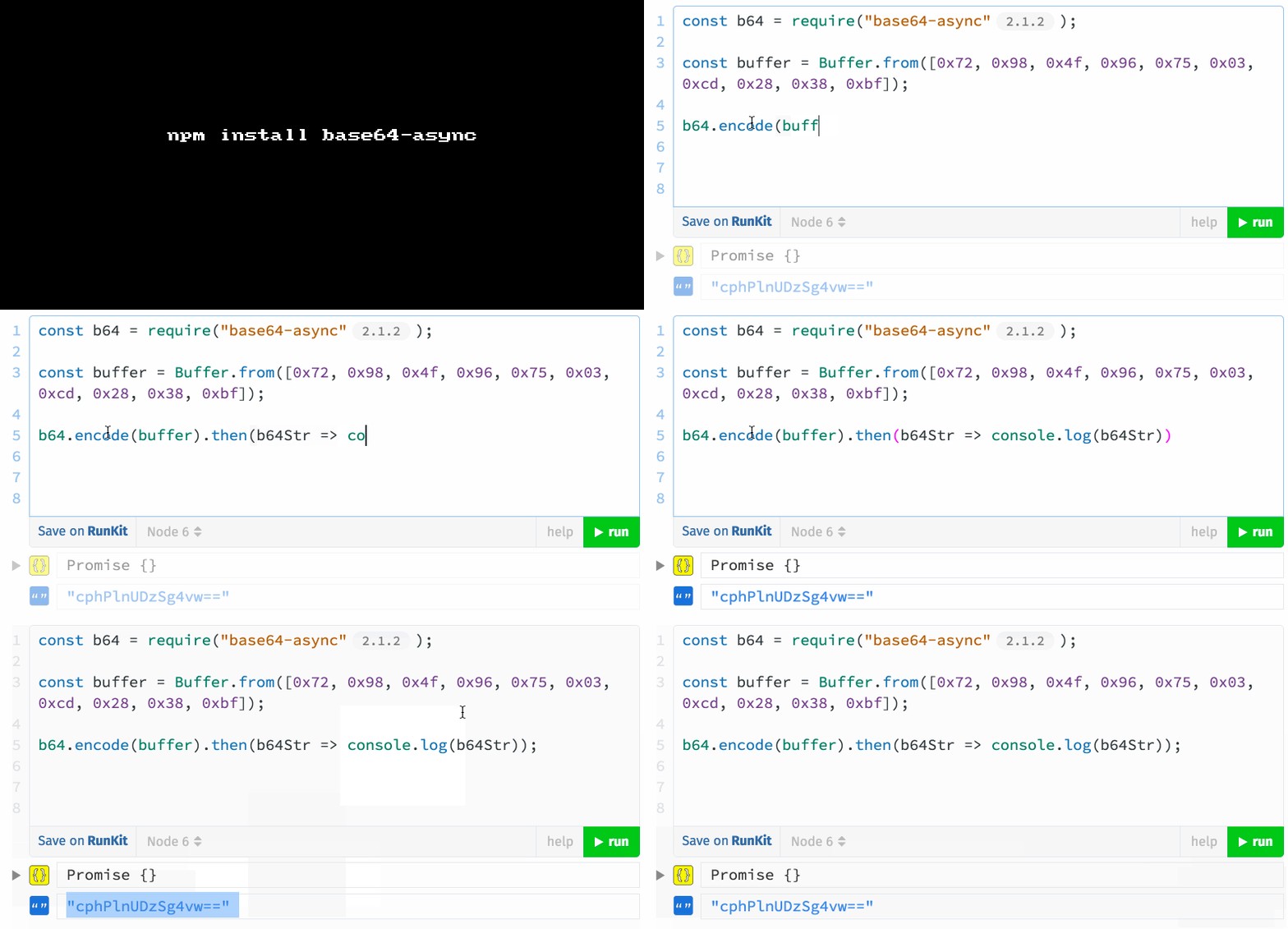
Non-blocking chunked Base64 encoding.

base64-async helps us in processing large Base64 documents without blocking the event loop, one can configure chunk size option to optimise for your use case.

This module exposes: b64, encode and decode methods which accepts (input, [options]) and returns a promise on innvocation.

Get it: npm install --save base64-async

Sample usage:

1
2
3
4
5
6
7
8
9
10
11
12
13
14
15
16
17
18
const b64 = require('base64-async');
const fs = require('fs');
const buffer = fs.readFileSync('somehugefile.jpg');

b64.encode(fileBuffer).then(b64String => console.log(b64String));
// aGkgbXVt... 

b64.decode(b64String).then(buffer => console.log(buffer));
// <Buffer 68 69 20 6d 75 6d ... > 

// or, for the cool kids 
const b64String = await b64.encode(fileBuffer);
const originalFileBuffer = await b64.decode(b64String);

// which is equivalent to this 
const b64String = await b64(fileBuffer);
const originalFileBuffer = await b64(b64String);
// If no method is specified, buffers are encoded, strings are decoded

GIF FTW!

base64-async.gif

Dom-scroll-into-view

dom-scroll-into-view

scroll node in contain to make node visible

dom-scroll-into-view a dom util that helps in scrolling to node that is targeted.

Get it: npm install dom-scroll-into-view

Sample usage:

1
2
var scrollIntoView = require('dom-scroll-into-view');
scrollIntoView(source,container,config);
1
2
3
4
5
6
7
8
9
10
11
//config
   {
       alignWithLeft,
       alignWithTop,
       allowHorizontalScroll,
       onlyScrollIfNeeded,
       offsetTop,
       offsetLeft,
       offsetBottom,
       offsetRight
   }

GIF FTW!

dom-scroll-into-view.gif