Vtop

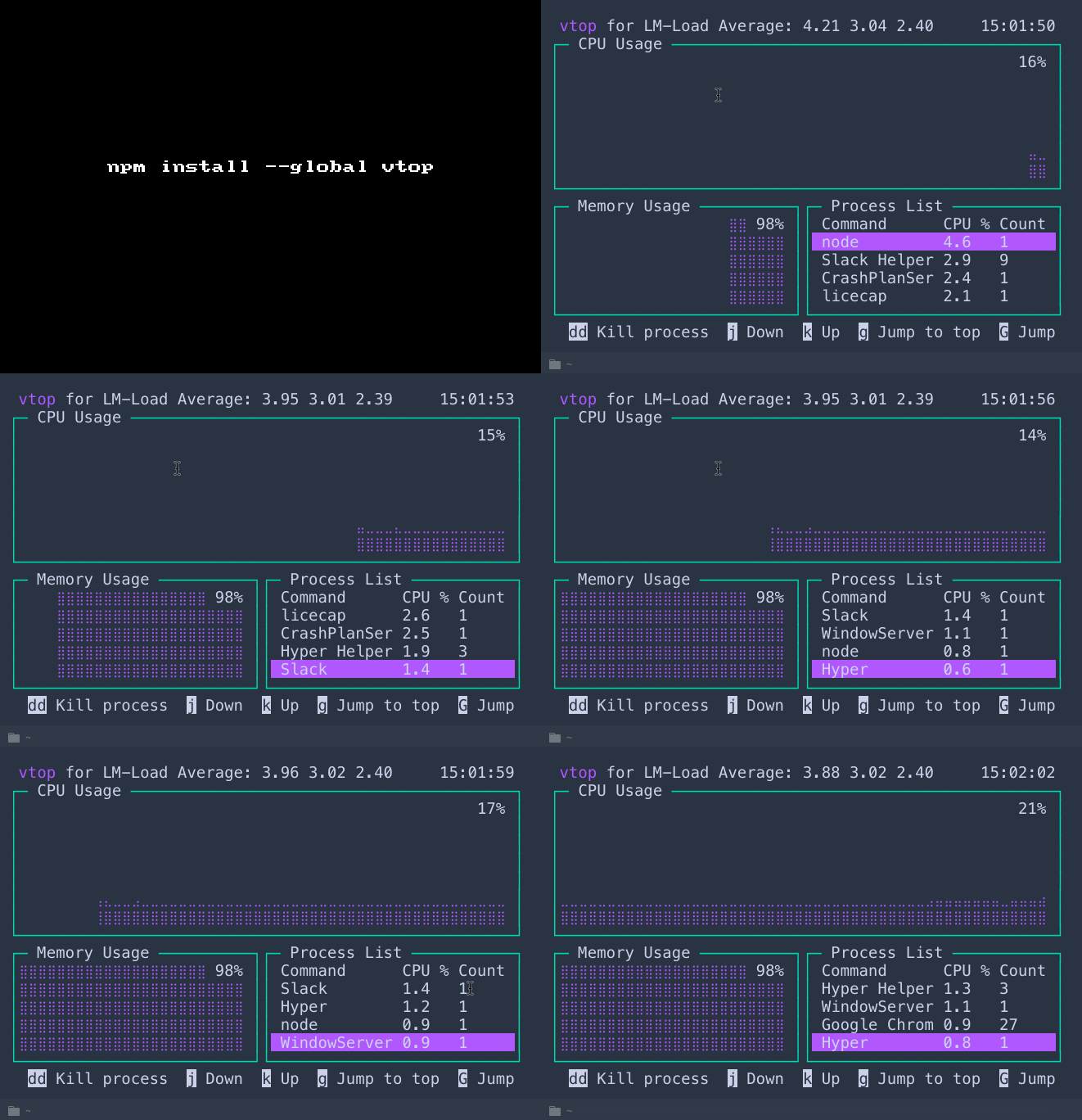
vtop

A graphical activity monitor for the command line.

Why?

For mointoring CPU usage and memory across multi-process applications.

Makes use of drawille for drawing in terminal with unicode braille characters.

Get it: npm i -g vtop

Sample usage:

1
2
3
4
5
6
7
8
9
10
➜  nmotw.in>  vtop --help

  Usage: vtop [options]

  Options:

    -h, --help              output usage information
    -t, --theme  [name]     set the vtop theme [acid|becca|brew|dark|monokai|parallax|seti|wizard]
    --quit-after [seconds]  Quits vtop after interval
    -V, --version           output the version number

GIF FTW!

vtop.gif

Covfefe

covfefe

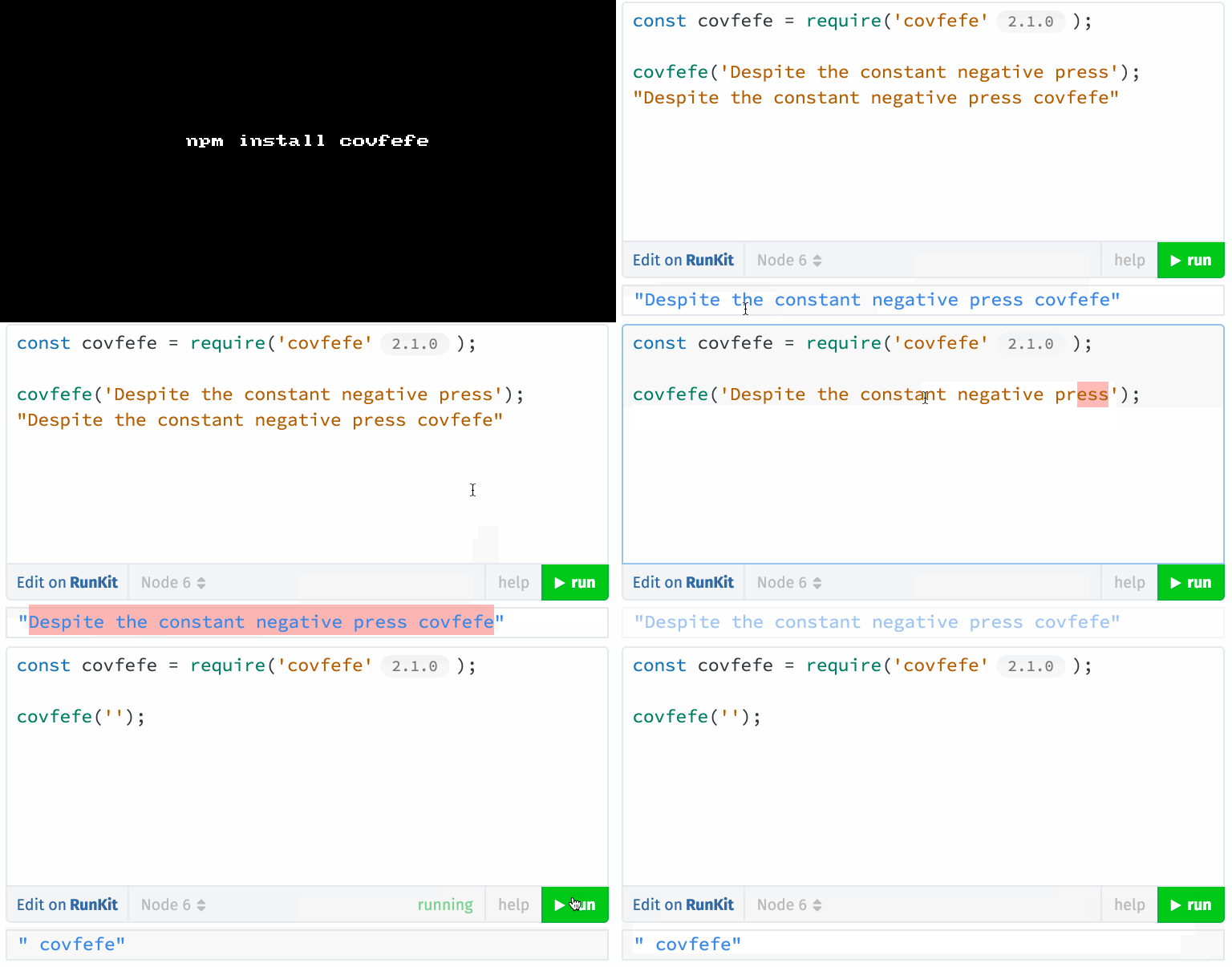
Despite the constant negative press covfefe.

Time for a fun module this week, it's covfefe. (Hope you are aware of it!)

Get it: npm install covfefe

Sample usage:

1
2
3
4
5
6
7
> const covfefe = require('covfefe');

> covfefe('Despite the constant negative press');
"Despite the constant negative press covfefe"

> covfefe.translate('I have good coverage of spray tan');
"I have good covfefe of spray tan"

GIF FTW!

covfefe.gif

Nif

nif

node --inspect a file and open devtool URL.

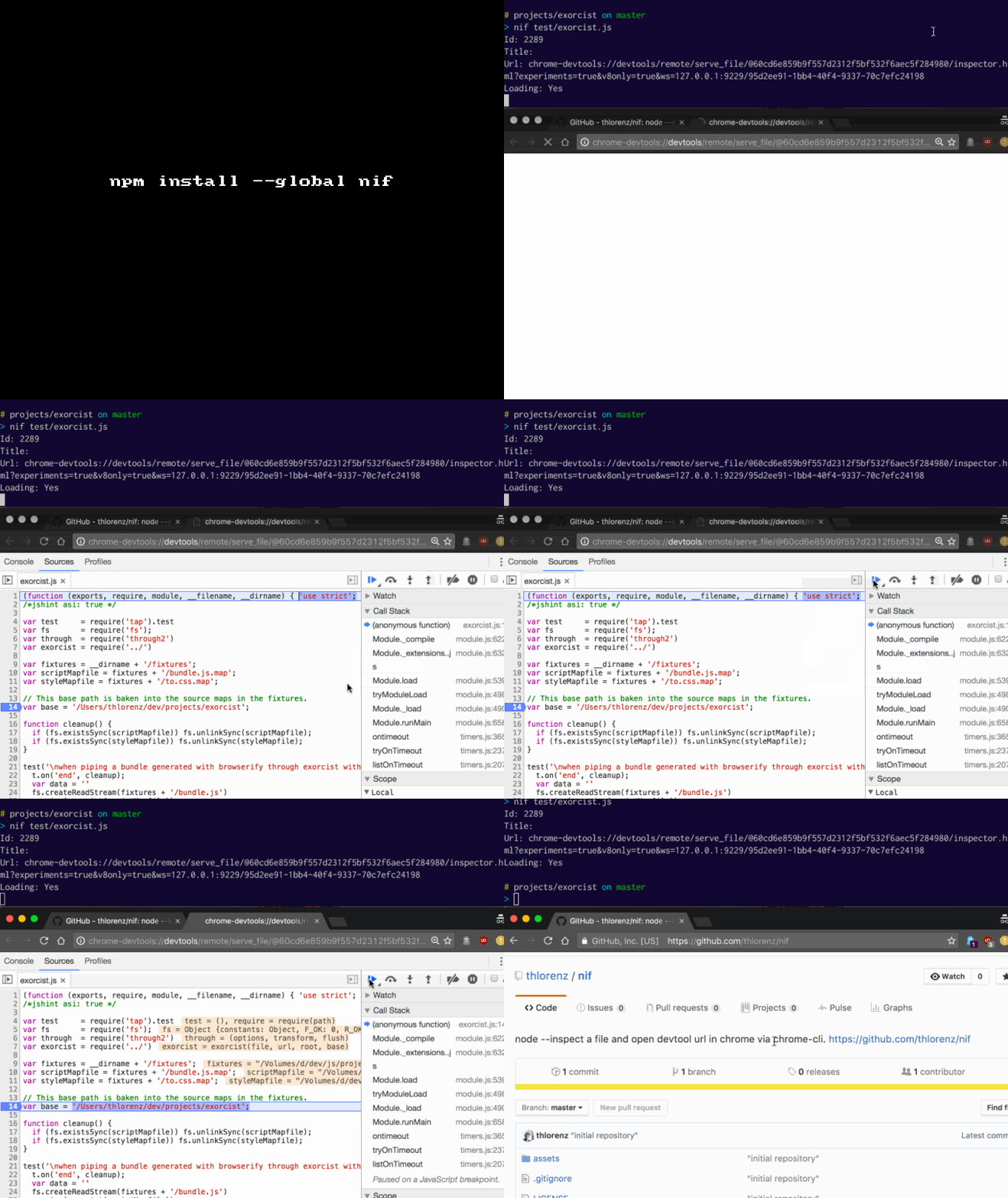
nif is for all the lazy folks trying to debug their node script, it runs the node --inspect on the provided file and open the devtool URL chrome-devtools://.

Make sure you have the chrome-cli installed on your machine,before using this moddule.

Get it: npm i -g nif

Sample usage:

1
nif ./to-debug.js

GIF FTW!

nif

Mockdate

mockdate

Mock Date object that can be used to change when "now" is.

mockdate the names says it all!

This module save the current date context to _date and _getTimezoneOffset = Date.prototype.getTimezoneOffset internally and overwrites them with simpler custom implementation which would useful for unit tests et.al

Get it: npm install --save mockdate

Sample usage:

1
2
3
4
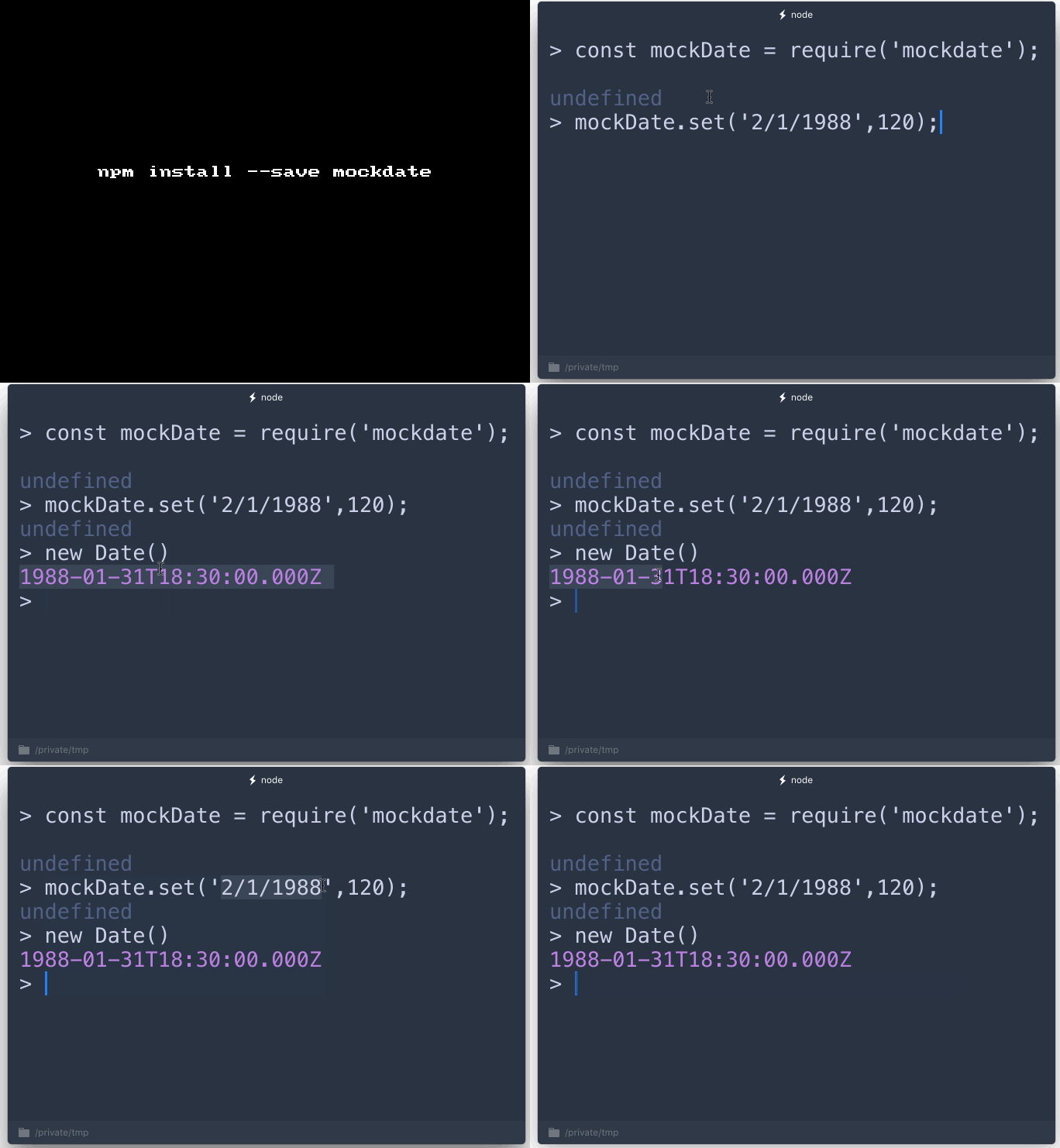
const mockDate = require('mockdate');
mockDate.set('2/1/1988',120);
new Date()
1988-01-31T18:30:00.000Z

GIF FTW!

mockdate

Compactr

compactr

Schema based serialization made easy!

What is this and why does it matter? [From the horse's mouth]

Protocol Buffers are awesome. Having schemas to deflate and inflate data while maintaining some kind of validation is a great concept. Compactr's goal is to build on that to better suit Node development and reduce repetition by allowing you to build schemas for your data directly in your scripting language. For example, if you have a DB schema for a model, you could use that directly as a schema for Compactr.

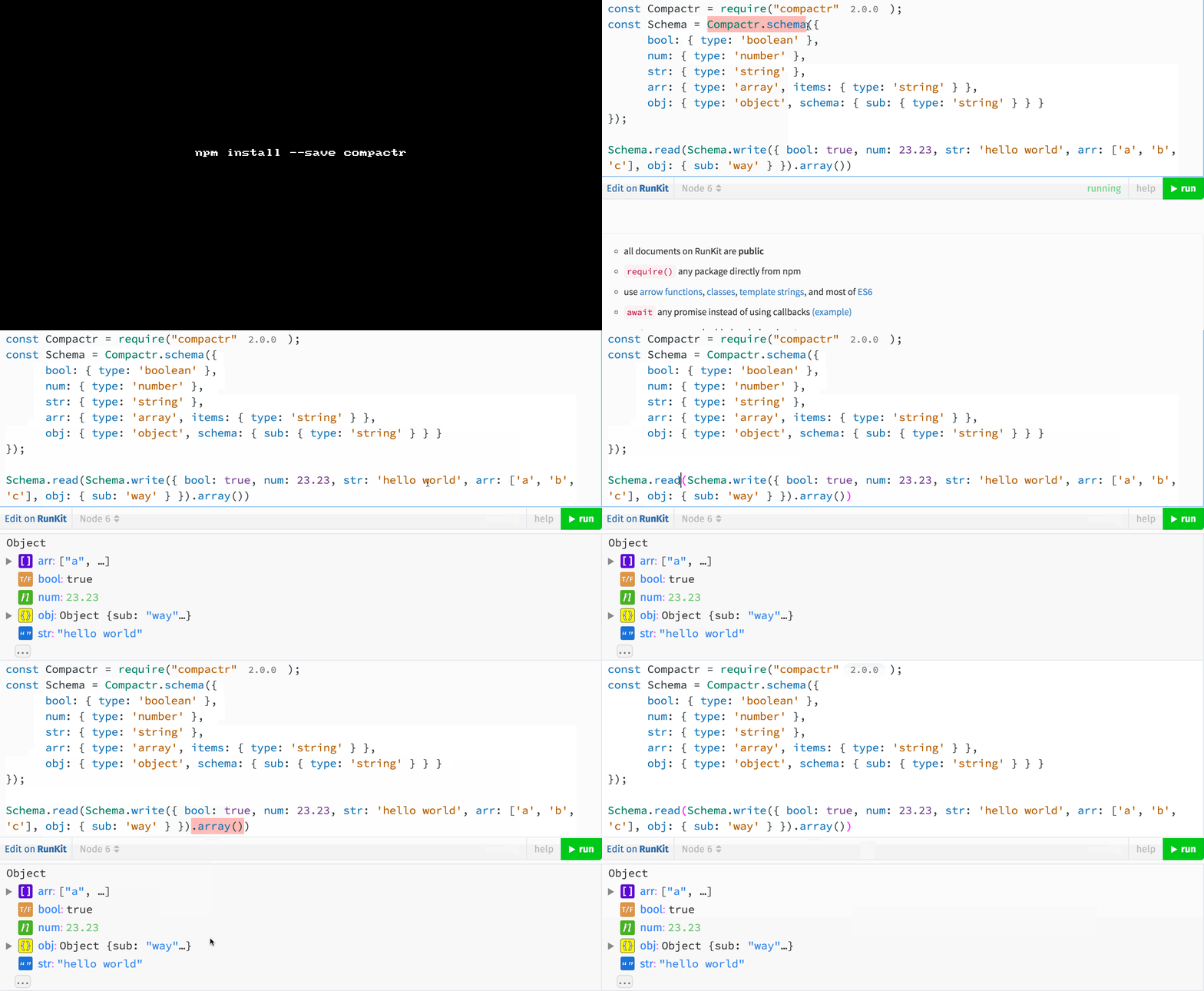
Get it: npm install --save compactr

Sample usage:

1
2
3
4
5
6
7
8
9
10
11
12
13
14
15
16
17
18
19
const Compactr = require("compactr");
const Schema = Compactr.schema({
      bool: { type: 'boolean' },
      num: { type: 'number' },
      str: { type: 'string' },
      arr: { type: 'array', items: { type: 'string' } },
      obj: { type: 'object', schema: { sub: { type: 'string' } } }
});

// decode encoded.
Schema.read(Schema.write({
    bool: true,
    num: 23.23,
    str: 'hello world',
    arr: ['a', 'b', 'c'],
    obj: {
        sub: 'way'
    }
}).array());
1
2
3
4
5
6
7
8
9
10
11
12
13
14
15
16
17
18
19
20
21
22
23
24
25
26
27
28
29
30
const Compactr = require('compactr');

// Defining a schema
const userSchema = Compactr.schema({
    id: { type: 'number' },
    name: { type: 'string' }
});


// Encoding
userSchema.write({ id: 123, name: 'John' });

// Get the schema header bytes (for partial loads)
const header = userSchema.headerBytes();

// Get the partial load bytes
const partial = userSchema.contentBytes();

// Get the full header + content bytes
const buffer = userSchema.bytes();


// Decoding (full)
const content = userSchema.decode(buffer);

// Decoding (partial)
const content = userSchema.decode(header, partial);

GIF FTW!

compactr

Await-to-js

await-to-js

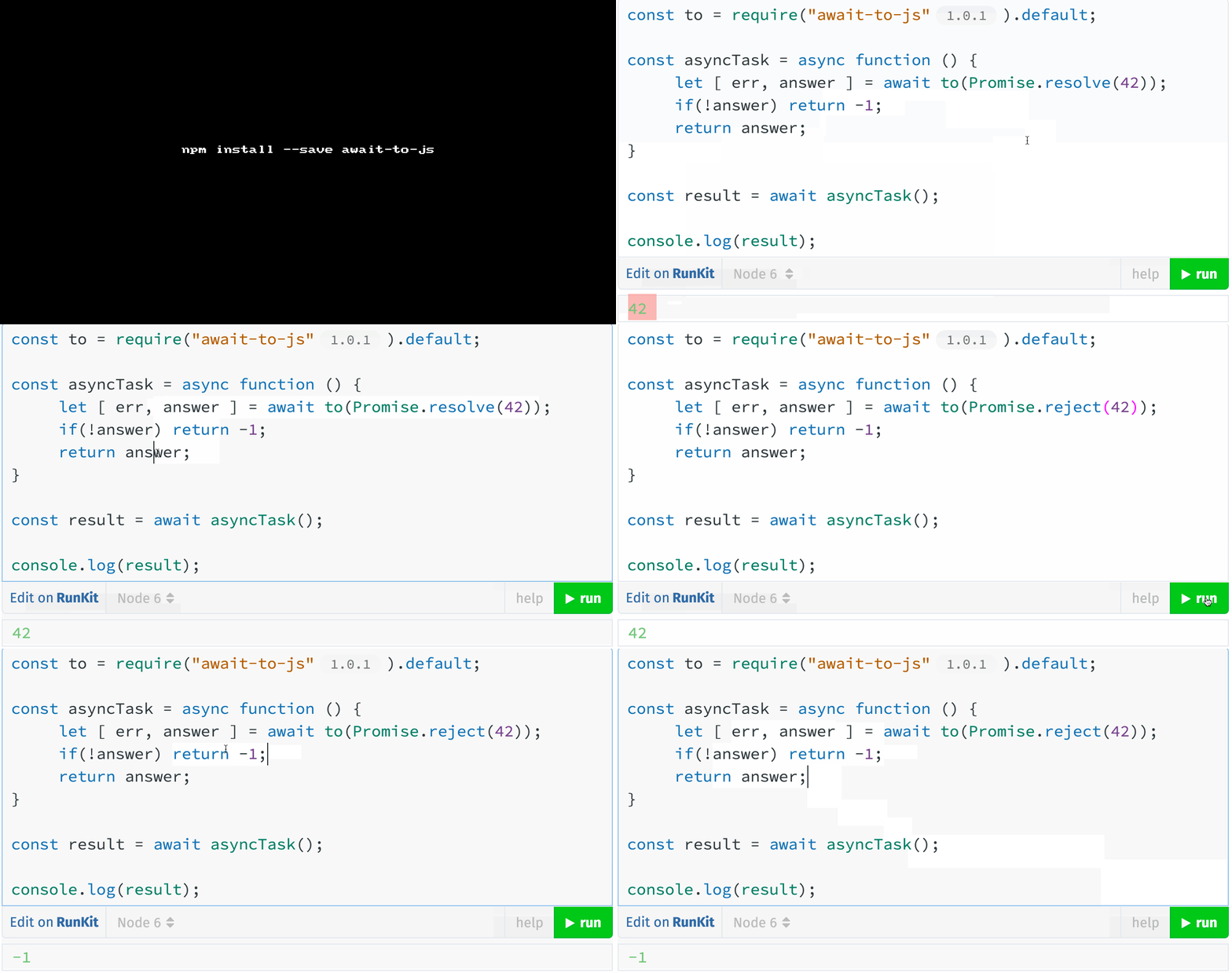
Async await wrapper for easy error handling!

Uber tiny module (10LOC) for making life easier while handling error while async-await.

This module is influenced by GoLang style of handling errors:

1
2
data, err := db.Query("SELECT ...")  
if err != nil { return err }  

We would basically covert the below code:

1
2
3
4
5
6
7
8
9
const asyncTask = async () => {
  try {
    const answer = await Promise.resolve(42);
    // any async task.
  } catch(err) {
    // Handle error.
  }
  return answer;
}

to:

1
2
3
4
5
6
7
8
const to = require("await-to-js").default;

const asyncTask = async () => {
  [ err, result ] = await to(Promise.resolve(42));
  if (!err) retrun result;
}

const answer = await asyncTask();

Get it: npm install --save await-to-js

GIF FTW!

await-to-js

Tinytime

tinytime

A straightforward date and time formatter in 800b.

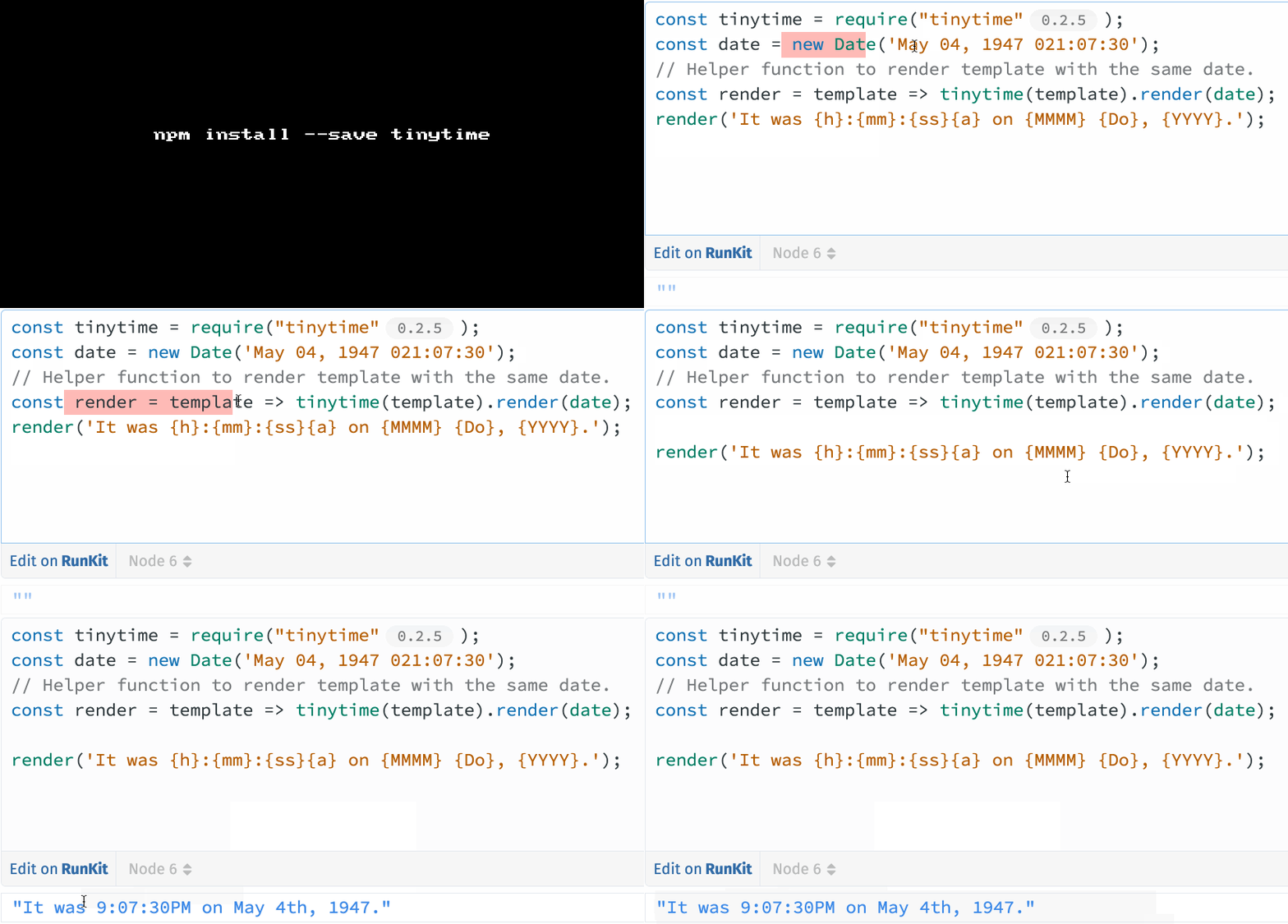
Get it: npm install --save tinytime

tinytime exports a single function that returns a template object. This object has a single method, render, which takes a Date and returns a string with the rendered data.

1
2
3
4
import tinytime from 'tinytime';
const template = tinytime('The time is {h}:{mm}:{ss}{a}.');
template.render(new Date());
// The time is 11:10:20PM.

Substitutions:

  • MMMM - Full Month (September)
  • MM - Partial Month (Sep)
  • Mo - Numeric Month (9)
  • YYYY - Full Year (1992)
  • YY - Partial Year (92)
  • dddd - Day of the Week (Monday)
  • DD - Day of the Month (24)
  • Do - Day (24th)
  • h - Hours - 12h format
  • H - Hours - 24h format
  • mm - Minutes (zero padded)
  • ss - Seconds (zero padded)
  • a - AM/PM

GIF FTW!

tinytime

Psl

psl

domain name parser based on the Public Suffix List.

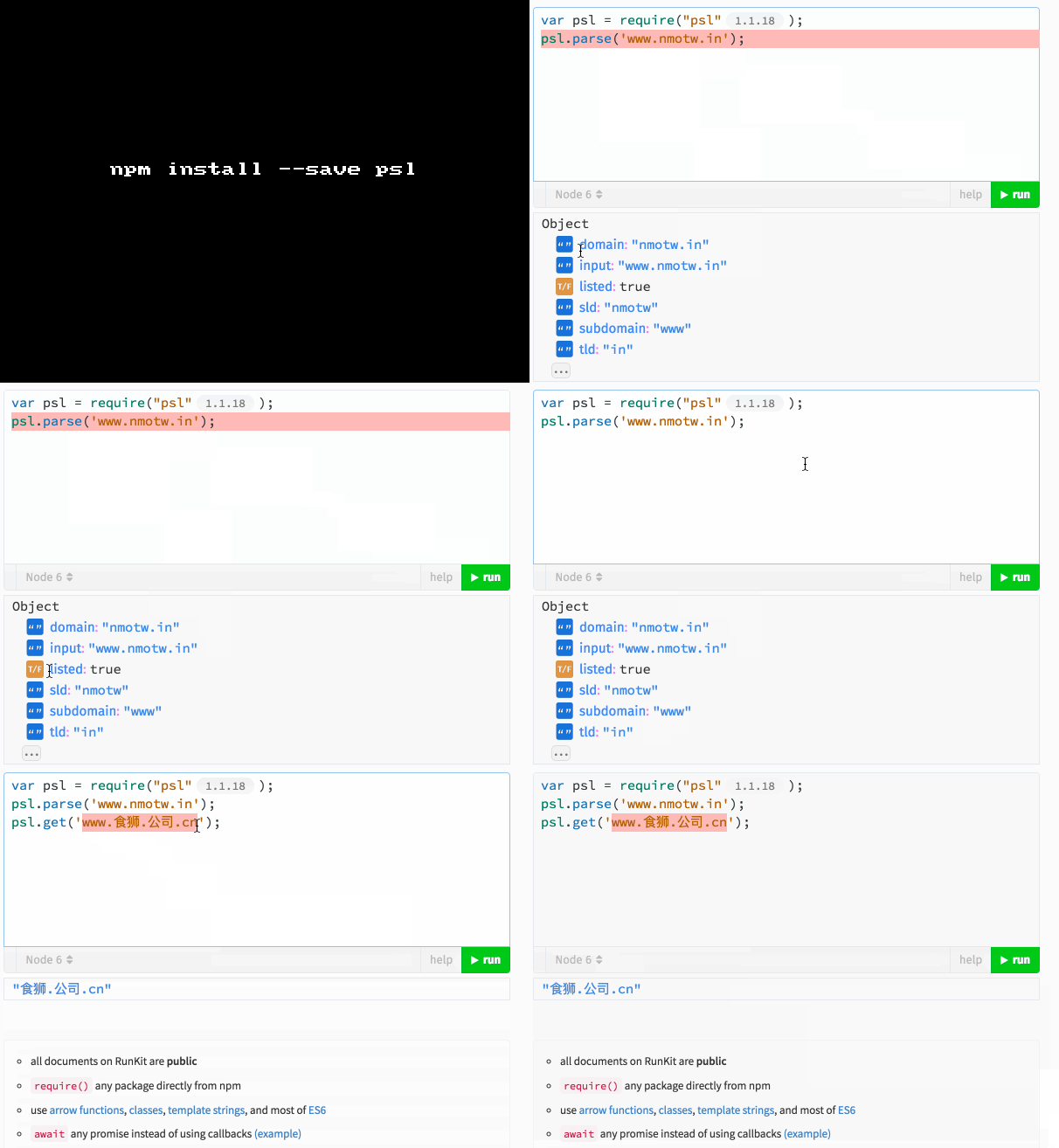
psl parser uses The Public Suffix List to parse and validate domain names.

Get it: npm install --save psl

Sample usage:

1
2
3
4
5
6
7
8
9
10
11
12
13
14
15
16
17
18
19
const psl = require("psl");

psl.parse('www.nmotw.in');

/*
{
    domain: "nmotw.in"
    input: "www.nmotw.in"
    listed: true
    sld: "nmotw"
    subdomain: "www"
    tld: "in"
}
*/

psl.get('www.食狮.公司.cn');  // "食狮.公司.cn"

psl.isValid('1.www.google.co.uk')); // true
psl.isValid('co.uk')); // false

GIF FTW

psl

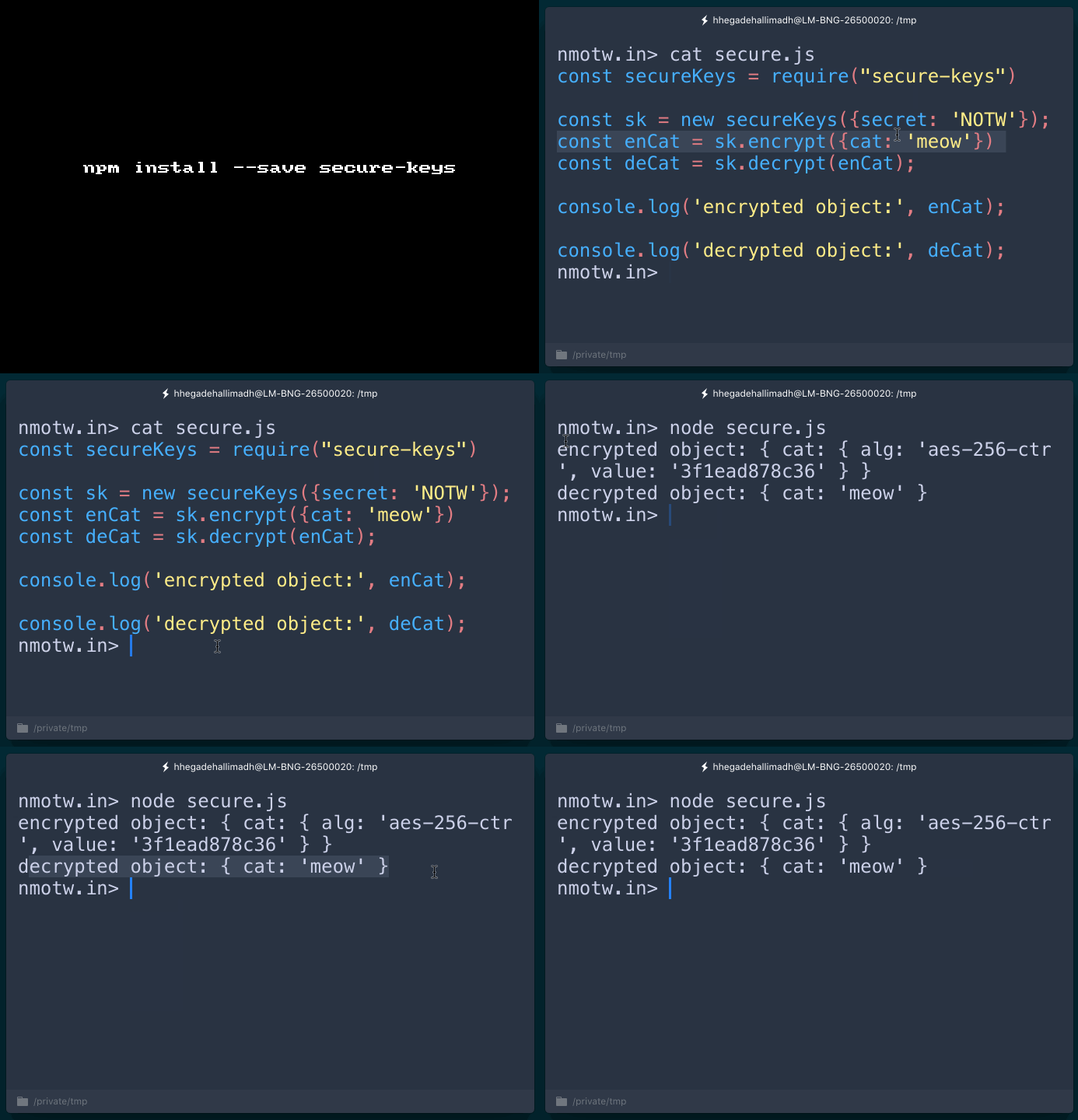
Secure-keys

secure-keys

Encrypts and Decrypts object keys.

This module uses node's inbuilt crypto to encrypt and decrypt object keys and the code was yanked out of work by @indexzero for nconf

Get it: npm install --save secure-keys

Sample usage:

1
2
3
4
5
6
7
8
9
10
11
12
13
14
15
const secureKeys = require("secure-keys")

const sk = new secureKeys({secret: 'NOTW'});
const enCat = sk.encrypt({cat: 'meow'})
const deCat = sk.decrypt(enCat);

console.log('encrypted object:', enCat);

console.log('decrypted object:', deCat);

/*
encrypted object: { cat: { alg: 'aes-256-ctr', value: '3f1ead878c36' } }

decrypted object: { cat: 'meow' }
*/
1
2
3
4
5
var sec = new SecK({
  secret: 'BEGIN RSA', // Text of key used for encrypting/decrypting 
  format: JSON, // optional (defaults to JSON): An object with `stringify` and `parse` methods 
  alg: 'aes-256-ctr' //optional (this is default) Algorithm to use for encrypt/decrypt 
});

GIF FTW!

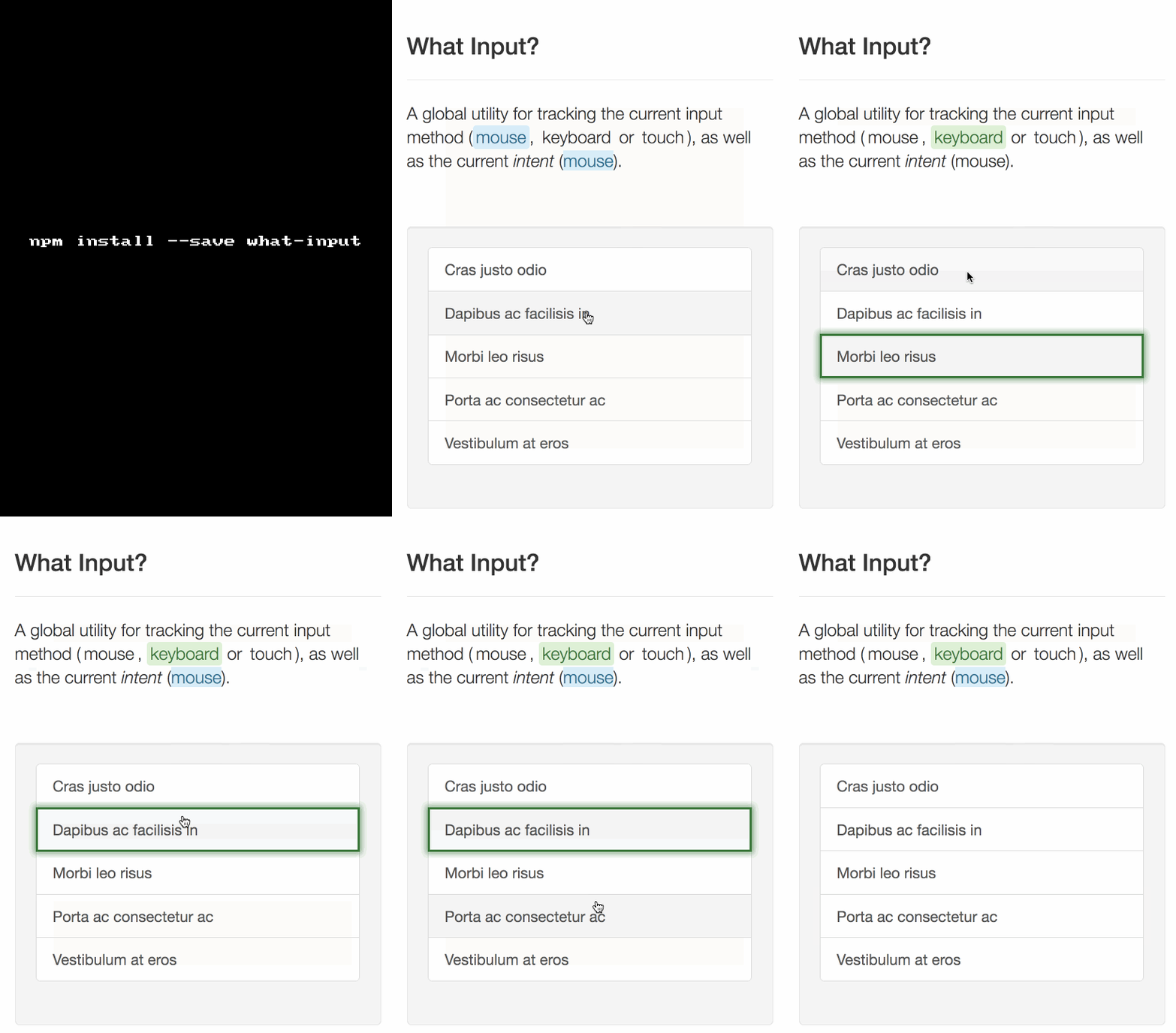
What-input

what-input

A global utility for tracking the current input method (mouse, keyboard or touch).

What Input adds data attributes to the tag based on the type of input being used.

It also exposes a simple API that can be used for scripting interactions.

GET IT: npm install --save what-input

Sample usage:

1
2
3
4
5
6
7
8
9
10
11
12
13
14
15
whatInput.ask(); // returns `mouse`, `keyboard` or `touch`

whatInput.types(); // ex. returns ['mouse', 'keyboard']

whatInput.ask('loose'); // returns `mouse` because mouse movement was detected

myButton.addEventListener('click', function() {

  if (whatInput.ask() === 'mouse') {
    // do mousy things
  } else if (whatInput.ask() === 'keyboard') {
    // do keyboard things
  }

});

Event mapping:

1
2
3
4
5
6
7
8
9
10
11
// mapping of events to input types
const inputMap = {
    'keyup': 'keyboard',
    'mousedown': 'mouse',
    'mousemove': 'mouse',
    'MSPointerDown': 'pointer',
    'MSPointerMove': 'pointer',
    'pointerdown': 'pointer',
    'pointermove': 'pointer',
    'touchstart': 'touch'
};

GIF FTW:

what-input