Wifi-password

wifi-password

Get current wifi password.

Do you remember your wifi password?

Do you want share it with your guests?

wifi-password is the util to use works across OSs.

Basically fires the below commands based on the OS for the given or connected SSID:

  • GNU/Linux -> sudo cat /etc/NetworkManager/system-connections/${ssid};

  • OSX -> security find-generic-password -D AirPort network password -wa ssid

  • Windows -> netsh wlan show profile $(name=${ssid}) $(key=clear)

GET IT:

npm install --save wifi-password for API

1
2
3
4
5
6
const wifiPassword = require('wifi-password');

wifiPassword().then(password => {
    console.log(password);
    //=> 'johndoesecretpassword'
});

npm install --global wifi-password for CLI.

1
2
3
4
5
6
7
8
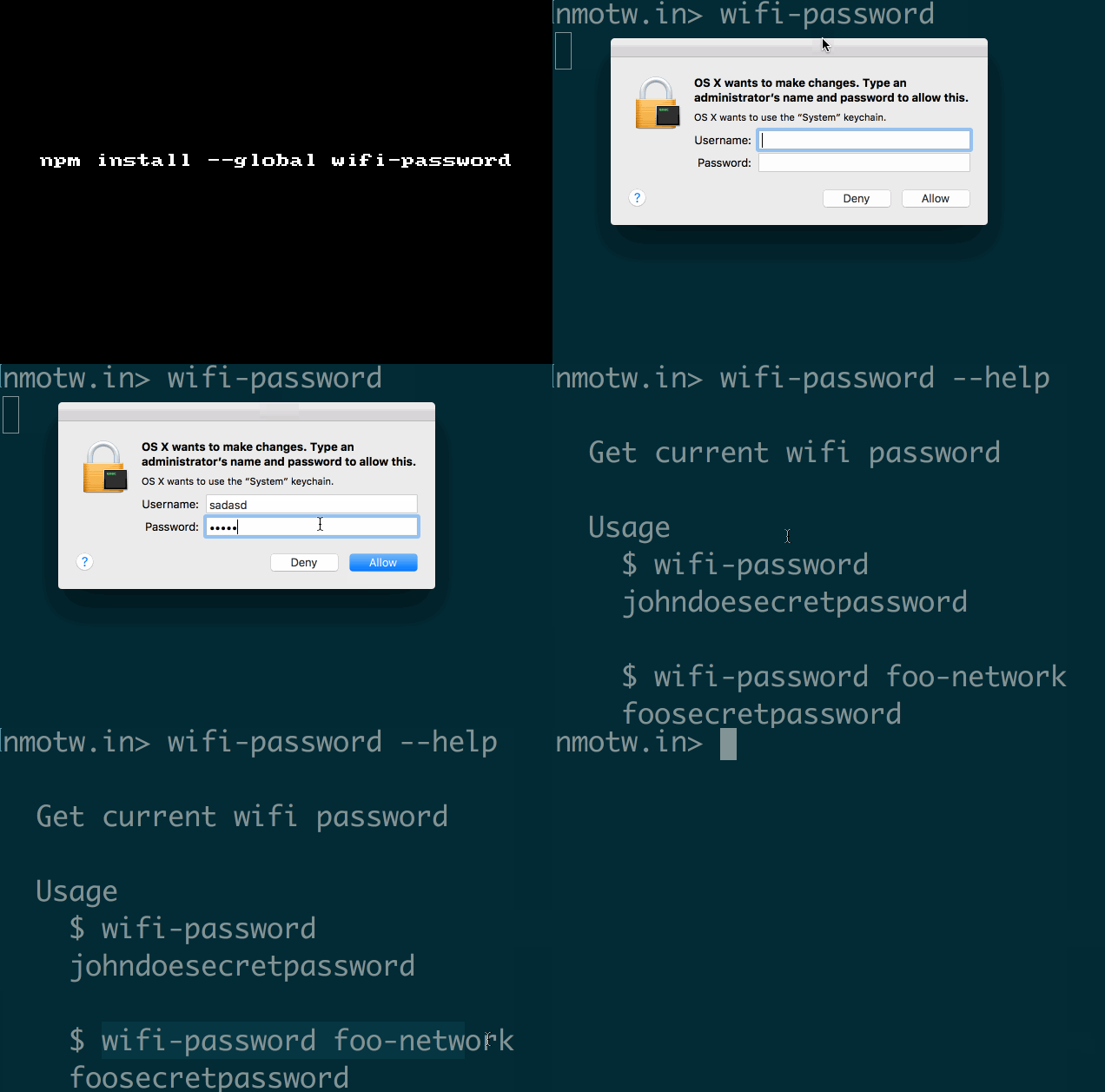
$ wifi-password --help

  Usage
    $ wifi-password
    johndoesecretpassword

    $ wifi-password foo-network
    foosecretpassword

GIF FTW!

wifi-password

Mathjs

mathjs

Extensive math library with expression parser, big numbers, complex numbers, units, and matrices.

mathjs provides you with 200+ util function to do you math!

Get it: npm install --save mathjs

Sample usage:

1
2
3
4
5
6
7
8
9
10
11
12
13
14
15
16
17
18
19
20
// functions and constants
math.round(math.e, 3);            // 2.718
math.atan2(3, -3) / math.pi;      // 0.75
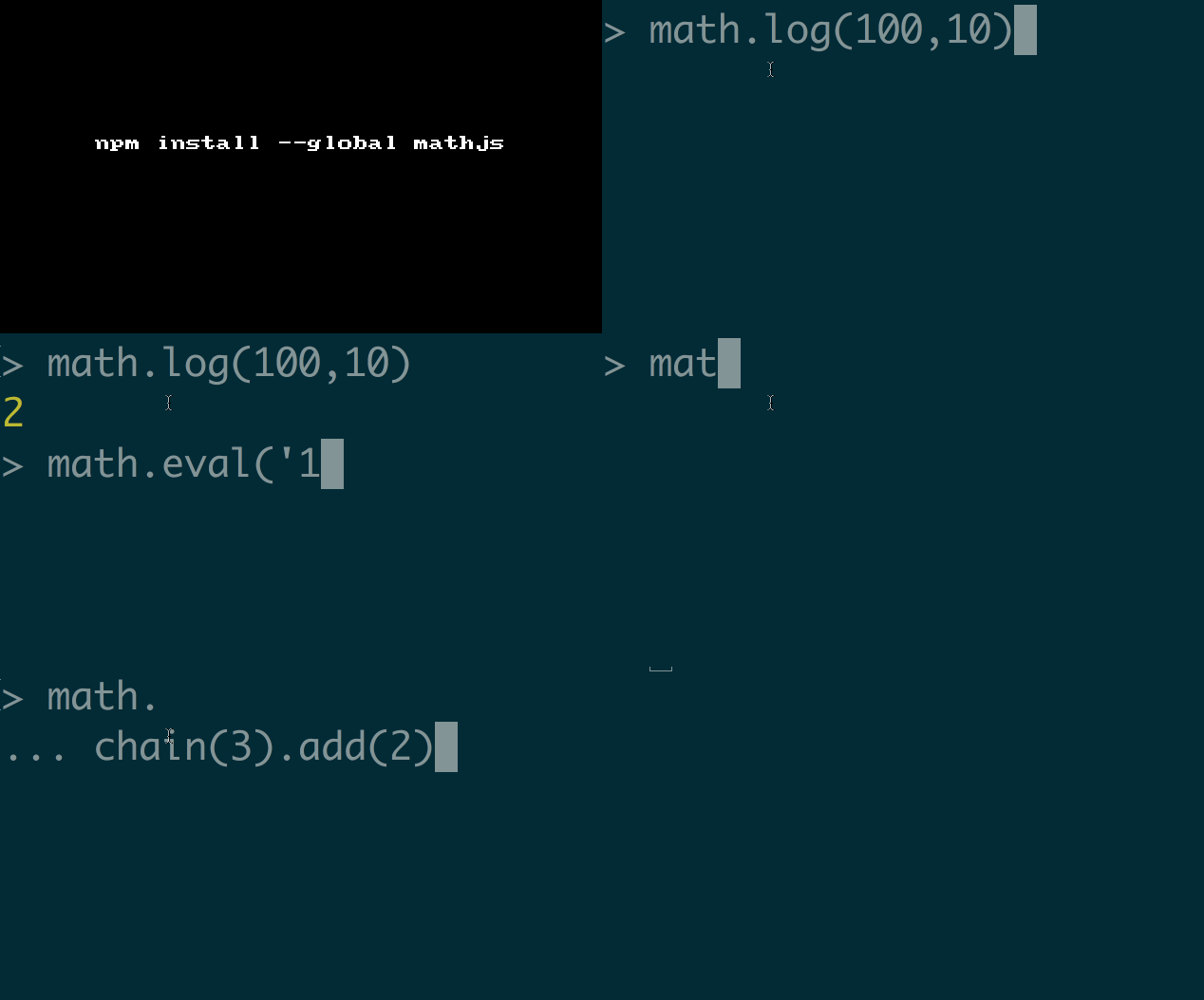
math.log(10000, 10);              // 4
math.sqrt(-4);                    // 2i
math.pow([[-1, 2], [3, 1]], 2);
     // [[7, 0], [0, 7]]

// expressions
math.eval('1.2 * (2 + 4.5)');     // 7.8
math.eval('5.08 cm to inch');     // 2 inch
math.eval('sin(45 deg) ^ 2');     // 0.5
math.eval('9 / 3 + 2i');          // 3 + 2i
math.eval('det([-1, 2; 3, 1])');  // -7

// chaining
math.chain(3)
    .add(4)
    .multiply(2)
    .done(); // 14

GIF FTW

mathjs

Trymodule

trymodule

It's never been easier to try nodejs modules!

Quickly install any node module you want and start a REPL with the installed module in the scope with trymodule!

Basically, it check if the module you are trying exists in the ~/.trymodule/node_module if require it and start a REPL or else installs it using npmi module and starts the REPL.

Get it: npm install -g trymodule

Sample usage:

1
2
3
4
5
6
7
8
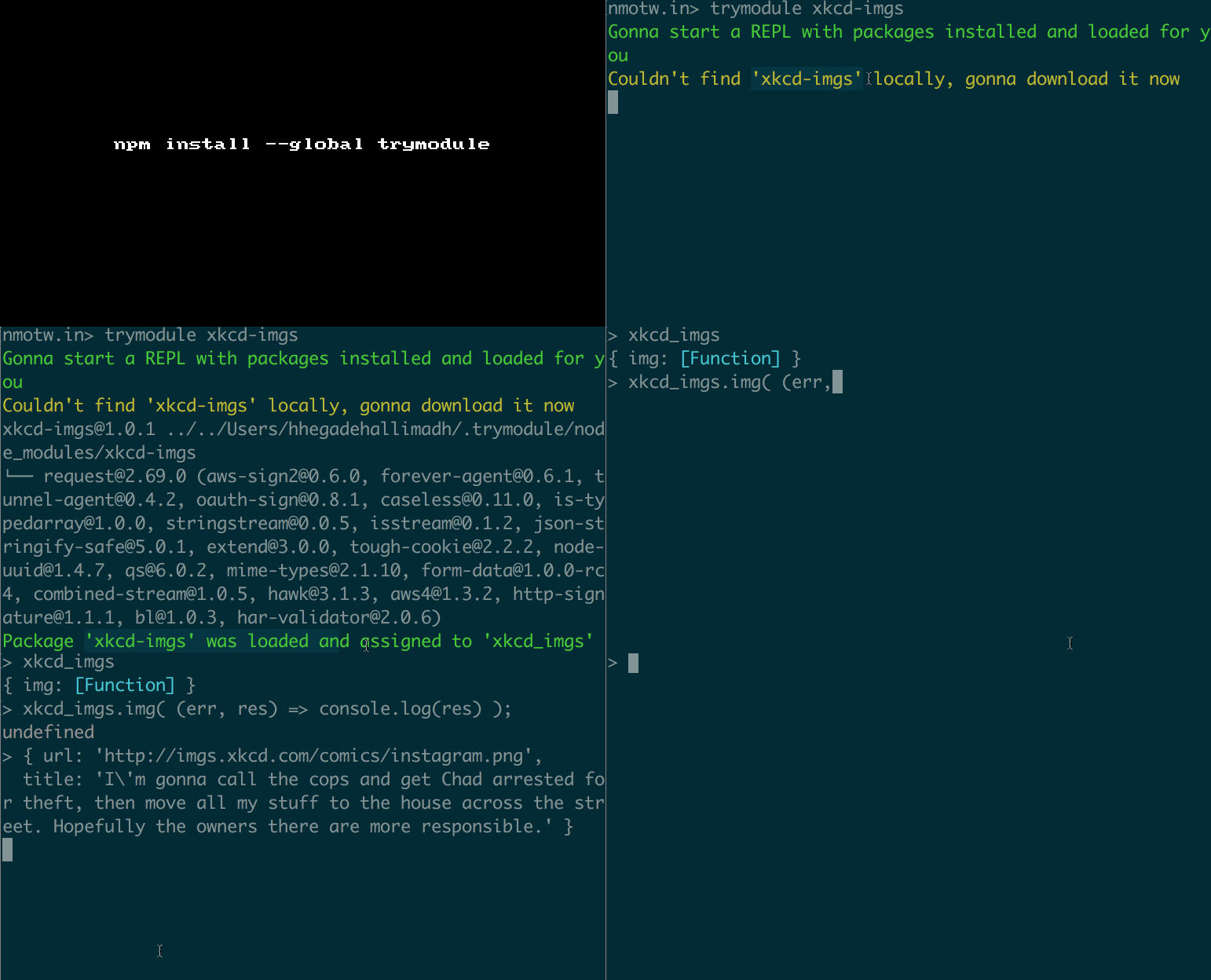
nmotw.in> trymodule xkcd-imgs
Gonna start a REPL with packages installed and loaded for you
Couldn't find 'xkcd-imgs' locally, gonna download it now
[email protected] ../../Users/hhegadehallimadh/.trymodule/node_modules/xkcd-imgs
└── [email protected] ([email protected], [email protected], [email protected], [email protected], [email protected], [email protected], [email protected], [email protected], [email protected], [email protected], [email protected], [email protected], [email protected], [email protected], [email protected], [email protected], [email protected], [email protected], [email protected], [email protected], [email protected])
Package 'xkcd-imgs' was loaded and assigned to 'xkcd_imgs' in the current scope
REPL started...
>
1
2
3
4
5
6
> xkcd_imgs
{ img: [Function] }
> xkcd_imgs.img( (err, res) => console.log(res) );
undefined
> { url: 'http://imgs.xkcd.com/comics/instagram.png',
  title: 'I\'m gonna call the cops and get Chad arrested for theft, then move all my stuff to the house across the street. Hopefully the owners there are more responsible.' }

GIF FTW!

trymodule

Phuzzy

phuzzy

Perform a fuzzy filter on a collection of items.

8 lines of code with some help from lodash.escaperegexp this is a cheeky module that helps you with your fuzzy filtering!

Get it: npm install --save phuzzy

Function Signature: phuzzy(collection, search[, pick])

Sample usage:

1
2
3
4
5
6
7
8
9
10
11
12
13
var phuzzy = require('phuzzy');

phuzzy(['addy','passy', 'hemanth'], 'y'); // ['addy', 'passy'];

var documents = [
    { text: 'Hello World' },
    { text: 'Hello Lucy' },
    { text: 'Hello Maria' }
];

phuzzy(documents, 'Lu', 'text'); [ { text: 'Hello Lucy' } ]

phuzzy(documents, 'maria', item => item.text) // [ { text: 'Hello Maria' } ]

GIF FTW!

phuzzy

Fixpack

fixpack

A package.json file scrubber for the truly insane.

GET IT: npm install -g fixpack

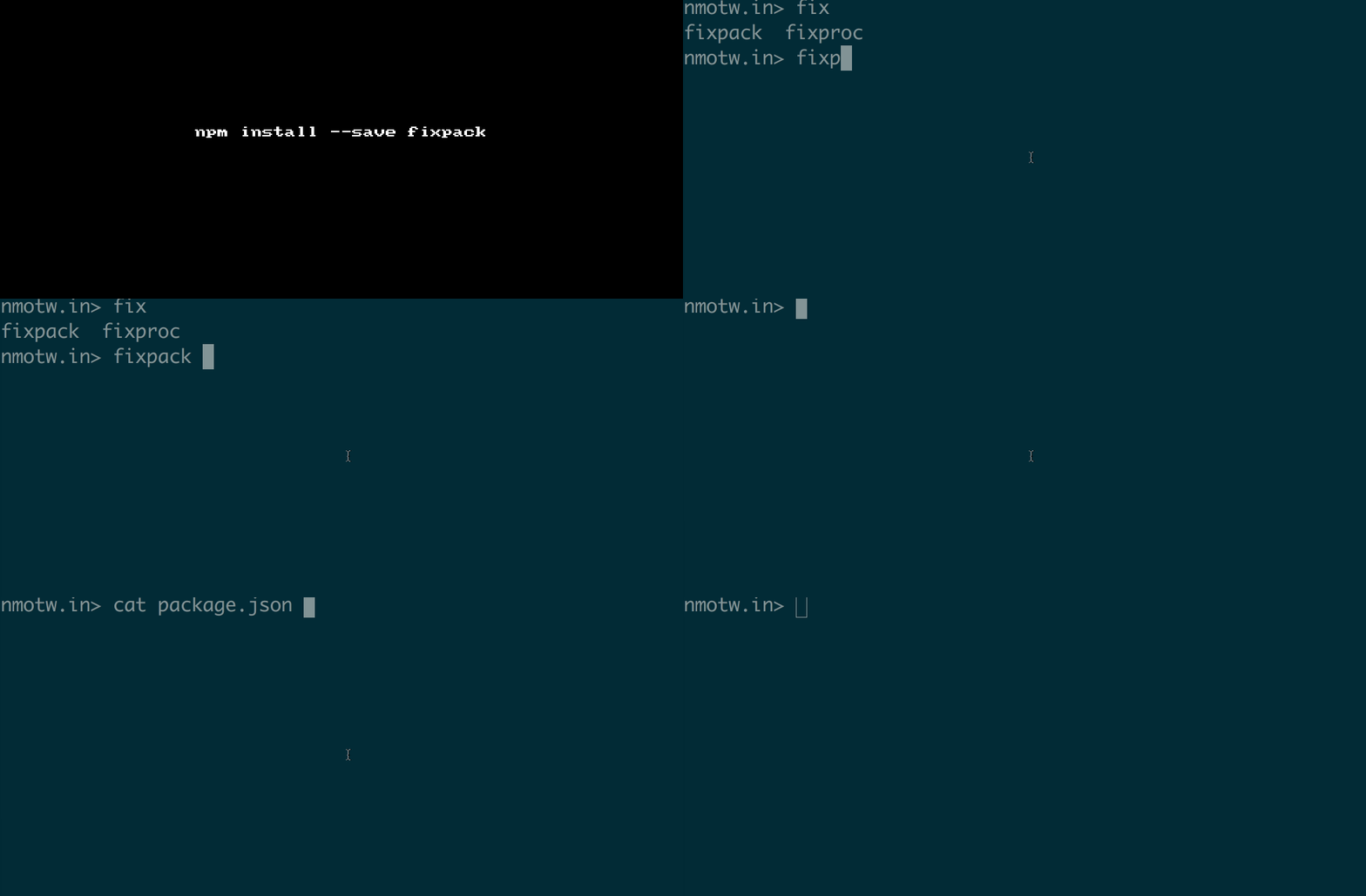
It will re-write your package.json file as follows:

  • name first
  • description second
  • version third
  • author fourth
  • all other keys in alphabetical order
  • dependencies and devDependencies sorted alphabetically
  • newline at the end of the file

It will warn you if any of these are missing:

  • description
  • author
  • repository
  • keywords
  • main
  • bugs
  • homepage
  • license

It can also read a config from .fixpackrc:

1
2
3
4
5
6
7
8
9
10
11
12
13
14
15
16
17
18
19
20
21
22
23
24
25
26
27
28
29
30
31
32
33
34
35
36
37
38
39
40
41
42
43
44
45
{
    // will put these first in this order if present
    sortToTop: [
        'name',
        'description',
        'version',
        'author'
    ],
    // will error if these not present
    required: [
        'name',
        'version'
    ],
    // will warn if these not present
    warn: [
        'description',
        'author',
        'repository',
        'keywords',
        'main',
        'bugs',
        'homepage',
        'license'
    ],
    // if `private: true` in package.json will use the next two lists instead
    requiredOnPrivate: [],
    warnOnPrivate: ['name', 'version', 'description', 'main'],
    // sub items to sort by default
    sortedSubItems: [
        'dependencies',
        'devDependencies',
        'jshintConfig',
        'scripts',
        'keywords'
    ],
    // if you set quiet to true it won't do output anything to the console
    quiet: false,
    // files to scrub
    files: ['package.json'],
    // Will set all deps to '*'
    // this may be useful because then you can
    // run npm update --save && npm update --save-dev
    // to install latest stable releases of everything.
    wipe: false
}

GIF FTW!

fixpack

Selectn

selectn

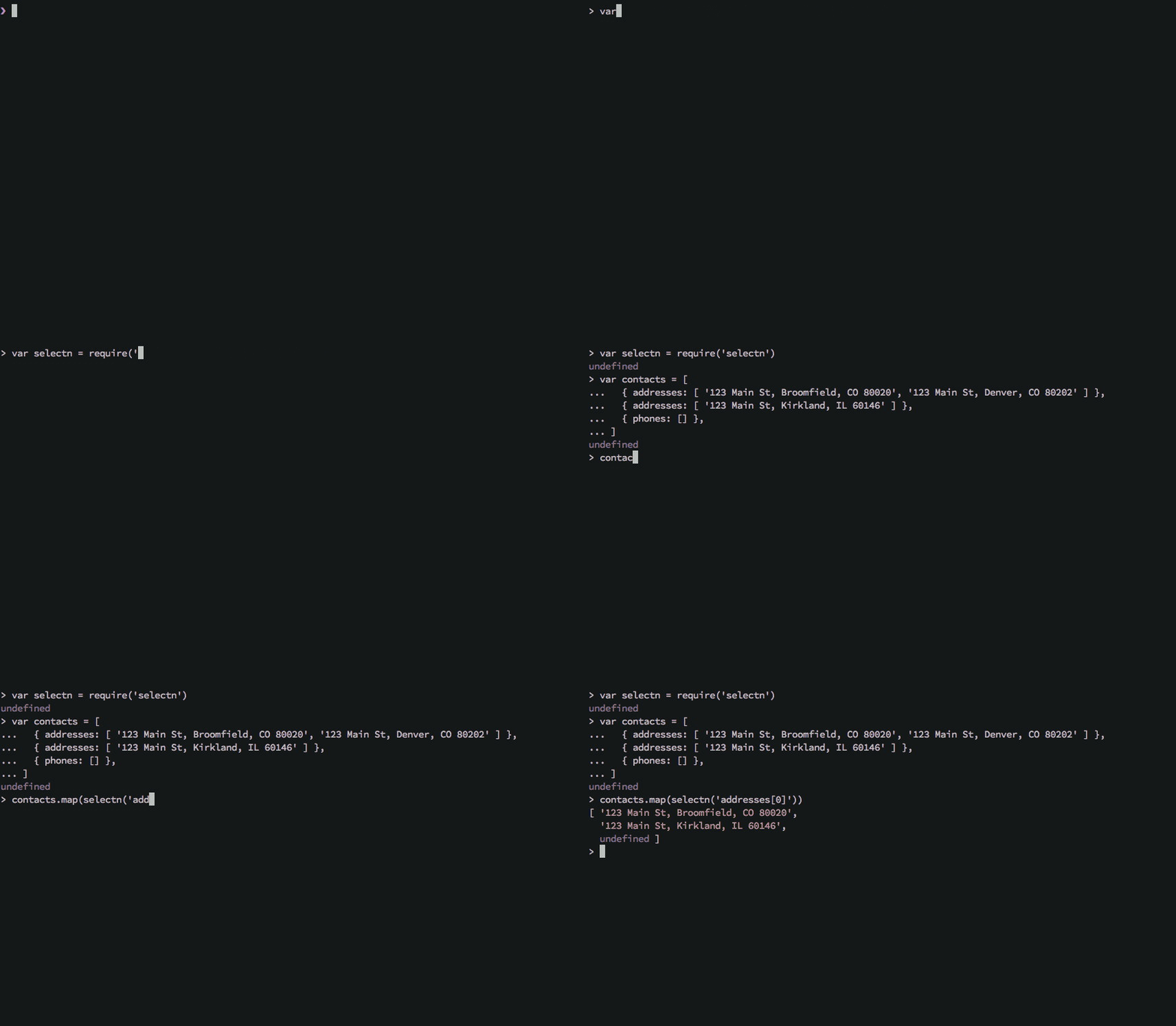
Resolve deeply-nested object properties via dot/bracket-notation string or array path while mitigating TypeErrors.

refactor this:
person && person.info && person.info.name && person.info.name.full
into:
selectn('info.name.full', person)
or this:
contacts.map(function (contact) {
  return contact && contact.addresses && contact.addresses[0]
})
into:
contacts.map(selectn('addresses[0]')))

Installation

> npm install selectn --save

Features

  • Mitigates boilerplate guards like if (obj && obj.a && obj.a.b && obj.a.b.c) { return obj.a.b.c; }.
  • Mitigates TypeError Cannot read property '...' of undefined.
  • Supports multiple levels of array nesting (i.e. group[0].section.a.seat[3]).
  • Supports dashed key access (i.e. stats.temperature-today).
  • If value at path is a function, the value returned is the return value of invoking the function.
  • Partial application is automatic when you omit the second argument (i.e. selectn is curried).
  • Property accessor generated by selectn can be passed to higher-order functions like map or filter.
  • Compatible with modern and legacy browsers, Node/CommonJS, and AMD.
  • Haskell style parameter order allows for pointfree style programming.

Non-Features

  • No eval or Function (see: eval in disguise).
  • No typeof since, typeof is not a real solution to this problem but can appear to be due to the way the global scope is implied.

GIF FTW!

selectn Checkout the project's readme.md for more examples.

Color-thief

color-thief

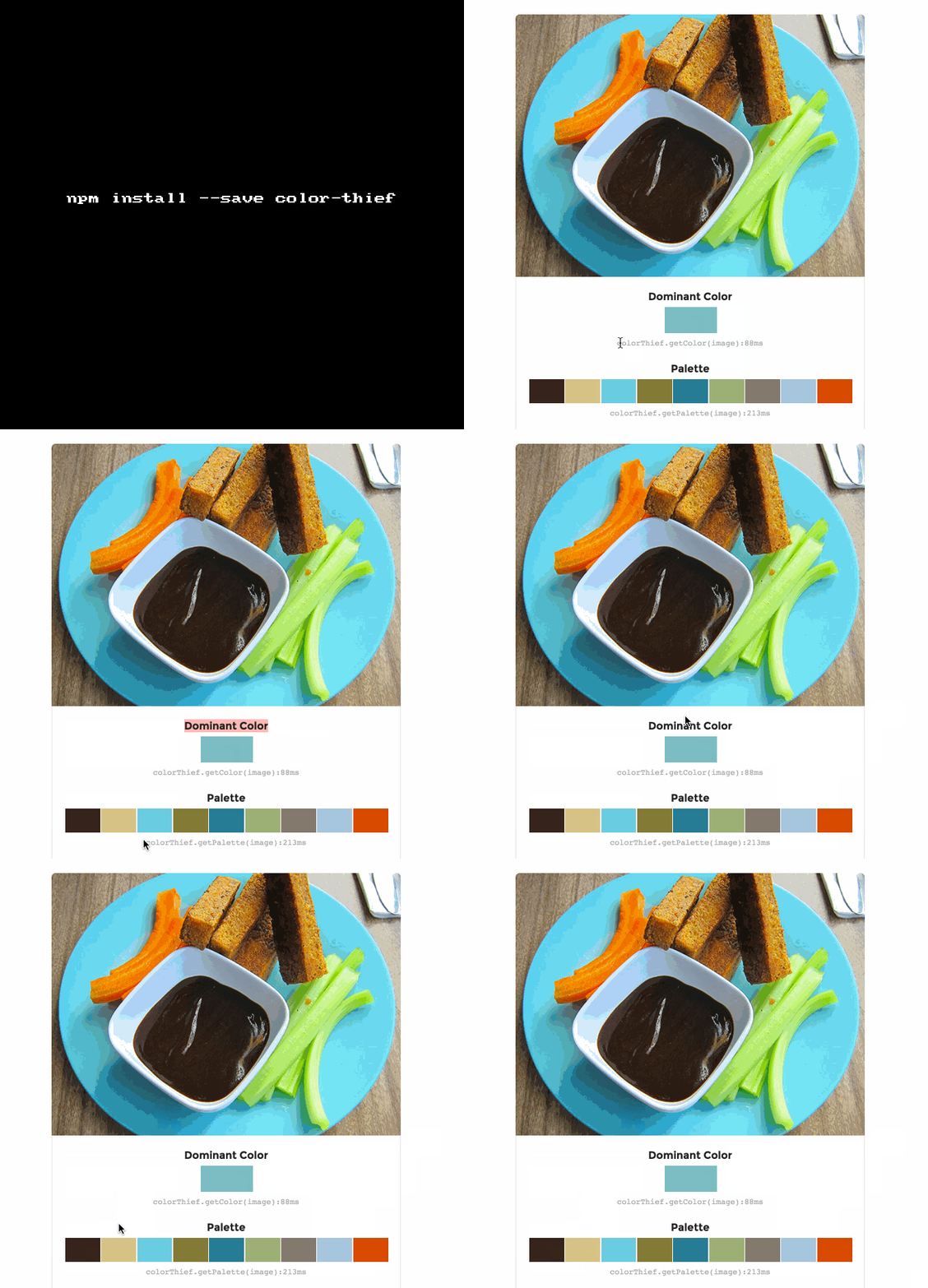
Grab the color palette or dominant color from an image!

color-thief helps to grab get the dominant color or the color palette from an image, this module makes use of JS, some cool math and the canvas tag to make it happen.

Get it: npm install --save color-thief

Sample usage:

1
2
3
4
5
6
7
var colorThief = new ColorThief();
colorThief.getColor(sourceImage);

/*
getColor(sourceImage[, quality])
returns {r: num, g: num, b: num}
*/
1
2
3
4
5
6
7
var colorThief = new ColorThief();
colorThief.getPalette(sourceImage, 8);

/*
getPalette(sourceImage[, colorCount, quality])
returns [ [num, num, num], [num, num, num], ... ]
*/

GIF FTW!

color-thief

Must

must

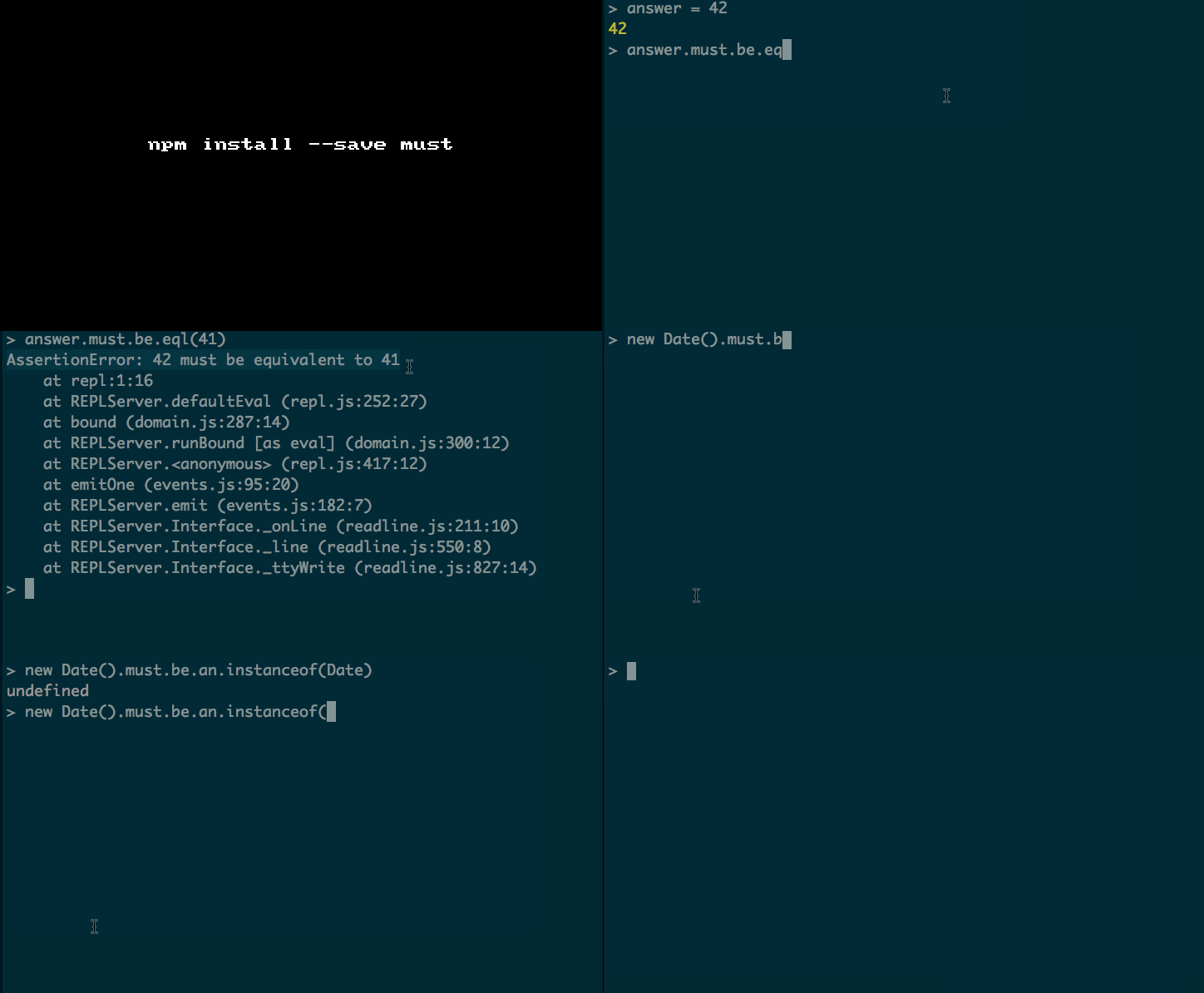
Testing and assertion library with friendly BDD syntax!

must provides a BDD syntax for all your assertions and it follows RFC 2119 with its use of MUST. Good and well testsed stuff.

Get it: npm install --save must

Sample usage:

1
2
3
4
5
6
7
8
9
10
11
12
13
require("must/register");

[].must.be.empty();

obj.must.have.nonenumerable("foo");

(42).must.be.above(13);

Promise.resolve(42).must.then.equal(42);

Promise.resolve([1, 2, 3]).must.eventually.not.include(42);

Promise.reject(new Error("Problemo")).must.reject.with.error(/problem/i);

GIF FTW!

must.gif

We must thank Andri Möll for must

Ipt

ipt

The missing shell interactive workflow.

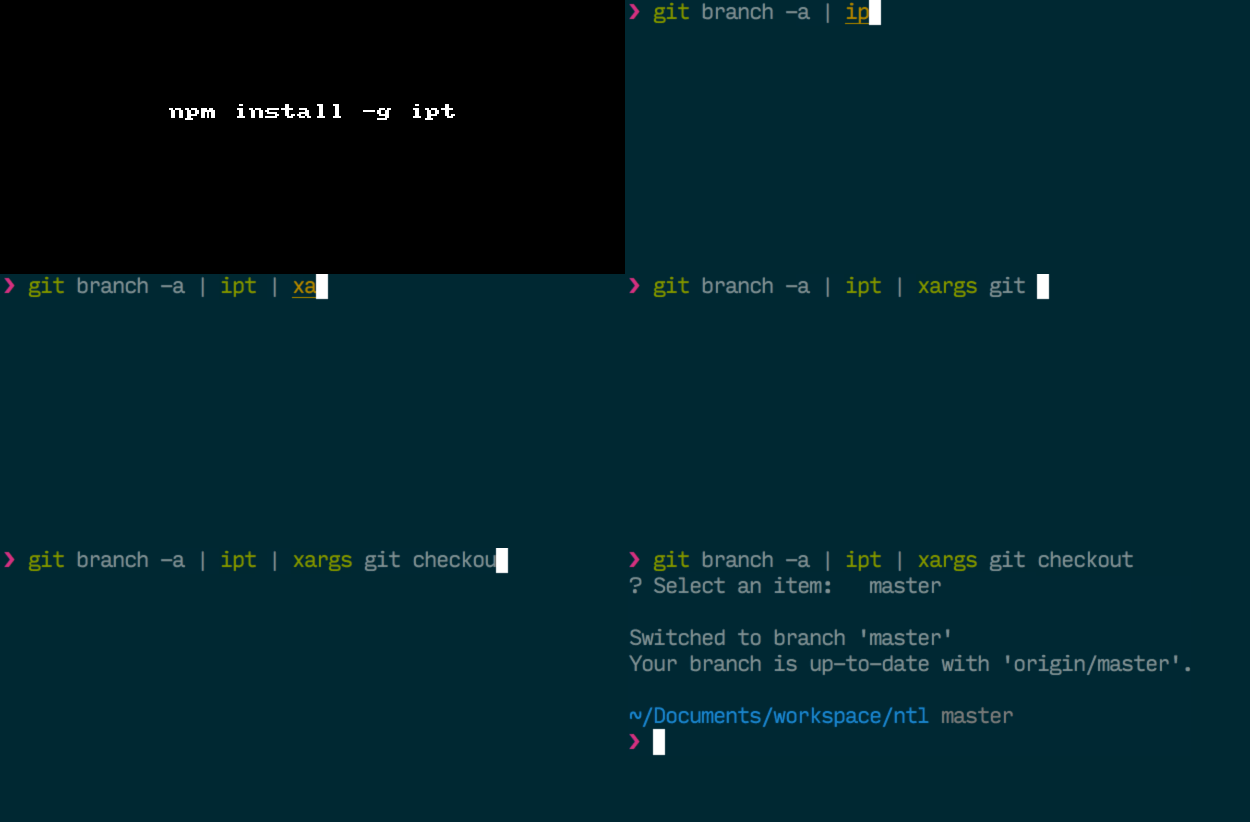
ipt (pronounced iPipeTo) introduces the missing cli interactive workflow.

It takes any kind of list as an input and uses that list to build an interactive interface to let you select an element from it.

Stop manually dragging your mouse around to copy output data from a terminal, using the ipt workflow you can pipe data from a command and select what to copy to clipboard from a convenient visual menu.

Selected data is also output to stdout allowing for easily composing various workflows - Just create your custom alias!

P.S: Couldn't explain it better than than author!

GET IT: npm install -g ipt

Sample usage:

1
git branch -a | ipt | xargs git checkout
1
git --no-pager log --oneline | ipt | cut -d ' ' -f 1 | xargs -o git rebase -i"

P.S: Don't miss to read the wonderful examples!

GIF FTW!

Thanks to Ruy Adorno for this cheeky module.

Why-is-node-running

why-is-node-running

Node is running but you don't know why? why-is-node-running is here to help you.

This is a cheeky module that plays with process.binding of node, specifically with process.binding('contextify').ContextifyScript; the core of this library is from node's source.

GET IT: npm install --save why-is-node-running

Sample usage:

1
2
3
4
5
6
7
8
9
10
11
12
13
14
15
var log = require('why-is-node-running'); // should be your first require 
var net = require('net');

function createServer () {
  var server = net.createServer();
  setInterval(function () {}, 1000);
  server.listen(0);
}

createServer();
createServer();

setTimeout(function () {
  log() // logs out active handles that are keeping node running 
}, 100);

When executed in /tmp you see an output like:

1
2
3
4
5
6
7
8
9
10
11
12
13
14
15
16
17
There are 4 known handle(s) keeping the process running and 0 unknown
Known handles:

# Timer
/private/tmp/l:6  - setInterval(function () {}, 1000);
/private/tmp/l:10 - createServer();

# TCP
/private/tmp/l:7  - server.listen(0);
/private/tmp/l:10 - createServer();

# TCP
/private/tmp/l:7  - server.listen(0);
/private/tmp/l:11 - createServer();

# Timer
/private/tmp/l:13 - setTimeout(function () {

GIF FTW!

why-is-node-running