data.task

data.task

A structure for representing asynchronous actions with automatic resource handling.

data.task monad which can be used to replace Continuation-Passing Style form of programming, in order to be able to compose and sequence time-dependent effects using the generic and powerful monadic operations.

GET IT: npm install --save data.task

Sample Usage:

1
2
3
var Task = require('data.task');
> new Task((reject, resolve) => {})
Task { fork: [Function], cleanup: [Function] }
1
2
3
4
5
6
7
8
9
10
11
12
13
var Task = require('data.task');
var read = path => {
return new Task((reject, resolve) => {
  fs.readFile(path, (err, data) => {
        if (err)  {
          reject(err)
        } else {
          resolve(data)
        }
    });
  });
};
read('/tmp/data.md').fork(console.error, console.log);

GIF FTW:

data.task

Platform

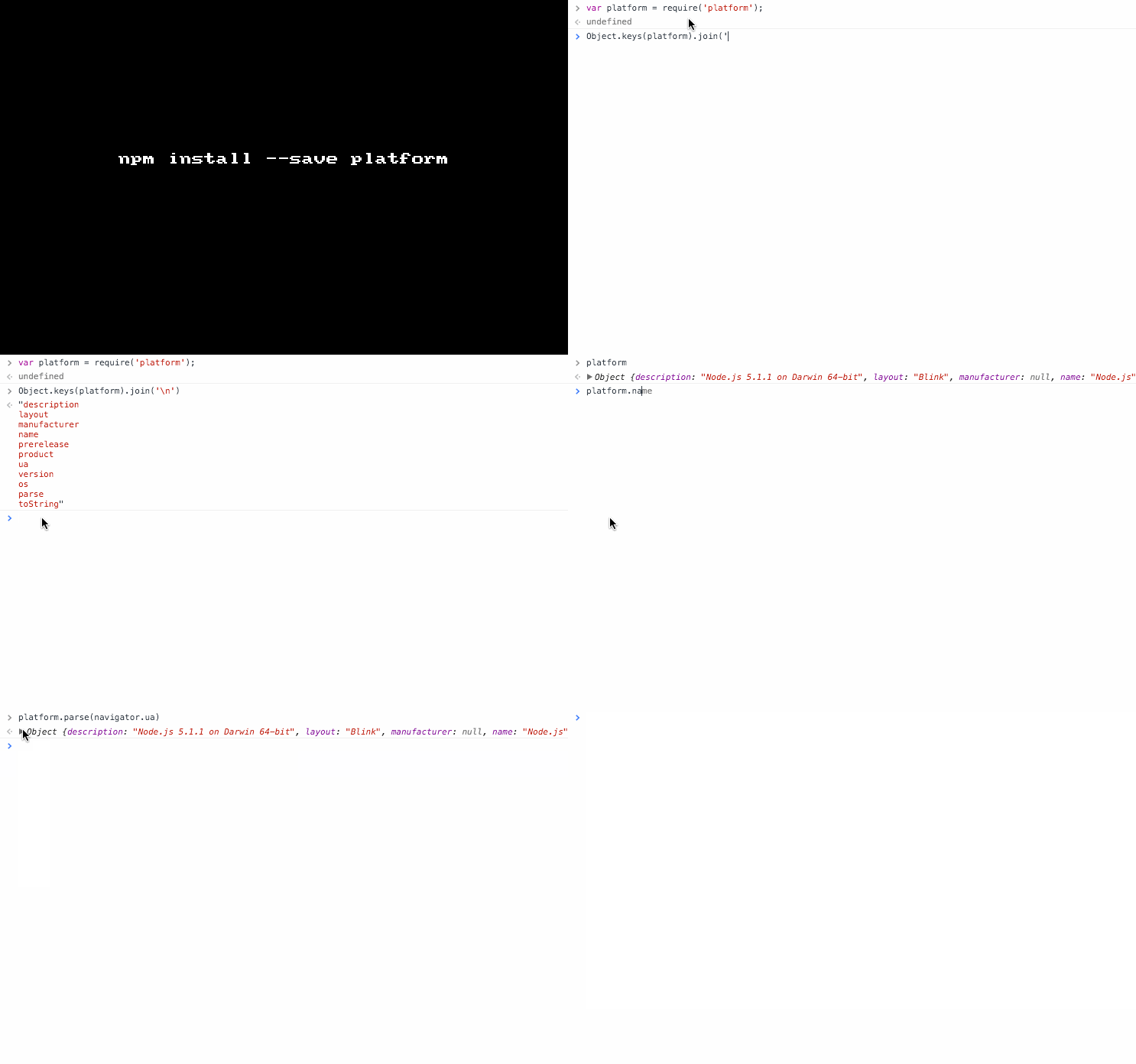
platform

A platform detection library that works on nearly all JavaScript platforms.

This module provides the below platfrom based information:

  • description
  • layout
  • manufacturer
  • name
  • prerelease
  • product
  • ua
  • version
  • os

It can also parse an User-Agent and give the same information.

P.S:platform is for informational purposes only & not intended as a substitution for feature detection/inference checks.

GET IT : npm install --save platform

Sample usage:

1
2
3
4
5
6
7
8
9
10
var platform = require('platform');

// on an iPad
platform.name; // 'Safari'
platform.version; // '5.1'
platform.product; // 'iPad'
platform.manufacturer; // 'Apple'
platform.layout; // 'WebKit'
platform.os; // 'iOS 5.0'
platform.description; // 'Safari 5.1 on Apple iPad (iOS 5.0)'
1
2
3
4
5
6
var info = platform.parse('Mozilla/5.0 (Macintosh; Intel Mac OS X 10.7.2; en; rv:2.0) Gecko/20100101 Firefox/4.0 Opera 11.52');
info.name; // 'Opera'
info.version; // '11.52'
info.layout; // 'Presto'
info.os; // 'Mac OS X 10.7.2'
info.description; // 'Opera 11.52 (identifying as Firefox 4.0) on Mac OS X 10.7.2'

GIF FTW!

Iron-node

iron-node

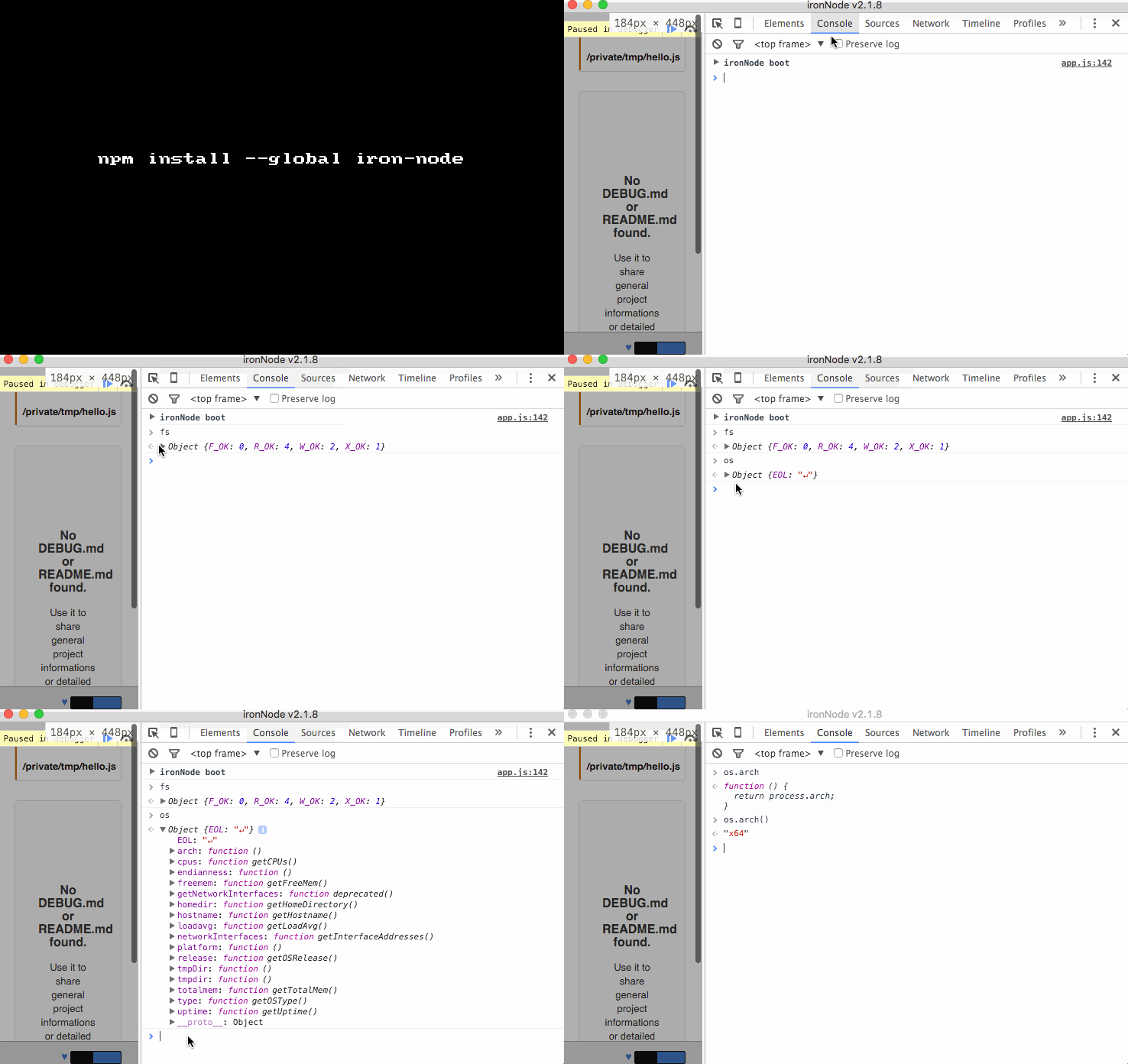
Debug Node.js code with Chrome Developer Tools.

Yes you read it right iron-node helps you to debug your node code using chrome devtools, it makes use of electron creates a browser-window opens the dev-tool re-compile native modules against electron!

It not only helps you to debug your code, but also helps to debug your node build scripts!

Keep in mind to place the keyword debugger; to a place where you want to stop.

Get it: npm install -g iron-node

Sample usage:

CLI:

1
iron-node PATH_TO_NODE_JS_FILE [--customparm1=foo --customparm2=bar];

npm scripts:

1
2
3
4
5
6
7
8
9
  ...
  "scripts": {
    ...
    "debug-mocha": "iron-node node_modules/mocha/bin/_mocha",
    "debug-grunt": "iron-node node_modules/grunt-cli/bin/grunt build",
    "debug-gulp": "iron-node node_modules/gulp/bin/gulp.js",
    ...
  },
  ...

GIF FTW!

Fp-dom

fp-dom

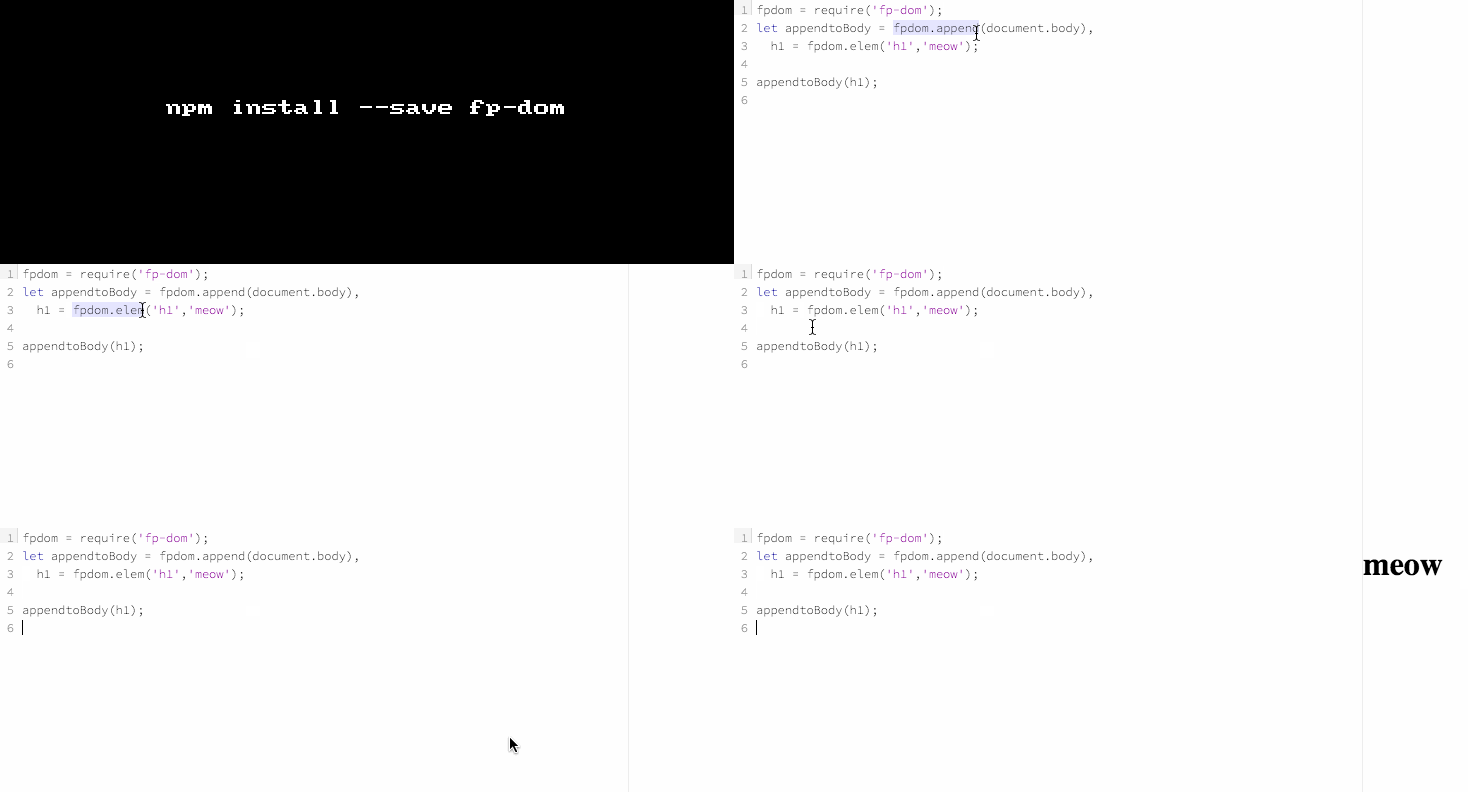
A collection of functions to favor functional programming in a DOM context.

DOM operations in a functional way with fp-dom, it provides support for the below methods:

  • animate
  • append
  • addClass
  • removeClass
  • toggleClass
  • hasClass
  • contains
  • elem
  • insertAfter
  • insertBefore
  • interval
  • isdom
  • isvdom
  • listen
  • prepend
  • replace
  • select
  • selectOne
  • setattr
  • timeout
  • velem

Get it: npm install --save fp-dom

Sample usage:

1
2
3
4
5
fpdom = require('fp-dom');
let appendtoBody = fpdom.append(document.body),
  h1 = fpdom.elem('h1','meow');

appendtoBody(h1);

GIF FTW!

fp-dom

Ineed

ineed

Web scraping and HTML-reprocessing. The easy way.

ineed-logo

ineed allows you collect useful data from web pages using simple and nice API.

It doesn't build and traverse DOM-tree, it operates on sequence of HTML tokens instead. Whole processing is done in one-pass, therefore, it's blazing fast!

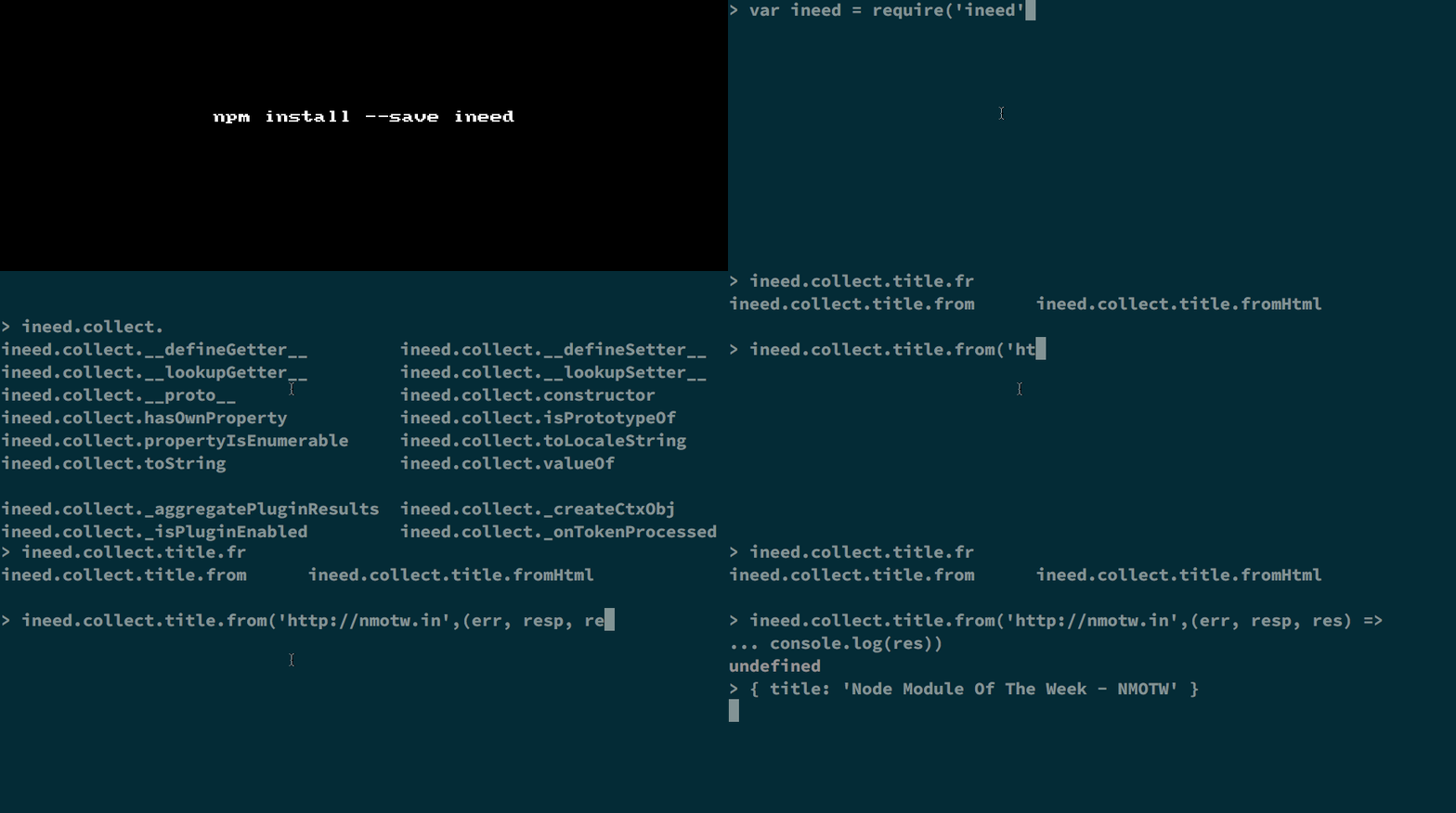
Get it: npm install --save ineed

Usage: ineed.<action>[.<plugin>...].<from*>

Where action could be: collect or reprocess

plugin could be one of: .comments .cssCode .hyperlinks .images .jsCode .scripts .stylesheets .texts .title

from could be: from or fromHtml

P.S: One could write a custom plugin using the .using() method.

Code sample:

1
2
3
4
var ineed = require('ineed');

ineed.collect.images.hyperlinks.scripts.stylesheets.from('http://nmotw.in',
    (err, response, result) => console.log(result));
1
2
3
var ineed = require('ineed');

var result = ineed.collect.texts.images.scripts.fromHtml(html);

GIF FTW!

ineed

Thanks to Ivan Nikulin for this cheeky module.

Stack-trace

stack-trace

Get v8 stack traces as an array of CallSite objects.

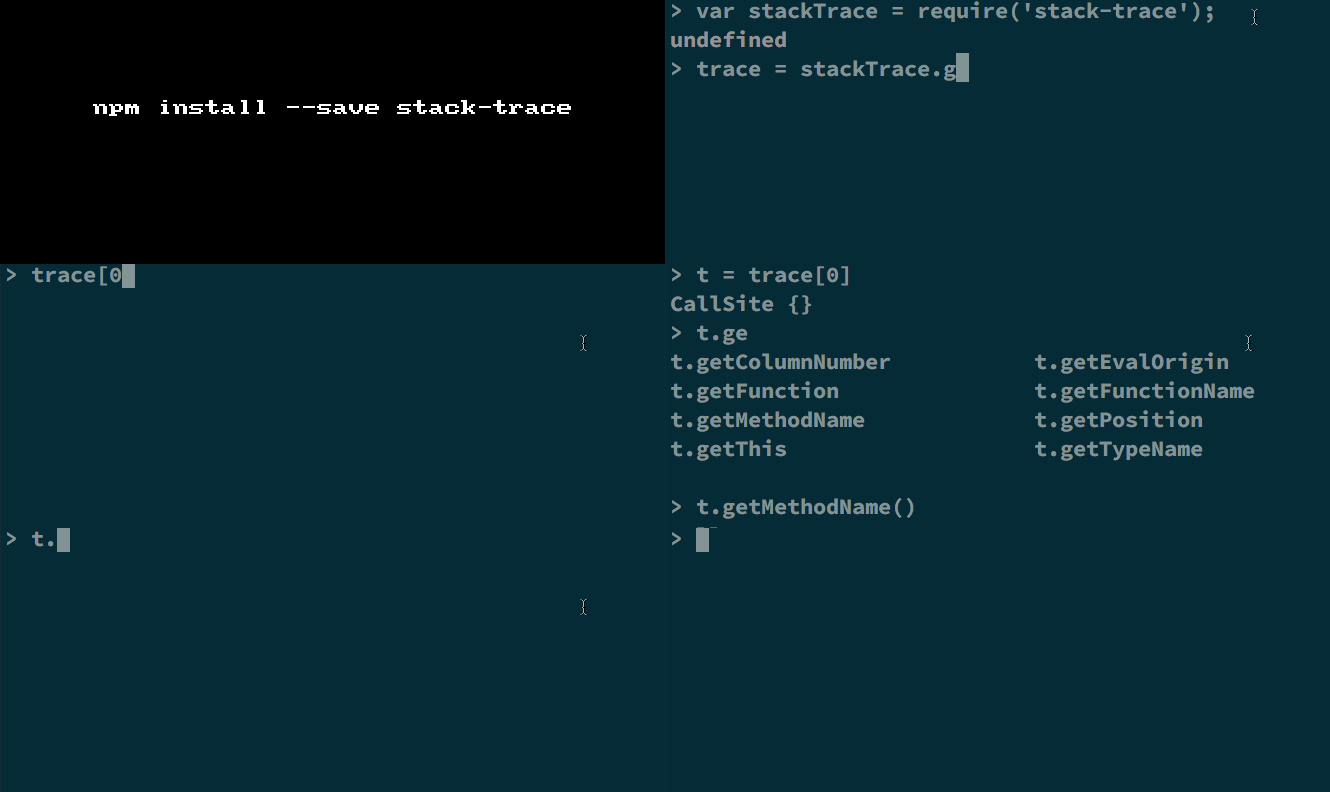
Get it: npm install --save stack-trace

Sample usage:

1
2
var stackTrace = require('stack-trace');
var trace = stackTrace.get();
1
2
3
var stackTrace = require('stack-trace');
var err = new Error('something went wrong');
var trace = stackTrace.parse(err);

And trace would have CallSite objects and each object will have the below methods:

  • getThis: returns the value of this
  • getTypeName: returns the type of this as a string. This is the name of the function stored in the constructor field of this, if available, otherwise the object's [[Class]] internal property.
  • getFunction: returns the current function
  • getFunctionName: returns the name of the current function, typically its name property. If a name property is not available an attempt will be made to try to infer a name from the function's context.
  • getMethodName: returns the name of the property of this or one of its prototypes that holds the current function
  • getFileName: if this function was defined in a script returns the name of the script
  • getLineNumber: if this function was defined in a script returns the current line number
  • getColumnNumber: if this function was defined in a script returns the current column number
  • getEvalOrigin: if this function was created using a call to eval returns a CallSite object representing the location where eval was called
  • isToplevel: is this a toplevel invocation, that is, is this the global object?
  • isEval: does this call take place in code defined by a call to eval?
  • isNative: is this call in native V8 code?
  • isConstructor: is this a constructor call?

GIF FTW

stack-trace

Is-christmas

is-christmas

🎅 Is today Christmas? 🎄

Simple fun module that returns true or false if it's Christmas or not.

Get it:

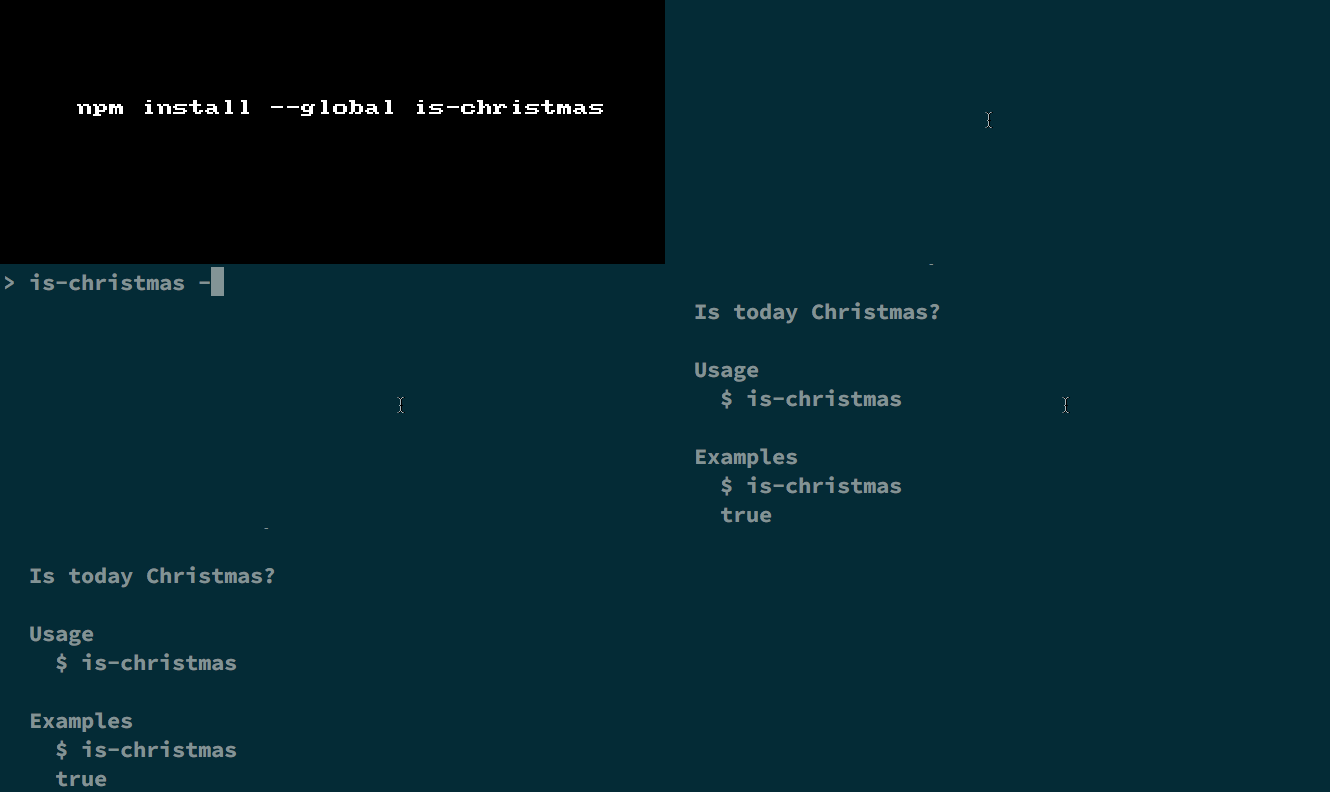
$ npm install --save is-christmas

$ npm install --global is-christmas // for CLI

Usage:

1
2
3
4
const isChristmas = require('is-christmas');

isChristmas();
//=> true
1
2
3
4
5
6
7
8
$ is-christmas --help

  Usage
    is-christmas

  Examples
    $ is-christmas
    true

GIF FTW!

is-christmas

Thanks to James Kyle for this fun module for this Christmas 😉

As

as

Convert easily, back and forth between array and object.

A sweet and simple util that help you to convert array to object and vise versa, it also:

  • Brings all functional goodness of arrays to objects.

  • Brings the flexibility of objects to arrays.

  • Works well with a functional programming library.

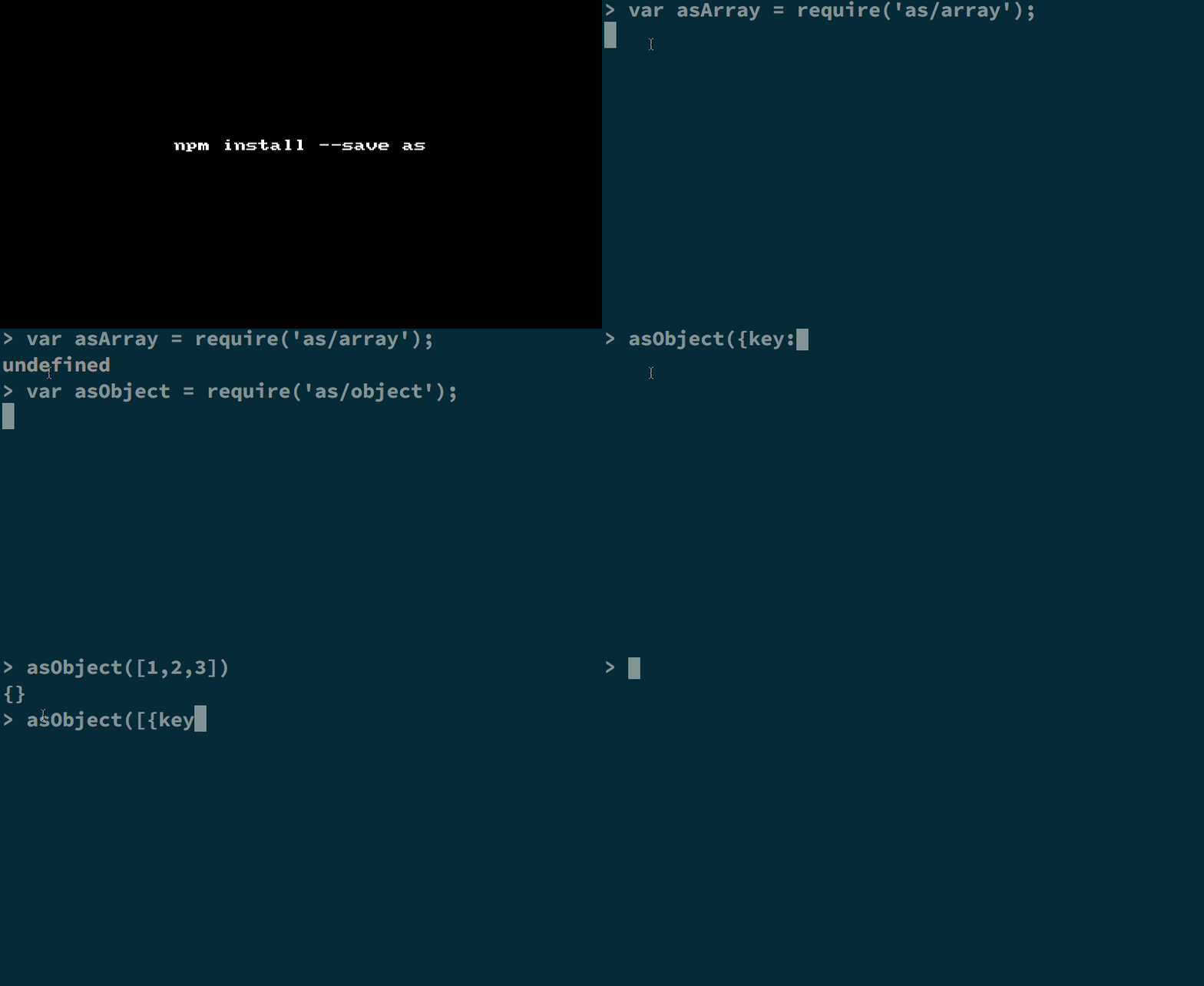
Get it: npm install --save as

Usage:

1
2
3
4
5
6
7
8
var asArray = require("as/array");

asArray(
  {a: 1, b: 2}
  );
// [ {key: "a", value: 1} 
// , {key: "b", value: 2} 
// ] 
1
2
3
4
5
6
var asObject = require("as/object");
asObject(
  [ {key: "a", value: 1}
  , {key: "b", value: 2}
  ]);
// {a: 1, b: 2} 

GIF FTW!

Thanks for

Dev-time

dev-time

Get the current local time of a GitHub user.

Ever wanted to ping someone on github and were wondering what time zone does the dev is on?

dev-time helps you with getting the local time of GitHub user.

How does it do that? Well, it gets the latest commit of the user and get the time stamp from there and then find the time.

Get it: npm install --save dev-time

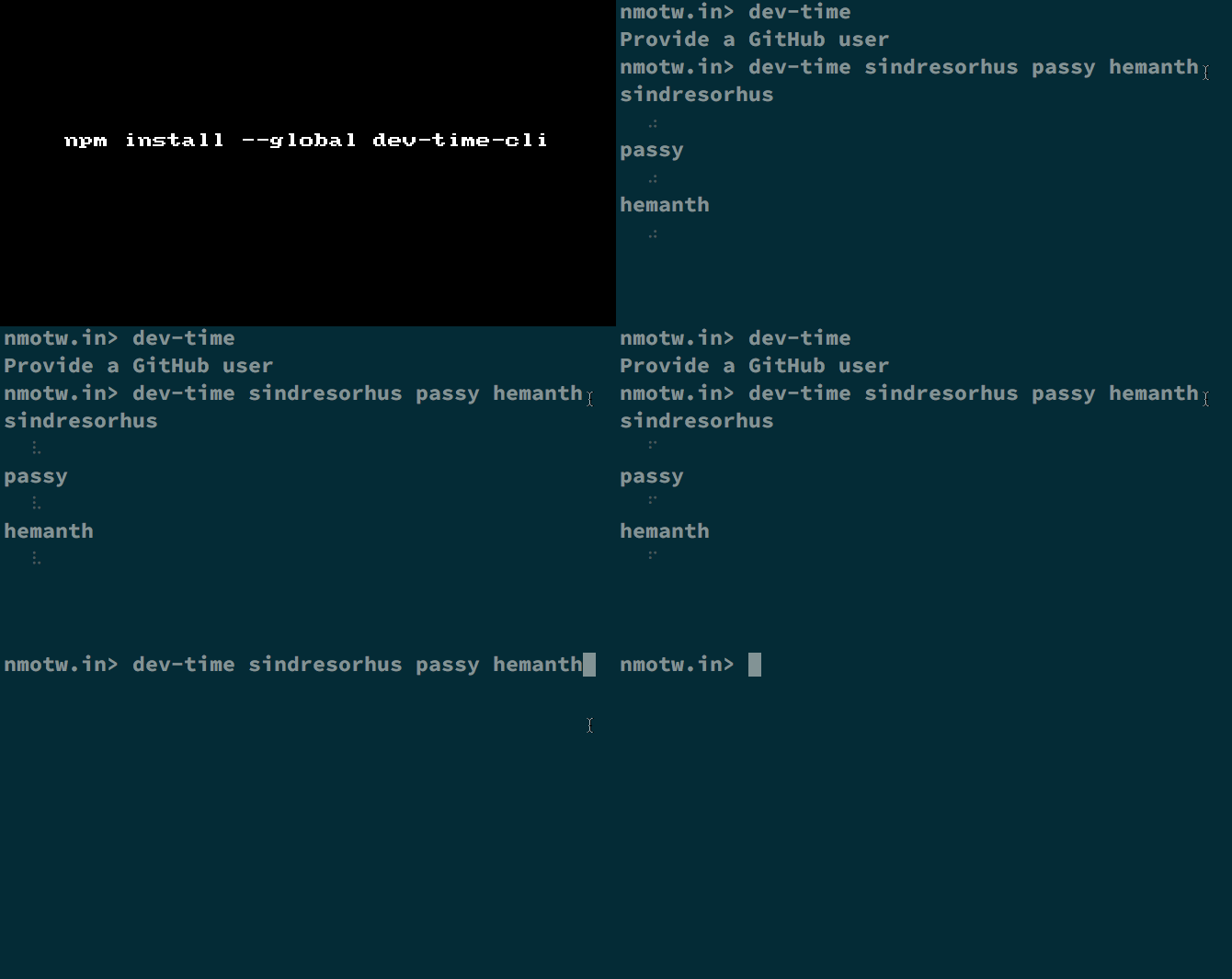
For CLI: npm install --global dev-time-cli

Sample usage API:

1
2
3
4
5
6
const devTime = require('dev-time');

devTime('SamVerschueren').then(time => {
    console.log(time);
    //=> '2015-12-10T21:18:34+05:30'
});

On CLI:

1
2
3
4
5
6
7
8
9
10
11
12
13
14
15
16
17
18
19
20
21
22
23
24
25
$ dev-time --help

  Usage
    $ dev-time <user> <user2> ...

  Options
    -v, --verbose  Show UTC offset.
    --format       The moment format of the output. [Default: HH:mm - D MMM. YYYY]
    --token        The GitHub authentication token.

  Examples
    $ dev-time SamVerschueren
    19:47 - 8 Dec. 2015

    $ dev-time SamVerschueren sindresorhus
    SamVerschueren
      19:47 - 8 Dec. 2015
    sindresorhus
      18:47 - 8 Dec. 2015

    $ dev-time SamVerschueren -v
    19:47 - 8 Dec. 2015 - UTC+1

    $ dev-time SamVerschueren --format DD-MM-YYYY
    07-12-2015

GIF FTW!

dev-time

Ambi

ambi

Execute a function ambidextrously.

ambi normalizes the differences between synchronous and asynchronous functions! That is treating synchronous functions as asynchronous functions.

Get it: $ npm install --save ambi

Sample usage:

1
2
3
4
5
6
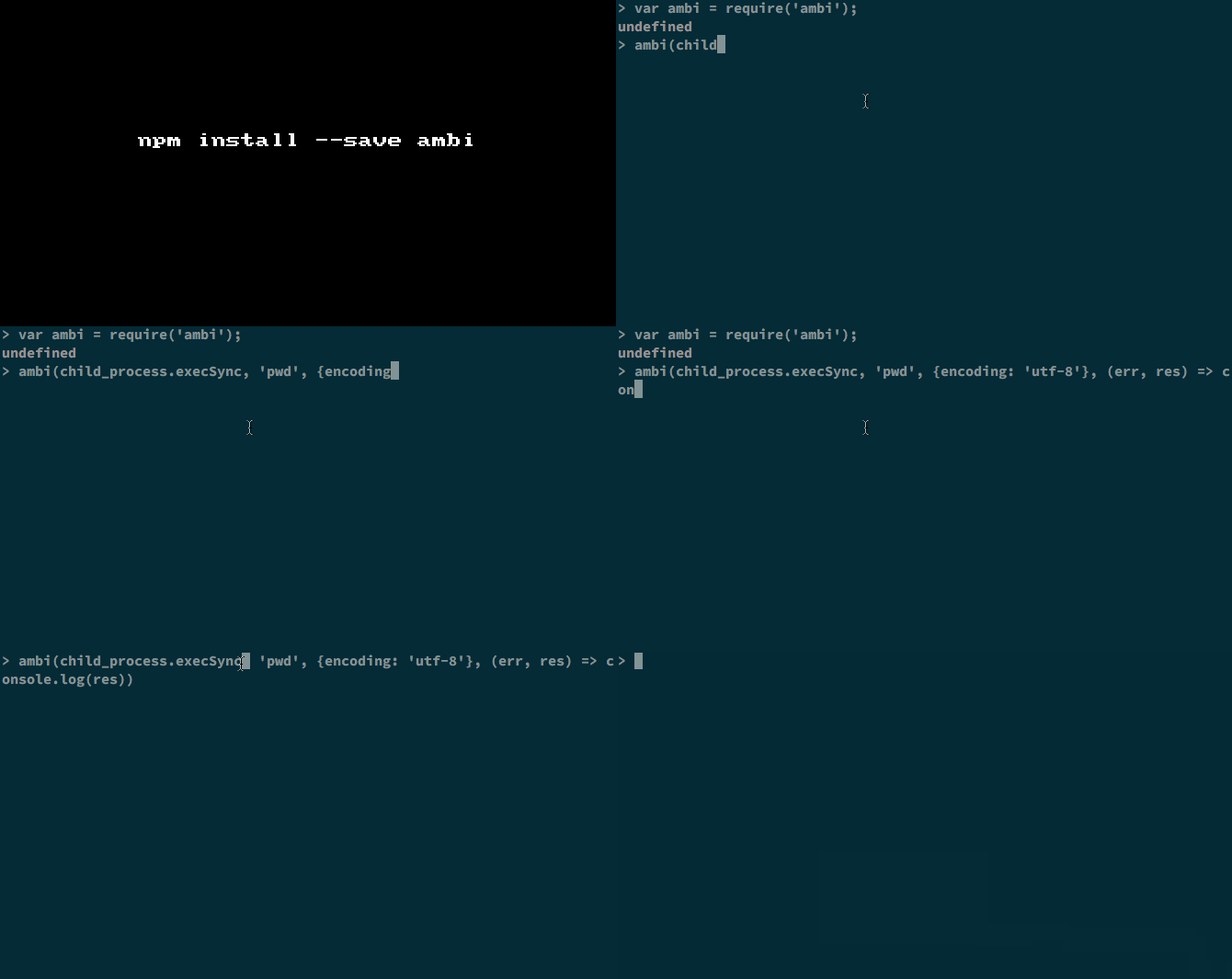
var ambi = require('ambi');
var child_process = require('child_process');

ambi(child_process.execSync, 'pwd', {encoding: 'utf-8'}, (err, res) => console.log(res)); // Async 

ambi(child_process.exec, 'pwd', {encoding: 'utf-8'}, (err, res) => console.log(res)); // Sync

GIF FTW!

ambi

Thanks to Benjamin Lupton for this module.