Npmlog

npmlog

logger for npm

npmlog is a simple logger that npm uses to log it's messages, this module provides custom levels and colored output.

By default, logs are written to stderr, to send log messages to outputs other than streams you can use log.stream member, or you can just listen to the events that it emits.

Get it: : npm install --save npmlog

Sample usage:

1
2
3
4
5
6
7
8
var log = require('npmlog')

// additional stuff ---------------------------+
// message ----------+                         |
// prefix ----+      |                         |
// level -+   |      |                         |
//        v   v      v                         v
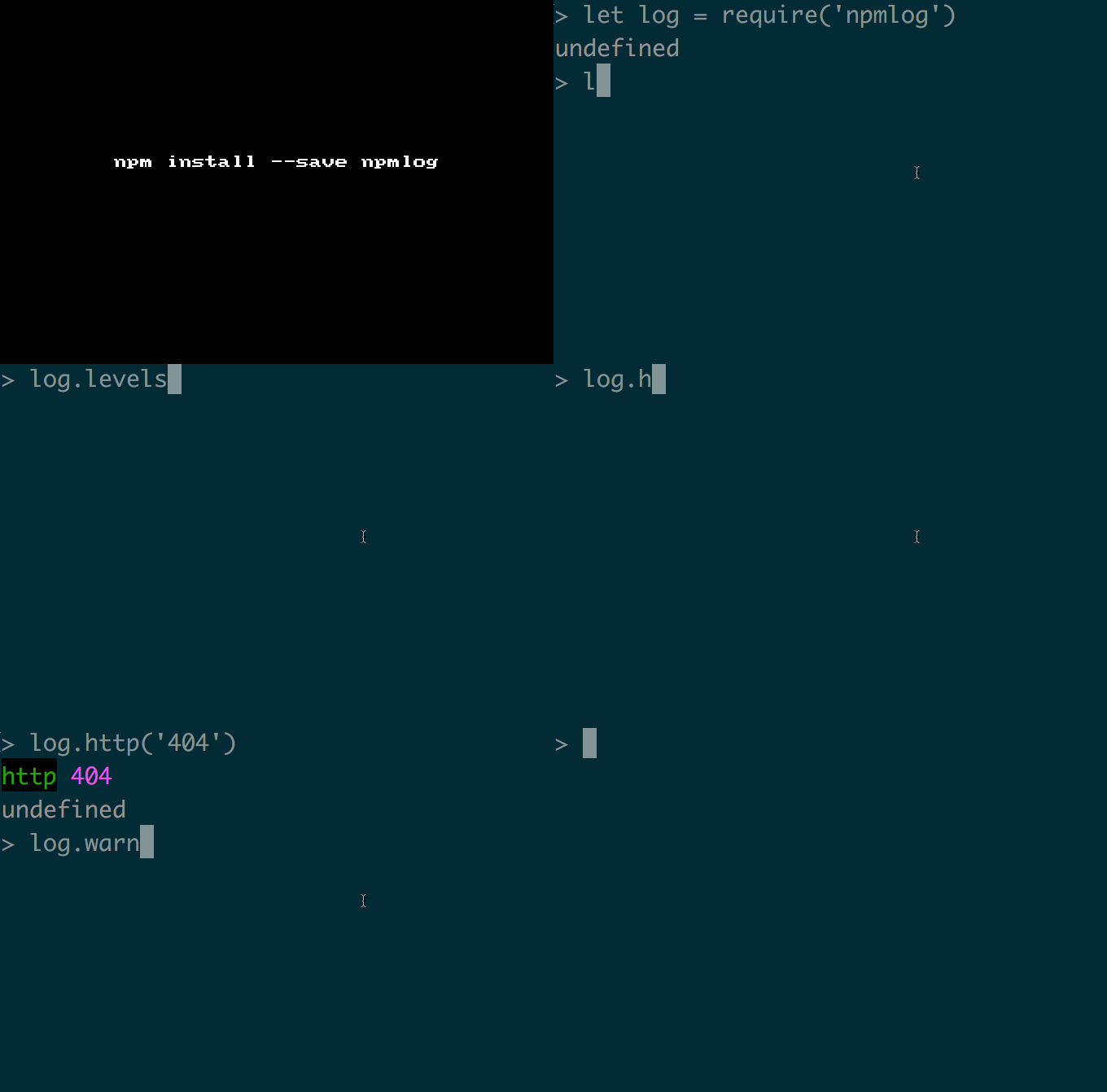
    log.info('fyi', 'I <3 nmotw: %j', node_modules);

levels:

1
2
3
4
5
6
7
8
9
10
11
12
13
14
15
16
17
> log.levels
{ silly: -Infinity,
  verbose: 1000,
  info: 2000,
  http: 3000,
  warn: 4000,
  error: 5000,
  silent: Infinity }

> log.disp
{ silly: 'sill',
  verbose: 'verb',
  info: 'info',
  http: 'http',
  warn: 'WARN',
  error: 'ERR!',
  silent: 'silent' }

GIF FTW!

npmlog

Notie

notie

A simple notification plugin.

notie - A clean and simple notification plugin with alert/growl style, has no dependencies, help us to take an input, confirmation or alter the users in a more appealing manner.

It's uses material design, you can override or add styling in a separate .css file.

Get it: npm install --save notie

Sample usage:

1
2
3
4
5
6
7
var notie = require('notie);

notie.alert(style_number, 'message', time_in_seconds);

notie.confirm('Title text', 'Yes button text', 'No button text', yes_callback);

notie.input('Title text', 'Submit button text', 'Cancel button text', 'type', 'placeholder', submit_callback, 'Optional pre-filled value');
1
2
3
notie.input('What city do you live in?', 'Submit', 'Cancel', 'text', 'Enter your city:', function(value_entered) {
    notie.alert(1, 'You entered: ' + value_entered, 2);
}, 'New York');

P.S: style_number -> {1,2,3,4} <=> {Success, Warning, Error, Information}

GIF FTW:

notie

Debounce

debounce

debounce a function.

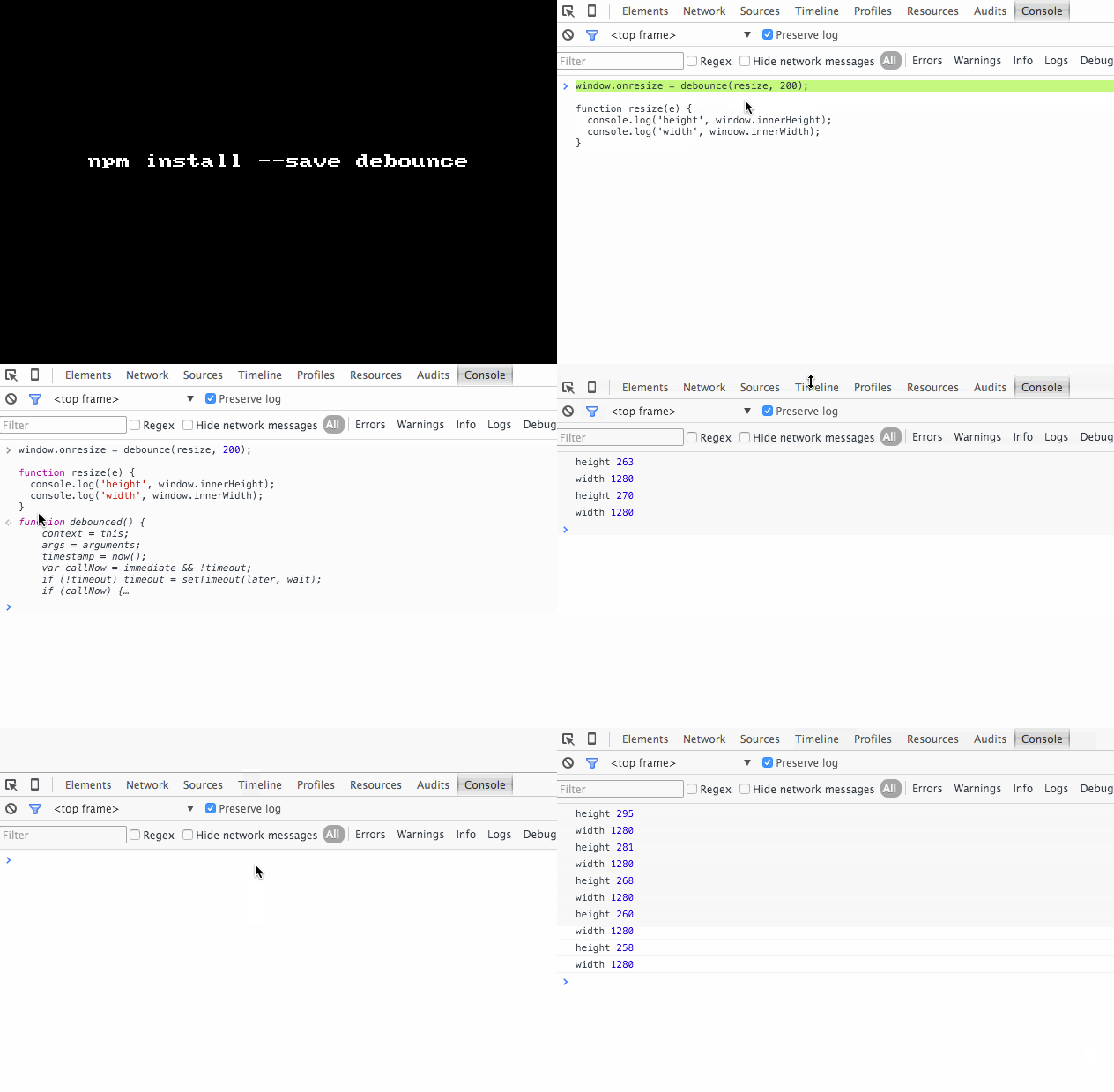
Creates and returns a new debounced version of the passed function that will postpone its execution until after wait milliseconds have elapsed since the last time it was invoked.

Get it: npm install --save debounce

API: debounce(fn, wait, [ immediate || false ])

Sample usage:

1
2
3
4
5
6
7
var debounce = require('debounce');
window.onresize = debounce(resize, 200);

function resize(e) {
  console.log('height', window.innerHeight);
  console.log('width', window.innerWidth);
}

GIF FTW!

debounce.gif

Prettysize

prettysize

Convert bytes to other sizes for prettier logging.

In just 45 lines of code, this cheeky module by @davlgass makes it easy to humanize file sizes.

Get it: npm install --save prettysize

Sample usage:

var pretty = require('prettysize'); var str = pretty(123456789);

GIF FTW!

prettysize

Sentiment

sentiment

AFINN-based sentiment analysis.

Sentiment uses AFINN-111 wordlist to perform sentiment analysis on arbitrary blocks of input text.

Sentiment provides serveral things:

  • Performance.
  • The ability to append and overwrite word / value pairs from the AFINN wordlist.
  • A build process that makes updating sentiment to future versions of the AFINN word list trivial.

Get it: npm install --save sentiment

Sample usage:

1
2
3
4
5
6
7
8
9
10
11
12
13
14
15
16
17
18
19
20
21
22
23
24
25
> var sentiment = require('sentiment');

> sentiment('Cats are stupid');
{ score: -2,
  comparative: -0.6666666666666666,
  tokens: [ 'cats', 'are', 'stupid' ],
  words: [ 'stupid' ],
  positive: [],
  negative: [ 'stupid' ] }

> sentiment('Cats are cool');
{ score: 1,
  comparative: 0.3333333333333333,
  tokens: [ 'cats', 'are', 'cool' ],
  words: [ 'cool' ],
  positive: [ 'cool' ],
  negative: [] }

> sentiment('Cats are cool',{'cats':5,'cool':10});
{ score: 15,
  comparative: 5,
  tokens: [ 'cats', 'are', 'cool' ],
  words: [ 'cool', 'cats' ],
  positive: [ 'cool', 'cats' ],
  negative: [] }

GIF FTW!

sentiment.gif

Thanks to Andrew Sliwinski for this crazy module!

Hide-secrets

hide-secrets

hide certain restricted fields whiling logging objects.

This module obfuscated any of password, pass, token, auth, secret or passphrase attribute's value to '[SECRET]'. Very useful when logging an object that has sensitive data!

Install it: npm install --save hide-secrets

Sample usage:

var hide = require('hide-secrets') var obj = { innerObject: { password: 'abc123', email: '[email protected]', token: 'my-secret-token' }, auth: '' // empty strings are left empty. } hide(obj)

GIF FTW!

hide-secrets

Thanks to Benjamin Coe for helping us hide our secrets ;)

Svgo

svgo

SVG Optimizer

Optimizes SVG by cleaning:

  • Editor metadata.

  • Comments.

  • Hidden elements.

  • Default or non-optimal values.

  • Other stuff that can be safely removed or converted without affecting SVG rendering result.

Get it: npm install --global svgo

Sample usage on CLI:

1
2
3
4
5
6
7
8
9
10
11
12
13
14
15
16
17
18
19
20
21
Usage:
  svgo [OPTIONS] [ARGS]

Options:
  -h, --help : Help
  -v, --version : Version
  -i INPUT, --input=INPUT : Input file, "-" for STDIN
  -s STRING, --string=STRING : Input SVG data string
  -f FOLDER, --folder=FOLDER : Input folder, optimize and rewrite all *.svg files
  -o OUTPUT, --output=OUTPUT : Output file or folder (by default the same as the input), "-" for STDOUT
  -p PRECISION, --precision=PRECISION : Set number of digits in the fractional part, overrides plugins params
  --config=CONFIG : Config file to extend or replace default
  --disable=DISABLE : Disable plugin by name
  --enable=ENABLE : Enable plugin by name
  --datauri=DATAURI : Output as Data URI string (base64, URI encoded or unencoded)
  --pretty : Make SVG pretty printed
  --show-plugins : Show available plugins and exit

Arguments:
  INPUT : Alias to --input
  OUTPUT : Alias to --output
1
2
3
4
  $ svgo red.svg red.min.svg

  Done in 68 ms!
  0.708 KiB - 70.8% = 0.207 KiB

Sample API usage:

1
2
3
4
5
6
7
8
9
10
11
12
13
14
15
16
17
18
19
20
21
22
23
24
25
var readFile = require('fs').readFile,
    path = require('path'),
    SVGO = require('svgo'),
    filepath = PATH.resolve(__dirname, 'test.svg'),
    svgo = new SVGO(/*{ custom config object }*/);

readFile(filepath, 'utf8', function(err, data) {

    if (err) {
        throw err;
    }

    svgo.optimize(data, function(result) {
        console.log(result);
        // {
        //     // optimized SVG data string
        //     data: '<svg width="10" height="20">test</svg>'
        //     // additional info such as width/height
        //     info: {
        //         width: '10',
        //         height: '20'
        //     }
        // }
    });
});

P.S: Don't miss to read How it works!

GIF FTW!

svgo.gif

Instapromise

instapromise

Promisify with .promise

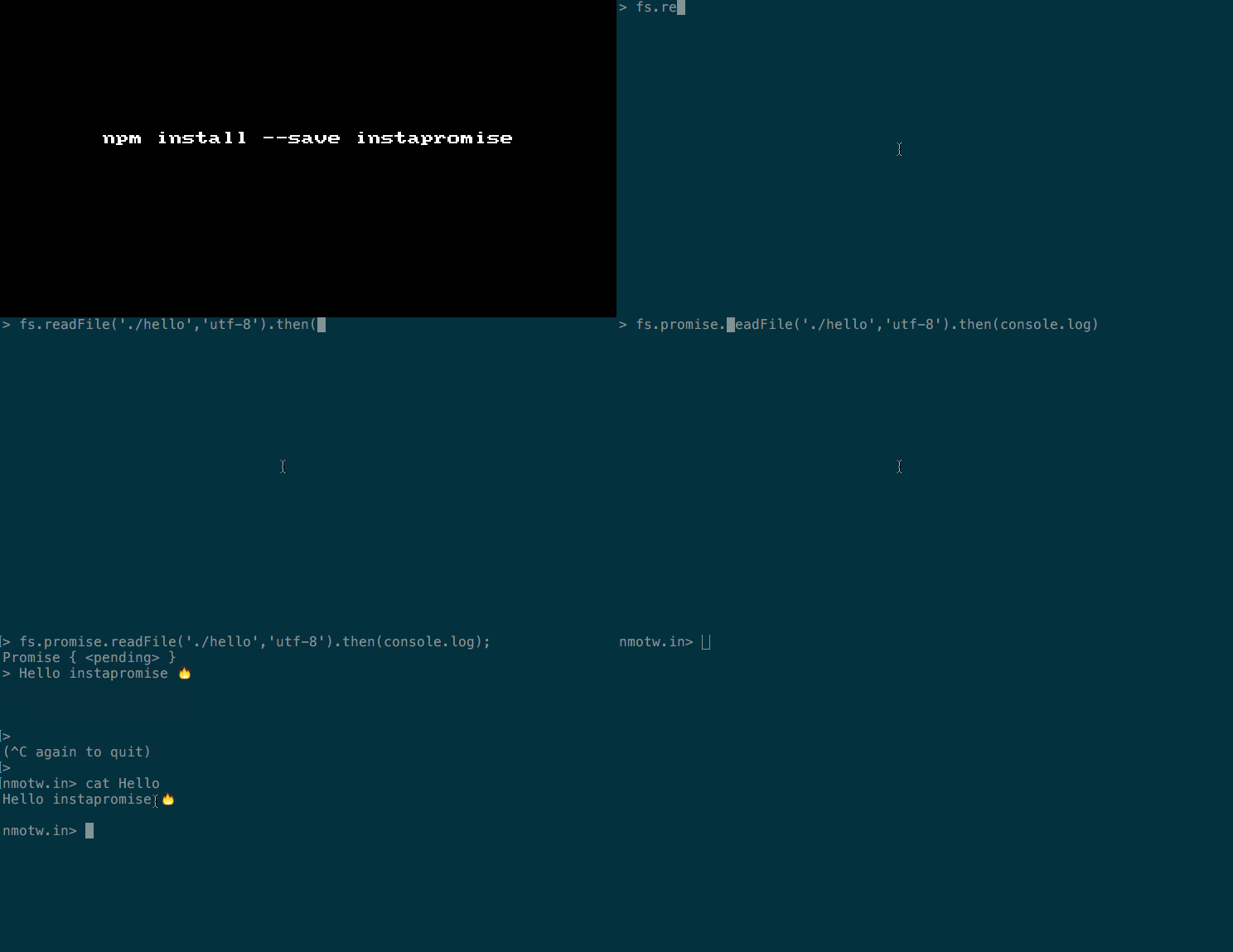
instapromise lets you promisify node-style asynchronous functions by putting a .promise after them or after the object for methods.

It's a part of exponent and this module is influenced from fibrous.

When one of the maintainers of instapromise was questioned about why the code was in coffeescript :

There’s basically two reasons for that:

  • It’s based on some of the work the people who made fibrous did and they wrote their stuff in coffeescript

  • I used to write a bunch of coffeescript before babel made it reasonable to write ES7+ stuff

  • I wrote it back then, its pretty stable now.

  • I haven’t made any changes to it in months so I don’t think it should be necessary to modify the source too much.

  • Also I do like the way that its commented fairly well.

Get it: npm install --save instapromise

Usage:

1
2
require(‘instapromise’);
let val = await someObject.promise.someMethodThatTakesANodeStyleCallback(‘but not anymore’);

Basically, instapromise is one of it's kind a module that is cheeky, tiny and takes a diffrenet apporach on promisifying async functions, you need to just require('instapromise') and then you could just use a .promise!
1
2
3
4
require('instapromise');
var fs = require('fs');
var p = fs.promise.readFile('/tmp/hello', 'utf8');
p.then(console.log);

P.S: The original function is available as a property on the promise-generating function .___instapromiseOriginalFunction___

GIF FTW!

instapromise

Thanks to James Ide and Charlie Cheever for instapromise!

clipboard.js

clipboard.js

A modern approach to copy text to clipboard!

With 4.7K+ stars to it's repo with a modern approach to copy text coded with ES2015/6 classes, No Flash. Just 2kb!

Zeno Rocha's clipboard.js undoubtedly is the nmotw!

It makes use of Selection and execCommand APIs.

Get it: npm install --save clipboard.js

Sample usage:_

1
2
3
4
5
6
7
8
9
10
11
12
13
14
var clipboard = new Clipboard('.btn');

clipboard.on('success', function(e) {
    console.info('Action:', e.action);
    console.info('Text:', e.text);
    console.info('Trigger:', e.trigger);

    e.clearSelection();
});

clipboard.on('error', function(e) {
    console.error('Action:', e.action);
    console.error('Trigger:', e.trigger);
});

In your HTML:

1
2
3
4
5
6
7
<!-- Target -->
<input id="foo" value="https://github.com/zenorocha/clipboard.js.git">

<!-- Trigger -->
<button class="btn" data-clipboard-target="#foo">
    <img src="assets/clippy.svg" alt="Copy to clipboard">
</button>

GIF FTW!

clipboard.js

Trianglify

Trianglify

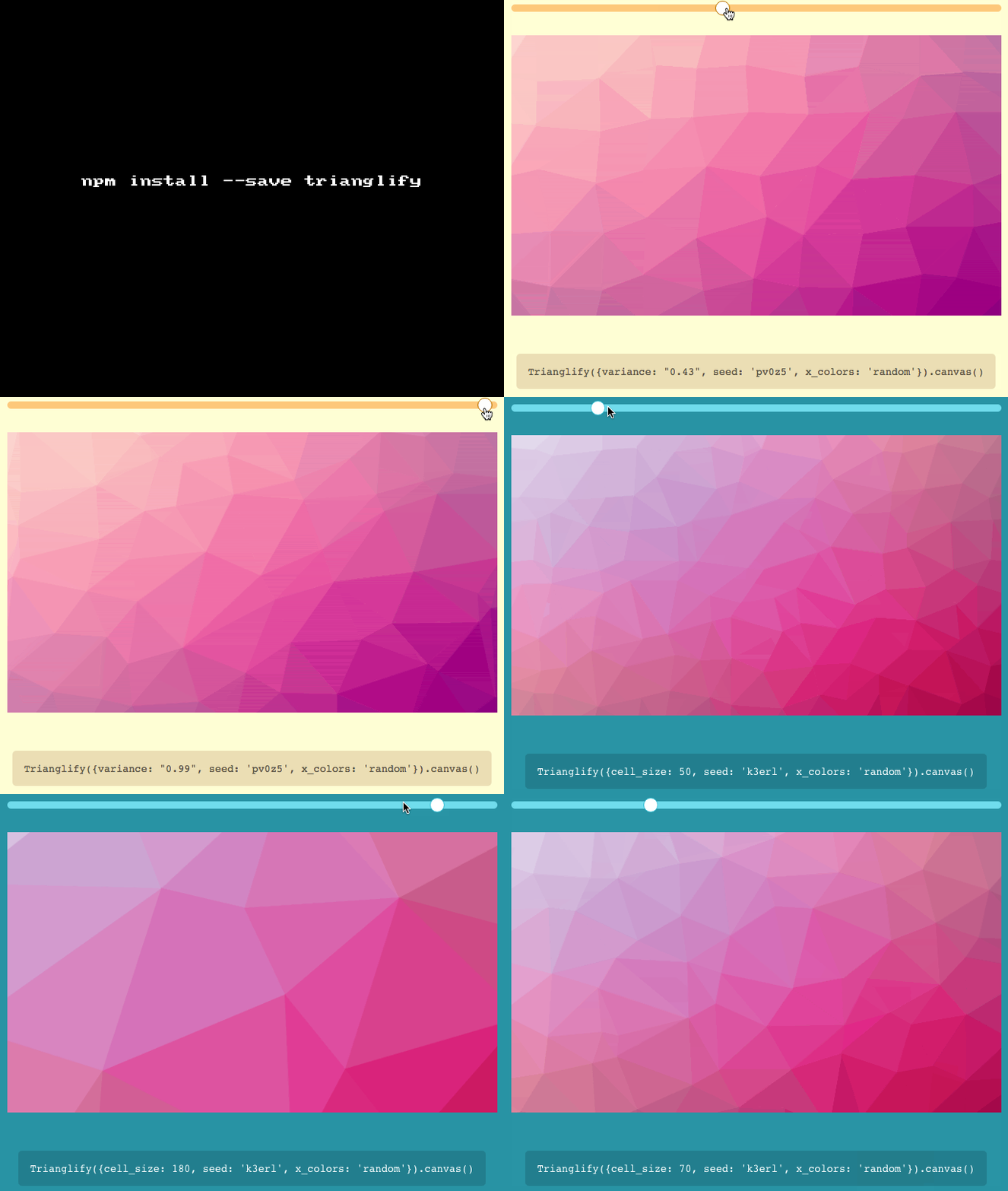
Trianglify generates colorful triangle meshes that can be used as SVG images and CSS backgrounds.

This is inspired by btmills/geopattern thanks to Quinn Rohlf for this.

Get it: npm install --save trianglify

Sample usage:

1
2
3
var Trianglify = require('trianglify');
var pattern = Trianglify({width: 200, height: 200});
document.body.appendChild(pattern.canvas());

There are few wonderful options color_function being one of them.

Color function that uses the HSL color format to generate a rainbow pattern:

1
2
3
4
5
var colorFunc = function(x, y) {
    return 'hsl('+Math.floor(Math.abs(x*y)*360)+',80%,60%)';
};

var pattern = Trianglify({color_function: colorFunc})

GIF FTW!

Trianglify