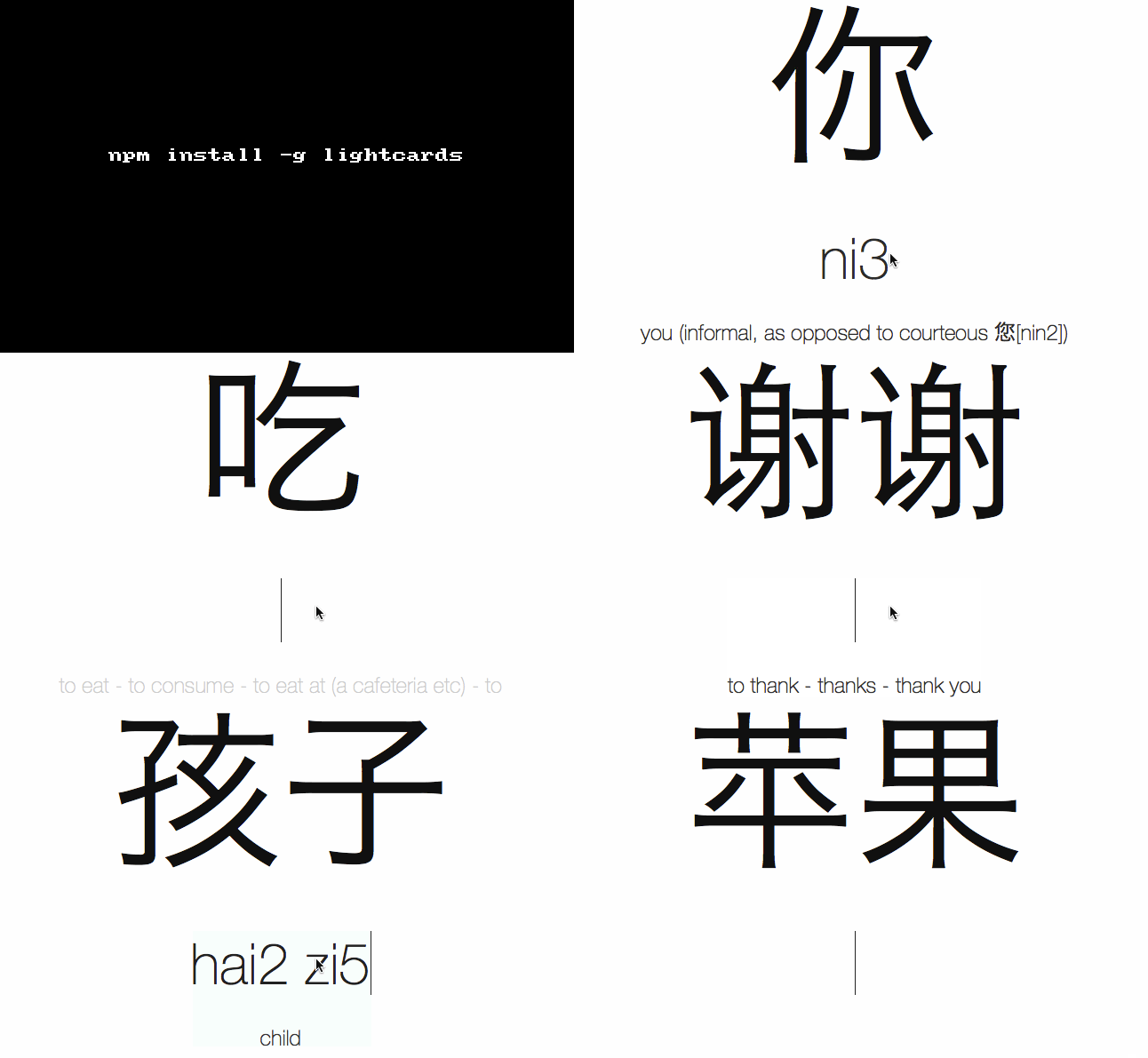
lightcards is one of those lightweight, single purpose, fun modules! This helps you to make flash cards that would help you to learn Chinese characters!
By default, lightcards uses vocabulary.txt from the current working directory. If no vocabulary.txt can be found, lightcards will create it create it for you,
after which it will start a minimalistic server with a cute interface to go through the list of word that was provided from a file or stdin.
Get it: npm install -g lightcards
Simple usage:
12345678
$ lightcards init && lightcards

Reading vocabulary from vocabulary.txt... OK!
Generating flashcards... OK!
Compiling scripts... OK!
Starting local web server... OK!

Start learning on http://localhost:3000
Curry-this makes creating curryied function simple and expresive by invoking curry with the function bind syntax ::.
Apart from the expresive way of creating a curried function, the main feature are placeholders.
A placeholder (_) is a Symbol which allows to curry specific arguments of a function.
Install it:npm install --save curry-this
Basic usage
12345678910111213
const{curry,_}=require('curry-this')();// Got a simple function?constplus=((a,b,c)=>a+b+c)::curry();plus(1,2,3);//» 6plus(1)(2,3);//» 6plus(1,2)(3);//» 6plus(1)(2)(3);//» 6
Placeholders
12345678
// Got a monster function?const{open}=require('fs');constnewScript=open::curry(_,'w',0755,_);newScript('do-wonders.sh',(error,file)=>{// The `file` is ready.});
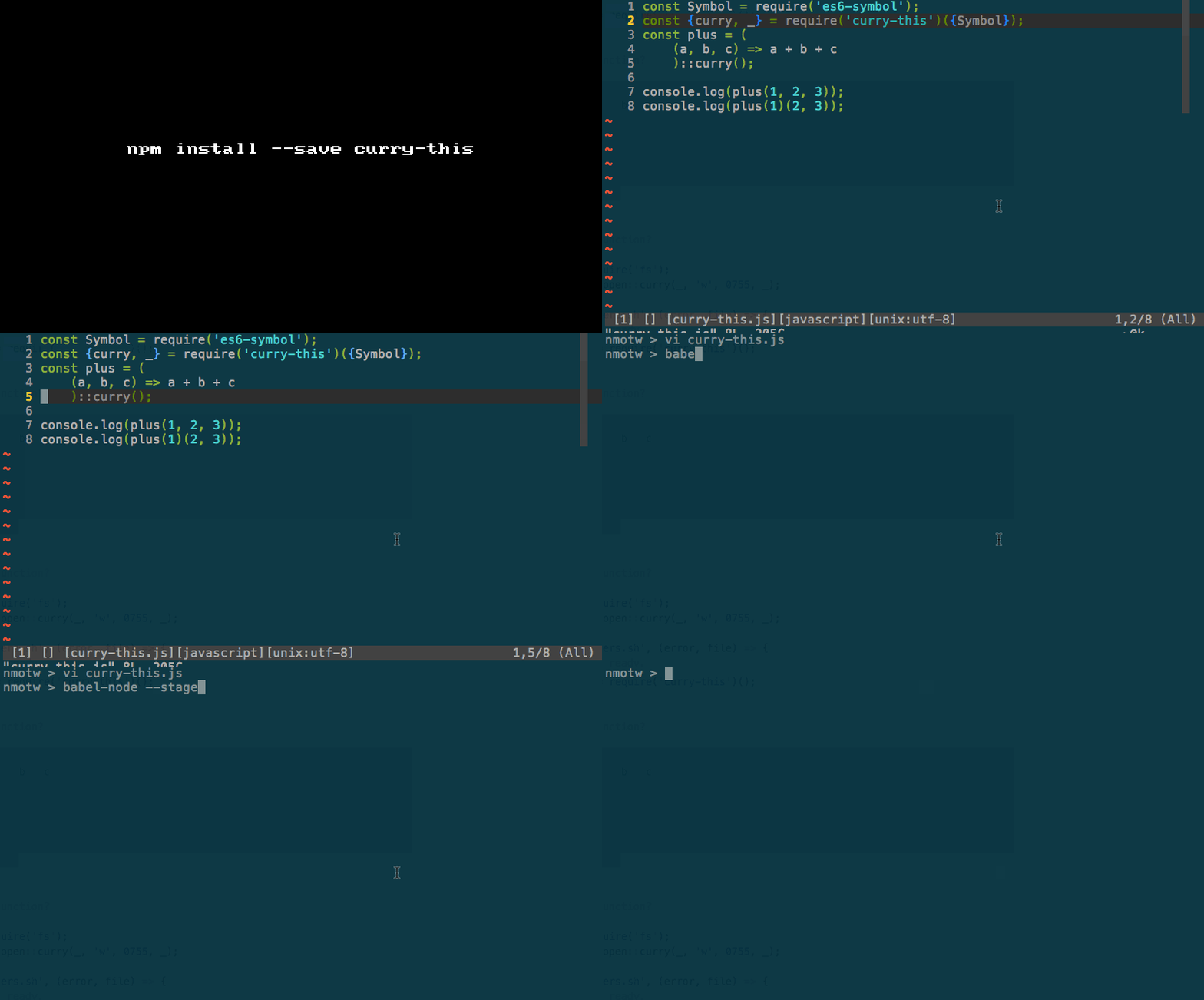
You can try this with babel-node. Make sure that you use the --stage=0 option.
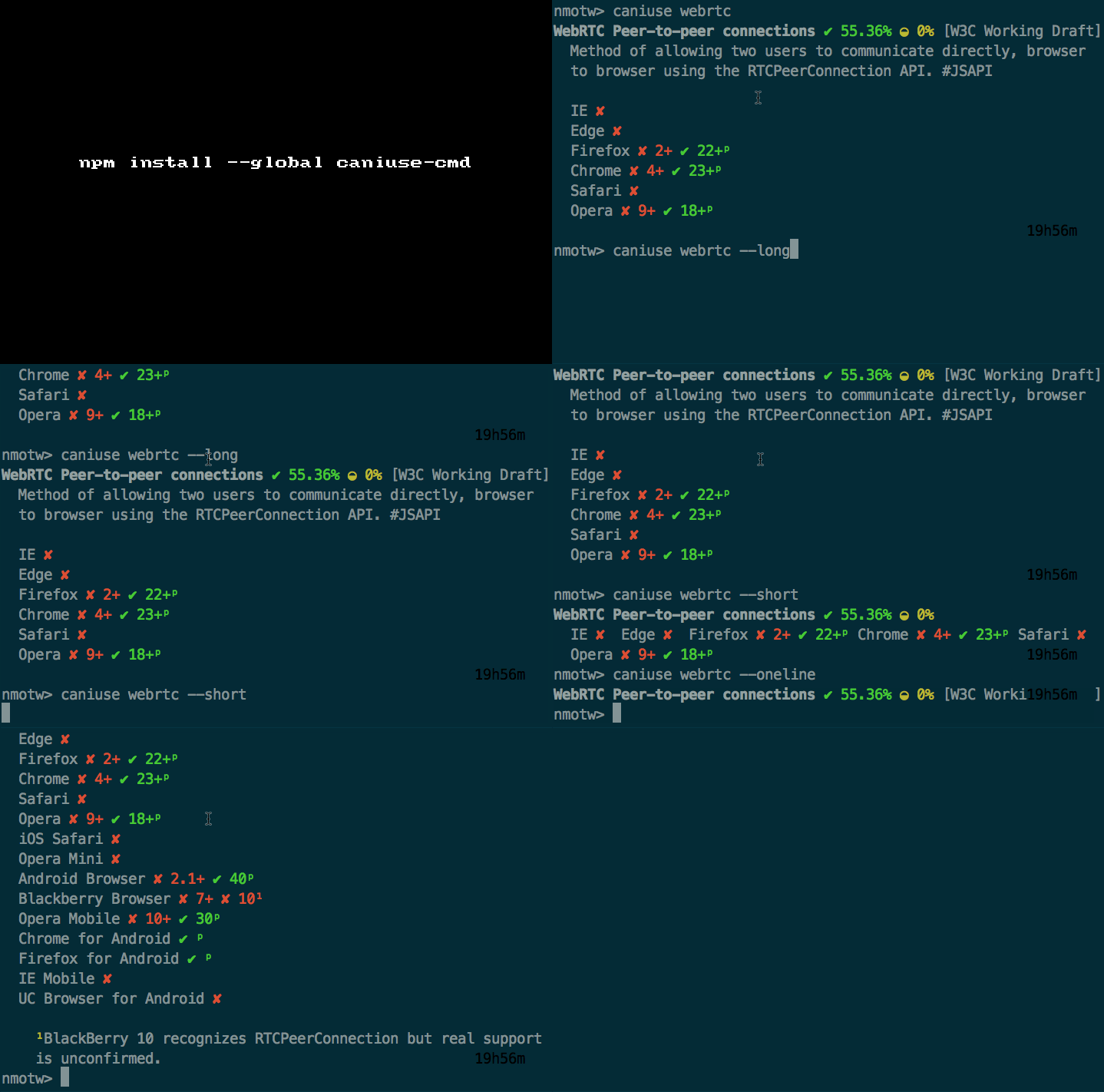
caniuse-cmd brings the power of caniuse on to the command line, it makes use of caniuse-db module
which provides raw browser/feature support data for the same.
Doesn't automatically listen on the document. Instead, it is now a constructor and the element on which to listen must be provided on instantiation.
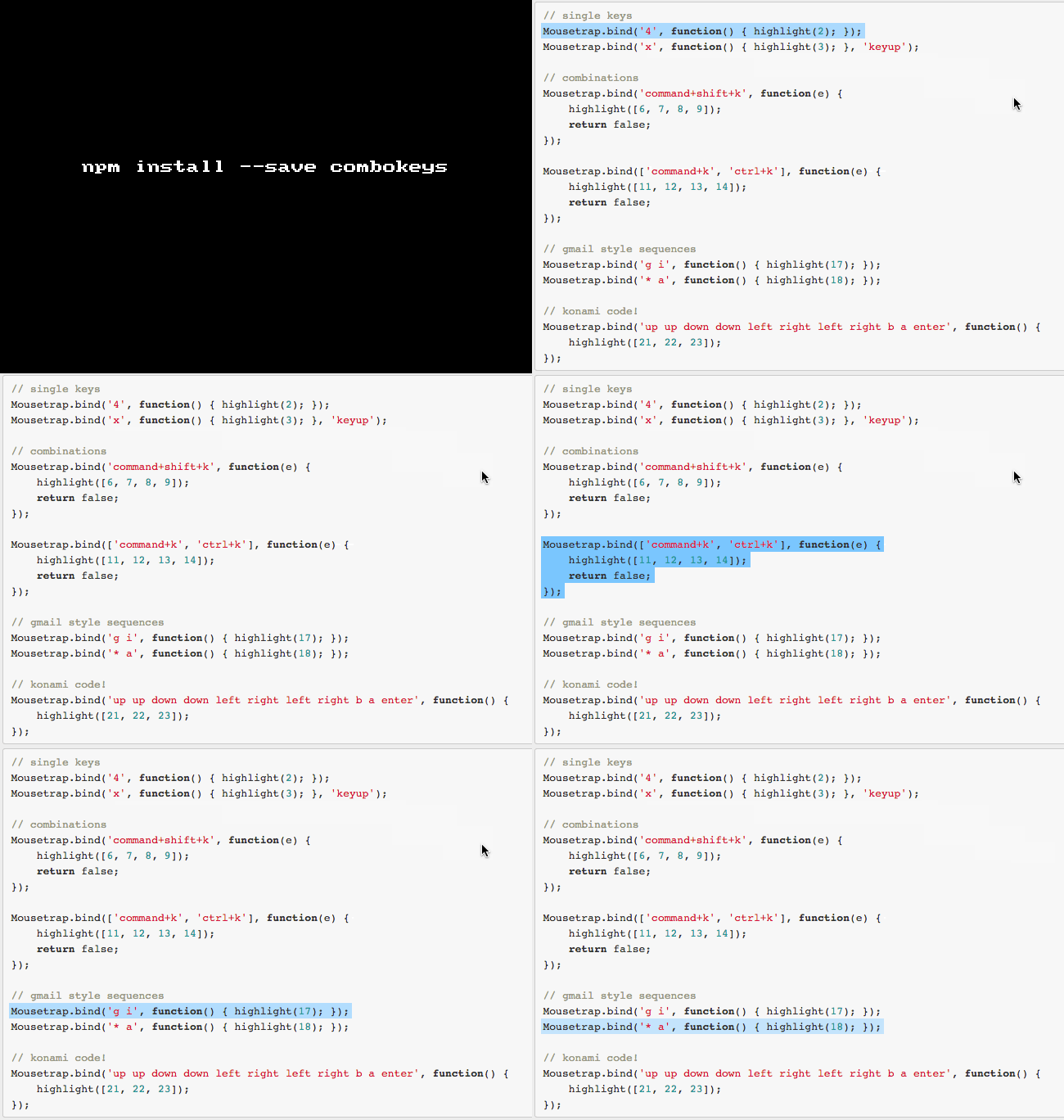
Install it:npm install --save combokeys
Sample usage:
1234567
varCombokeys=require("combokeys");varMousetrap=newCombokeys(document.documentElement);// Or, instantiate it for one or more specific elements:varfirstCombokeys=newCombokeys(document.getElementById("first"));firstCombokeys.bind('4',function(){console.log('4');});firstCombokeys.bind("?",function(){console.log('show shortcuts!');});
GIF FTW!
Thanks to Shahar Or for porting mousetrap to combokeys.
A simple date and time util that returns the date according to a pattern, easydate takes two arguments, first one being a pattern string
and second one being an config object.
Pattern Options:
Y Full year (number - e.g. 2012)
y Year (number - e.g. 12)
M Month (number - e.g. 11)
d Day (number - e.g. 28)
h Hour (number - e.g. 02)
m Minute (number - e.g. 01)
s Second (number - e.g. 33)
l Millisecond (number - e.g. 001)
z Timezone (string - e.g. UTC, UTC+1, UTC-11)
x DST (string - either 'DST' or '')
Config options:
12345
{setDate:'Date',timeZone:'utc/local',adjust:'Whether or not to adjust DST'}
Install it:npm install --save easydate
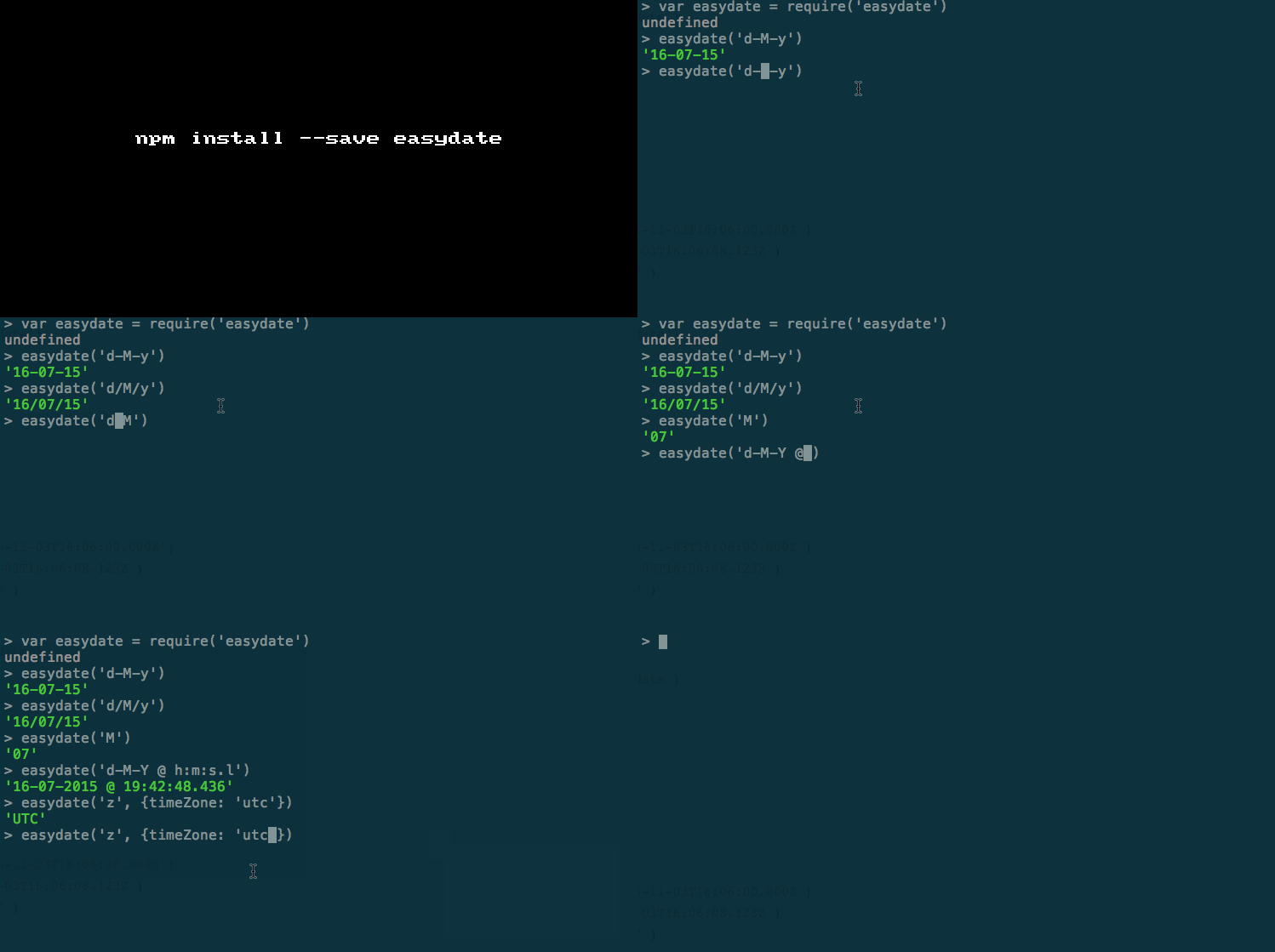
Sample usage:
12345678910
vareasydate=require('easydate')easydate('d-M-y');easydate('h:m:s.l','2015-11-03T16:06:08.123Z')// "16:06:08.123"easydate('z',{timeZone:'utc'})// => "UTC"easydate('h:m:s z x',{setDate:'2016-08-01T00:00:00.000Z',adjust:true})