Yes, you read it right, this module helps you to fade a HTML element. "Do one thing and do it right!", looks like the moto
behind this module, that lets us to fade.in, fade.out and fade an element to a specifie opacity, which also takes a
callback as one of it's params and execute it after animation ends and works across browsers with vendor prefixes.
varfade=require('fade');varel=document.querySelector('#el');fade.out(el);// fade el out in 1sfade.in(el,1500);// fade el in in 1.5sfade(el,0.3,3000);// fade el to opacity 0.3 in 3s fade.out(el,function(){el.style.display='none';// set display to none after fade out});
GIF FTW!
Thanks to Julian Gruber for this sweet little module.
An intuitive, extensible way to work directly with the DOM.
html.js is a fork of voyeur.js that has made it more simpler to deal with DOM in a
relatively new way.
It has a pretty extensive API and you could also create your own plugins
HTML._.fn.name = function;
Get it:npm install --save html.js
Usage Example:
12345678910
letHTML=require('html.js');HTML.body.header;// returns header element.HTML.query("#example").h1.em;// chain on, man.if(!('each'innode)){HTML.ify(node);}node.each(function(el){console.log(el,' is your friend!');});
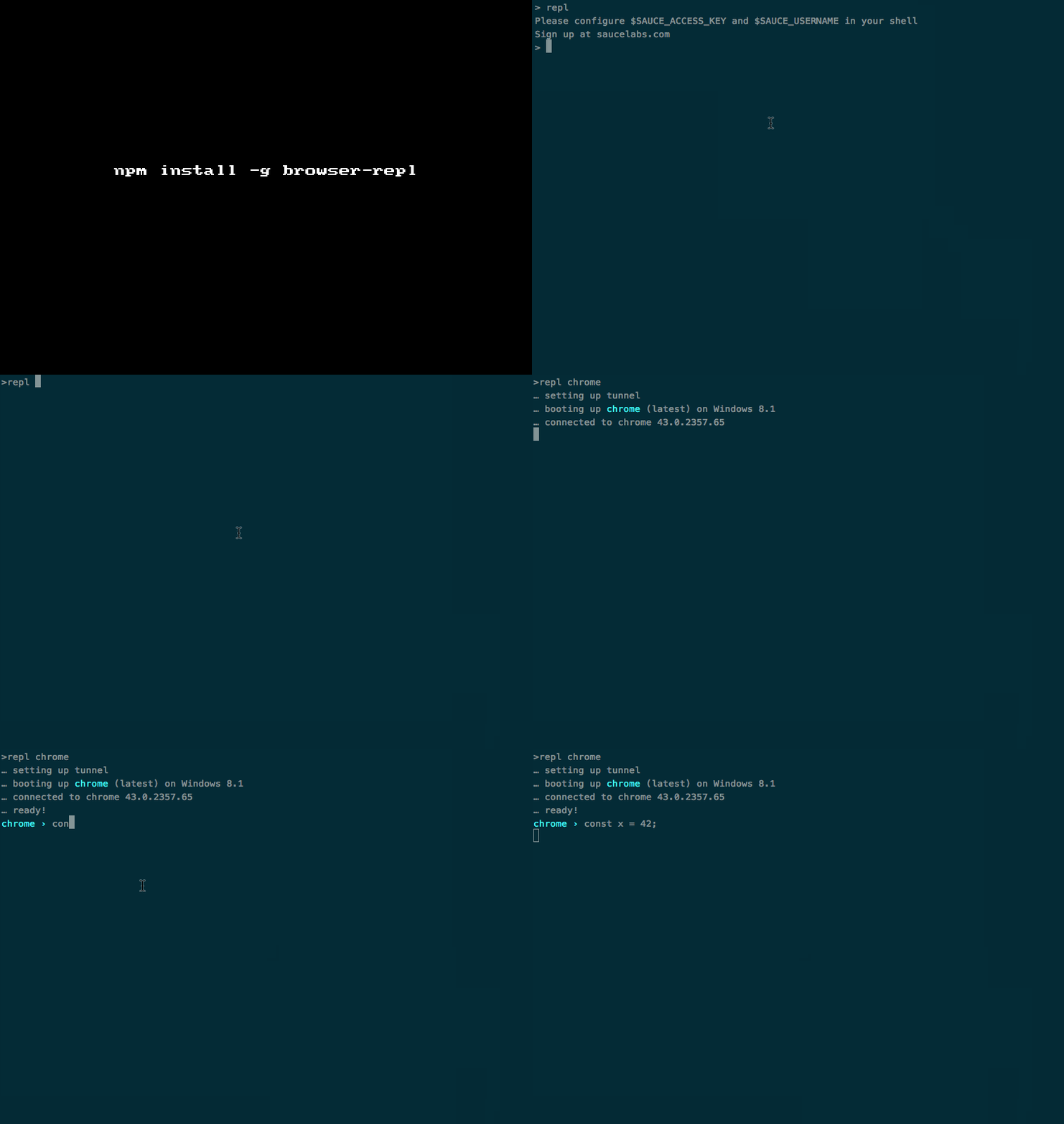
Launch a repl on your command line to any browser in the cloud.
browser-repl is a uber cool module from automattic that helps us to get a particular OS/Browser
combo (JS engine) to our CLI with some webdriver protocol, scoket.io and localtunnel magic ;)
Currently supported browsers:
ie
ie6
ie7
ie8
ie9
ie10
ie11
opera
safari
safari5
safari6
safari7
safari8
chrome
chromedev
firefox
firefoxdev
ipad
ipad4
ipad5
ipad5.1
ipad6
ipad6.1
iphone
iphone4
iphone5
iphone5.1
iphone6
iphone6.1
android
android4.4
android4.2
android4.1
Currently supported platforms:
winxp
win7
win8
win8.1
mac10.6
mac10.8
mac10.9
mac10.10
linux
android
Get it:
1
npm install -g browser-repl
Set up:
123
# In your *.rc file.export SAUCE_USERNAME="your username"export SAUCE_ACCESS_KEY="your key"
To get the SAUCE stuff, sign up for a free OSS account on SauceLabs.
Usage:
1234567
$ repl
usage: repl <browser>[version][platform]options:
-h: this message
-k: no remote `console` override
If you have a .cpd.yml config file in the pwd jscpd command, you will check code for duplicates according the config.
123456789101112131415161718192021
#.cpd.yamlpath:-fixtures/languages:-javascript-coffeescript-typescript-php-python-css-ruby-go-java-"c++src"# c++ source-csrc# c source-csharp# c# source-htmlmixed# html mixed source like knockout.js templatesexclude:-"**/*.min.js"-"**/*.mm.js"reporter:json
function-plot helps to render functions with little configuration think of it like a util that would help you to render something like what Google does. y = x * x
The library currently supports interactive line charts and scatterplots, whenever the graph scale is modified the function is evaluated again with
the new bounds, result: infinite graphs!
Get it : npm install --save function-plot
Sample usage:
123
vard3=window.d3varfunctionPlot=require('function-plot');functionPlot({/*Pass in the options*/});
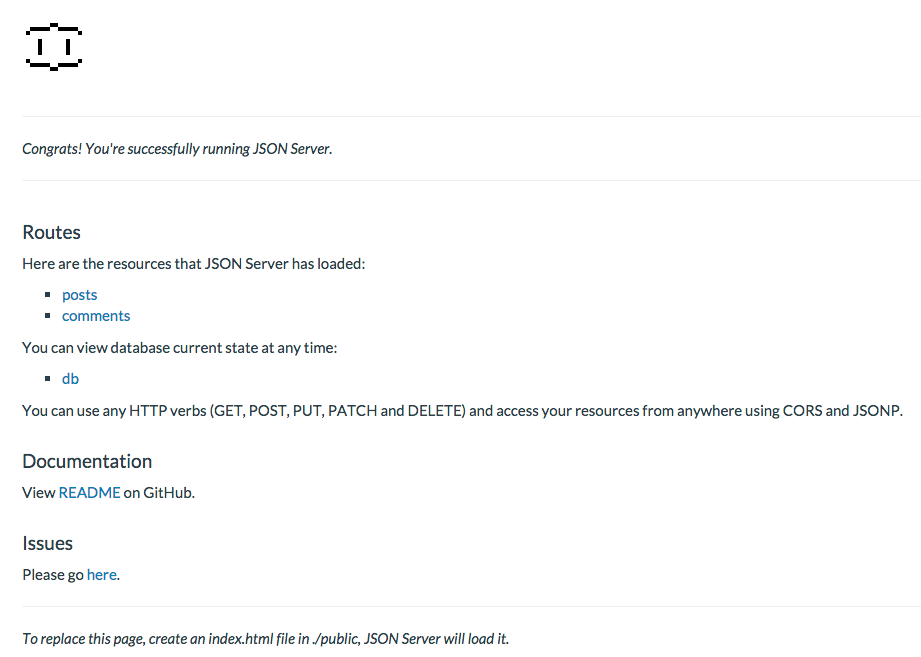
varjsonServer=require('json-server');varserver=jsonServer.create();// Returns an Express servervarrouter=jsonServer.router('db.json');// Returns an Express routerserver.use(jsonServer.defaults);// logger, static and cors middlewaresserver.use(router);// Mount router on '/'server.listen(3000);
After which the server must be up and running at: http://localhost:3000
Adds console.json method that stringifies passed in objects and logs them.
This is a sweet little util function by Gleb Bahmutov that makes a life bit easier while debugging huge json data in the console.
P.S: There is console.dir but console.json is kina appleaing expect for the color highlighting part of it.
Install it:npm install --save console.json
Sample usage:
123456789101112131415161718192021222324
// Just require it once and you shall have `console.json` method for convenience.require('console.json');vardata={"$schema":"http://json-schema.org/draft-04/schema#","title":"Product","description":"A product from Acme's catalog","type":"object","properties":{"id":{"description":"The unique identifier for a product","type":"integer"},"name":{"description":"Name of the product","type":"string"}},"required":["id","name"]};console.json(data);