Color-string

color-string

Parser and generator for CSS color strings!

A module by Heather Arthur helps us to generator and parser CSS color strings.

The API names are pretty self explainatory, the module has the below methods:

Methods for parsing:

  • getRgba

  • getHsla

  • getRgb

  • getHsl

  • getHwb

  • getAlpha

Methods for generating:

  • hexString

  • rgbString

  • rgbaString

  • percentString

  • percentaString

  • hslString

  • hslaString

  • hwbString

  • keyword

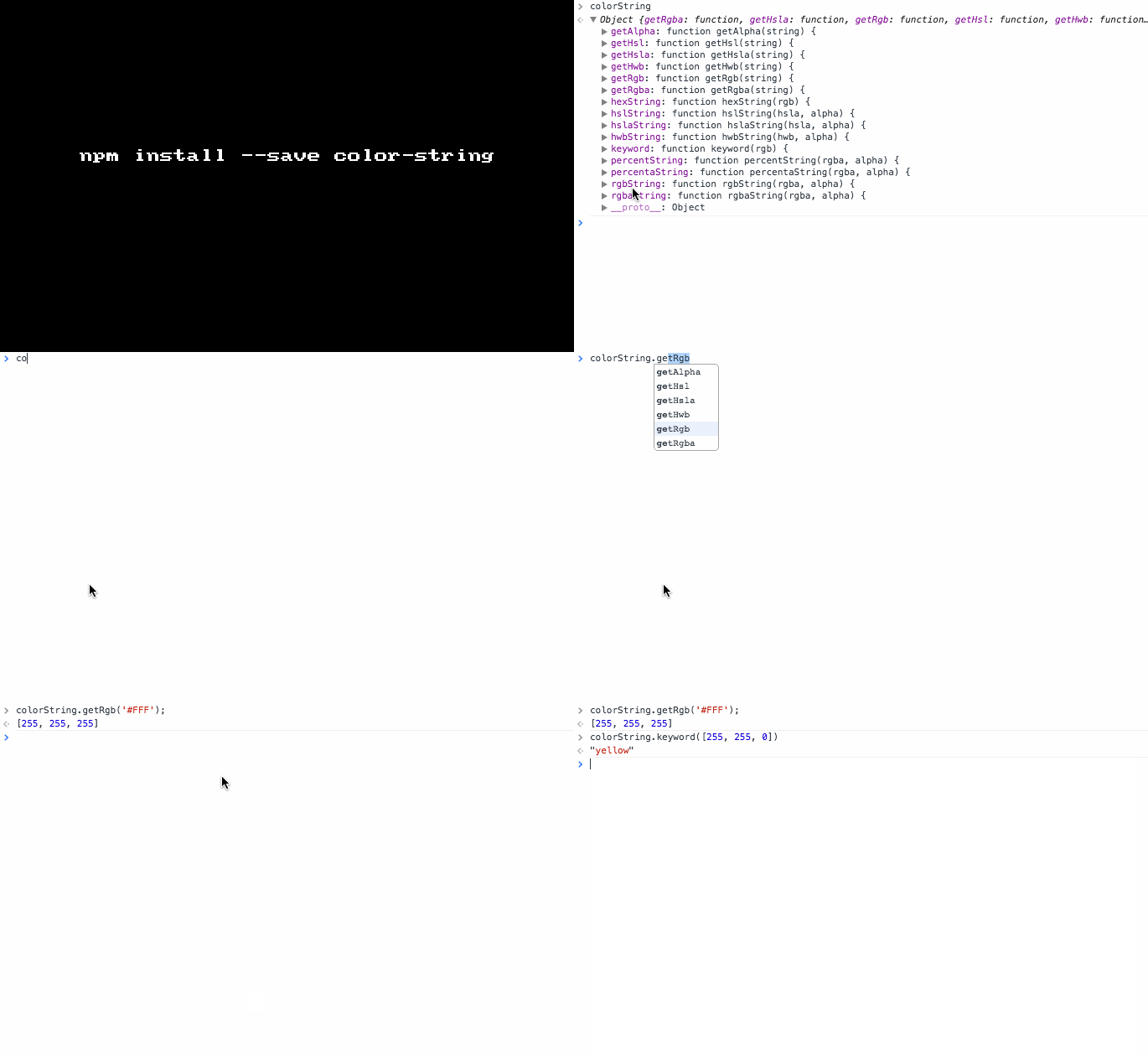
Install it: npm install --save color-string

Sample usage:

1
2
3
4
5
var colorString = require('color-string');

colorString.getRgb("#FFF")  // [255, 255, 255] 

colorString.keyword([255, 255, 0])       // "yellow" 

GIF FTW!

color-string

Exenv

exenv

React's ExecutionEnvironment module extracted.

Many modules and components out there in the wild, uses React's private ExecutionEnvironment lib for feature detection, like:

1
canUseDOM = require('react/lib/ExecutionEnvironment').canUseDOM; // BAD

Which is not a good practice as private libs are prone to modification or deletion, so Jed Watson has created exenv for us.

P.S: isInWorker has been left out as it's very specific to react.

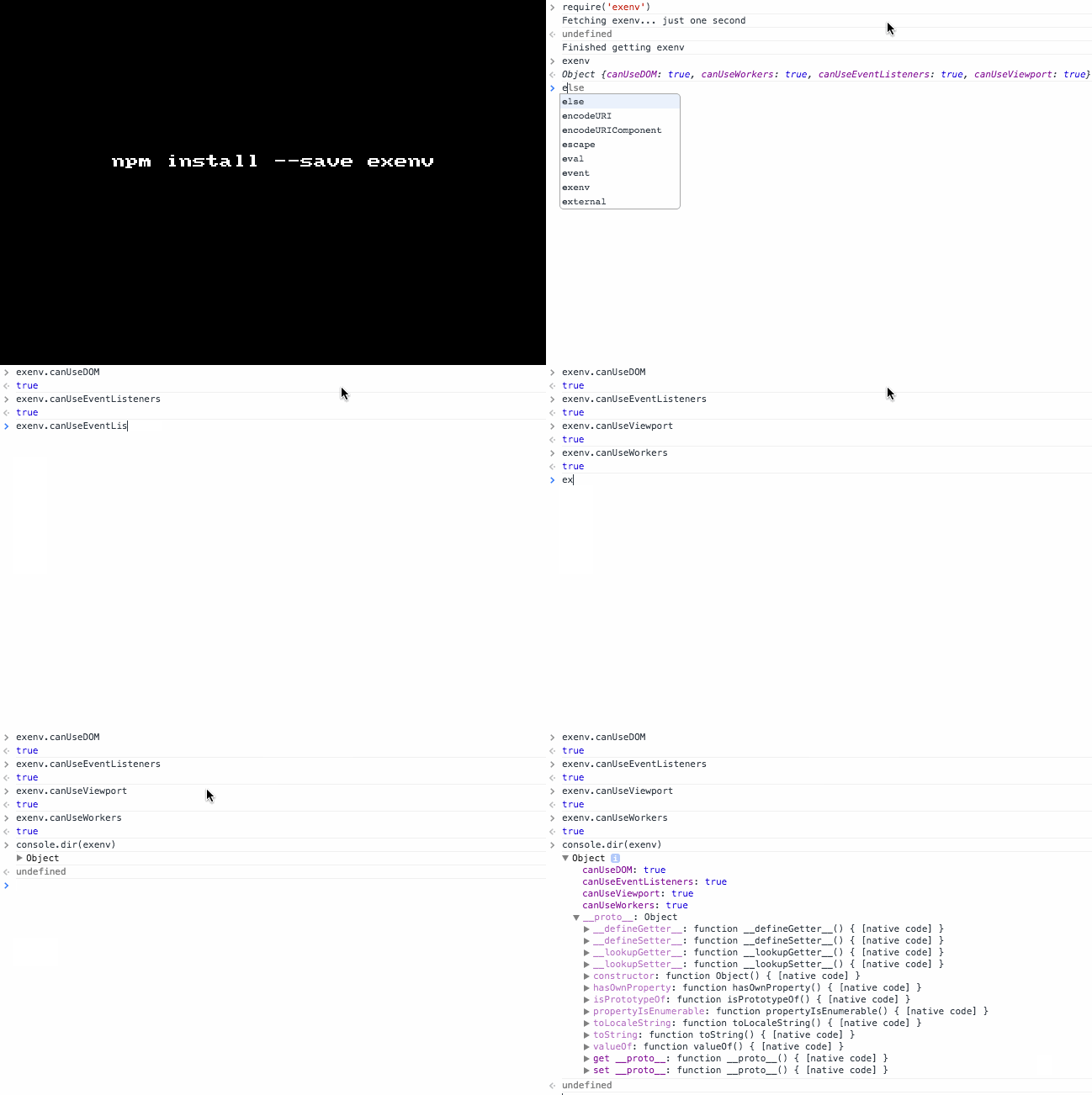
Install it: npm install --save exenv

Sample usage:

1
2
3
var exenv = require('exenv');
console.log(exenv);
//Object {canUseDOM: true, canUseWorkers: true, canUseEventListeners: true, canUseViewport: true}

GIF FTW!

exenv

Logdown

logdown

Debug utility with markdown support that runs on browser and server.

This module lets you to have markdown syntax in your debug logs! It had ['log', 'info', 'warn', 'error'] as it's logging levels.

One can also prefix the log message, it has support for various terminals /^screen|^xterm|^vt100|color|ansi|cygwin|linux/ and also runs in the browser env.

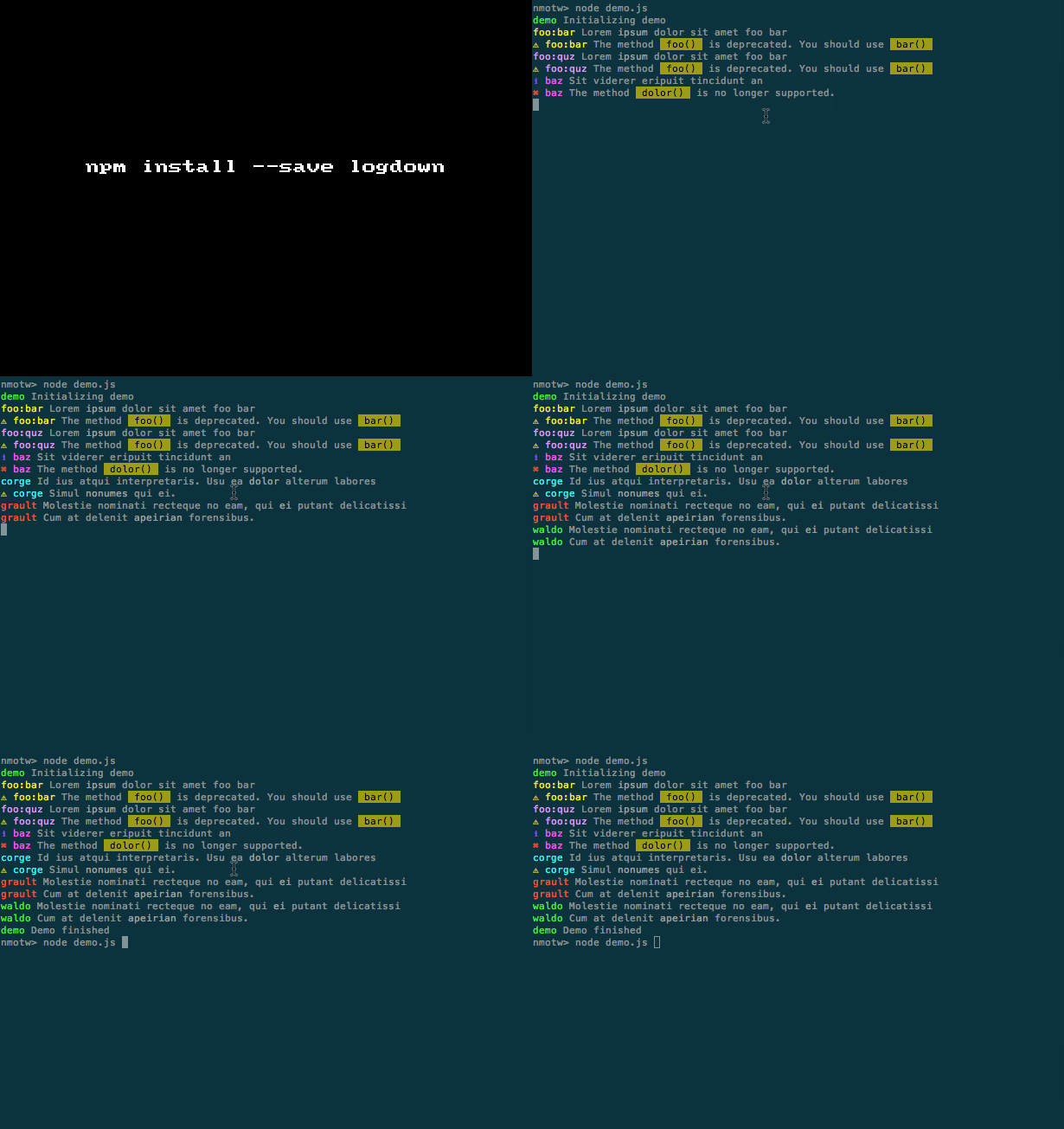
Install it: npm install --save logdown

Sample usage:

1
2
3
4
5
6
var Logdown = require('logdown');
var debug = new Logdown({ prefix: 'meow' });

debug.log('lorem *ipsum*');
debug.info('I can haz _info_');
debug.warn('shall I `highlight` your code?');

GIF FTW:

logdown

Thanks to Caio Gondim for logdown! (:

Require-times

require-times

Find out how long require calls take in your program.

This is cheeky module from Max Ogden tap into require.extensions['.js'] and lets you know the time consumed by the require calls in your code.

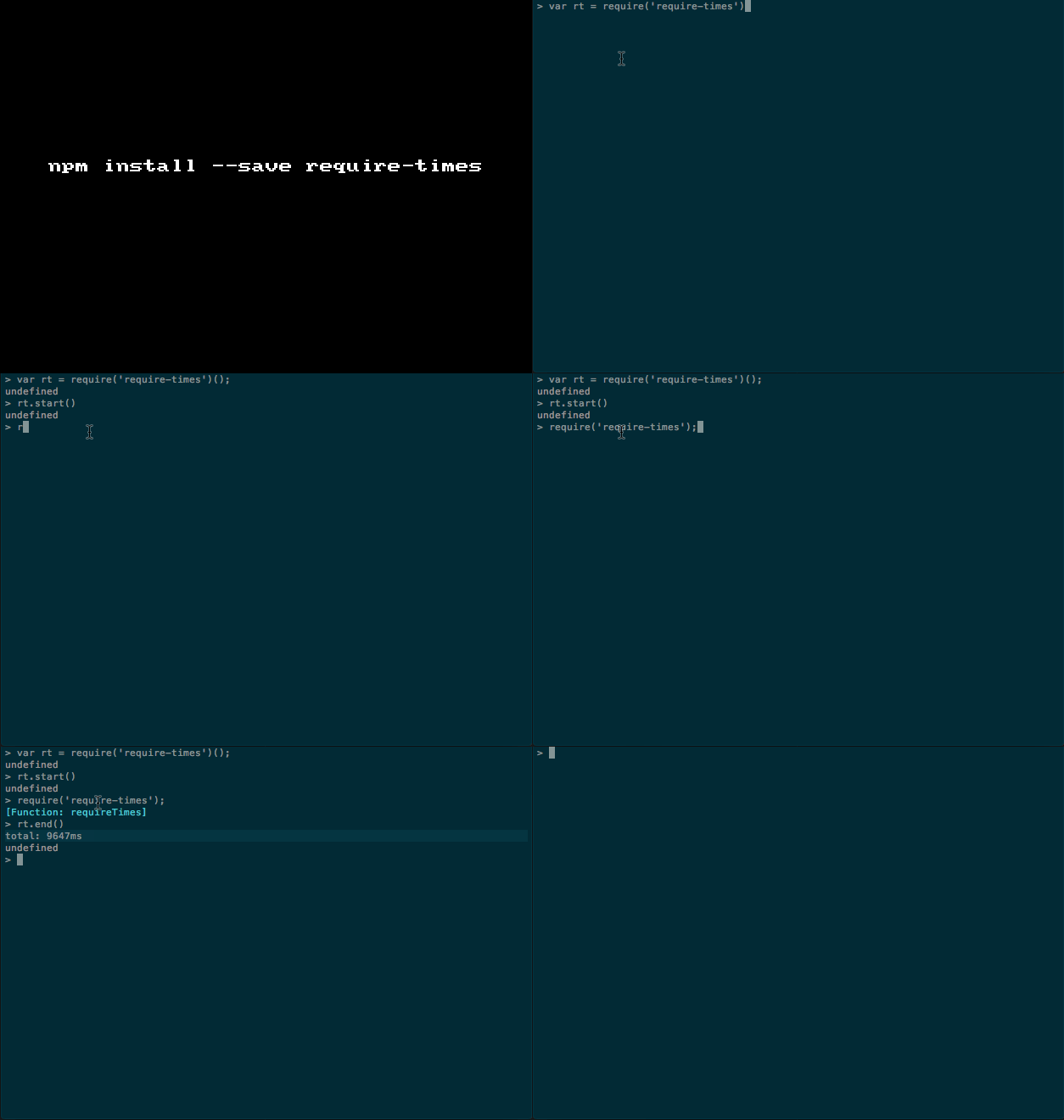
Install it: npm install require-times

Usage:

1
2
3
4
5
6
var rt = require('require-times');
rt.start();

// hundreds on require statments ;)

rt.end(); // Will spit the time consumed to stdout.

Example:

1
2
3
4
5
6
7
8
9
var rt = require('require-times')();

rt.start();

require('require-times'); // Dog fooding ;)

rt.end();

// Output => total: 9647ms

GIF FTW!

require-times

Line-numbers

line-numbers

Add line numbers to a string.

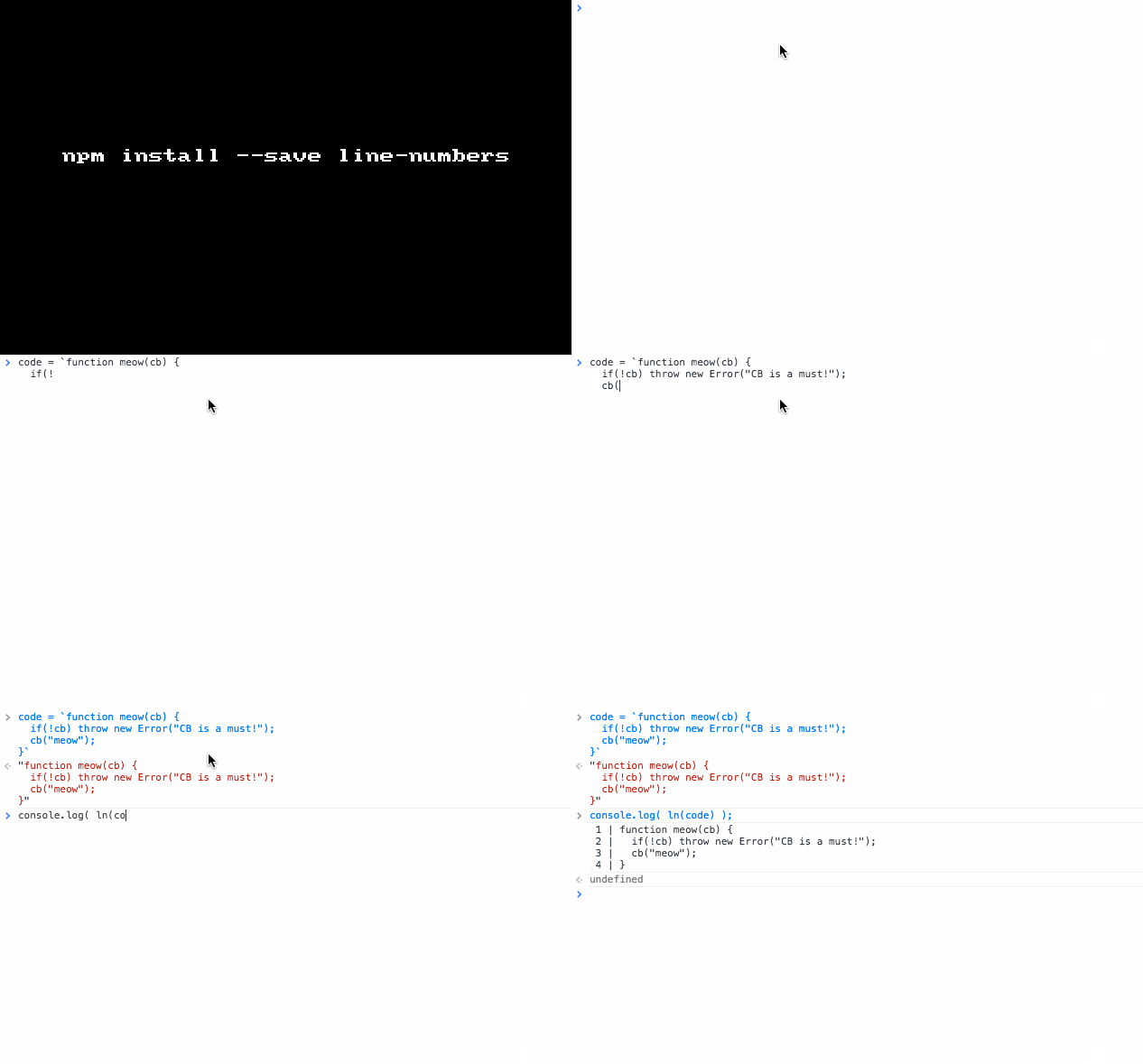
A humble module that will add line number to a given string! Mostly useful for text editor and displaying some code snippet.

Install it: $ npm install --save line-numbers

Simple usage:

1
2
3
4
5
6
7
8
9
10
11
12
13
14
15
16
17
var lns = require('line-numbers');

code = `function meow(cb) {
  if(!cb) throw new Error("CB is a must!");
  cb("meow");
}`

console.log( lns(code) );

/*
Would log:

 1 | function meow(cb) { 
 2 |   if(!cb) throw new Error("CB is a must!");
 3 |   cb("meow");
 4 | }
*/

P.S: You can also pass in options like: before, number, width, after and line (They are self explanatory?)

GIF FTW!

line-numbers

Thanks to Simon Lydell for line-numbers.

Cssom

cssom

CSS Object Model implementation and CSS parser.

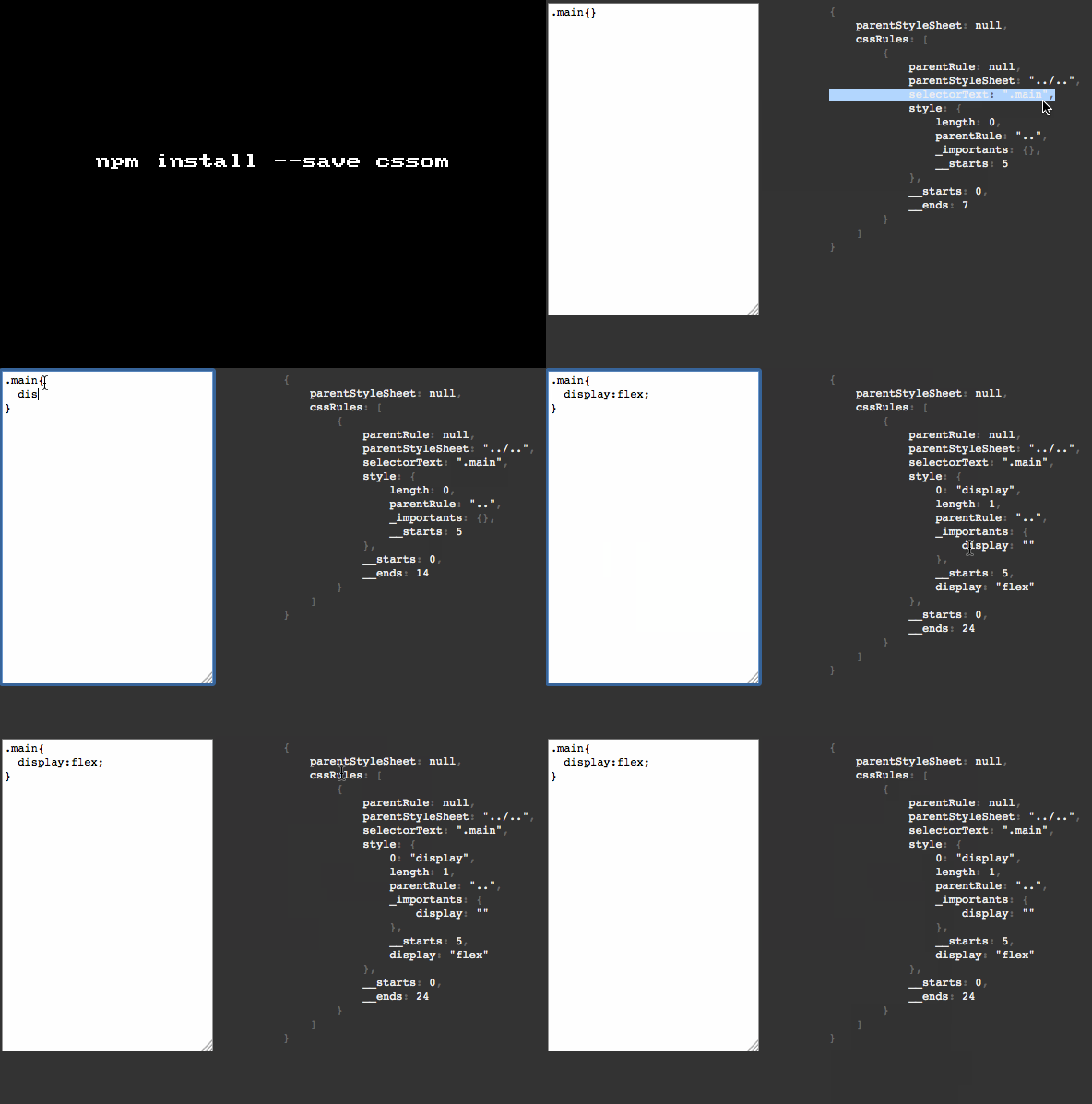
cssom is parser written in pure javascript, it also has partially implemented of CSS Object Model, works across node/io.js and modren browsers.

Install it: npm install cssom --save

Sample usage:

1
2
3
4
5
6
7
8
9
10
11
12
13
14
15
16
17
18
19
20
21
22
23
24
25
26
27
28
29
30
31
32
33
34
35
36
> cssom = require('cssom')
{ CSSStyleDeclaration: [Function: CSSStyleDeclaration],
  CSSRule:
   { [Function: CSSRule]
     STYLE_RULE: 1,
     IMPORT_RULE: 3,
     MEDIA_RULE: 4,
     FONT_FACE_RULE: 5,
     PAGE_RULE: 6,
     WEBKIT_KEYFRAMES_RULE: 8,
     WEBKIT_KEYFRAME_RULE: 9 },
  CSSStyleRule: { [Function: CSSStyleRule] parse: [Function] },
  MediaList: [Function: MediaList],
  CSSMediaRule: [Function: CSSMediaRule],
  CSSImportRule: [Function: CSSImportRule],
  CSSFontFaceRule: [Function: CSSFontFaceRule],
  StyleSheet: [Function: StyleSheet],
  CSSStyleSheet: [Function: CSSStyleSheet],
  CSSKeyframesRule: [Function: CSSKeyframesRule],
  CSSKeyframeRule: [Function: CSSKeyframeRule],
  MatcherList: [Function: MatcherList],
  CSSDocumentRule: [Function: CSSDocumentRule],
  CSSValue: [Function: CSSValue],
  CSSValueExpression: [Function: CSSValueExpression],
  parse: [Function: parse],
  clone: [Function: clone] }

> cssom.parse('.main{display:flex}')
{ parentStyleSheet: null,
  cssRules:
   [ { parentRule: null,
       parentStyleSheet: [Circular],
       selectorText: '.main',
       style: [Object],
       __starts: 0,
       __ends: 19 } ] }

Thanks to Nikita Vasilyev for this early implementation of cssom (:

GIF FTW!

cssom

Did-you-mean

did-you-mean

Fuzzy match a command from a list (typo-safety)

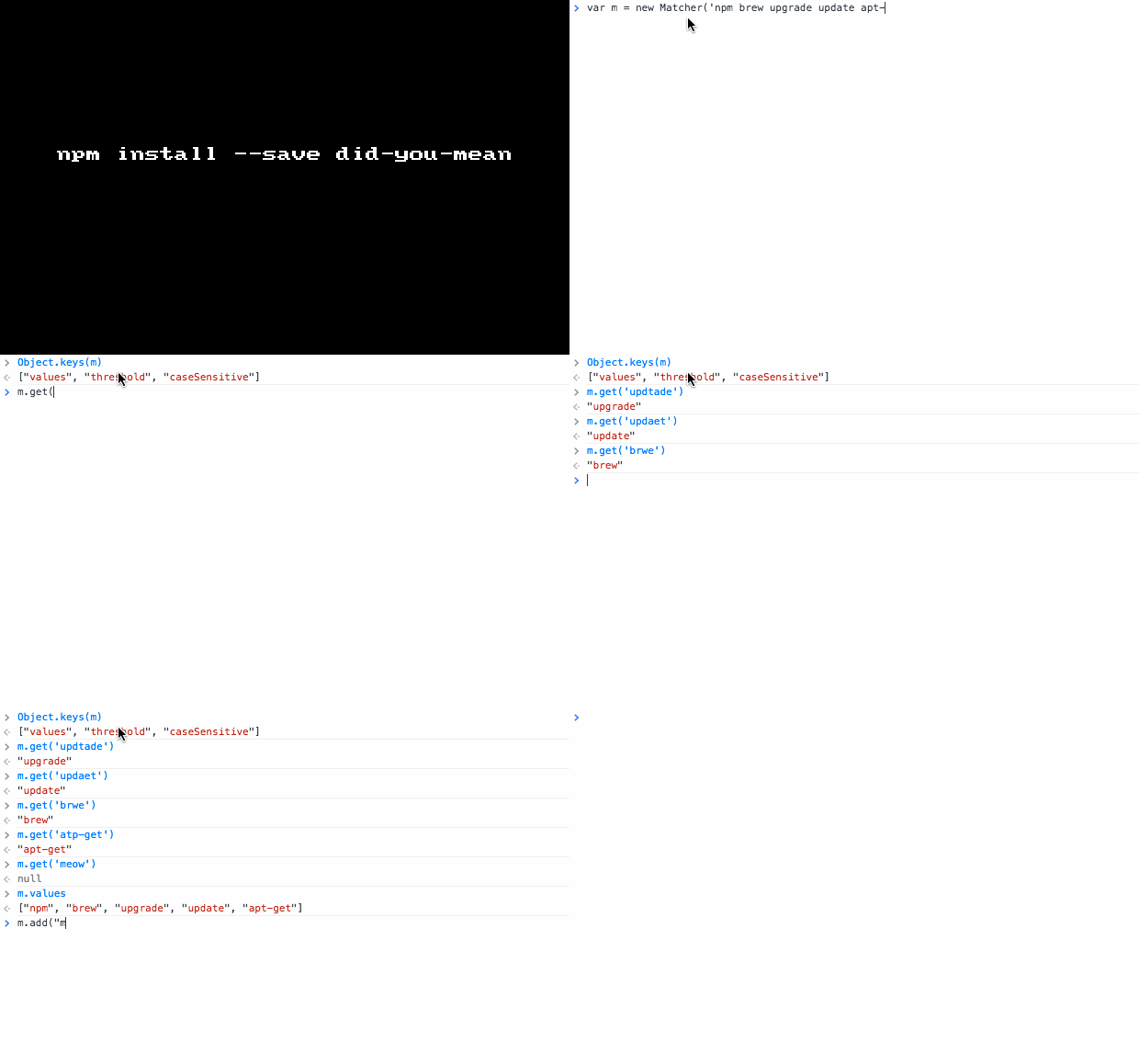
This module does a Fuzzy match a word from your list of commands or keywords from node.js/io.js to provide a friendly typo-safe human prompt.

Install it: npm install --save did-you-mean

API:

  • get -> Get the closest match.

  • setThreshold(3) -> Set the threshold (the maximum Levenshtein distance)

  • list('key') -> List all matches.

  • ignoreCase() -> Set ignore case.

  • matchCase() -> Set match case.

  • add('key1','key2',...); -> Add more values.

Usage:

1
2
3
4
5
6
7
8
9
10
11
12
13
var Matcher = require('did-you-mean');

var m = new Matcher('init install update upgrade npm brew apt-get');

m.get('upgarde'); // "upgrade"

m.get('brwe'); // "brew"

m.get('atp-get'); // "apt-get"

m.values; // ["npm", "brew", "upgrade", "update", "apt-get"]

m.list('upgarde'); // {distance: 2, value: "upgrade"}

GIF FTW!

did-you-mean

Thanks to Boris Okunskiy for bringing did-you-mean to web and CLI.

Confirm-simple

confirm-simple

A simple command-line tool to confirm.

If you have written CLI apps, you would have for sure come across a senario of taking an action based on the users choice.

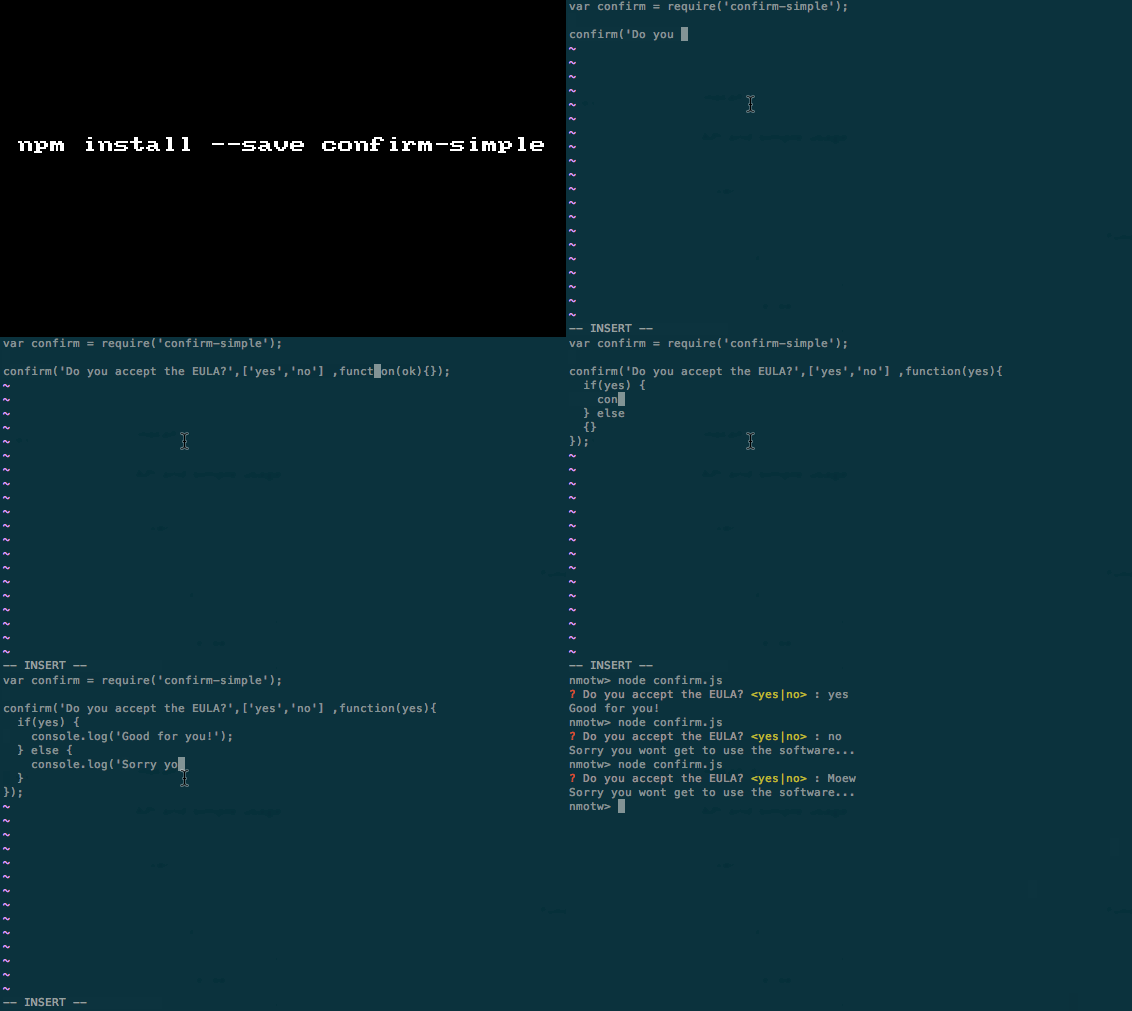
confirm-simple as the name says it's a simple to use util that would help you to confirm users choice with ease.

Install it: npm install --save confirm-simple

API and simple usage:

1
2
3
4
5
6
7
8
9
var confirm = require('confirm-simple')

confirm('Do you accept the EULA?', ['yes', 'no'] ,function (yes) {
    if (yes) {
      console.log('Good for you!');
    } else {
      console.log('Sorry you wont get to use the software');
    }
});

GIF FTW!

Thanks to YouBao Nong for confirm-simple.

Dompurify

dompurify

Super-fast, uber-tolerant XSS sanitizer for HTML, MathML and SVG!

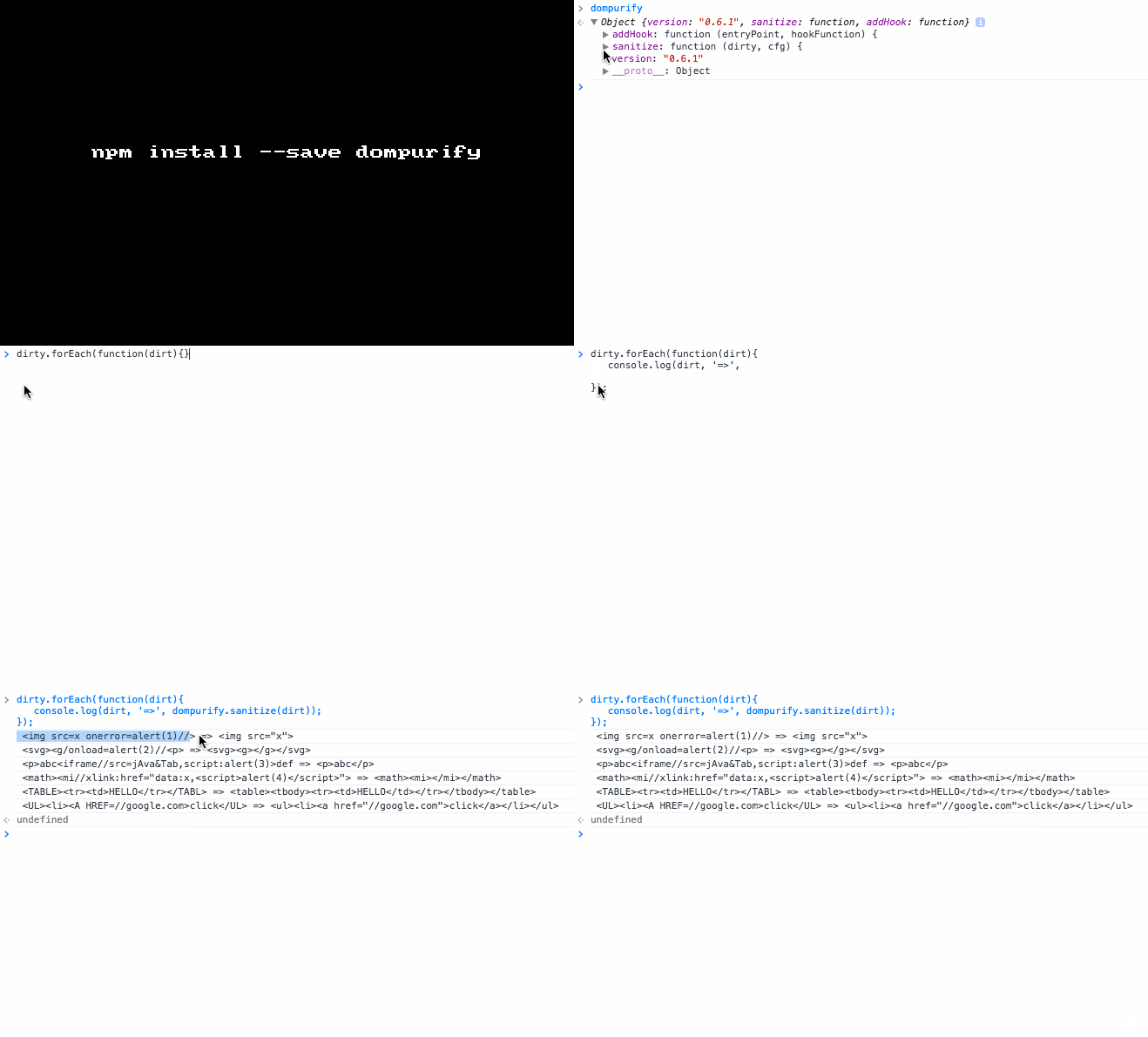
DOMPurify sanitizes HTML and prevents XSS attacks.

|dirty HTML | => |DOMPurify.sanitize | => | Clean and safe HTML |

The faster your browser, the faster DOMPurify will be ;)

Install it: npm install --save dompurify

Sample usage:

1
2
3
4
5
var DOMpurify = require('dompurify);

DOMPurify.sanitize('<img src=x onerror=alert(1)//>'); // becomes <img src="x"> 

DOMPurify.sanitize('<svg><g/onload=alert(2)//<p>'); // becomes <svg><g></g></svg>

It's configurable: var config = { ALLOWED_TAGS: ['p', '#text'], KEEP_CONTENT: false }; and DOMPurify.sanitize(str, config)

We can also use hooks:

  • beforeSantitizeElements

  • afterSantitizeElements

  • beforeSantitizeAttributes

  • afterSantitizeAttributes

1
2
3
4
DOMPurify.addHook('beforeSantitizeElements', function(currentNode, config) {
    // Play with currentNode.
    return currentNode;
});

GIF FTW!

dompurify

Dom-event

dom-event

Add/remove DOM events

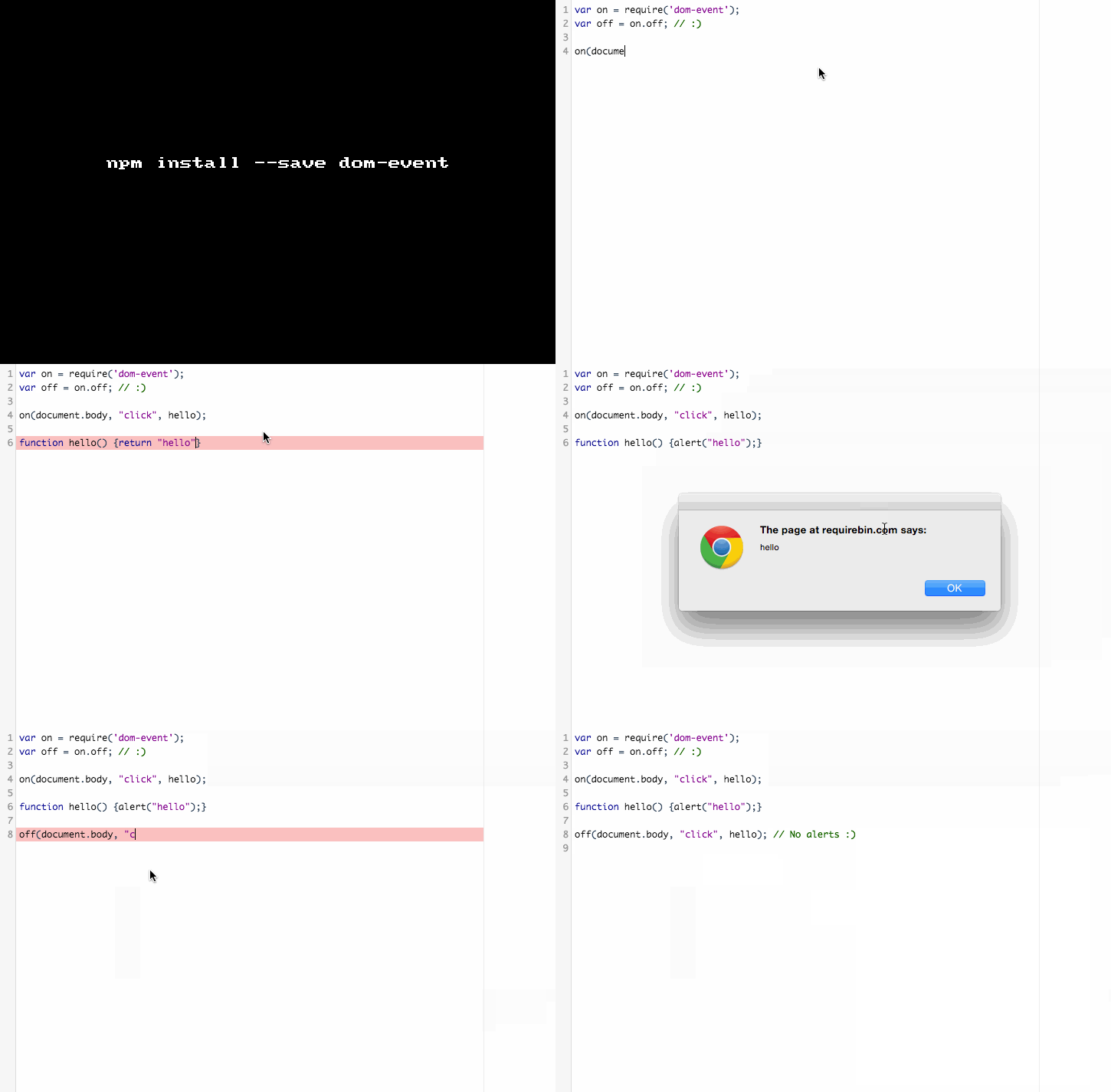
Sweet and simple module that helps you to attach and remove events to a DOM element with ease and cross browser compliance all in just 15 lines of code ;)

Add event:

1
2
3
4
5
function on (element, event, callback, capture) {
  !element.addEventListener && (event = 'on' + event);
  (element.addEventListener || element.attachEvent)(event, callback, capture);
  return callback;
}

Remove event:

1
2
3
4
5
function off (element, event, callback, capture) {
  !element.removeEventListener && (event = 'on' + event);
  (element.removeEventListener || element.detachEvent)(event, callback, capture);
  return callback;
}

Install it: npm install dom-event

Sample usage:

1
2
3
4
5
6
7
8
var on = require('dom-event');
var off = on.off; // :)

on(document.body, "click", hello);

function hello() {alert("hello");}

off(document.body, "click", hello); // No alerts :)

GIF FTW!

dom-event

P.S: All Web realted modules would need help from browserify or related tools to run on the web.