Compromise

compromise

modest natural-language processing.

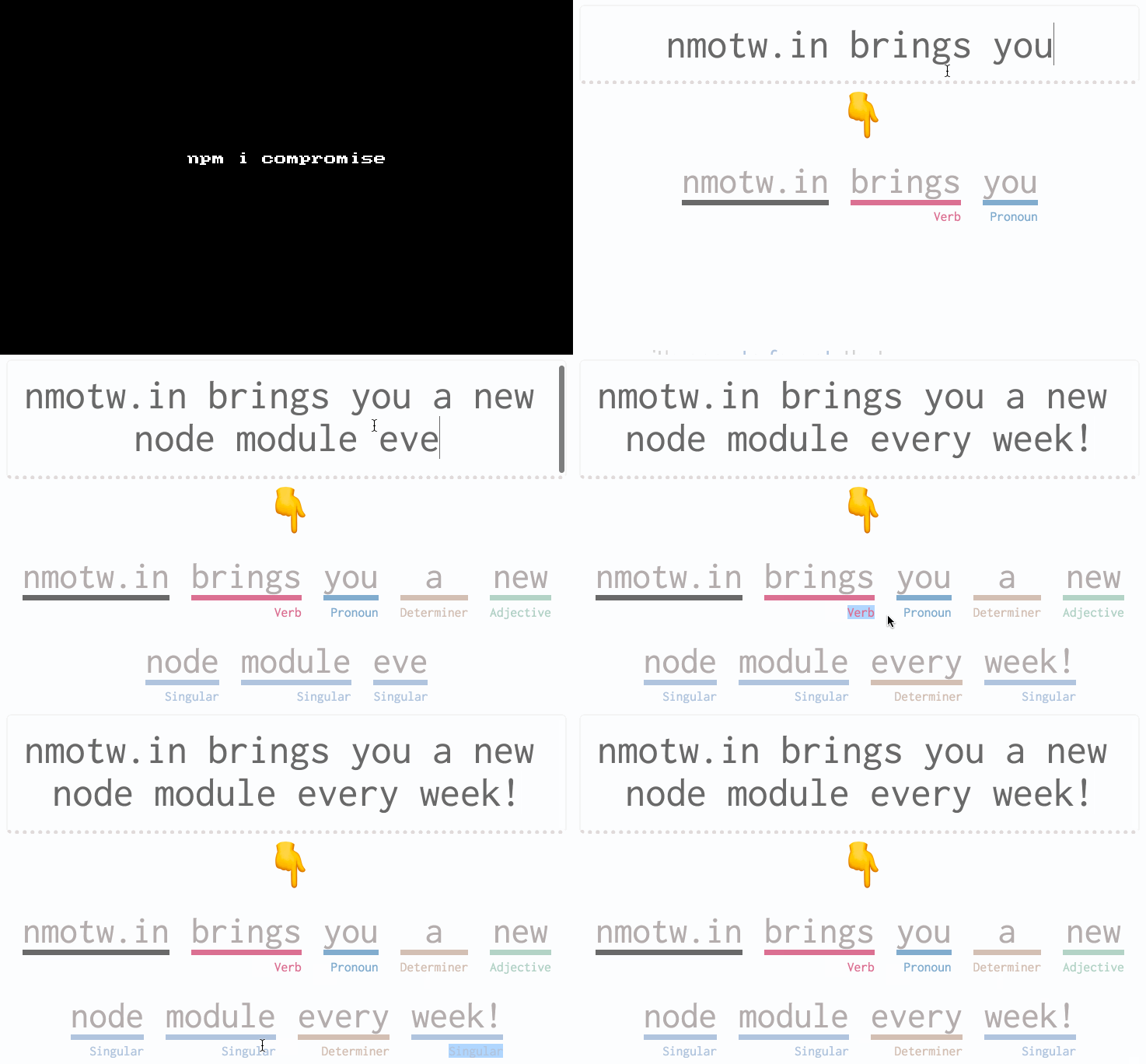
compromise is not the cleverest, but it is small, quick, and good-enough for a bunch of nlp stuff!

Don't miss to checkout their site compromise.cool!

GET IT: npm install compromise

Sample usages:

1
2
3
4
5
const nlp = require('compromise')

const doc = nlp('JS is calling')
doc.sentences().toNegative()
// 'JS is not calling'
1
2
doc = nlp("the guest-singer's björk   at seven thirty.").normalize().out('text')
// 'The guest singer is Bjork at 7:30.'
1
2
3
4
5
doc = nlp("we're not gonna take it, no we ain't gonna take it.")
doc.has('going') // true
doc.match('are not').length // == 2
doc.contractions().expand().out()
//'we are not going to take it, no we are not going to take it'

GIT FTW!

compromise.gif

Zet

zet

Set() as it should be.

zet is an extension of ES6 Set and comes with all its functionality included along with the below:

  • ∪ union
  • ∩ intersection
    • difference/subtract
  • ⊖ symmetric difference
  • ⊆ subset
  • ⊇ superse

Get it: npm install zet

Sample usage:

1
2
3
4
5
6
7
8
9
10
11
12
13
14
15
16
17
18
19
20
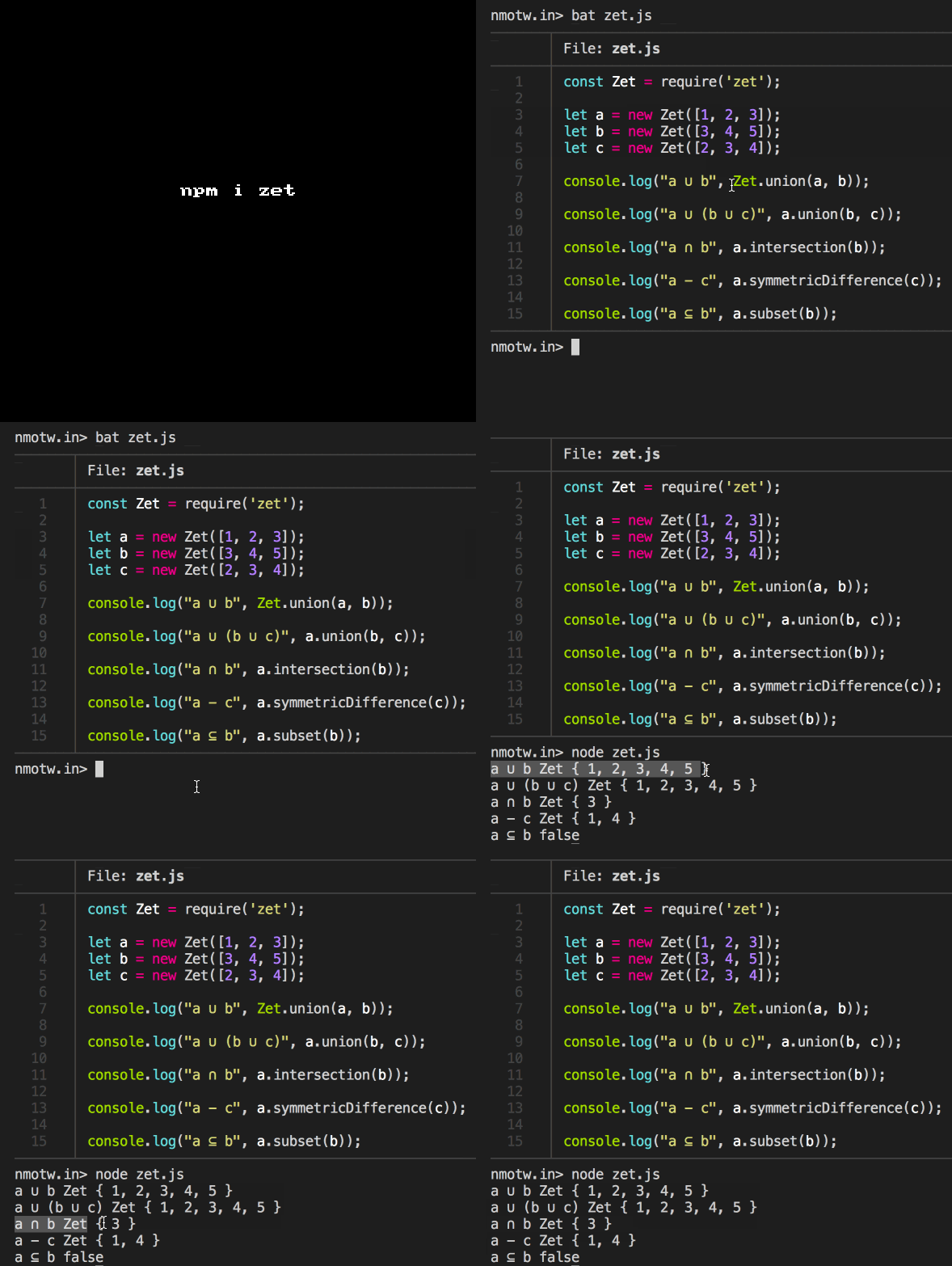
const Zet = require('zet');

let a = new Zet([1, 2, 3]);
let b = new Zet([3, 4, 5]);
let c = new Zet([2, 3, 4]);

Zet.union(a, b);
//=> [Zet] {1, 2, 3, 4, 5}

a.union(b, c);
//=> [Zet] {1, 2, 3, 4, 5}

a.intersection(b);
//=> [Zet] {3}

a.symmetricDifference(c);
//=> [Zet] {1, 4}

a.subset(b);
//=> false

GIT FTW!

zet

Regex-not

regex-not

Match everything except

How many times have you encouraged this sistuation where in you had to match everything execpt a particular string?

regex-not creates a regular expression for matching everything except for the given string.

Get it: npm install regex-not

Sample usage:

1
2
3
4
5
6
7
const regexNot = require('regex-not');
const notFoo = regexNot('foo');
//=> /^(?:(?!^(?:foo)$).)*$/

notFoo.test("foo"); //false

notFoo.test("foobar"); // true

GIF FTW

regex-not

Emma

emma

Install the package you are looking for. 📦

Search and install packages more efficiently with emma which makes use of Algolia search API, npm-suggestions and the Yarn package manager.

Get it: npm install -g emma-cli

Sample usage:

1
2
3
4
5
6
7
8
9
10
11
12
13
14
15
16
17
18
❯ nmotw.in ~ emma
Search packages 📦  : grap
Search results:
  11   grap           loopingrage     Utility that GReps for gAPs and out of sequence line in log
  8.4m sass-graph     xzyfer          Parse sass files and extract a graph of imports
  3.7m @types/graphql DefinitelyTyped TypeScript definitions for graphql
❯ 2.9m graphql        graphql         A Query Language and Runtime which can target any service.
  1.8m graphlib       dagrejs         A directed and undirected multi-graph library
Suggestions results: Press Tab to select suggestions
  10.2m react-dom  facebook  React package for working with the DOM.
  14.6m prop-types facebook  Runtime type checking for React props and similar objects.
  7m    classnames JedWatson A simple utility for conditionally joining classNames toget
  65.3m lodash     lodash    Lodash modular utilities.
  7.2m  redux      reactjs   Predictable state container for JavaScript apps
Search powered by Algolia.

Picked: Press Space to install packages...
› react  16.5.1

GIF FTW!

Please-upgrade-node

please-upgrade-node

💁 show a message to your users to upgrade Node instead of a stacktrace

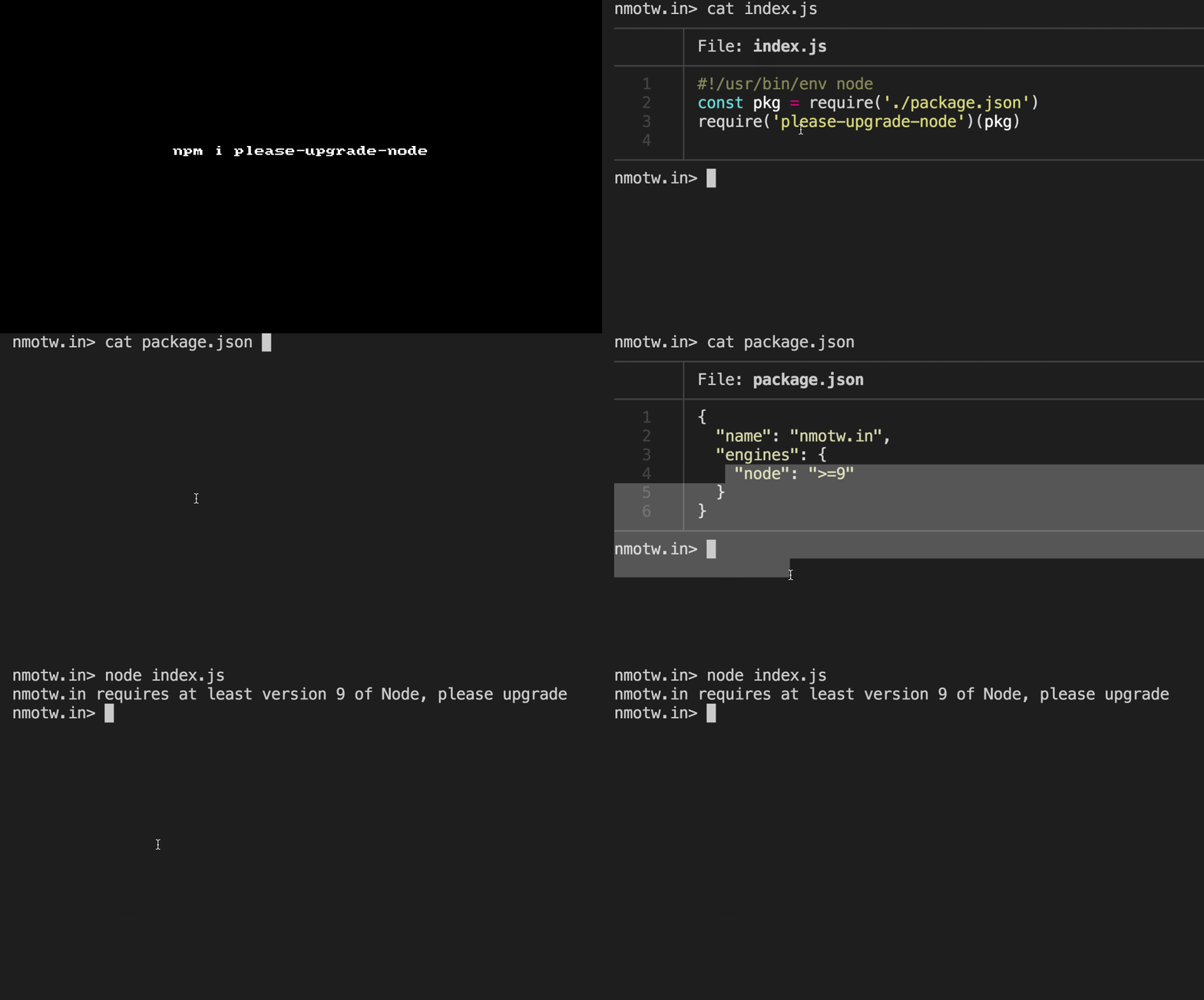
please-upgrade-nodechecks if the users node version is statisfying the engines version in your package.json if not warns, uber useful for CLI apps relying on versions.

GET IT: npm install please-upgrade-node

Sample usage:

1
2
3
#!/usr/bin/env node
const pkg = require('./package.json')
require('please-upgrade-node')(pkg) // <- Must run BEFORE requiring any other modules

in package.json:

1
2
3
4
5
{
  "engines": {
    "node": ">=6"
  }
}

P.S: >= is the only operator supported.

You could also:

1
2
3
4
5
6
pleaseUpgradeNode(pkg, {
  exitCode: 0, // Default: 1
  message: function(requiredVersion) {
    return 'Oops this program require Node ' +  requiredVersion
  }
})

GIF FTW!

please-upgrade-node

Mapscii

MapSCII

The Whole World In Your Console!

MapSCII make major use of @mapbox/vector-tile to bring the entire world map to your console.

Get it: npm install -g mapscii

Navigation:

  • Arrows up, down, left, right to scroll around
  • Press a or z to zoom in and out
  • Press q to quit

Sample usage:

1
2
$ mapscii
# you should see the entire map on the CLI

GIF FTW!

mapscii

Microjob

microjob

worker threads into easy-to-use routines for CPU-bound.

microjob is a tiny wrapper for threads (worker_threads) and is intended to perform heavy CPU loads using anonymous functions.

GET IT: npm install microjob

Sample usage:

1
2
3
4
5
6
7
8
9
10
11
12
13
14
15
16
17
18
19
(async () => {
  const { job } = require('microjob')

  try {
    // this function will be executed in another thread
    const res = await job(() => {
      let i = 0
      for (i = 0; i < 1000000; i++) {
        // heavy CPU load ...
      }

      return i
    })

    console.log(res) // 1000000
  } catch (err) {
    console.error(err)
  }
})();

P.S: To run this today, you we need node v>=10 and execute it via --experimental-worker flag.

GIF FTW!

microjob

Npm-whoshiring

npm-whoshiring

npm who's hiring?

npm-whoshiring shows a table on your CLI of currently open jobs listed by npm partners.

Get it: npm i -g npm-whoshiring

Sample usage:

1
2
3
4
5
6
7
8
9
10
11
12
13
14
15
16
17
18
19
20
21
22
$ npm-whoshiring
Company              URL                                                                                                                   Vacant?
-------------------  --------------------------------------------------------------------------------------------------------------------  -------
Brightcove, Inc.     https://www.brightcove.com/en/company/careers                                                                         YES
Apply Digital        https://applydigital.co/#careers                                                                                      YES
DuckDuckGo           https://duckduckgo.com/hiring?s=npm                                                                                   YES
Meadow               https://getmeadow.com/jobs                                                                                            YES
MuleSoft             http://www.mulesoft.com/careers                                                                                       YES
Callisto             https://www.projectcallisto.org/work-with-us#eng                                                                      YES
Airtable             https://airtable.com/jobs                                                                                             YES
Triplebyte           https://triplebyte.com/?ref=npm_oct17                                                                                 YES
ClimaCell            http://www.climacell.co/careers                                                                                       YES
Tinder               http://www.tinder.com/jobs                                                                                            YES
blogfoster           https://www.blogfoster.com/engineering/jobs/javascript-engineer/?utm_source=npm&utm_campaign=npm-june                 YES
Overpass             http://www.overpass.com/careers.html                                                                                  YES
Yellow Pages Canada  https://jobs-emplois.yp.ca/jobs/développeur-full-stack-mean-1114                                                      YES
Hired                https://hired.com/join/?utm_source=npmjs&utm_medium=sponsor&utm_campaign=(b2c)(l-all)(r-swe)(q1-17-whos-hiring-page)  YES
Festicket            https://festicket.workable.com/j/CDA25A0466                                                                           YES
QuikOrder            https://stackoverflow.com/jobs/companies/quikorder                                                                    YES
BrandingBrand.com    http://www.brandingbrand.com/jobs                                                                                     YES
Red Badger           http://red-badger.com/about-us/join-us/software-engineer/                                                             YES
Voxer                http://www.voxer.com/careers/                                                                                         YES

GIF FTW

npm-whoshiring

Commitizen

commitizen

Organized, detailed commits to git.

commitizen prompts to fill out any required commit fields at commit time. No more waiting until later for a git commit hook to run and reject your commit or reading the contribution.md for the commit format!
Get it: npm install -g commitizen

Set up:

1
2
3
$ npm install -g cz-conventional-changelog

$ echo '{ "path": "cz-conventional-changelog" }' > ~/.czrc

or

1
$ commitizen init cz-conventional-changelog --save-dev --save-exact

^ this results in modification of your package.json to:

1
2
3
4
5
  "config": {
    "commitizen": {
      "path": "cz-conventional-changelog"
    }
  }

Now one can just do git cz instead of git commit and enjoy the benifits!

Also, one could add it to npm-scripts

1
2
3
"scripts": {
    "commit": "git-cz"
  }

And then execute: npm run commit.

GIT FTW!

commitizen

```

Tryor

tryor

try or return default.

tryor will give you back the return value of the function or, in case the function threw an exception, the default value.

tryor just wrap the fn and default in try-catch as below:

1
2
3
4
5
6
7
8
9
function tryor(fn, v) {
    "use strict";

    try {
        return fn();
    } catch (e) {
        return v;
    }
};

Get it: npm install tryor

Sample usage:

1
2
3
4
5
6
7
// instead of
let config;
try {
    config = JSON.parse(mayBeString);
} catch (e) {
    config = {};
}
1
2
// do this
const config = tryor(() => JSON.parse(mayBeString), {});

GIF FTW!

tryor